




































Telephony And Fibre Insights
Home / Insights

Telephony And Fibre Insights

These articles help small businesses understand office connectivity, voice technology and practical communication planning. The focus stays on clear decisions, smoother deployments and better business continuity.

VoIP For Small Offices

VoIP For Small Offices

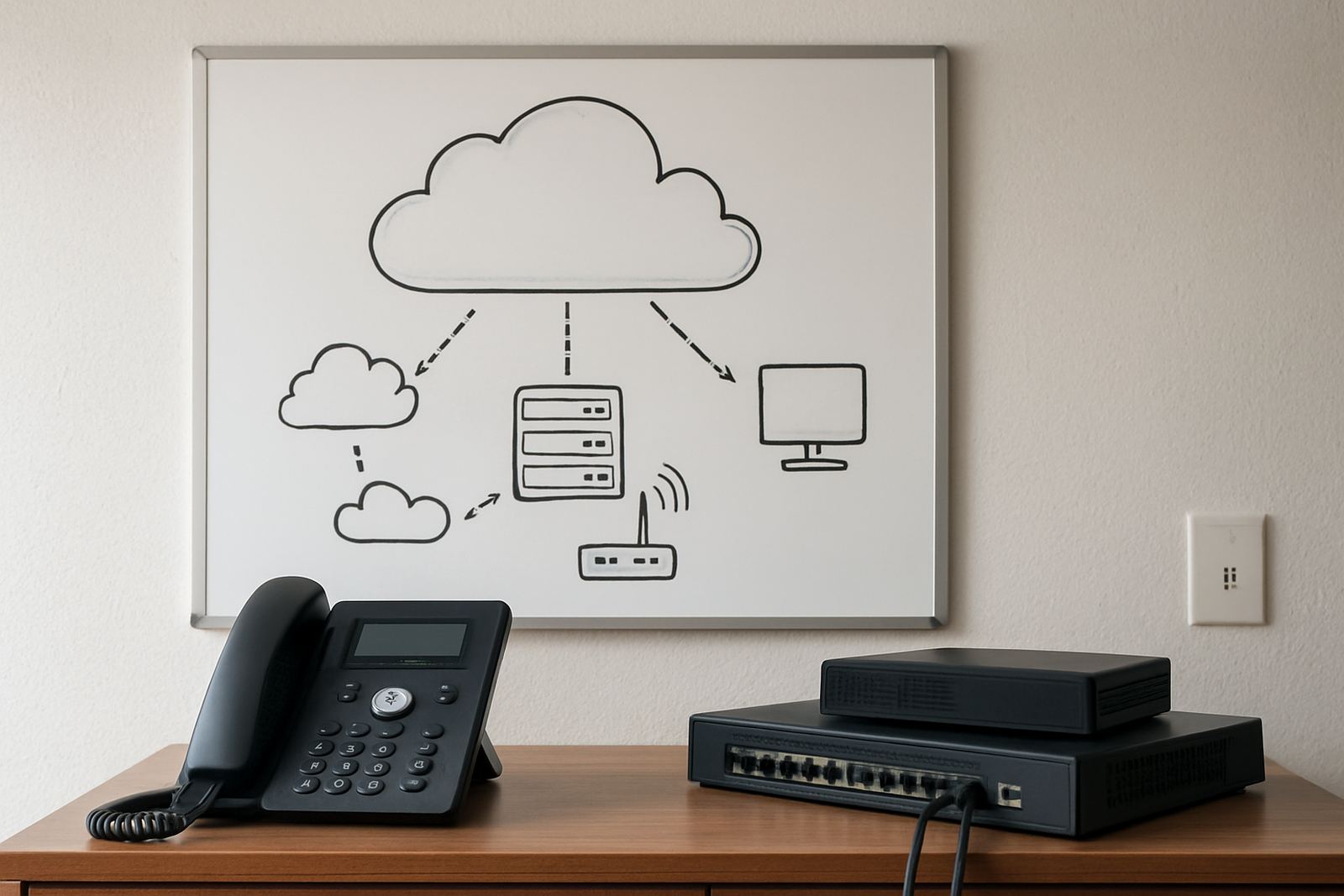
An introduction to internet-based business calling and why it suits modern office teams.

Fibre Speed Needs

Fibre Speed Needs

How to estimate the right fibre speed for your staff, calls and cloud usage.

Hosted PBX Benefits

Hosted PBX Benefits

Why hosted calling can reduce complexity while improving flexibility for smaller offices.

Voice Quality Factors

Voice Quality Factors

Key network and device issues that influence call clarity on office VoIP systems.

Office WiFi Mistakes

Office WiFi Mistakes

Common wireless setup problems that can frustrate staff and hurt productivity.

Number Porting Basics

Number Porting Basics

What to expect when moving your current business numbers to a new service.

Backup Internet Options

Backup Internet Options

Ways small offices can stay connected when their main link goes down.

Choosing Office Handsets

Choosing Office Handsets

A look at handset types and which users benefit from each style.

Call Routing Explained

Call Routing Explained

How incoming calls can be directed to the right people faster and more consistently.

Benefits Of IVR

Benefits Of IVR

How automated menus can improve caller direction without complicating service.

Queue Management Tips

Queue Management Tips

Simple ways to reduce waiting times and improve caller experience during busy periods.

Remote Work Calling

Remote Work Calling

How office extensions can support staff working from home or on the move.

Guest WiFi Security

Guest WiFi Security

Why visitor access should be separated from your office network.

Battery Backup Worth

Battery Backup Worth

When backup power for communication equipment makes business sense.

Fibre Installation Stages

Fibre Installation Stages

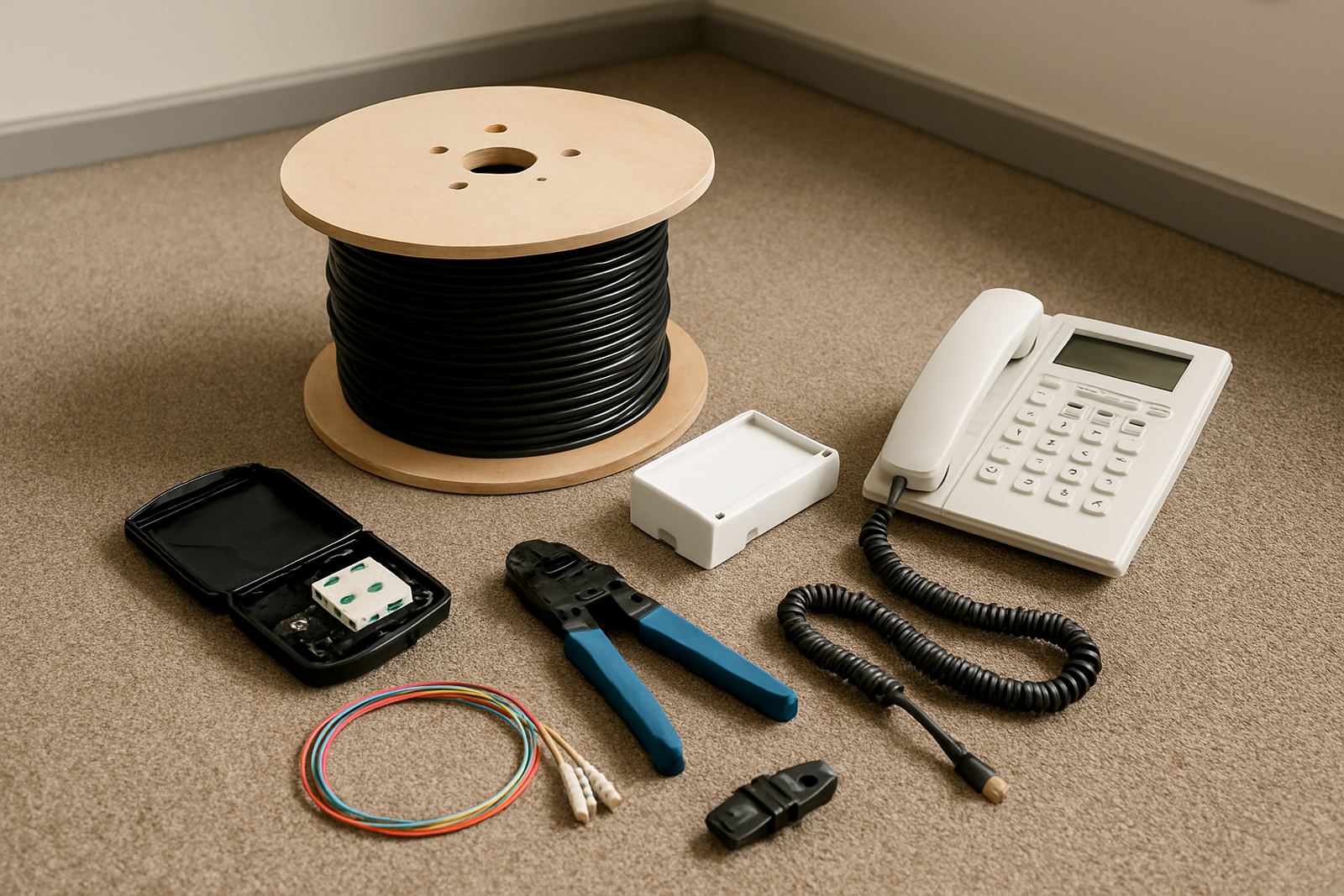
The typical steps from order to activation for a business fibre service.

Moving Office Lines

Moving Office Lines

Planning communication continuity when your business relocates to new premises.

Softphones Vs Handsets

Softphones Vs Handsets

Comparing app-based calling with physical phones for different roles in an office.

Reception Call Flow

Reception Call Flow

How to build a smoother front-office experience for callers and reception staff.

Network Cabinet Basics

Network Cabinet Basics

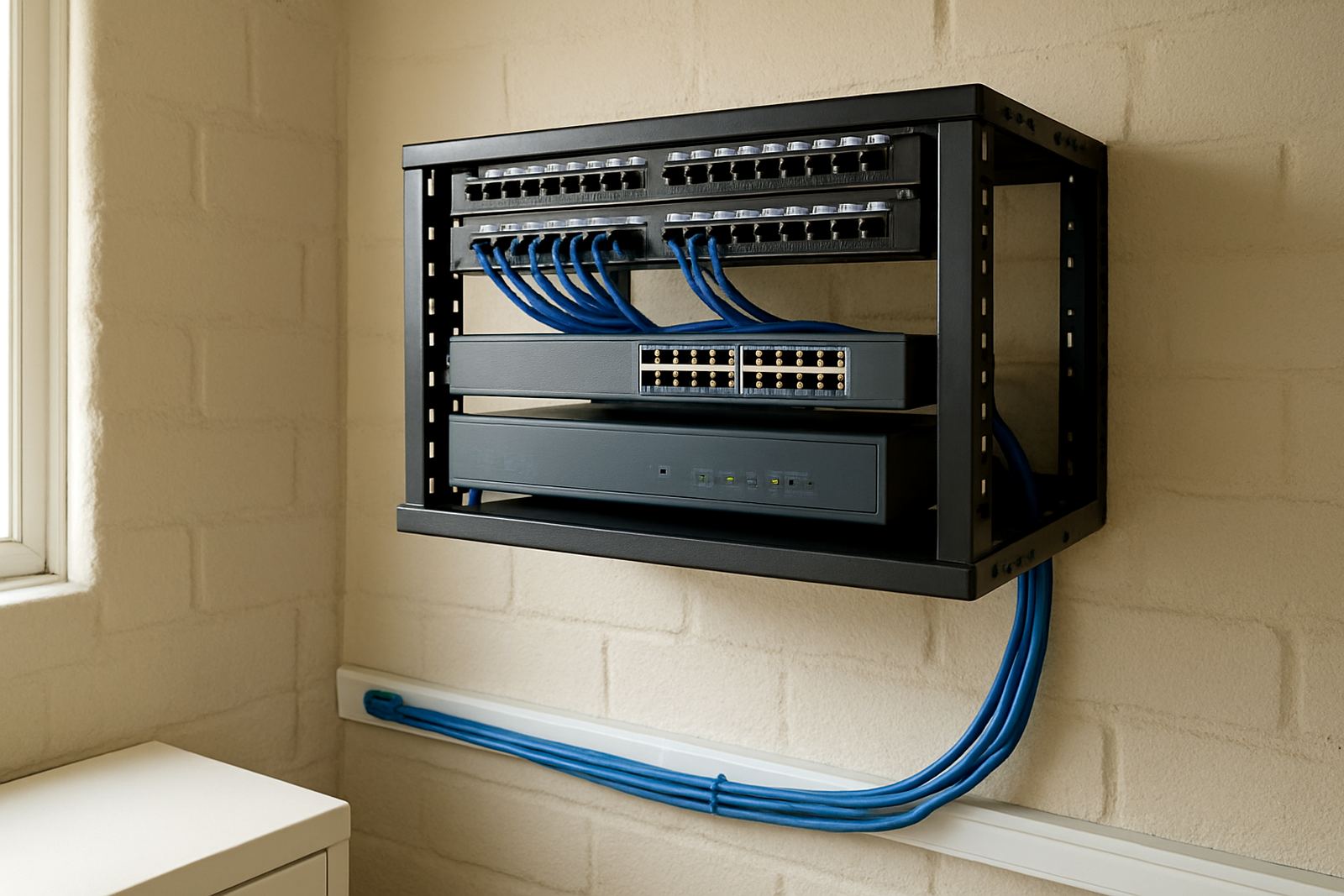
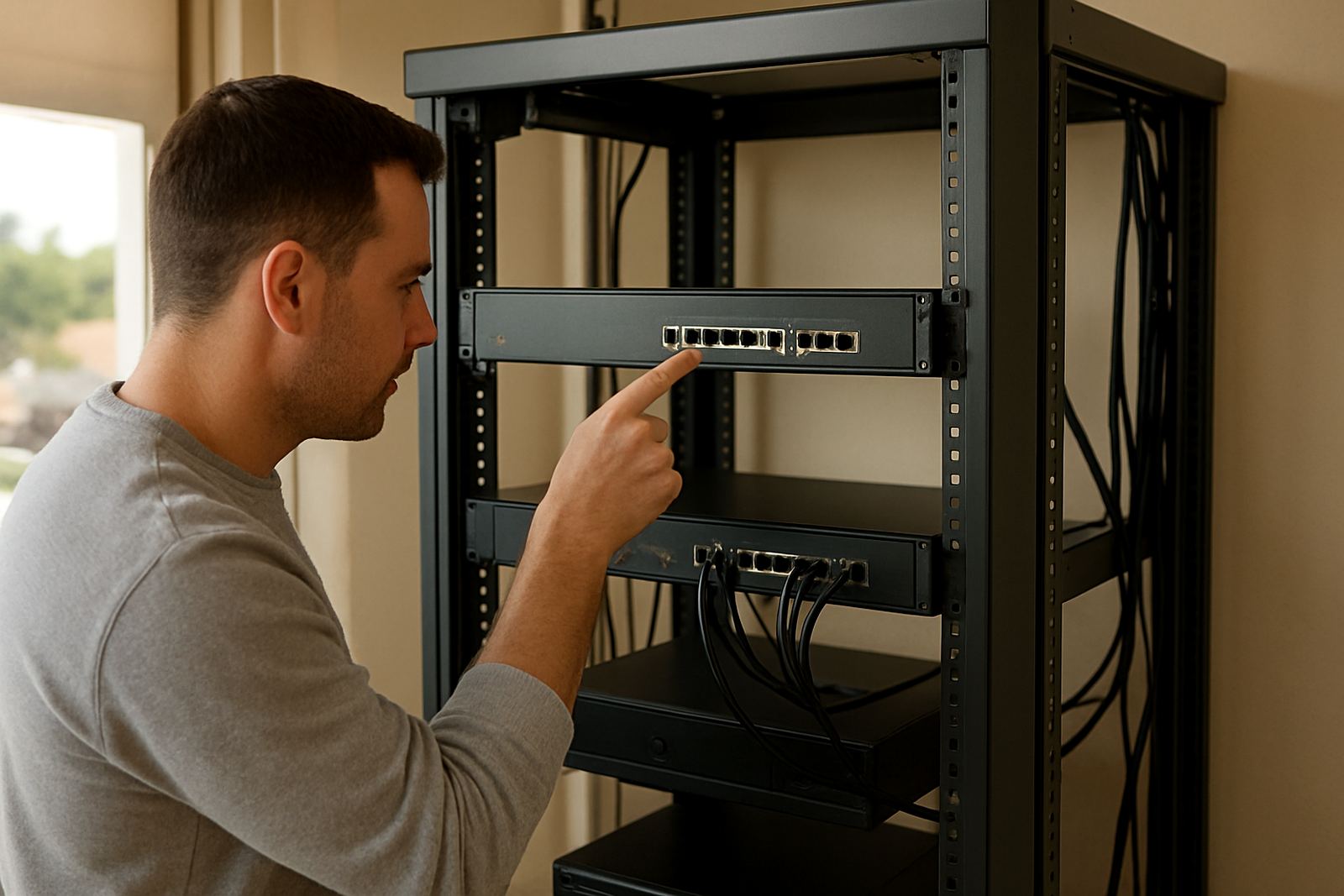
What a tidy office communications cabinet should include and why it matters.

WiFi Meeting Rooms

WiFi Meeting Rooms

Improving wireless reliability where teams gather for presentations and calls.

Call Recording Uses

Call Recording Uses

Practical reasons businesses record calls for training and service review.

Understanding SIP Trunks

Understanding SIP Trunks

A plain-language overview of internet-based calling channels for businesses.

Office Internet Uptime

Office Internet Uptime

Why uptime matters and how small offices can reduce avoidable disruptions.

Scaling Phone Systems

Scaling Phone Systems

How to expand extensions and call features as your team grows.

Latency And Jitter

Latency And Jitter

A simple explanation of two network issues that affect call performance.

Cloud Tools And Fibre

Cloud Tools And Fibre

Why better internet supports collaboration platforms and shared office workflows.

Voice Data Separation

Voice Data Separation

How segmenting traffic can improve reliability for calls and other office activity.

Planning Office Expansion

Planning Office Expansion

Communication considerations when adding staff, rooms or a second location.

Choosing Failover Methods

Choosing Failover Methods

What to weigh up when selecting an office internet backup approach.

Front Office Professionalism

Front Office Professionalism

How telephony features shape caller impressions before a conversation even starts.

Fibre For Shared Workspaces

Fibre For Shared Workspaces

Connectivity priorities for co-working offices and flexible business centres.

Office Disaster Plans

Office Disaster Plans

Basic communication continuity planning for outages, moves and equipment failures.

Making Meetings Clearer

Making Meetings Clearer

Tips for better audio in hybrid meetings and conference calls.

Support Response Expectations

Support Response Expectations

What small businesses should look for from a communication services support team.

Business Phone Etiquette

Business Phone Etiquette

Simple habits that improve every caller interaction in a busy office.

Connectivity Budgeting

Connectivity Budgeting

How to budget for voice, internet, equipment and support without overcomplicating it.

When To Upgrade WiFi

When To Upgrade WiFi

Signs that office wireless infrastructure is holding your team back.

User Training Matters

User Training Matters

Why a short training session can improve adoption of new office calling tools.

Call Trend Reporting

Call Trend Reporting

How to use call reports to make better staffing and service decisions.

Future-Ready Small Offices

Future-Ready Small Offices

Technology choices that help small teams stay flexible and competitive.

How to choose the right office connection

Start with how many people use the line, what apps they rely on and whether calls must keep working during load-shedding. A five person office in Bellville has very different needs from a branch in Somerset West with a reception queue and cloud accounting all day. If your team needs steady uploads for backups or file sharing, the connection speed and monthly cap matter as much as the headline download rate.

Look at the building too. Older premises in Cape Town city bowl or parts of Paarl may need extra planning for cable routes, cupboard space and permission from a landlord or body corporate. Coastal humidity can also affect loose terminations and patch panels, so clean installation work and proper testing are worth paying for.

  • Count simultaneous calls, video meetings and cloud users.
  • Check whether your office has backup power for the router and switches.
  • Confirm lead times, site access and any landlord approvals early.
  • Ask how faults are handled after hours and on weekends.

What good VoIP planning should cover

VoIP works best when the call flow is planned before any phones are installed. That includes main numbers, extensions, hunt groups, voicemail routing and what happens when someone is off sick or at a client site. For a small team, simple call rules often work better than complicated menus that frustrate callers and waste time.

Number porting also needs attention. If you are moving an existing office number, keep billing records, account details and authorisation letters handy so the switch is not delayed. A missed detail can slow things down by days, and that is never fun when customers already know your current number.

  • Map reception, sales and support call paths.
  • Decide who answers after hours and where calls should go.
  • Keep a record of all numbers that must be ported.
  • Test internal transfers before handing over to staff.

Fibre installs for busy offices

Fibre installation is easiest when the route from street to comms area is agreed upfront. In office parks around Century City or offices in Stellenbosch, the practical issues are usually trench access, duct space, and where the equipment can be mounted without creating a safety problem. Good planning reduces delays and avoids repeat visits.

Once the line is in, the handover should include signal checks, router setup and confirmation that key services are working. If you have printers, access control or softphones on the same network, the installer should also verify the local cabling and switch ports. That small bit of extra checking can save a lot of phone calls later on, especially when staff are trying to work through a busy Monday.

Keeping phones alive during outages

South African offices know that power and connectivity interruptions can happen at the worst time. A sensible setup protects the router, switches and key handsets on battery backup, then defines what should happen if the internet drops altogether. Even a simple plan for forwarding calls to a mobile number is better than losing leads completely.

Network monitoring helps spot weak points before they become a problem. It can show recurring packet loss, slow circuits or a faulty cable that only misbehaves in the afternoon heat. For offices with more than one branch, this is especially useful because it lets the support team find the source instead of guessing.

  • Use battery backup for core network gear.
  • Set call forwarding rules for outages and staff absences.
  • Monitor connection quality, not only speed.
  • Keep spare handsets or tested mobile fallback numbers available.

Moving offices without losing communication

Office relocations need careful timing so phones, internet and internal cabling switch over with minimal downtime. The best approach is to work backwards from the move date and confirm what stays, what moves and what needs to be replaced. If you are changing from one premises to another in Cape Town or moving between Paarl and Stellenbosch, do not leave porting and fibre booking to the last minute.

Training matters too. Staff should know how to log faults, transfer calls and use voicemail before the first busy day in the new space. A short handover saves repeated support requests later and helps everyone settle into the new routine faster, which is what most small businesses need during a move.

What to ask before you sign off a project

Before you approve any telephony or fibre work, ask for a clear scope, expected completion dates and who will handle support once the job is live. For small businesses, the important questions are usually practical ones: who answers at 7am, what happens if the first line fails, and how quickly can a technician get to site if needed. Good support should be easy to reach and straight to the point.

When comparing options, look at the full office picture instead of just the monthly line cost. Cabling quality, user training, monitoring and after-hours support often make the difference between a system that works on paper and one that keeps the team productive. A bit of clarity upfront saves a lot of back and forth later on.

Discuss VoIP or fibre for your office.

Contact form