When a power cut becomes a business cost
Even one short outage in a small office can mean missed calls, abandoned voice messages, dropped cloud sessions and a reception team that cannot transfer calls. If your business depends on incoming enquiries, job bookings or quick callback times, battery backup starts to look less like an extra and more like insurance.
It helps to think in rand terms. If your office loses three sales calls during an afternoon outage, the backup kit may already have paid for part of itself. If staff can still work from laptops and mobile data, then keeping the router, fibre ONT and VoIP phone system alive can buy you 1 to 4 hours of useful time, depending on the equipment and battery size.
In Cape Town, where load-shedding can still arrive without much warning and some areas also see brief municipal interruptions, a few minutes of power on communication gear can be the difference between a clean handover and a quiet office. That matters more in customer-facing businesses than many owners first expect.
What communication equipment should stay on
Not every device needs backup. The aim is to keep the parts of the office that carry voice and data online long enough for staff to keep serving customers or close down in an orderly way. In most small offices, the priority list is fairly simple.
- Fibre termination equipment and the router
- VoIP handsets or the main phone base station
- Network switch if the phones and PCs share the same cabinet
- WiFi access point for staff using mobile devices or laptops
- Any small server or call recording device that must stay reachable
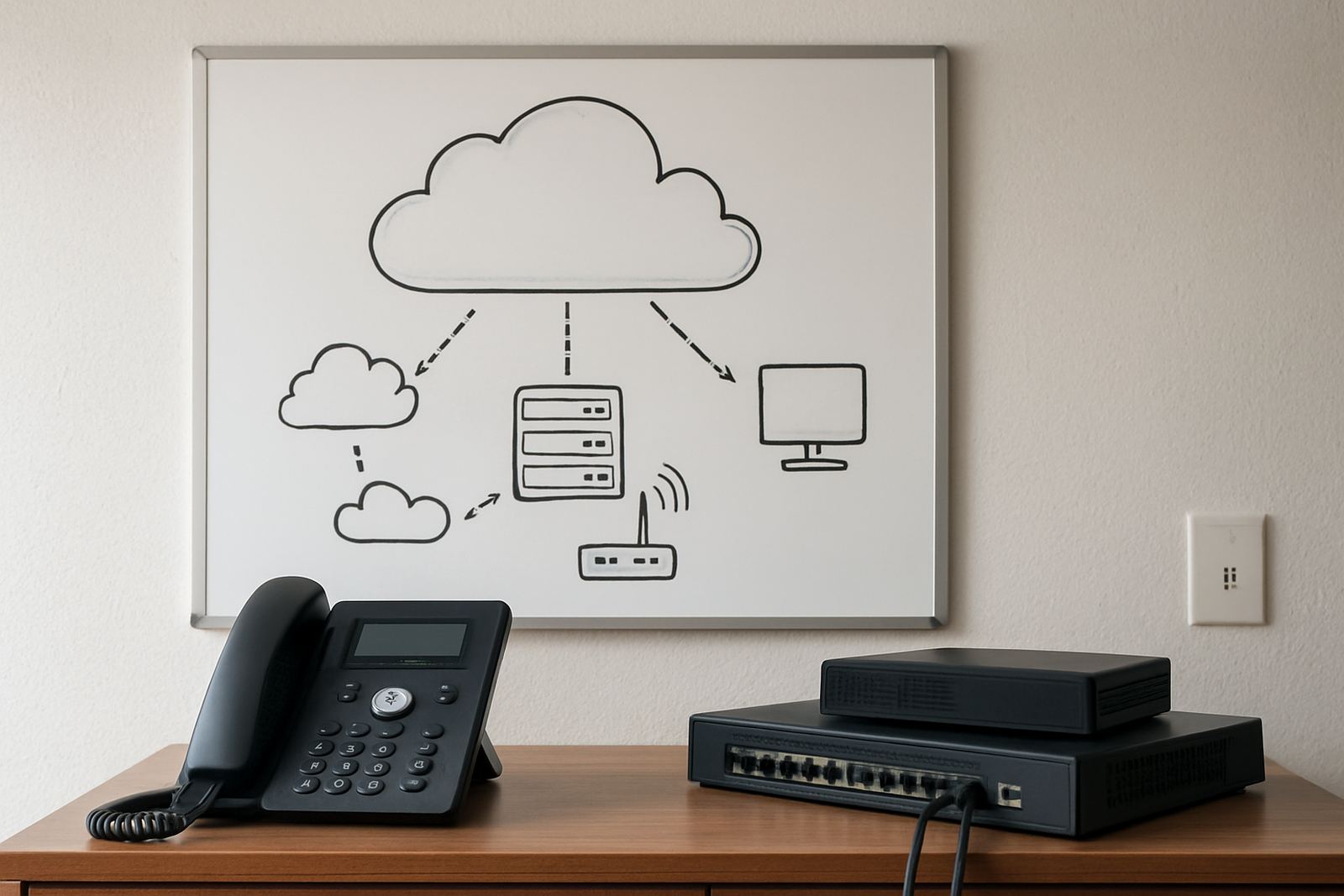
If you only back up the phones but not the router, the system can still fail. If you only back up the router but not the VoIP handset, staff may have internet but no working line. The trick is to map the path from incoming fibre to the call on the receptionist’s screen and keep each critical link powered.
How to judge whether backup power is worth the Rand
The right answer depends on how often you miss calls, how long outages last in your area, and how much of the business depends on being reachable. A law office in Century City may treat backup as essential because calls must be answered live. A small design studio in Stellenbosch may decide that one hour of continuity is enough to let the team save work and send files before shutdown.
Use a simple test:
- How many minutes of downtime can you tolerate before customers notice?
- How many calls or bookings are lost in a normal outage?
- Do staff need internet to process payments, access cloud files or use a CRM?
- Can the office function on laptops and mobile data if fibre drops?
If the answer to any of those is yes, then backup has value. If the office is mostly internal admin with little phone traffic, a smaller system may be enough. The mistake many businesses make is buying a large battery for the whole office when all they really needed was protection for comms and the first switch point.
Cape Town conditions change the backup plan
Offices in Bellville, Paarl or Somerset West do not all face the same risk profile. In a coastal area, humidity can affect poorly ventilated equipment cupboards, so batteries and routers need clean airflow and sensible placement. In industrial or mixed-use buildings, shared distribution boards can trip more than once, and that can expose weak backup setups very quickly.
There is also the practical side of buildings with strict landlord rules or shared services. Some complexes limit what can be installed in comms cupboards, and in multi-tenant spaces you may need tidy cable runs and proper labelling before a backup unit is approved. That extra admin is worth handling properly, because it avoids disputes later and makes maintenance easier.
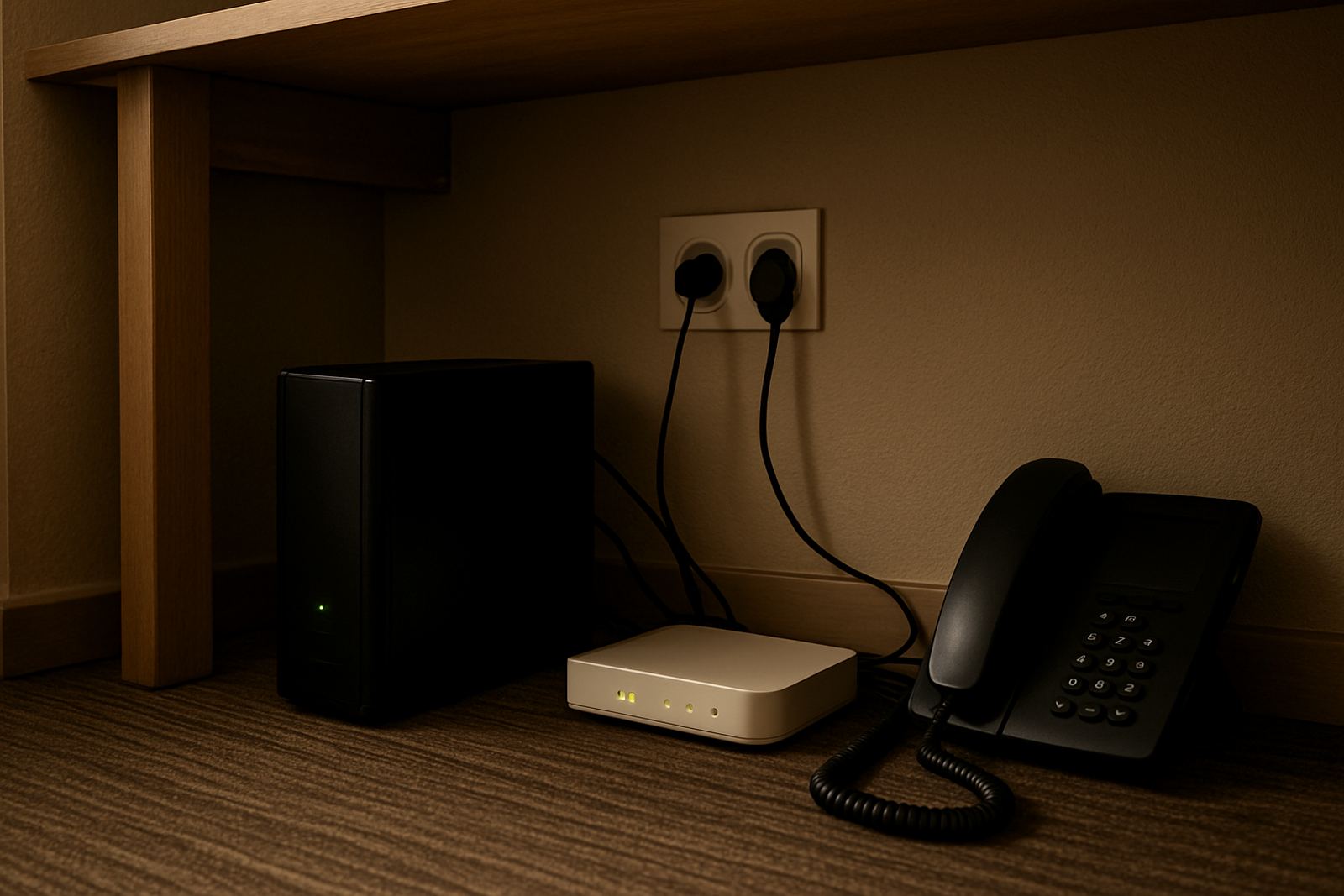
When we assess offices, we usually look at the layout first. If the router sits in a hot storeroom next to cleaning chemicals and the phone base is across the passage, the backup plan needs to account for that. Good power support is not just a battery, it is about the whole setup being placed where it can actually do its job.
What a sensible backup setup looks like
You do not need to overspend to keep communications running. For most small offices, a compact battery system tied to the comms rack is enough. The key is matching capacity to load. A light setup with one router, one fibre box and two to four handsets will draw far less power than a bigger cabinet with a switch, access point and a small server.
Before choosing hardware, measure or estimate the total load in watts and then decide how long you want to ride through an outage. That gives you a more accurate picture than guessing from battery size alone. A system that supports 30 to 60 watts can be enough for a lean office, while busier setups may need more headroom.
- Short outages of 30 to 60 minutes: keep phones and internet alive only
- Medium outages of 2 to 4 hours: support reception, basic WiFi and call handling
- Longer interruptions: use backup to bridge until generator power or shutdown
It is also worth testing the changeover. Some equipment resets when power returns, and if the office is busy that can cause another round of downtime. A proper test shows whether your comms stay up, and whether the battery can carry the load for the time you expect.
A Century City example that makes the case
Take a small professional office in Century City with six staff, a receptionist and a steady flow of client calls. During load-shedding, the internet drops, the phones stop ringing through, and staff end up using personal mobiles to call people back. That works once or twice, but it is not a proper operating method.
Now add a modest battery backup for the fibre box, router, switch and VoIP phones. The office can still answer, transfer and log calls while the lights are off. Staff keep working on laptops, the client experience stays neat, and the team does not lose time chasing missed opportunities later in the day. The business does not become invincible, but it becomes reachable, which is often the more important point.
For many offices, that is the real worth test. If backup power lets you keep the line open, protect revenue and avoid the scramble after every outage, it has earned its place. If it only saves a few inconvenience hours and nothing else, then a smaller system may be enough. The point is to match the backup to the way the office actually works, not to buy more kit than the job requires.