Start With the Communication Risks That Actually Stop Work
Most small offices do not need a thick disaster manual, they need a simple plan for the things that really interrupt trading. In Cape Town that often means load-shedding, a fibre break in the street, a router failing after a power dip, or a move that leaves the phones unplugged for two days longer than expected.
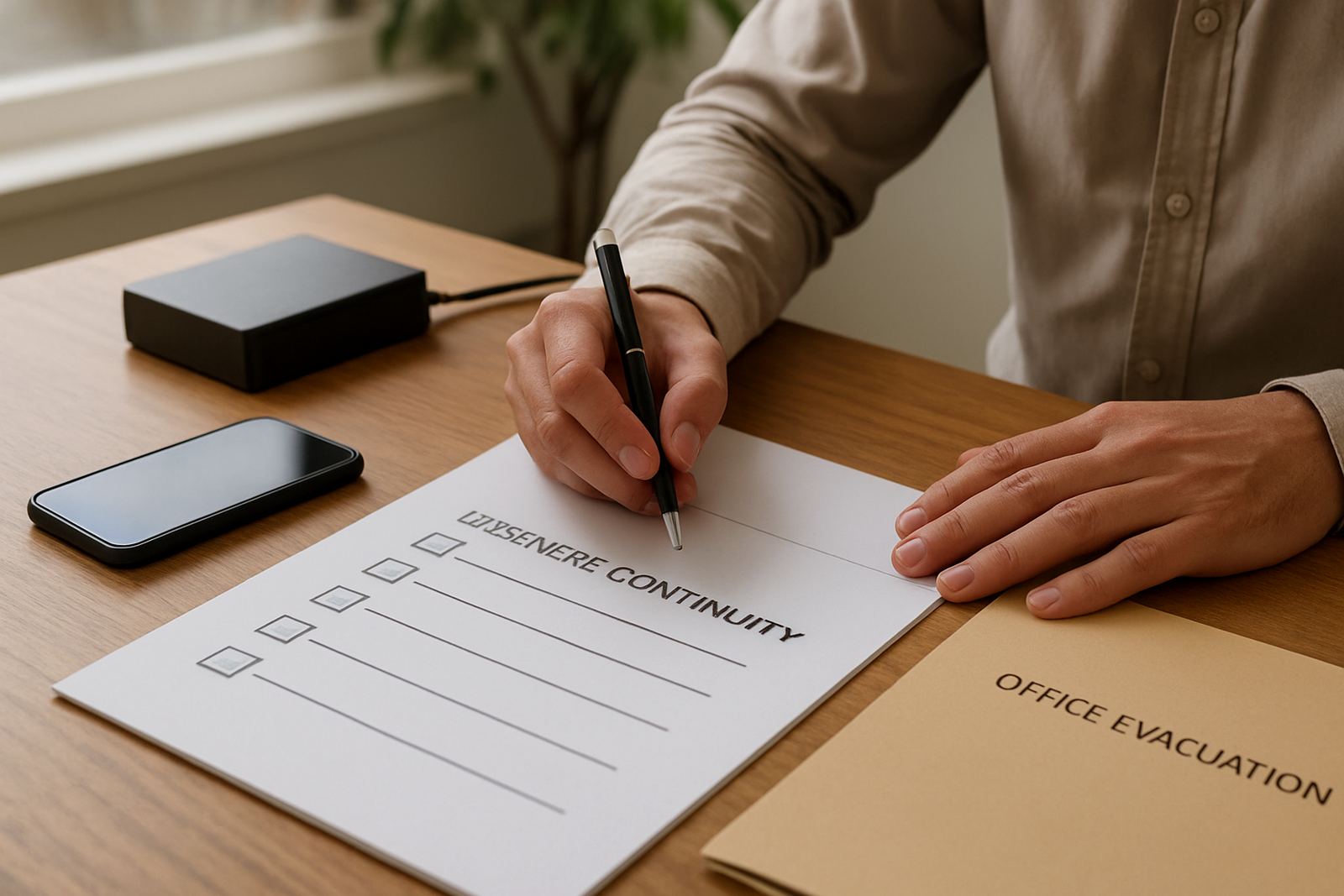
Begin by listing the jobs that must continue even if the office is dark or empty. Reception calls, customer follow-ups, supplier updates, after-hours emergencies and internal staff contact are usually the first priorities. If those fail, the business feels closed even when the team is still working.
- Identify which numbers must stay live during an outage.
- Note which staff need calls forwarded to mobiles.
- Record who can approve changes if the MD is away.
- Keep fibre, VoIP and power contacts in one place.
Build A Simple Call-Forwarding And VoIP Backup Plan
VoIP is useful in a disaster plan because calls can be rerouted faster than a traditional line in many cases. The key is not the technology itself, but how well it is set up before trouble starts. Every office should know where the main number rings, who answers overflow calls, and how quickly the system can move to a backup destination.
A good plan covers office hours and after-hours support. If a switchboard or handset fails, staff should know whether calls move to a mobile, a shared extension group or a voice mailbox. Keep the rules simple enough that a new employee can follow them without phoning the technical team at 7am.
- Set a primary and secondary answer point for each main number.
- Use a spare handset or softphone login for emergency use.
- Test call diversion after every power event or network change.
- Keep a written list of extension names and mobile numbers.
Protect Fibre, Power And Equipment Before A Fault Happens
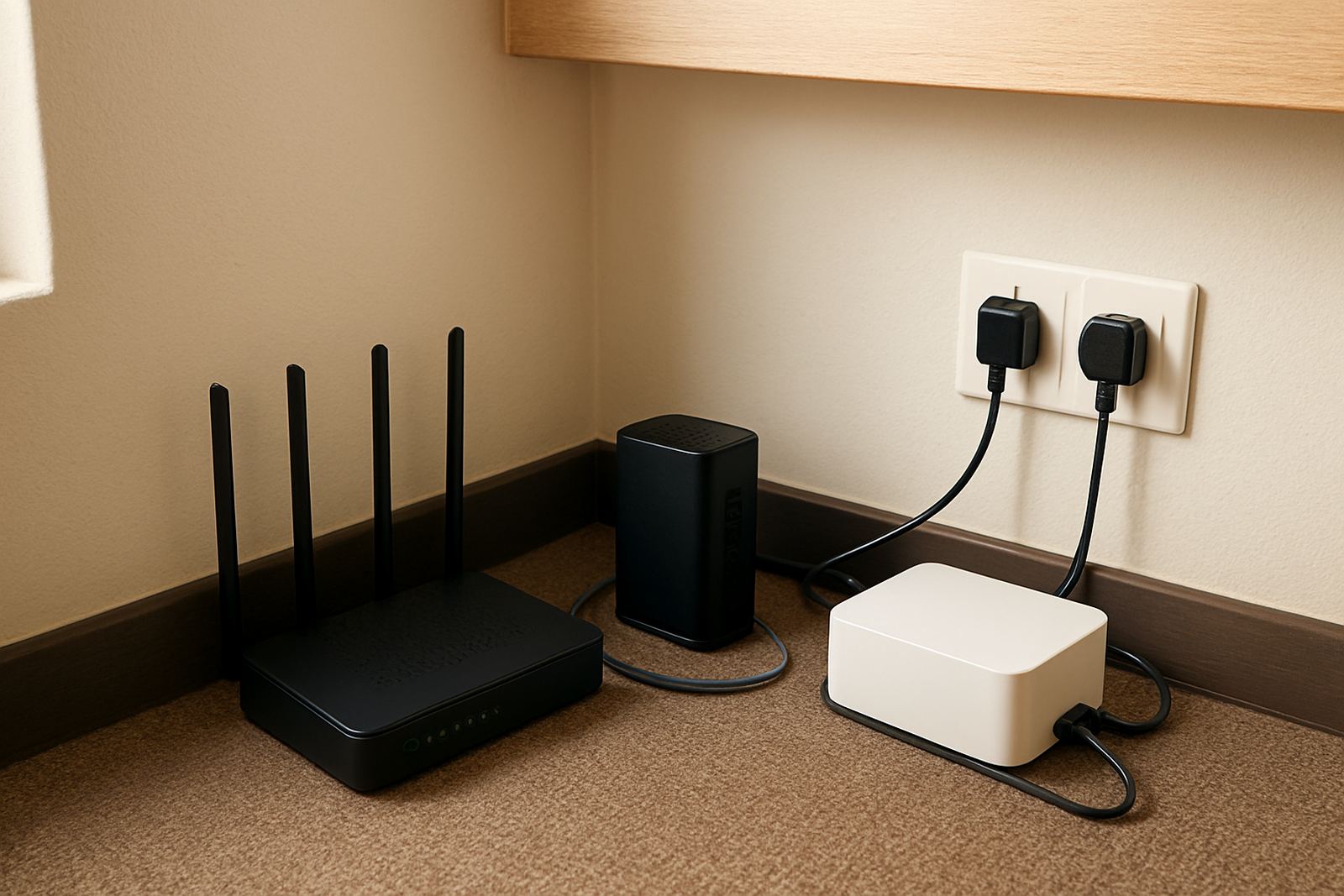
Communication problems often start with the boring bits: a loose cable, overloaded plug point or router sitting in a warm cupboard. In offices from Century City to Bellville, heat and dust can shorten the life of equipment. In Somerset West and coastal areas, salt air and humidity can also be hard on connectors and patch leads.
Backup power does not need to run the whole office for hours, but it should keep the internet, router and key phones alive long enough to handle calls and basic message. That gives you time to decide whether staff work from home, from a temporary site or from the office once power returns.
Physical cabling matters too. If network points are not labelled, a move or repair takes longer than it should. Clean cable runs, labelled ports and a small amount of spare stock can save a lot of lost time when the pressure is on.
Plan For Office Moves Without Losing Your Number And Calls
Office relocations are a common way to break communication for a few days. Boxes move quickly, but phones, data points and fibre handovers rarely move at the same pace. A move plan should be done at least two weeks before the date, not on the Friday afternoon before staff start loading vehicles.
For offices in Cape Town, Paarl or Stellenbosch, the practical questions are usually about fibre lead times, access to the new premises and whether the landlord has approved the cabling work. If the building management needs notice for drilling or access to risers, build that into the schedule early.
- Confirm the new address, access times and contact person.
- Check whether number porting must happen before or after the move.
- List every phone, network point and printer that must be reconnected.
- Arrange temporary call handling if the move runs over time.
Keep Staff Ready With Clear Contact Rules And Short Training
Most disaster plans fail because the team has not practised them. Staff should know what to do when the internet is down, when a handset is dead, or when the office is closed for repairs. A ten minute briefing can prevent a lot of confusion, especially in small businesses where one person often handles multiple roles.
Training should cover who updates clients, who checks on suppliers and who logs a fault. It should also cover when to escalate. If the outage affects several people, or the main number is unreachable, do not wait until lunchtime to make the first call for help. That only makes the backlog worse.
- Teach staff how to check whether the problem is local or wider.
- Show them how to use backup numbers and mobile forwarding.
- Give them a simple outage message for clients.
- Rehearse the plan after a move or major network change.
A Local Example From Century City To A Nationwide Team
Picture a small professional office in Century City with eight staff, one reception line and several remote workers. A power dip knocks out the router and the fibre stays down while technicians inspect the area. The office still has work to do, but incoming calls are now going nowhere.
With a basic disaster plan in place, the main number can be forwarded to a mobile list, the team can work from secondary connections, and the customer success lead can send a short update to regular clients. By lunchtime the office is still trading, and nobody has to guess where the calls are going. That kind of preparation is not fancy, it just keeps the business reachable when things go wrong, and that matters.
For offices operating across South Africa, the same thinking applies whether the team is in Bellville, Somerset West or further afield. A disaster plan should not sit in a file and gather dust. It should tell people exactly what to do when the lights go out, the move date slips or the hardware gives up.