Why office WiFi fails long before the internet line does
Many offices blame the fibre service when the real problem sits inside the building. A fast line can still feel slow if the router is hidden in a corner, the access point is overloaded, or the network is not set up for the number of people using it. In a 12 person office in Century City, one weak access point can affect everyone from reception to accounts.
The first mistake is assuming one router can cover every room. That might work in a small shop, but not in an office with drywall partitions, meeting rooms and file storage. Concrete walls, glass offices and even lift shafts can weaken signal. In coastal areas like Somerset West and Strand, humidity and salty air can also affect fittings and hardware over time, so equipment choice matters as much as placement.
Another common issue is leaving the network on the same settings it came with from day one. Default passwords, crowded channels and poor naming make it harder to manage and easier to abuse. A tidy setup gives staff better access and gives support teams a faster way to fix problems when something goes wrong.
Putting the router in the wrong place
Location is often the simplest mistake to spot and the hardest one to ignore. A router under a metal filing cabinet, behind a TV, or beside a microwave is working against itself. Signal should sit as close as possible to the centre of the work area, not hidden in the server cupboard because it looks neat.
In offices with multiple wings or long passages, a single device usually cannot cover everything properly. That is where access points, proper cabling and a planned layout help. If staff in Bellville can video call from one end of the office but not the other, the layout is the issue, not the app they are using.
- Place wireless equipment above counter height and away from thick walls.
- Keep it clear of printers, fridges and microwave ovens.
- Test the signal in meeting rooms, reception and shared work areas.
- Use more than one access point where the floor plan is spread out.
Ignoring how many devices are really connected
A small office often has more connected devices than it thinks. Every laptop, phone, printer, TV screen, scanner and guest device uses bandwidth and adds pressure to the network. When staff work from cloud systems, the line must support voice calls, video meetings and file uploads at the same time. If it does not, the whole office feels it.
This is where poor planning shows up. A network set up for five users may struggle once the team grows to twelve. It is not unusual to see a business in Paarl or Stellenbosch add two new staff members and suddenly start getting dropouts at peak times. The fibre line may be fine, but the wireless design is not sized for the actual load.
It helps to separate business traffic from guest access and to keep heavy personal streaming off the work network. That sounds simple, yet many offices never set this up. Once staff and visitors are all on the same path, you lose control over speed and stability. A quick review can save a lot of frustration later on, and yes it is worth doing before year end pressure hits.
Weak security that opens the door to problems
Office WiFi mistakes are not only about speed. Weak security can expose files, messages and client information. If the password is shared casually or never changed, anyone who once had access may still be able to connect. That is risky for businesses handling billing, payroll or customer records.
For small firms, the simplest fixes often make the biggest difference:
- Use a strong unique password and change it when staff leave.
- Separate guest access from staff access.
- Switch off remote administration unless it is needed.
- Review who can see printers, shared folders and network drives.
Security is especially important in offices with contractors, temporary staff or frequent visitors. A practical setup should make it easy for people to work, but not so open that anyone can join and start browsing the network. If you are using VoIP phones as well, poor security can also affect call quality and service stability.
Treating wireless as a one time install
Networks change as offices change. Staff move counters, new meetings rooms get added, and a relocation can alter the way signal travels through the space. A WiFi setup that worked in a smaller office may fail after expansion or after a move from one floor to another. Even a simple partition change can create dead spots.
This is why monitoring matters. If the system is only looked at when something breaks, small faults keep building up. Slow login times, unstable calls and repeated password resets all point to a network that needs attention. With proper monitoring, support teams can see whether the issue is signal strength, device load or a line fault upstream.
Load shedding adds another layer. When power returns, some equipment boots up before the rest of the network is ready. That can leave staff waiting, or worse, with half the office online and the other half offline. Backup power, clean restart procedures and the right equipment settings help reduce that mess.
A Cape Town office example and the practical fix
A small professional office in Century City recently struggled with constant complaints from staff on the far side of the floor. Calls kept cutting out, file uploads lagged and visitors connected faster than staff, which was awkward to explain. The problem was not the fibre service. The main access point sat in a corner near the server cupboard, and two meeting rooms were separated by thick walls.
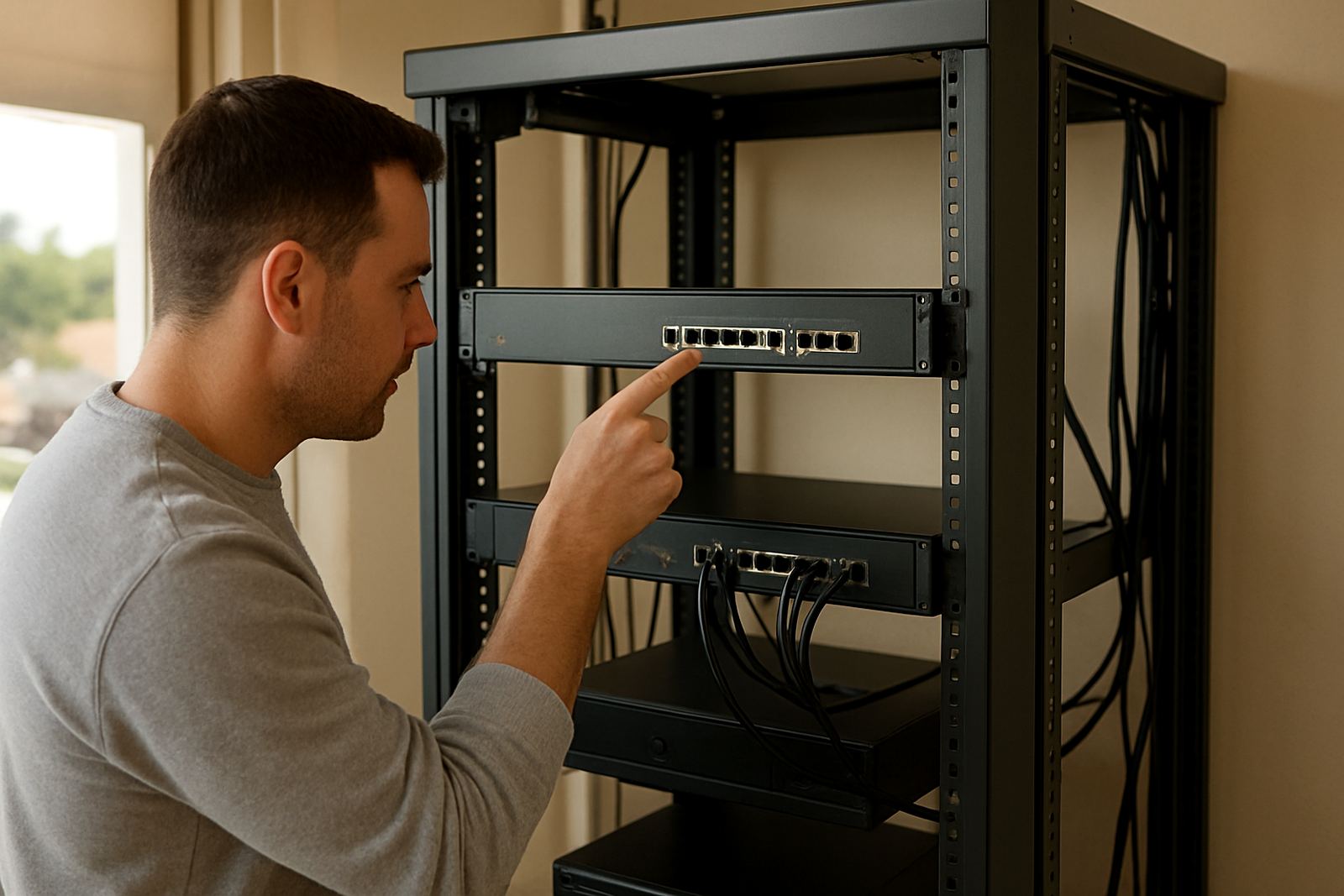
After the layout was reviewed, the office changed to a better access point position, added structured cabling to support extra coverage, and split guest access from staff traffic. Support also checked phone system settings so VoIP traffic had priority during busy periods. The difference was immediate. Meetings became steadier, accounts could work without delays, and the team stopped blaming the internet every time one call dropped.
That kind of fix is common in Cape Town offices because many buildings were not designed for modern wireless demand. The answer is not always more speed. Often it is better planning, proper cabling and a network that matches the actual floor plan.
What a better setup should include
If your office WiFi is giving trouble, the right approach is to check the whole setup rather than guessing at one part. A proper review should look at the fibre handoff, wireless coverage, cabling quality, device count and support arrangements. If staff work after hours or the office runs on strict deadlines, those details matter even more.
NewTel works with small offices across Cape Town, Bellville, Somerset West, Paarl and Stellenbosch, as well as businesses nationwide that need fibre and VoIP support. A practical wireless plan can include installation, number porting, user training, network monitoring and after-hours help when needed. That is useful when you are moving premises, growing the team, or trying to stop the same issue from coming back again.
Good WiFi should disappear into the background. Staff should be able to get on with calls, reports and client work without wondering whether the signal will hold. When the network is planned properly, it does its job quietly, and that is exactly what most offices need.