What a softphone actually does in the office
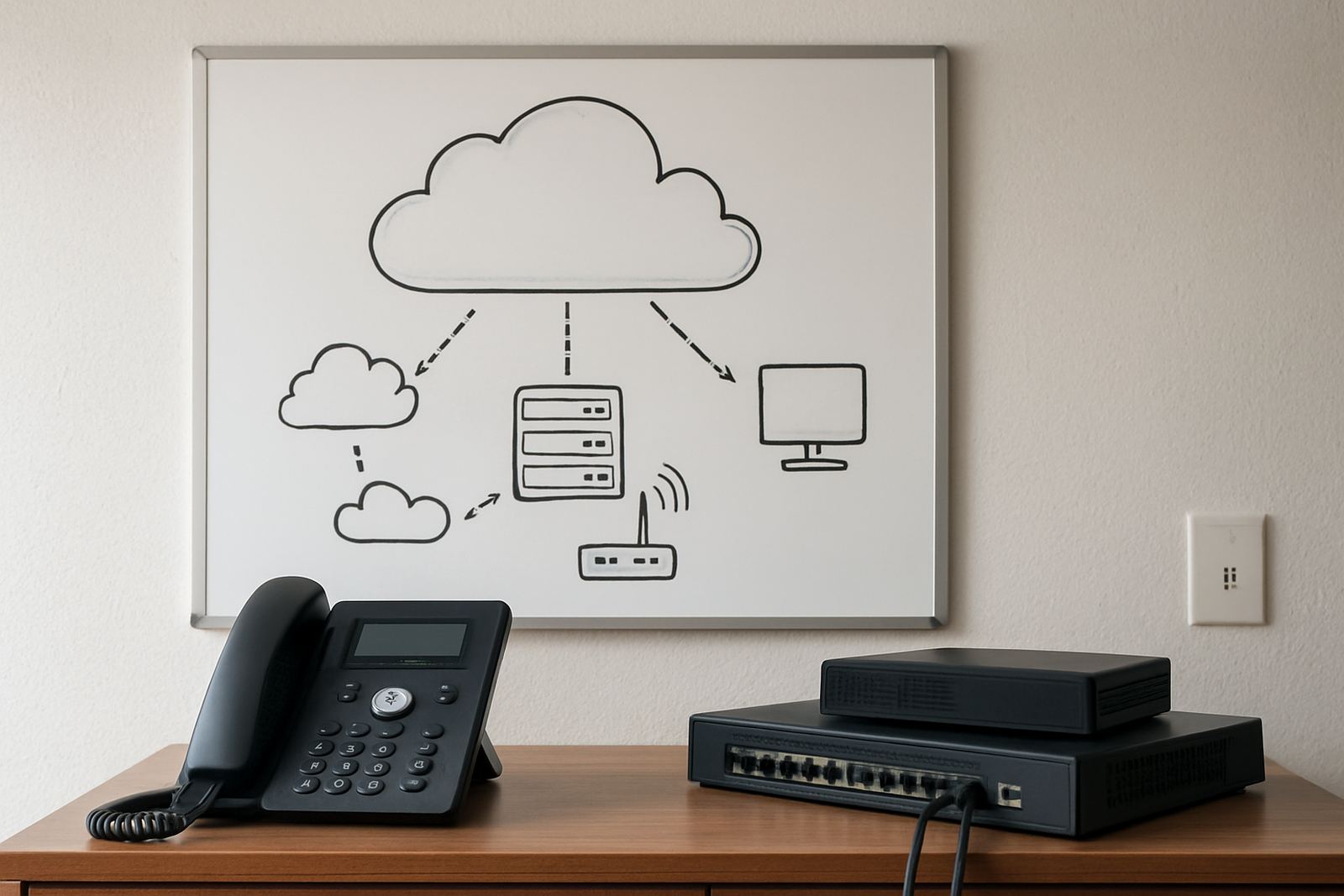
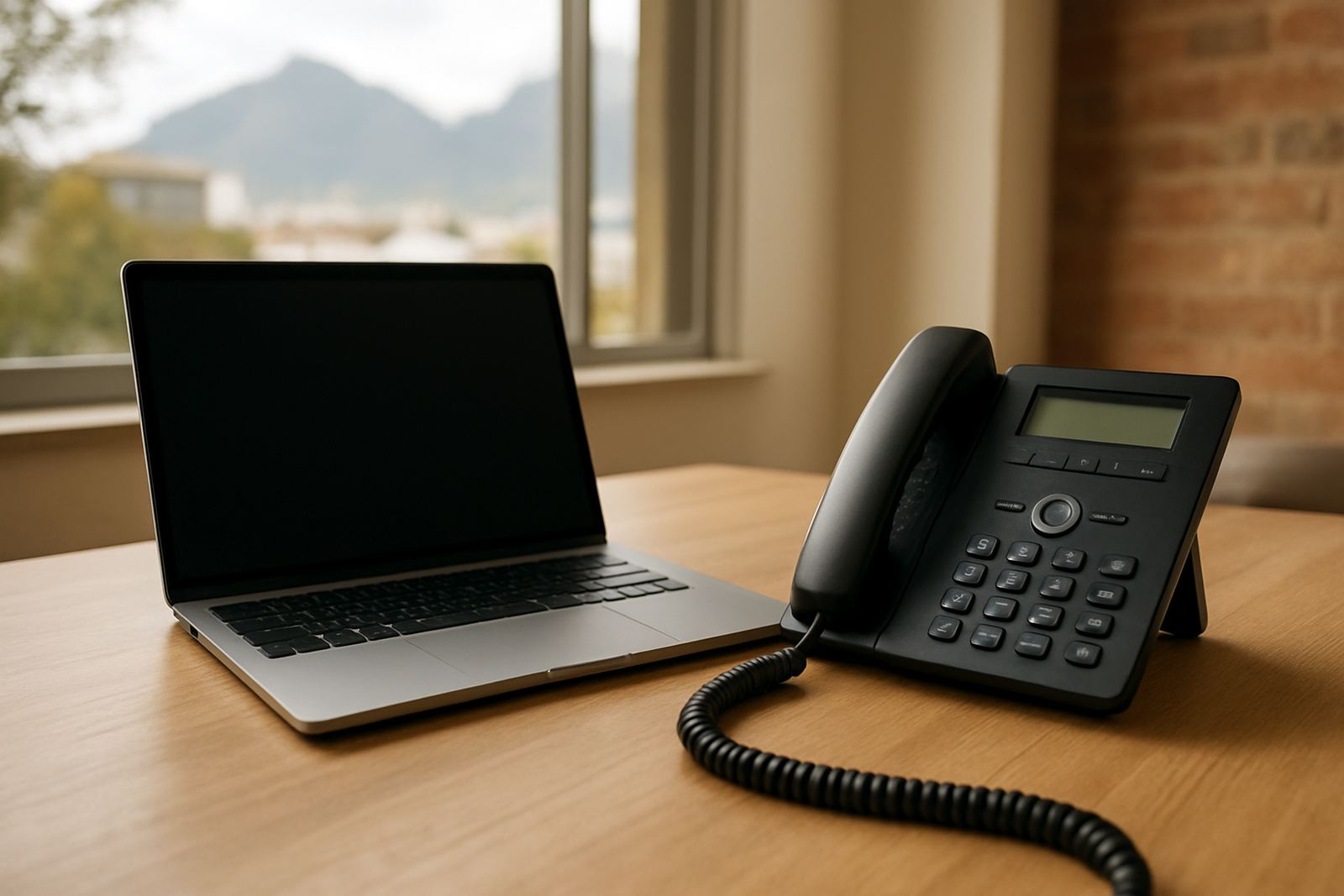
A softphone is a calling app on a computer or mobile device that connects to your office number over the internet. For many small businesses in Cape Town and beyond, it is the easiest way to keep staff reachable from the office, home or on the road. If your team already uses laptops and good fibre, a softphone can keep setup simple and reduce the need for extra hardware.
The real value is flexibility. A consultant in Bellville can answer the main office line from a laptop, while a sales rep in Somerset West can take calls on a mobile app between site visits. That said, a softphone still depends on a stable connection, decent audio equipment and a disciplined setup, otherwise call quality suffers and so does the customer experience.
- Best for mobile staff, hybrid workers and frequent call transfers
- Useful where office space is tight and you want fewer physical devices
- Works well for teams that already use headsets and computers all day
Why handsets still matter at reception and shared counters
Physical phones are still the strongest option for roles that need quick answering, shared use and predictable call handling. A reception area in Century City or a switchboard in Paarl needs a device that is always in place, easy to pick up and simple for a visitor or temp to use. There is less training, fewer software prompts and no worry about a battery dying during a busy morning.
Handsets also suit staff who speak on the phone for long stretches. A proper phone with a headset port, mute button and clear keypad can be easier on the body than leaning over a laptop. In offices where load shedding is still part of life, a counter phone connected to a backup-powered router can also carry on when a PC shuts down. That can be the difference between staying open and losing calls during a busy period.
- Good for reception, accounts, switchboards and shared workstations
- Better where staff spend long stretches on voice calls
- Often simpler for backup power during outages and load-shedding
Cost is not just the handset or the app fee
When people compare softphones and handsets, they often look only at the device price. That misses the bigger picture. A softphone may seem cheaper because there is no physical phone to buy, but you still need reliable fibre, headsets, device management and support for each user. A handset has a higher upfront cost, yet it can last for years if it is treated properly and the cabling is done right.
The decision for a small office should be based on total running cost and not just the first invoice. Think about replacements, training, maintenance, and how often your people change counters or work off site. Also think about the local conditions. In coastal areas like Cape Town, moisture and salt air can affect poor-quality connectors and equipment that is left in the wrong place, so a tidy installation matters more than people realise.
There is also the cost of downtime. If your staff cannot answer calls during a fibre break or a power cut, that is a hidden expense. A mixed setup often gives the best value, with handsets in fixed roles and softphones for mobile or remote users.
Which roles suit each option best
The strongest office phone system is usually a blend, not an either-or choice. Different roles need different tools. A finance team member, for example, may spend most of the day at one workstation and prefer a handset. A business development rep may live on a laptop and do better with a softphone, especially if they travel between Cape Town, Stellenbosch and surrounding areas.
Here is a practical way to match the tool to the job:
- Reception: handset for speed, visibility and easy transfer of calls
- Management: softphone or handset depending on how often they move around
- Sales: softphone for mobility, call logging and remote work
- Support teams: handset or headset on a fixed workstation for long call times
- Field staff: softphone on mobile for office number access outside the building
The best setups are planned around call patterns, not personal preference alone. That keeps the system practical when the phones start ringing after lunch and the team is busy handling customers.
Call quality, fibre and power make the difference
Whether you choose app-based calling or physical phones, your network has to carry voice traffic cleanly. Good fibre, proper WiFi design and correct cabling all play a part. If the network is overloaded with large file transfers and video meetings at the same time, call quality can drop. People then blame the phone system when the real issue is the network behind it.
In offices with patchy power or unstable internet, monitoring and setup become even more important. We often find that a simple fix such as separating voice traffic from general browsing, or moving a key phone off WiFi and onto wired cabling, can improve reliability straight away. Small details matter. A softphone with a cheap headset and weak WiFi is not a cost saving, it is a problem waiting to happen.
If your office is in a busy business park or older building, ask for a check of the cabling routes, router placement and backup power plan. That applies to handsets too. The device type is only one part of the picture.
A Cape Town office example that gets it right
Take a 12 person office in Century City with a front counter, four account managers, three sales staff and a support team. The reception line needs a handset because visitors walk in and calls come in all day. The accounts team stays on handsets as well, since they spend long periods on calls with suppliers and clients. The sales staff use softphones on laptops so they can work from home, from client sites and from the office without juggling two devices.
This mix keeps the system practical. The reception area stays professional, the sales team stays mobile, and management can still monitor usage and answer calls after hours if needed. Add proper number porting, training and after-hours support, and the office can keep working during the small disruptions that are part of local business life. It is not fancy, just sensible and it works.