Why meeting room WiFi fails when the room is full
Meeting rooms put a wireless network under more pressure than a normal open-plan area. A team of six can be fine at their counters, then struggle in a glass-walled room where every person joins a call, opens a laptop and starts screen sharing at once. The result is usually slow audio, frozen video and that awkward moment when someone says, can you hear me now?
In Cape Town offices we often see the same pattern. The main workspace may have fair coverage, but the boardroom sits at the far end of the floor or behind concrete walls, storage cupboards and lift shafts. Coastal moisture can also affect weaker equipment over time, especially where ventilation is poor and there is salt air in the building. If the room is used for client meetings, training or hybrid calls, the network needs to be planned for that exact use, not just fitted to the nearest ceiling point.
The room needs a stronger plan than a single access point
A single wireless unit in the passage is usually not enough. Meeting rooms need proper signal placement, capacity planning and a clean handover from the rest of the office network. The goal is to keep the room stable when people connect several devices at the same time, including laptops, phones, shared screens and conferencing equipment.
NewTel looks at the shape of the room, the wall materials, nearby interference and how many people use it at peak times. A compact four person room in Century City needs a different setup from a larger training room in Stellenbosch or a client suite in Bellville. If the space is used for longer sessions, the equipment should also be easy to service after hours, because many offices cannot afford disruption during trading hours.
- Check where the room sits on the floor plan and whether signal must travel through concrete, glass or fire doors.
- Plan for the number of devices, not just the number of people.
- Place equipment high and central where possible, away from cupboards and metal frames.
- Test for coverage at the table, not only at the door.
What a reliable meeting room setup should include
Good meeting room WiFi is not only about the wireless unit. It also depends on the cabling, the switch, the backhaul to the fibre service and the way the room network is separated from guest access. If visitors are joining a boardroom session, they should be able to connect easily without slowing down staff systems or reaching into parts of the network they should not see.
A proper setup usually includes a wired point for the main conferencing unit, enough power at the table, and a wireless design that supports roaming if the room opens into a nearby breakaway area. In some offices, a small network cabinet or wall point needs to be moved during a relocation or tenant fit-out. That is normal, but it should be done with a clear plan so that the room is ready on day one, not patched together later.
- Dedicated wireless coverage for the meeting room zone.
- Network cabling for conferencing hardware and screen sharing devices.
- Guest access set up separately from staff systems.
- Battery backup planning for load-shedding where needed.
Video calls need more than just fast fibre
Fast fibre helps, but it does not solve every issue on its own. If the meeting room WiFi is poorly designed, the office may still see choppy audio or delayed screen sharing even on a strong fibre service. The bottleneck is often inside the building, not on the line coming in from outside. That is why fibre installation and WiFi design should be treated as one project.
For small offices, this matters during client calls, online interviews and training sessions. A team in Paarl may have enough internet speed on paper, but if the meeting room is sharing a weak wireless signal with the kitchen and reception, video quality can drop as soon as everyone logs in. NewTel often checks whether the room needs a separate access point, better channel planning or a direct cable to the conferencing unit. Small changes can make the room far more dependable, and save a lot of frustration.
A practical Cape Town example from a busy office
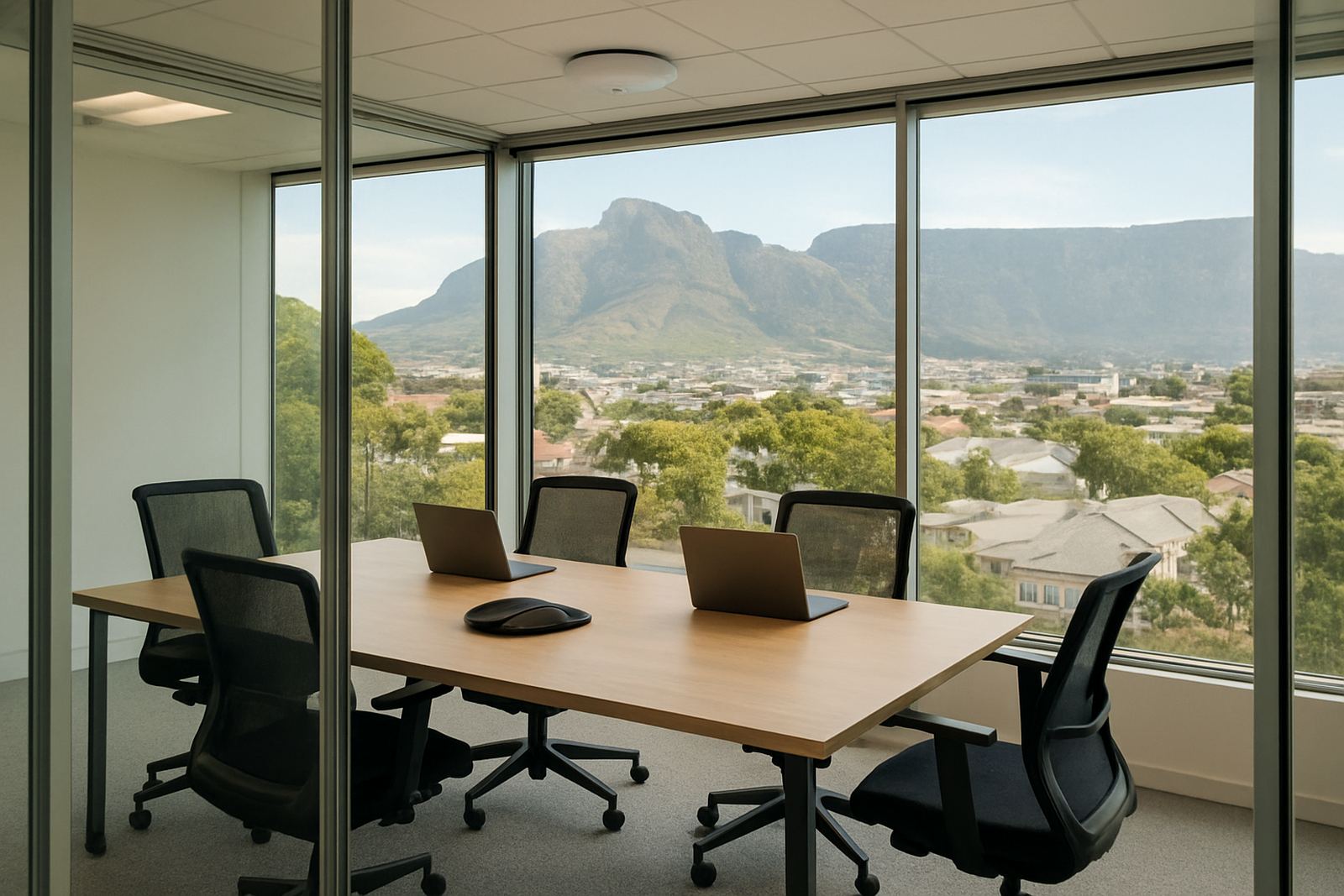
Take a company in Century City with a twelve person boardroom used for weekly management meetings, supplier calls and monthly staff briefings. The room has a glass front, a long table and a screen on the far wall. Staff were finding that calls would freeze halfway through presentations, especially when more than one laptop joined the meeting. The issue was not the fibre line. It was the wireless coverage in the room and the fact that the signal had to travel through a serviced office corridor before it reached the table.
After a site review, the room was given its own wireless point, the cable route was tidied, and the guest network was separated from internal traffic. The result was better call stability and fewer interruptions during screen sharing. The team also had clearer support procedures for after-hours meetings, which helped when load-shedding pushed some sessions into the evening. It was not a flashy fix, just proper planning done once and done right.
How NewTel supports meeting room WiFi across office sites
NewTel works with small offices across Cape Town and nationwide, from Bellville and Somerset West to Stellenbosch and beyond. The focus is on practical communication systems that suit how a business actually operates. That includes fibre, VoIP, cabling, monitoring and the wireless setup that keeps the meeting room usable every day.
For office managers, the best time to deal with meeting room WiFi is before the complaints start. If a room is being upgraded, relocated or fitted out for new staff, it helps to review the whole setup at once. That can include number porting for the phone system, support for new handsets, user training for staff and after-hours help when work cannot stop. The aim is simple: when people walk into the room, the connection should already be ready.
- Fibre installation for offices that need dependable upstream and download speeds.
- VoIP deployment for clear calls and better internal routing.
- WiFi design and network cabling for rooms, reception areas and workspaces.
- Support for office moves, new layouts and ongoing monitoring.