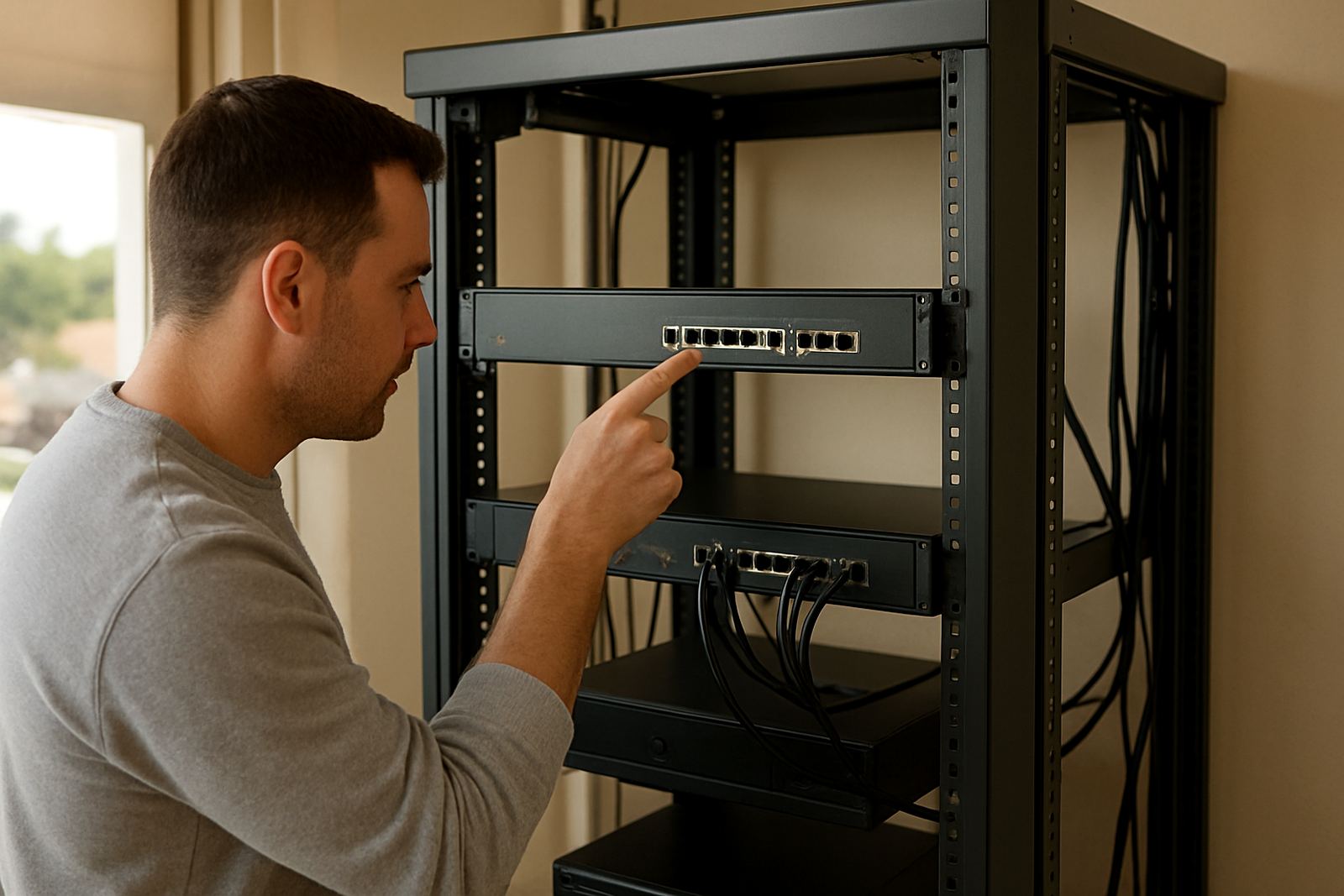
1. Confirm the site is fibre ready
The first stage is a site check to confirm whether the building can take a new fibre line or whether extra work is needed. In Cape Town, Bellville, Century City, Somerset West, Paarl and Stellenbosch, the answer often depends on the property type, the landlord's rules and what already runs into the building. A ground floor office in a small business park may only need an internal route and a final connection, while an older building in the city can need access approval, cable routing and a bit more planning.
This step matters because the wrong assumption can slow the whole order. A good provider will ask for the full address, unit number, contact person and office hours, then check wayleave needs, building access and any restrictions on drilling or ladder work. If the office is in a sectional title complex or shared premises, approvals may take longer than the fibre itself.
- Confirm the street address and unit number.
- Check whether the landlord or body corporate must approve work.
- Identify where the fibre equipment can be mounted safely.
- Note any security access, parking limits or after-hours rules.
2. Choose the right service for the office
Before any installation date is booked, the business should match the service to actual use. A five person office with message, cloud storage and VoIP calls has very different needs to a 20 person practice running video meetings all day. Fibre speed is only part of the decision, because the internal setup, WiFi coverage and the call system also affect how the line performs.
For many small offices, the best approach is to decide on the expected number of users, how many handsets or softphones will be used, and whether there are meeting rooms, reception, a server corner or printers that need cable runs. If the office often works through load-shedding, it is worth planning for battery backup and a stable router placement from the start rather than sorting it out later.
- Estimate how many staff will use the line at the same time.
- Decide if VoIP, guest WiFi and CCTV must be supported.
- Check whether the office needs a static IP or special network settings.
- Plan for power backup, especially in areas where outages are frequent.
3. Book the build date and prepare the premises
Once the order is placed, the next stage is scheduling. This is where practical preparation saves time. The office should clear access routes, identify where cables can enter, and make sure the right staff member is available on the day. In a busy office, a missed appointment can delay activation by days, sometimes longer if a civils or landlord approval is still outstanding.
The installation team normally needs access to the external entry point, the main office space, and the area where the network equipment will live. If the office is being moved, or if there is a tenant fit out happening at the same time, it helps to set the fibre work early in the programme so cabling and WiFi can be tested before staff arrive. In coastal areas, technicians also keep an eye on moisture and corrosion risks, so neat mounting and proper sealing are important.
A simple pre-install checklist is useful:
- Remove boxes or furniture from the planned cable route.
- Make sure keys, gate codes and security contacts are ready.
- Confirm where the router and power supply will sit.
- Tell staff not to unplug any existing network equipment during the visit.
4. Pull the fibre and complete the physical installation
This is the stage most people picture when they think of fibre installation. The external line is brought to the premises, then the internal path is completed to the designated point inside the office. Depending on the building, this may involve wall runs, ceiling routes, trunking or short conduit work. The aim is not only to get the line in, but to do it neatly and in a way that makes later maintenance easier.
On a small office in Century City, the work might be quick if there is already a suitable entry point and a tidy server space. In a larger office in Bellville or a retail-style premises in Somerset West, there may be more cable routing to do and more decision points around where the equipment sits. Good installers will label, secure and test each part rather than leaving loose joins or cables hanging where people walk. That sort of finish saves trouble later, especially when there are staff changes or office relocations.
At this point, the line is not usually live yet. It has to be terminated, tested and handed over through the correct network path before users can start browsing or making calls. If the office has network cabling already, the physical install can often tie into that instead of running everything from scratch, which keeps the space tidier and easier to manage.
5. Configure the network, WiFi and VoIP services
Once the fibre is in place, the service needs to be configured so the office can actually use it. This includes the router setup, WiFi design, phone system support and any number porting that may be part of the project. If the business is moving from a legacy line or another VoIP provider, porting the main number can take planning so that reception does not lose calls during the changeover. That is especially important for clinics, accountants and small legal practices that rely on one public number.
The network side should also be checked in real use. A printer room may need its own wired point, meeting areas may need stronger WiFi, and VoIP handsets should be tested for audio quality and call clarity. In a busy office, small issues like poor handset placement or an overloaded WiFi channel can make the whole setup feel unreliable even when the fibre itself is fine. This is where configuration matters as much as the line speed.
- Set up WiFi coverage for reception, workstations and meeting rooms.
- Test voice quality on all handsets or softphones.
- Confirm the main business number, extensions and call routing.
- Check that printers, laptops and guest access all connect properly.
6. Test, hand over and keep support close
The final stage is testing and handover. The service should be checked for speed, stability, voice quality and basic fault reporting before the installation is marked complete. This is also the time to confirm who to call if something drops after hours, if the office moves, or if staff need help with a handset, password reset or router issue. A proper handover gives the business confidence, not just internet access.
Many small offices in Cape Town and across South Africa want support that fits business hours and then a backup plan after that. If the connection is being used for VoIP calls, even a short interruption can affect customer contact and internal work. Clear escalation, logging and monitoring help the provider spot issues early, sometimes before the office notices. That kind of support is especially useful during the first week after activation, when staff are still getting used to the system and asking where everything is connected.
After handover, it is smart to review the setup again after a few days. If one area of the office is weaker than expected or if call quality needs adjusting, the changes are usually small. Good fibre installation is not only about the cable going in, it is about making sure the office can use it without fuss.