Why shared offices need a different fibre plan
A shared workspace is not the same as a single office with a few laptops. You may have 20 tenants on different floors, each with their own devices, printers, meeting rooms and phone systems. If the fibre is sized for average use only, it will struggle at peak times when everyone joins calls, uploads files or runs cloud software at once.
The first question is not simply how fast the line is, but how the line is shared. A good setup looks at contention, backup options, WiFi coverage and how voice traffic is handled. In Cape Town, where many workspaces sit in converted buildings or mixed-use centres, the internal layout matters just as much as the incoming circuit. Thick walls, long corridors and glass partitions can all affect signal strength, so planning has to start on site, not at a spreadsheet.
What co-working tenants expect from the connection
Most tenants in a flexible business centre want three things: steady internet, clear calling and quick help when something goes wrong. They are not interested in a technical explanation if the meeting room drops out five minutes before a client call. They want the issue fixed and they want to know who is responsible.
That is why fibre for shared workspaces should be set up with proper traffic management and clear support lines. Voice traffic needs priority, guest WiFi should be separated from tenant traffic, and there should be enough headroom for busy periods such as month end, training days or a boardroom full of people on video. If the centre offers virtual offices or hot counters, the network must also deal with changing users through the day without becoming messy.
- Separate tenant WiFi from guest access
- Prioritise VoIP traffic for calls and reception lines
- Allow for future growth in seats and devices
- Keep spare capacity for busy periods and software updates
The practical fibre setup that holds up in busy buildings
For shared workspaces, the fibre handoff is only one part of the job. NewTel often looks at the full path from the street entry to the tenant floor, including network cabling, cabinet placement and WiFi design. If the cabling is old or the switch points are badly located, users will blame the internet even when the real issue sits inside the building.
A practical layout keeps core equipment in a secure spot, with cable runs measured properly and labelled for future changes. In smaller centres, that may mean a neat comms cupboard near reception. In larger premises, it could mean more than one distribution point so the whole site does not go dark if one area has trouble. In coastal areas like Century City, salt air and humidity can also affect poorly protected hardware, so enclosures and cable quality matter.
- Clean cable routes with proper labelling
- Managed network points for easier fault finding
- Coverage checks in boardrooms, kitchens and reception
- Hardware kept away from heat, dust and moisture
VoIP for reception, tenants and overflow lines
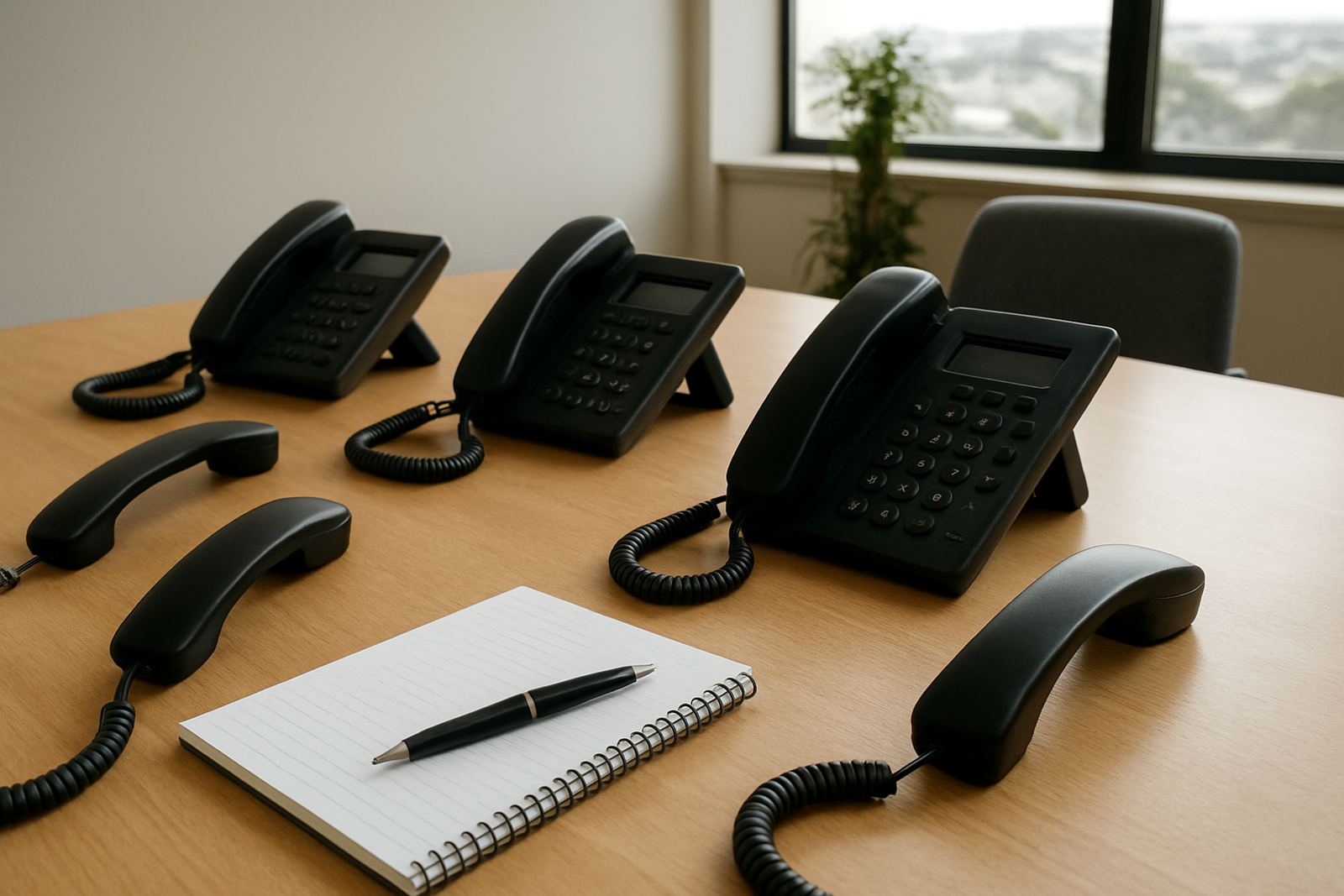
Shared offices usually need more than one kind of phone use. Reception may answer calls for the entire building, some tenants may want their own business numbers, and others may need overflow lines when they are away from their phones. VoIP makes this easier, but only if the setup is planned around the way the centre operates.
Number porting is often part of the move. Tenants do not always want to lose a long-used business number just because they have moved into a new space. A good provider can help move those numbers across with minimum interruption and set up call routing so reception, tenants and remote staff each get the right calls. For centres in Bellville, Paarl and Somerset West, that can be a real advantage when businesses move in and out on short notice.
Call quality depends on the network carrying the voice traffic properly. If the internet line is busy with large file transfers or cloud backups, speech can break up. That is why voice and data should be planned together, not treated as separate jobs.
Backup, after-hours support and load-shedding planning
Load-shedding has made backup planning part of normal operations for South African offices. A shared workspace has even more pressure because one outage affects every tenant in the building. Fibre may stay up, but routers, switches, WiFi points and phone systems still need power. If the batteries are too small, the whole centre can go offline when the lights go out.
It helps to map out the critical load first. Reception phones, access control, a few key WiFi points and the main router may be enough to keep trading during shorter outages. For centres with meeting rooms booked throughout the day, after-hours support is also worth having, because faults rarely wait for office hours. A practical support agreement means someone can act if a circuit drops or a VoIP system needs attention after 5pm.
- Identify the equipment that must stay on during outages
- Test battery runtime under real load, not just in theory
- Keep spare power leads and labelled spares on site
- Have an after-hours contact for urgent line faults
A Cape Town example: one building, many moving parts
Take a flexible business centre in Century City with start-ups, legal teams and remote workers sharing the same address. One tenant needs stable video calls, another wants guest WiFi for visitors, and a third is moving in next week with six new staff members. If the fibre is not planned for that kind of movement, the centre becomes reactive instead of dependable.
In a case like that, the best result usually comes from a staged rollout. First the line is installed and tested, then the cabling is checked floor by floor, then VoIP is deployed with the correct numbers and ring groups. User training also matters, because staff in shared offices often change often and one person may not know where the main handsets, password sheets or router settings are stored. A short handover saves a lot of time later. It sounds simple, but it is where many centre managers run into trouble if the paperwork is not tidy.
For landlords and operators, the value is not only speed. It is lower disruption, fewer complaints and a cleaner way to support tenants as they grow or leave.
What NewTel looks at before recommending a solution
NewTel works with offices across Cape Town and nationwide to set up fibre, VoIP and supporting network services that suit shared spaces. That usually starts with a site check and a practical look at how the centre is used day to day. A small design studio in Stellenbosch will not need the same layout as a multi-tenant office in Bellville, and a building with lots of visiting clients will need stronger guest access control than a quiet professional suite.
When the plan is right, the technology gets out of the way. Staff can make calls, tenants can work, and the building manager spends less time troubleshooting. That is the real goal for co-working offices: not just fast internet, but a setup that keeps pace with how the building actually operates.
If you are setting up a new shared office, moving a centre or reworking an older site, it pays to sort the fibre and phone plan before the next tenant signs in.