Match the handset setup to how your office takes calls
Office handsets are not one-size-fits-all. A small accounts team in Bellville may only need a simple handset with a clear display and a few programmable keys, while a reception area in Century City might need a model that handles transfers, extensions and hold music all day long.
Before choosing, look at call volume, movement around the office, and who needs quick access to numbers. If staff spend most of the day at one position, a corded handset is often the most practical choice. If they move between meeting rooms or stock areas, a cordless option may make more sense. In some offices, the best answer is a mix of both.
It also helps to think about power and connectivity. During load-shedding, an office with fibre and VoIP should still plan for backup power on the router, switch and handset base units. A handset that suits your daily routine will keep working better than a fancy model with features no one uses.
Corded handsets for reception, finance and steady call use
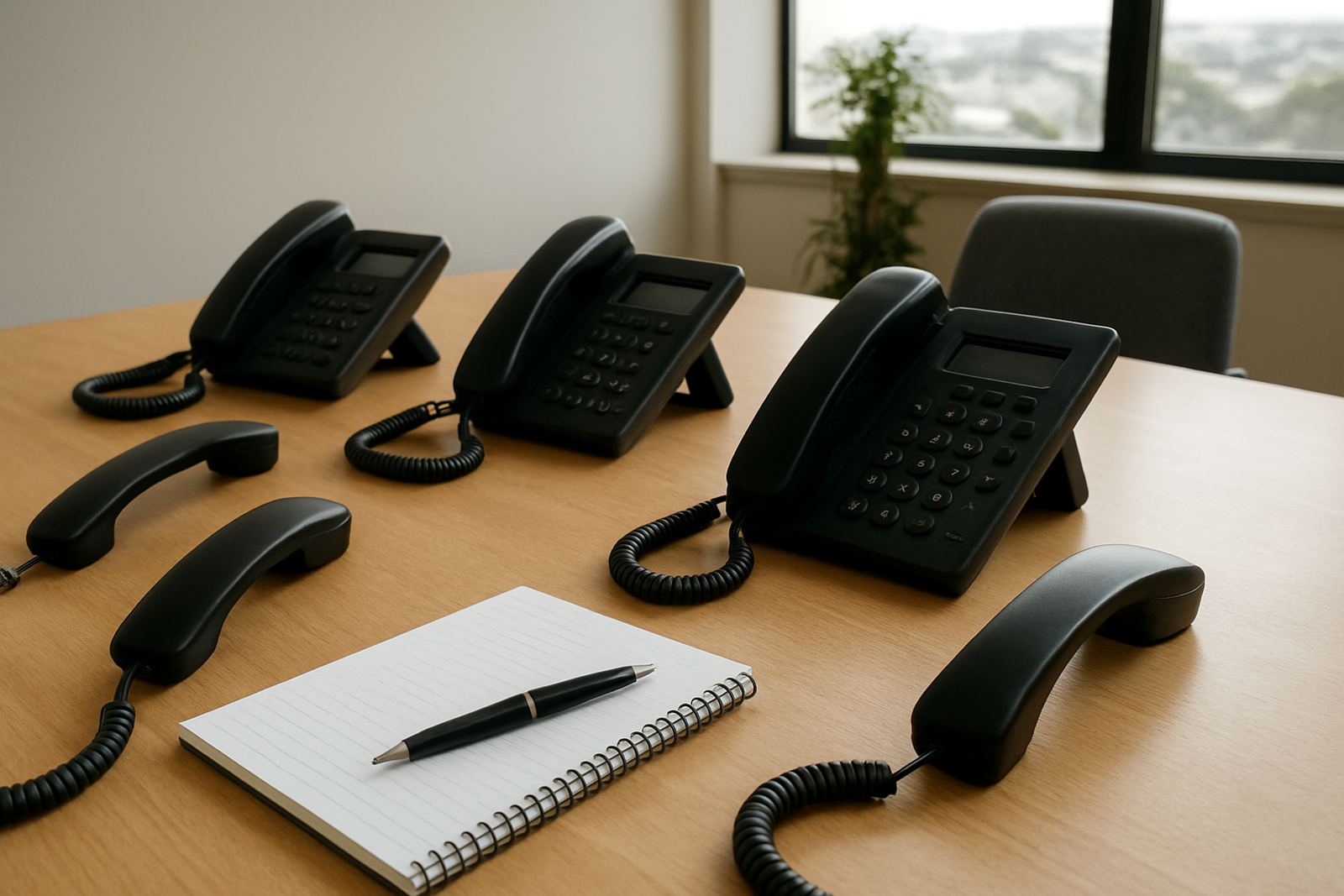
Corded handsets are still the workhorse for many South African offices. They suit reception, switchboard positions and admin staff who need a reliable phone that stays in one place. The main advantages are simple setup, lower cost, and fewer things to charge or misplace.
For businesses in coastal areas like Somerset West or Stellenbosch, corded units can also be easier to manage because there is less handling and less wear from staff carrying devices around. In humid offices near the Cape coast, that can make a difference over time.
- Best for fixed workstations
- Good for high call volumes
- Usually the most affordable option
- Works well with reception transfer keys and speed dial buttons
If your team handles bookings, accounts queries or supplier calls all day, a corded handset with a bright screen and hearing aid compatibility is worth considering. It keeps call handling simple, and there is less chance of a dead battery at the wrong moment.
Cordless handsets when movement matters
Cordless handsets help staff move around without losing a call. They are useful for managers, warehouse supervisors, practice owners and office staff who need to walk between rooms while staying reachable. In a Paarl office with a storeroom out back or a small team spread over two floors, a cordless handset can save time every day.
Coverage matters though. Thick walls, metal shelving and long passages can affect signal strength, so the base unit must be placed carefully. A proper site check helps avoid crackling calls or dead spots. If the office has a server room, printer area or multiple meeting rooms, the base position should be tested before rollout.
- Useful for people who move around the building
- Good for supervisors and facilities staff
- Needs charging and battery checks
- May need more than one base point in larger offices
One or two cordless handsets can be a practical middle ground for a small office in Bellville. They give flexibility without the cost of fitting a phone to every corner, and they work well when paired with a clear user policy on charging and handover.
Receptionist handsets and call handling features
Reception staff need a handset that is quick to use and easy to read. Look for larger buttons, a clear screen, headset support and a layout that makes transferring, parking and conferencing calls straightforward. When clients phone from Cape Town, Durban or Johannesburg, the reception point is often the first human contact they get, so call handling matters.
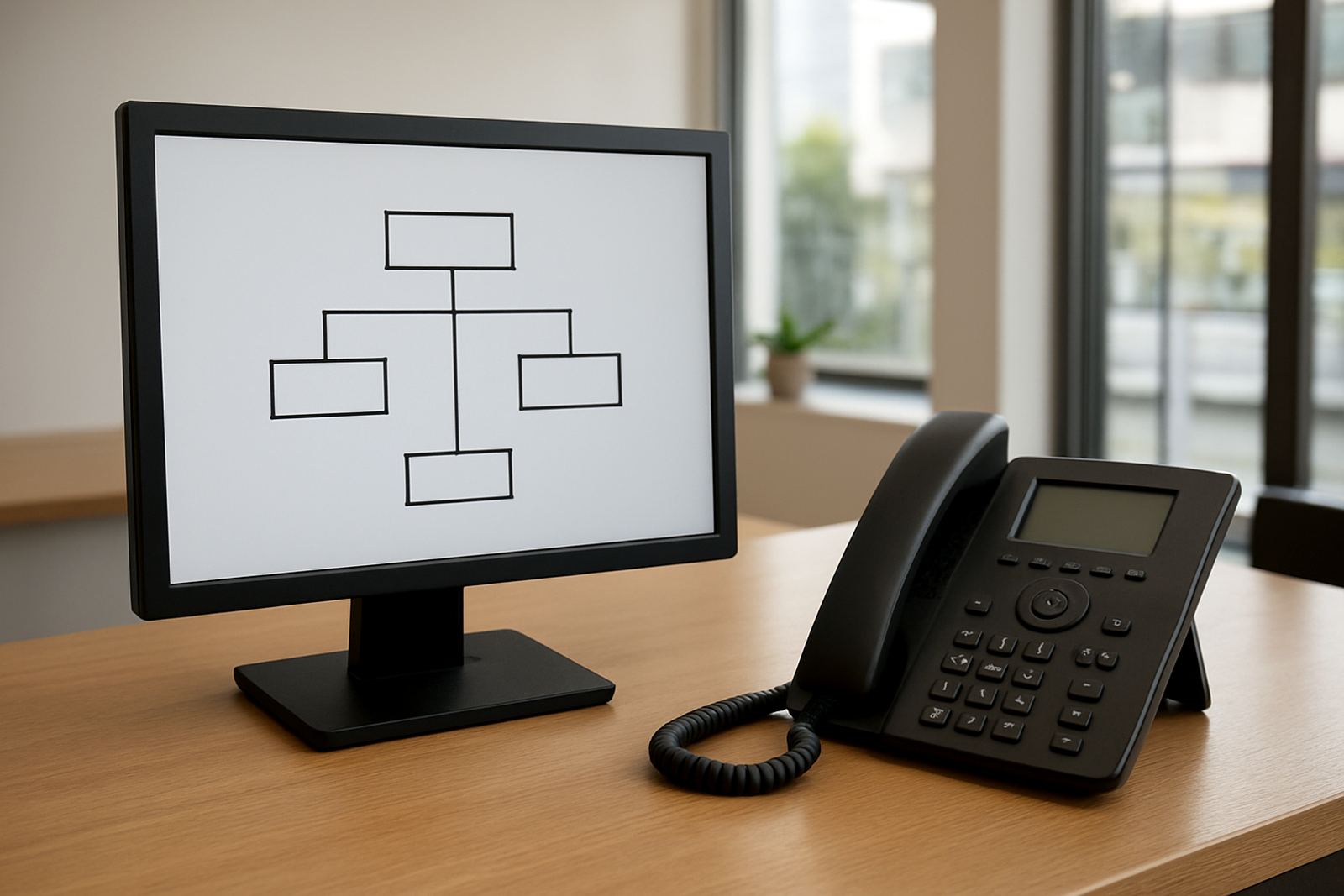
A reception handset should also suit the rest of the phone system. If the office uses number porting, multiple extensions or an auto attendant, the handset must match the way those features are set up. A receptionist should not have to remember a long list of button presses just to pass a call on.
For busy front counters, it is often better to keep the handset simple and pair it with training. One short session on transfer methods, voicemail retrieval and call notes can prevent repeated mistakes. That is especially useful when staff rotate or cover for leave.
Choosing handsets for hybrid teams and office relocations
Many small businesses now split time between home and office, or they move premises every few years as they grow. In those cases, handsets should be chosen for easy setup and predictable performance. A mixed team in Cape Town, Century City and Somerset West may need the same handset model across different sites so support stays consistent.
During an office relocation, old patch leads, network cabling and handset placement can all affect call quality. It helps to map where each phone will sit before the move, rather than guessing on the day. NewTel often sees delays when a handset ends up too far from a power point or network port, then everyone is surprised when it does not behave as expected.
A practical rollout should include:
- Extension planning for each user
- Handset placement near counters and common areas
- Testing after network cabling is complete
- Backup power checks for routers and switches
Training, support and the small details that save time
The best handset is the one people actually know how to use. Even a well chosen model can frustrate staff if they do not understand mute, transfer, conference and voicemail functions. A few minutes of training can reduce support calls and help new starters settle in faster.
Support matters after installation too. If a handset keeps dropping calls or showing poor audio, it may be a settings issue, a cable fault, or a network monitoring problem rather than a handset fault. A good support process checks the whole chain, from fibre connection to router, switch and handset. That saves time and avoids guesswork.
For offices that work after hours or across multiple branches, it is useful to keep a short record of handset types, extension numbers and who uses each unit. That way if a device needs swapping, the replacement can be done quickly with no fuss. Small systems run better when the basics are documented and the team knows who to call.