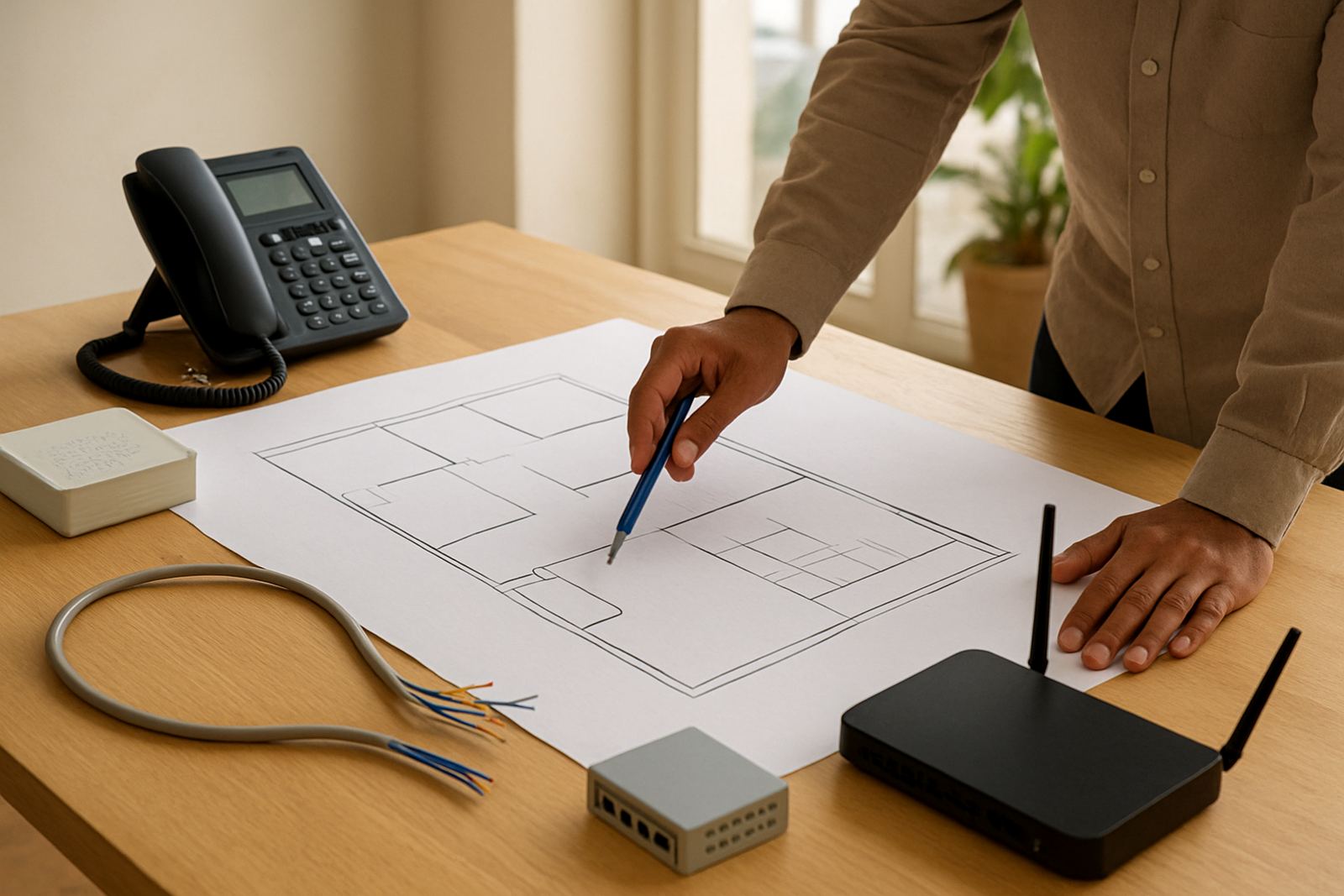
Start the move plan 6 to 8 weeks before handover
When a business relocates, communication is usually the first thing to fail if it is left for last. A landlord may hand over keys on a Friday, but that does not mean your numbers, fibre circuit and internal phones will be ready by Monday. In Cape Town and across the country, a move works best when the office line plan starts at least 6 to 8 weeks before the move date, longer if the building still needs cabling or landlord approval.
Begin with a simple audit. List every number, every handset, every internet service, alarm link, gate intercom and payment terminal that depends on your connection. If your team uses cloud calling, make sure the new site has enough bandwidth and backup power for the phones to keep working during load-shedding. New premises often look ready but still need final patching, wall outlets or a proper comms cupboard, and those details can hold up the move.
- Confirm your current number range and which numbers must stay active
- Check the new address against fibre availability and lead times
- Book a site walk with the landlord or managing agent
- Decide which services must move on day one, and which can follow later
Keep your existing numbers working during the transition
Most businesses cannot afford to publish a new number and start from zero. That is why number porting is usually central to an office move. Porting keeps your existing contact details in place while the service behind the scenes changes to suit the new office. It sounds straightforward, but it needs correct records, matching documentation and enough time for approval.
A common mistake is assuming the number move can happen after staff settle in. In practice, delays often come from incorrect account names, a mismatch in address details or a last minute change to the date. If your business has reception, sales and support lines, check each line individually so one number does not hold up the others. And if you use call routing after hours, make sure those settings are also copied across.
For companies in Bellville, Century City or Somerset West, it helps to keep the old site live for a short overlap if the budget allows. Even a few days of overlap can save a lot of stress if a courier misses the modem delivery or a trenching crew arrives late. That overlap is often cheaper than losing calls from clients who need you on move day.
- Verify the account holder name exactly as it appears on the service record
- Submit porting requests early, especially for multiple numbers
- Test call forwarding as a backup during the cutover window
- Keep the old line active until the new one has been tested properly
Match the new site to real office usage
A relocaton is the right time to check whether the new premises suits the way your business actually works. A small office with six staff and cloud telephony has very different needs from a team of twenty with meeting rooms, printers and a call queue. Do not size the fibre connection only by speed on paper, because upload performance, latency and contention matter just as much as download speed.
Walk through the new layout and note where people will sit, where the router or ONT can be placed, and where the phones will be used most. If the office has steel shelving, tinted glass, thick concrete walls or a long passage, WiFi signal may need planning rather than guessing. Coastal humidity in places like Cape Town and Strand can also affect equipment placement, so avoid storing devices in damp corners or unventilated cupboards.
- Place the main network equipment in a cool, secure spot
- Plan WiFi coverage for boardrooms, reception and back office areas
- Leave space for battery backup and cable management
- Check whether the building owner requires permits for drilling or rooftop work
Treat fibre, VoIP and cabling as one project
Many office moves fail because each service is handled separately. Fibre is ordered by one person, phones by another, and cabling by a contractor who only arrives once the furniture is in. That split approach causes gaps. A better method is to treat the move as one communication project, with a single schedule for fibre installation, VoIP setup, network cabling and handset testing.
VoIP only works properly when the network is tidy. If a switch is overloaded, a cable is damaged or the WiFi is weak, users start hearing echoes, delays or dropped calls. Those issues are often blamed on the phone system when the real cause is the office network. A proper handover should include line tests, handset registration checks, voicemail setup, extension mapping and call flow testing from a mobile phone as well as an internal handset.
In Paarl or Stellenbosch, some offices are in older buildings where cable routes are limited. In those cases, the move may need surface trunking, additional network points or a small redesign of the layout. It is better to allow for that upfront than to move in and then find staff sharing one overworked outlet by the printer.
Build in after-hours support and a fallback plan
Most office relocations happen over a weekend or at month end, which is exactly when technical problems are most awkward. If the cutover needs a technician on site, after-hours support can keep the move on track without disrupting the working week. The key is to decide in advance who is authorised to sign off the change and who is on site to test each service.
A fallback plan does not need to be complicated. It just needs to keep the business reachable if the main circuit or phone system is delayed. That may mean call forwarding to mobile numbers, temporary hotspot access for message, or a backup router with enough data to keep essential staff online. For customer facing businesses, even one day offline can affect trust and cash flow.
- Have mobile numbers ready for sales and reception
- Keep backup data available for payment devices and message
- Set a clear escalation contact for the move weekend
- Test all services before staff arrive for the first workday
A Cape Town move that stays reachable from day one
Consider a small professional firm moving from a shared office in Century City to a larger suite in Bellville. The staff keep their existing numbers, but the new site needs fibre, proper WiFi coverage, network points for eight workstations and a phone system that still answers calls after hours. If the service orders are left until the furniture truck arrives, the first week becomes patchwork. Clients call, someone uses a personal phone, and the office loses time repeating the same troubleshooting.
Handled early, the move is calmer. The fibre is installed before move day, numbers are ported in time, and the internal cabling is complete before counters and chairs arrive. Staff log in on Monday, the phones ring where they should, and the team gets back to work without explaining why the lines are still not ready. That is the real value of planning communication continuity: less waiting, fewer missed calls and no last minute scrambling.
For businesses moving anywhere from Cape Town to Somerset West, the practical rule is simple. Do not move furniture before you have a clear communications plan. The phones, internet and network come first, then the rest follows.