Start With the New Headcount and Call Pattern
Before you move a single phone, work out how many people will need a line, an extension or a shared number. A team of six may cope with one reception line and a few softphones, but a team of twenty usually needs proper call routing, voicemail rules and enough bandwidth for voice and video at the same time.
Look at how your office uses calls during the day. If most calls come in between 08:00 and 10:00, the answer is not only more staff, it is also better call distribution and clearer handover rules. If people split time between the office and home, you will want VoIP settings that keep the office number consistent wherever they answer.
- Count every user who needs a direct line or extension.
- Check whether reception, sales and support need separate call paths.
- Confirm if staff use handsets, laptops or both.
- Allow for future hiring so the system does not outgrow the office in six months.
Check Fibre Capacity Before the New Team Arrives
Adding people means more cloud apps, more file sharing and more voice traffic. Fibre that feels fine for a small office can struggle once the team doubles, especially when one meeting runs on video while another person uploads quotes or drawings. In Cape Town and the surrounding suburbs, fibre availability is generally good, but lead times, building access and landlord approvals can still affect the rollout.
It helps to check the building entrance, cable route and equipment position early. In a multi-tenant office in Century City or Bellville, for example, the landlord may need notice before a new fibre run is installed. In older premises in Paarl or Stellenbosch, internal cabling and cupboard space may need attention too. Coastal humidity in areas like Somerset West can also affect where equipment sits, so keep it in a dry ventilated place.
- Match fibre speed to the number of users and their work type.
- Ask where the main equipment will be housed and who has access.
- Plan backup power for routers, handsets and switches during load-shedding.
- Allow time for building approvals if the office is in a shared property.
Make the VoIP Plan Before Rooms Are Filled
When a business adds meeting rooms, private offices or a second floor, phone coverage often changes. VoIP works best when the layout is planned around how people actually speak and move. Reception may need one clear point of contact, while project teams may need hunt groups or call queues so no enquiry gets missed when somebody is in a meeting.
New rooms also change where handsets, access points and cabling should go. If the boardroom is far from the network cupboard, it may need a dedicated network point and a WiFi check before clients arrive. Poor planning leads to cables across walkways, missed calls and staff using personal mobiles when the system should be doing the job.
- Set up number routing for reception, sales and support.
- Decide which rooms need handsets and which only need WiFi calling support.
- Test call quality in every area, not only near the router.
- Keep voicemail and overflow routing active after hours so callers are not left hanging.
Use Number Porting Early if the Business Has a Known Line
Many businesses keep their old number because clients, suppliers and landlords already know it. If you are moving offices or opening a second location, number porting should be arranged early so the switch does not interrupt inbound calls. Leaving it too late can create a messy overlap where staff are unsure which number to publish and customers hear mixed messages.
A clear porting plan also helps when a business is expanding from one office in Cape Town to a second site in another town. You may want one main number for the company and separate local numbers for each branch. That setup makes it easier to track where calls are coming from and keeps the customer experience tidy, especially when the office is still finding its rhythm.
- List every existing number that must stay active.
- Check which lines are linked to ads, invoices and directory entries.
- Confirm the port date before cancelling any old service.
- Keep a short internal notice so staff know what changes on the day.
Cabling and WiFi Need to Grow With the Floor Plan
Office expansion often exposes weak points in the network cabling. A small office can survive with a few points in one room, but once staff spread out across new offices, meeting rooms and hot counters, the cable layout has to support the full load. Good cabling reduces dropouts and gives a cleaner base for phones, computers and printers.
WiFi also becomes more important as teams move around. If staff work in a larger open area or across a second level, access point placement matters more than router specs on a brochure. Signal should reach the far corner of the office, the meeting room and the tea area, without forcing everyone to crowd around one spot. That planning saves time and keeps calls steadier when people move between spaces.
For a growing office, the practical order is usually simple:
- Install enough network points for current staff plus a few extra.
- Separate voice and data where needed for easier fault finding.
- Place WiFi points where people work, not only where the cupboard is.
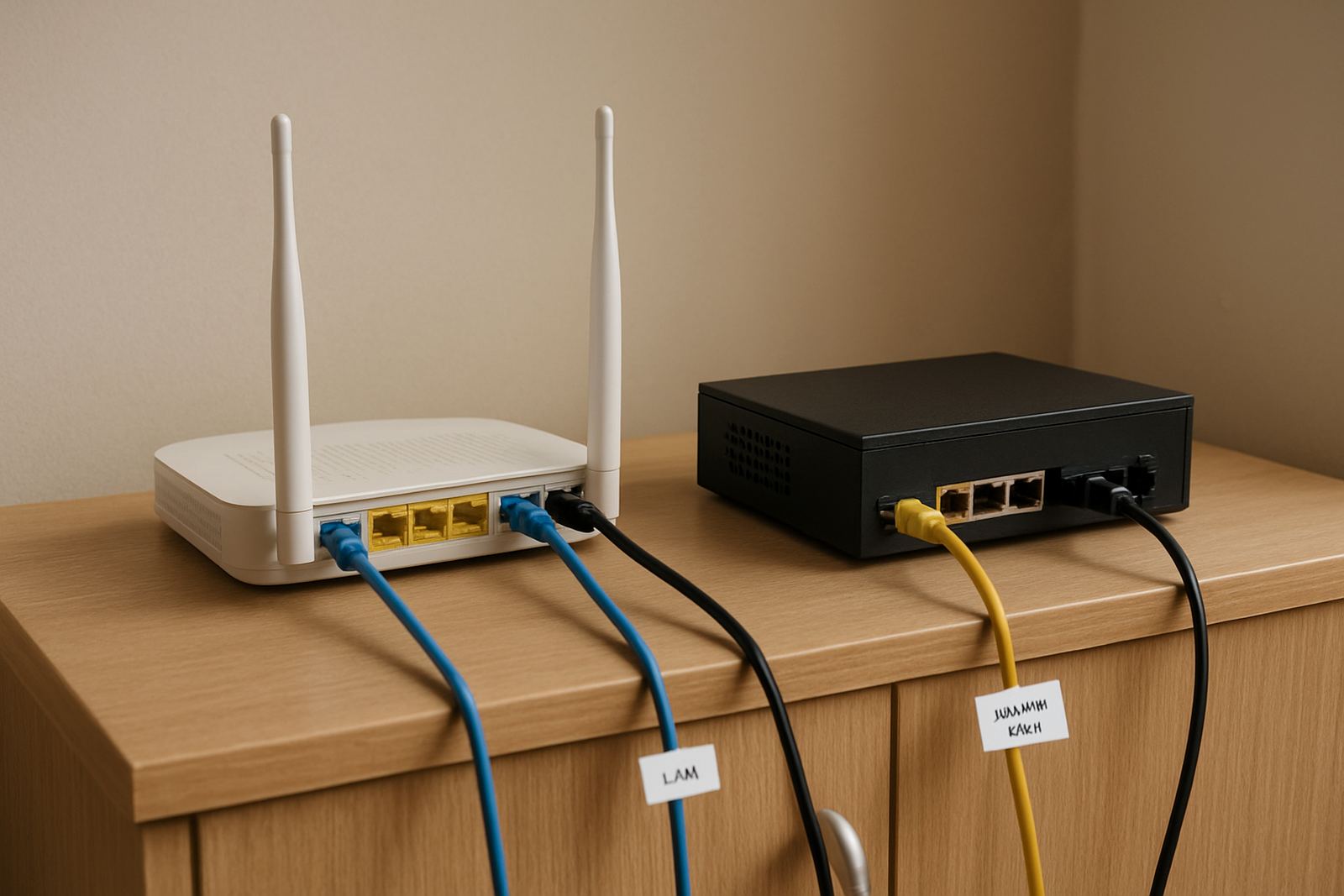
- Label every cable so future changes do not become guesswork.
Keep Support and Training in the Plan, Not as a Last-Minute Fix
Expansion is not only a technical project. It also changes who answers the phone, who monitors outages and who helps new staff get comfortable with the system. If the office grows quickly, training often gets skipped and people learn by asking the nearest colleague. That wastes time and can create avoidable mistakes with transfers, voicemail and call forwarding.
Ongoing support matters even more during the first few weeks after a move or fitout. There are always small issues, from a handset in the wrong room to a user who cannot find their voicemail. A proper support arrangement keeps those issues from slowing the whole office. It also helps when a storm, load-shedding or a municipal power interruption affects connectivity and staff need clear guidance quickly.
- Give each team a simple guide for transfers, voicemail and after-hours calls.
- Train reception and managers first, then the wider team.
- Keep support contact details visible during the first month.
- Review the setup after the move and adjust call flows if staff patterns change.