Why a visitor login should never touch your main office network
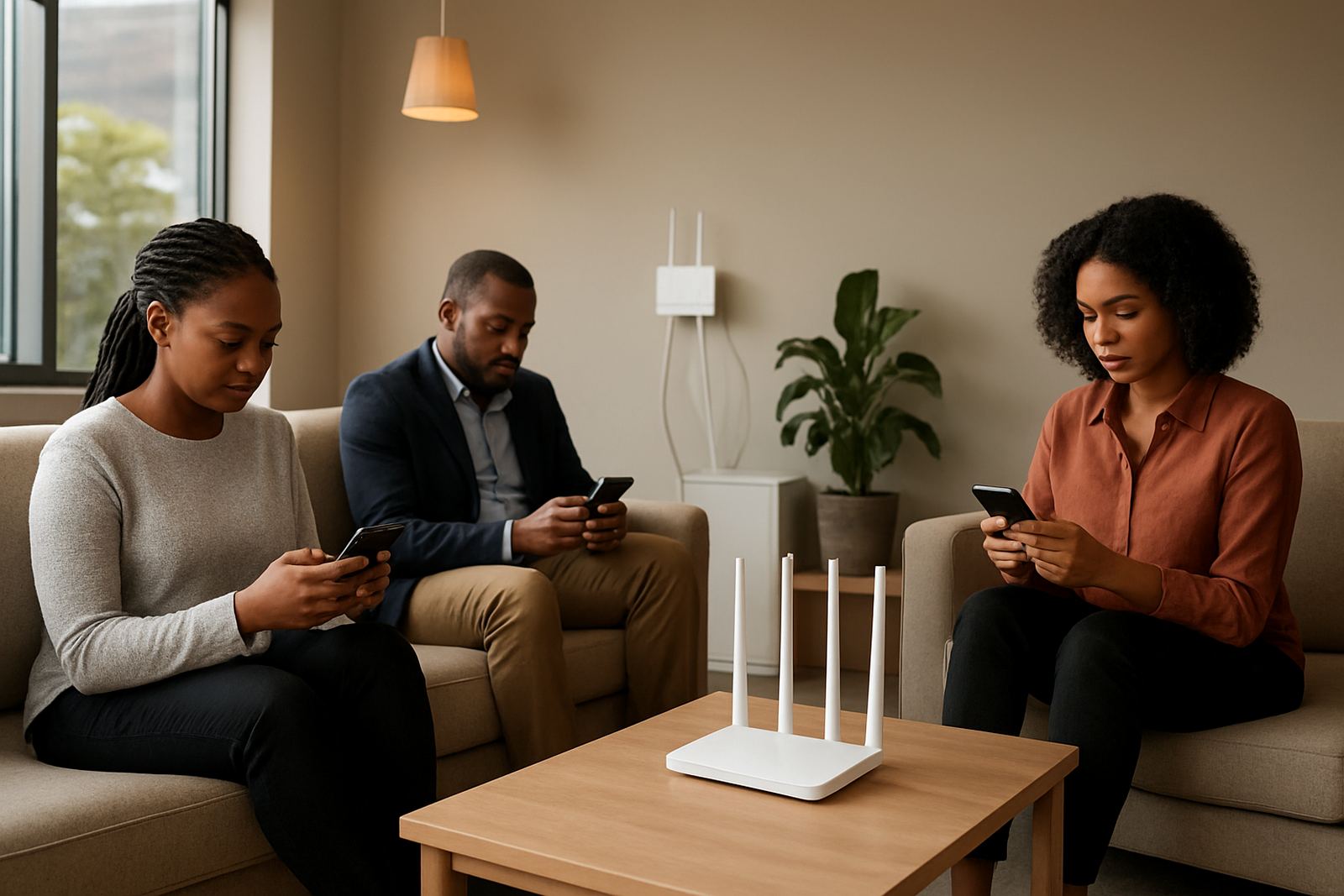
Many small offices in Cape Town and across South Africa still hand out one WiFi password to everyone. It feels convenient, but it means a visitor phone, laptop or tablet is on the same network as your accounting PC, network printer, point of sale device and file shares. If that device is infected, compromised or simply misused, the problem can spread fast.
Guest access should be separated because office WiFi is not only about internet access. It is also about who can see what on the network. A proper guest setup keeps visitors online while blocking access to staff systems, shared folders and any device that should stay private. That matters even more where offices rely on VoIP phones, cloud backup and remote support tools.
What happens when guest access is left open
An open or shared WiFi setup often causes problems before anyone notices. One staff member may give the password to a contractor, the contractor forwards it to a client, and suddenly half the building is using the same connection. Bandwidth drops, calls start to break up, and nobody can tell who is on the network. In some cases, printer settings change, streaming traffic slows work down, or a visitor device starts scanning other devices on the same subnet.
In offices using fibre and VoIP, this is more than an irritation. Voice calls need steady latency and packet handling. If guest traffic is chewing through the line, the receptionist hears echo or clipped audio and staff lose time repeating calls. In a small office, that can happen from one busy boardroom session or a couple of video meetings, so the separation has to be planned properly.
- Unknown devices can see internal resources if the network is flat.
- Guest traffic can eat into bandwidth needed for calls and cloud apps.
- Passwords get shared beyond the office, then nobody knows who has access.
- Support becomes harder because the source of the problem is unclear.
How proper guest WiFi is set up in a working office
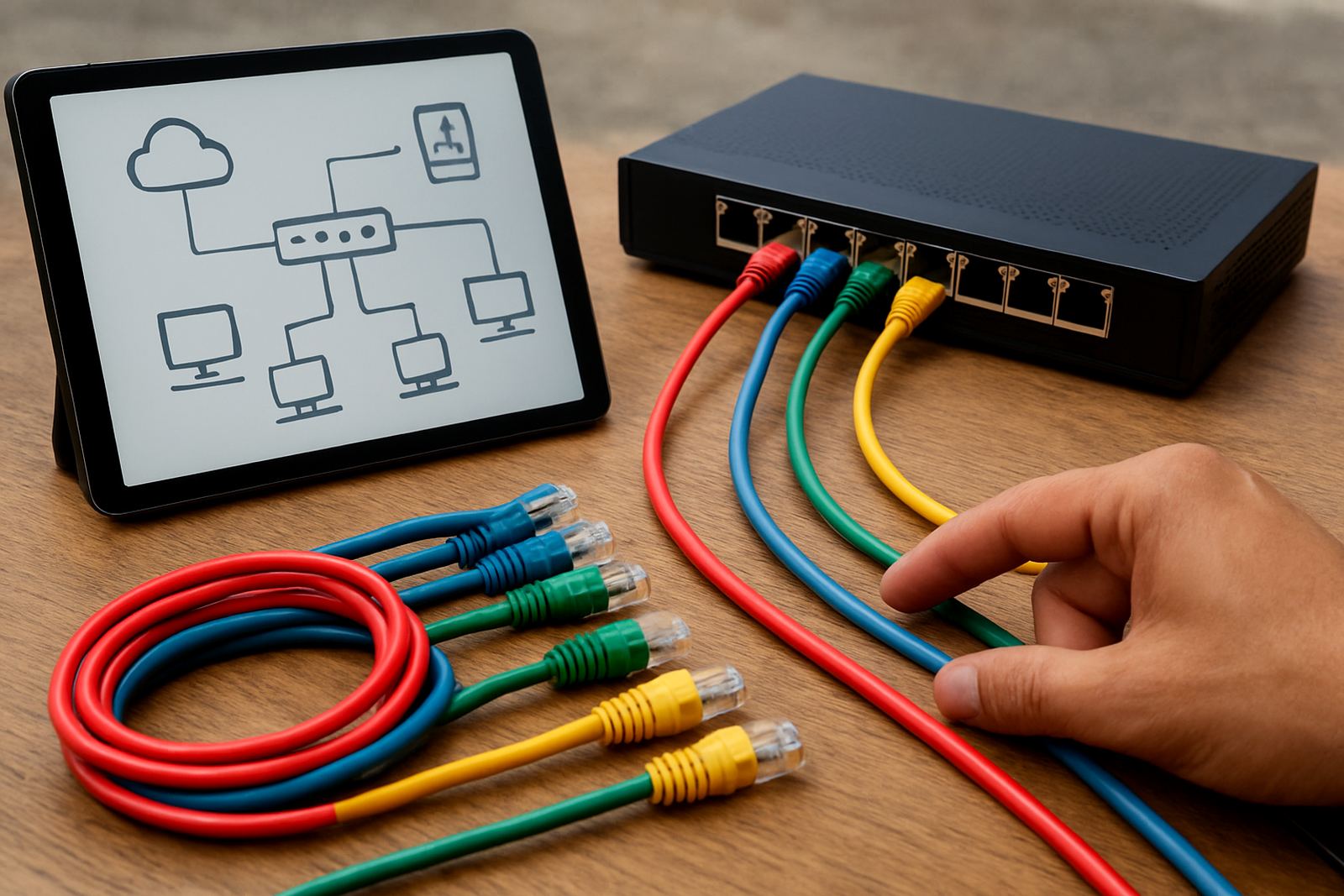
A good guest network is not just a second password. It is usually separated by VLANs or a dedicated access point profile, with firewall rules that block access to internal systems. Visitors should get internet only. Staff devices, printers, IP phones and servers stay on their own side. Where needed, the guest network can also be limited by time, speed or daily data use.
For many offices, that also means making the login simple. You want something a guest can use without phoning the front counter every ten minutes, but not so open that it becomes a free-for-all. The right balance is a portal, a voucher or a controlled password that can be changed often. If you are in a shared building or a retail park, you may also need to think about signal bleed through walls and who can connect from the next tenant’s parking lot.
- Separate guest users from staff on different network segments.
- Block access to printers, NAS units, cameras and VoIP equipment.
- Set a fair usage cap so visitors do not slow the office down.
- Change guest credentials regularly, especially after events or contractor visits.
Cape Town conditions that make guest security worth the effort
Cape Town offices face a few practical pressures that make guest network control worth doing properly. In Century City or Bellville, you might have tenants close together and devices picking up signals from nearby suites. In Somerset West or Paarl, a small office could have a long cable run, a separate storeroom or a reception area where visitors wait with their own phones. In Stellenbosch, many professional offices host students, consultants and short-term clients, which means more temporary users on the WiFi.
Then there is load-shedding. When power returns, many offices restart multiple devices at once and WiFi can get crowded with reconnections. If guest access is mixed with staff services, the network has extra work to do at the exact moment everyone wants to get back online. A clean separation helps keep staff systems steadier, especially where the fibre handoff, router and access points are all coming back up together.
Coastal humidity can also affect indoor networking gear over time, especially if equipment is tucked into a poorly ventilated cupboard near the kitchen or a sunlit window. That is not a guest WiFi issue on its own, but it is one more reason to keep the network simple, labelled and easy to manage.
A practical setup for small offices with fibre and VoIP
Guest WiFi in a small office should be built around the way the business actually works. A reception area with two consulting rooms does not need the same setup as a 20-person office with training sessions and regular visitors. The aim is to keep the internet available for guests while protecting the business tools that pay the bills.
In practice, this usually means pairing fibre installation with sensible WiFi design and network cabling. Access points should cover meeting rooms, reception and waiting areas without spilling too far into staff-only spaces. VoIP phones should have priority where possible, and internal devices should be mapped clearly so support can work quickly if something fails. It also helps to train staff on who can issue the guest login and when it should be changed.
- Use one guest login process for everyone at the office.
- Keep staff, phones and printers off the guest network.
- Label equipment and record which access point serves which area.
- Check coverage after office moves, furniture changes or wall additions.
When to get help with a guest network review
If your office already has fibre but guest WiFi feels messy, slow or too open, it is worth reviewing the setup. Warning signs include staff sharing one password with visitors, customers asking to reconnect every day, or calls dropping whenever the waiting room fills up. Another red flag is when no one can say which devices are connected or whether the guest network is actually isolated.
NewTel works with small offices in Cape Town, Century City, Bellville, Somerset West, Paarl and Stellenbosch, and supports fibre and VoIP offices nationwide. The team can help with fibre installation, VoIP deployment, network cabling, WiFi design, network monitoring and user training, plus after-hours support where needed. For a business that depends on calls and steady internet, guest access should be treated as a controlled service, not a spare password. Get it right and visitors stay online without exposing the rest of the office.
If you are planning an office relocation or tightening up an existing network, it is a good time to sort the guest side properly before small problems turn into daily interruptions.