Why a backup line matters before the outage happens
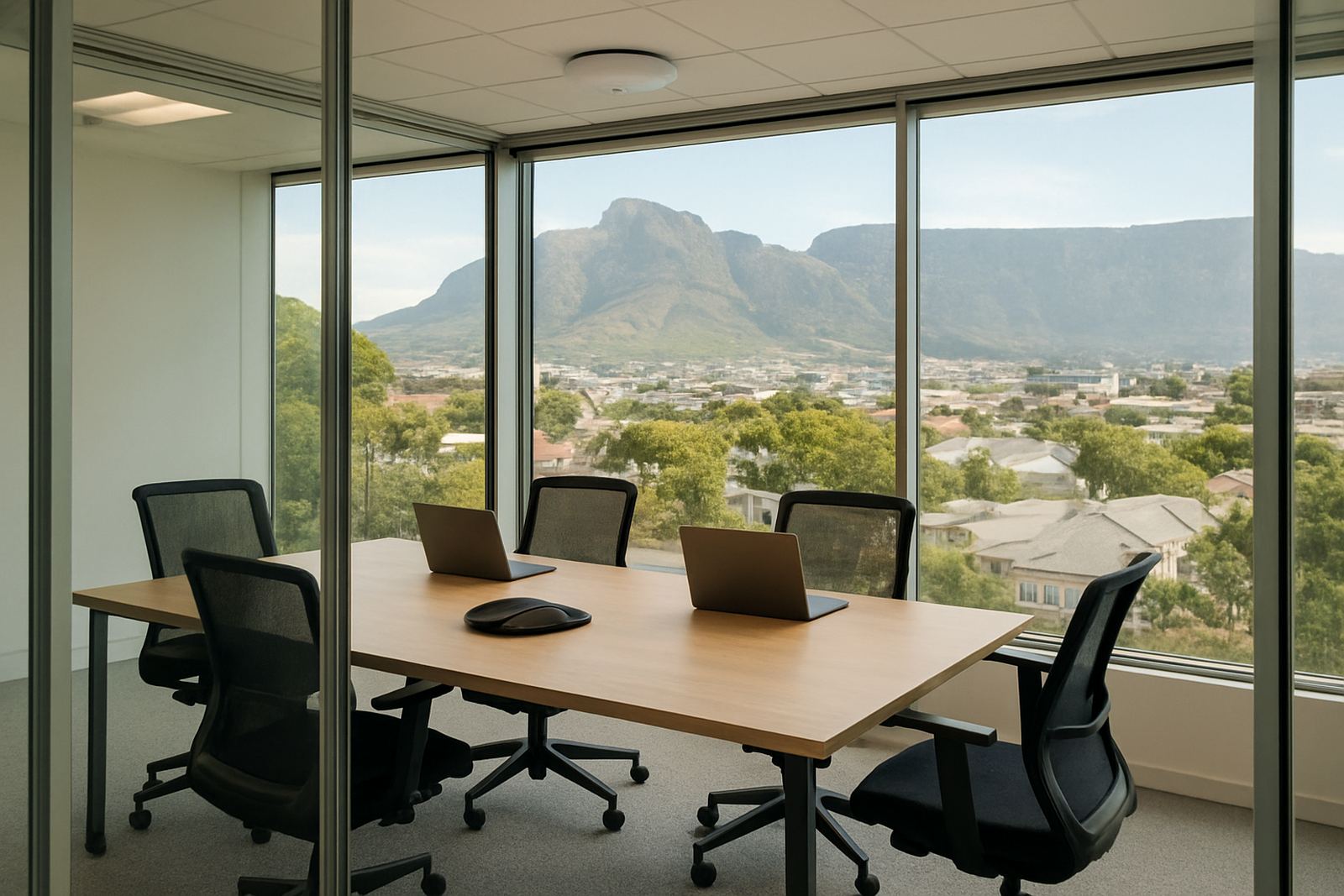
Losing connectivity in a small office is rarely just an inconvenience. One line can stop VoIP calls, freeze cloud accounting, delay quotations and block card machines, all in the same hour. In Cape Town, Bellville or Somerset West, a fault can come from street work, a cabinet issue, a damaged ONT, or simply a power cut at the wrong time. If the business has no backup, staff end up tethering to phones and waiting it out.
A backup plan is not only for large companies. A 5 to 15 person office can usually get by with a modest secondary link, as long as it is set up correctly and tested. The aim is not to match the main fibre line exactly, it is to keep the essentials running so the team can answer calls, send invoices and reach shared files without a scramble.
Many offices think of backup internet as an emergency extra, but it should really be part of the day to day setup. That means knowing what needs priority, who will switch over, and how long the office can work on reduced speed. If that is clear before the failure, the pressure drops straight away.
LTE failover for offices that need quick recovery
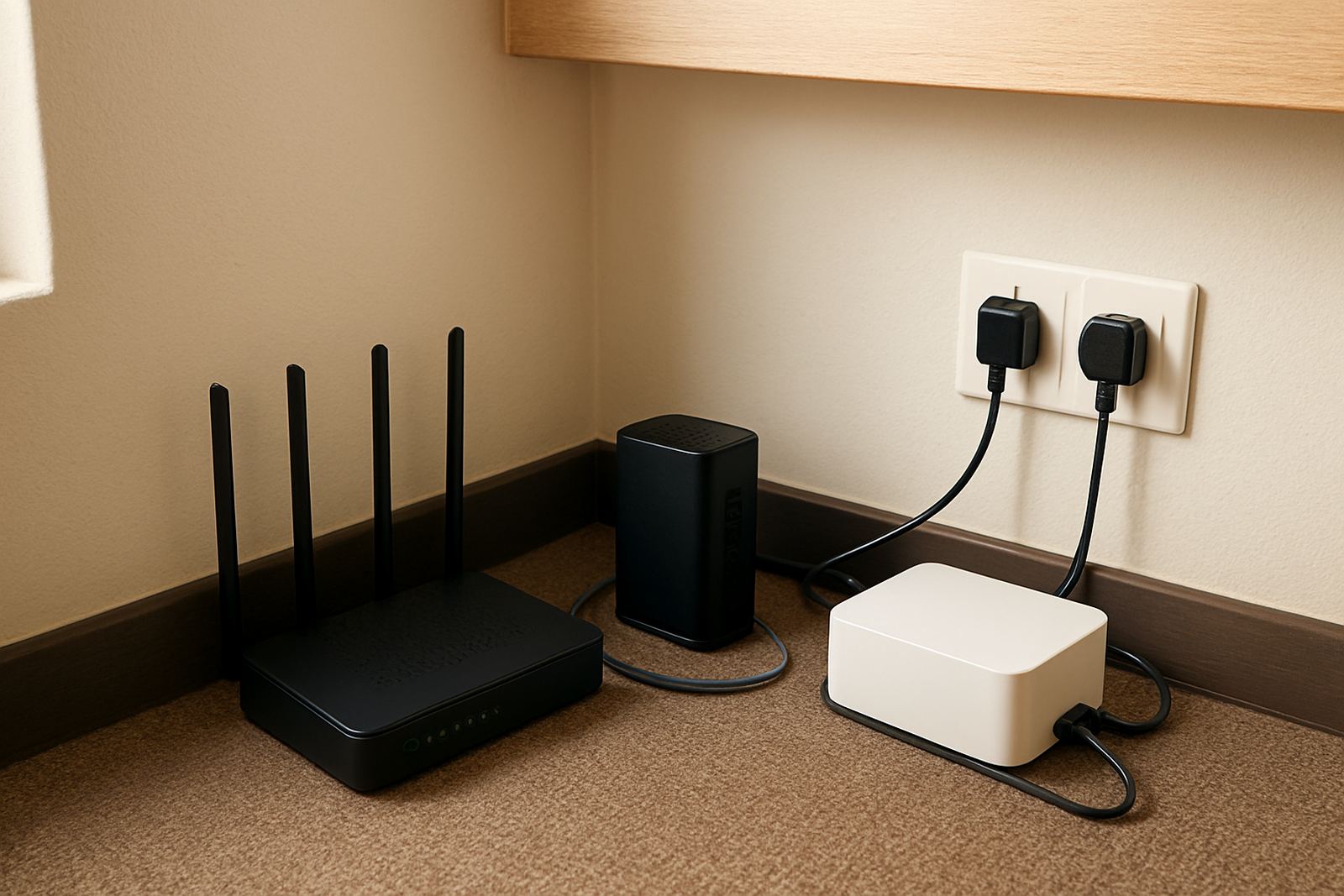
LTE failover is often the quickest and simplest option for a small office. A router with a SIM card can take over automatically when the main fibre drops, giving staff a temporary link while the fault is logged and repaired. It is a practical choice for offices in Century City, Paarl and parts of Stellenbosch where downtime must be kept short.
The main advantage is speed of recovery. There is no trenching, no waiting for a second line installation, and no major change to the office layout. For businesses that mainly use message, cloud documents, VoIP and WhatsApp Business, LTE can carry the load for a few hours or even a day, depending on usage. The catch is data costs and coverage. A backup SIM should be tested in the actual office, not just at the front door.
- Best for: small teams, reception counters, light cloud use and quick failover.
- Watch out for: weak signal indoors, data-heavy file transfers and poor antenna placement.
- Good practice: keep the router on UPS power so the backup still works during load shedding.
Dual fibre for offices that cannot afford a standstill
Where the office depends heavily on always-on connectivity, dual fibre makes more sense. This means keeping the main line and adding a second fibre circuit from a separate route or provider where possible. It costs more, but it gives better continuity for teams using VoIP, cloud servers, remote backups and large file syncing every day.
In a Cape Town office with ten people, dual fibre can be the difference between one person handling the interruption and the whole team stopping. The second line should not share the same point of failure if it can be avoided. If both links run through the same duct or the same building riser, the backup is weaker than it looks. Ask for a proper failover plan, not just a second account.
Dual fibre is also useful where the office serves clients all day and cannot make excuses for missed calls. A law practice, accounting firm or estate agency may not need massive speed on the backup line, but it does need steady access. The important thing is continuity, not headline speed.
Fixed wireless and 5G as a practical middle ground
Fixed wireless can work well where fibre installation is delayed or where the office wants a second path without another trench. It is often considered in industrial pockets, retail strips and mixed-use areas where line of sight and signal quality are decent. In some buildings it can be installed faster than a fibre backup, which helps when the current line is already unreliable.
Fixed wireless can be a practical middle option for a small office that needs something between LTE and a second fibre circuit. It can offer better stability than a mobile SIM alone, but it still needs proper placement and testing. Roof access, mounting points and nearby interference all matter. In coastal areas like Bellville and Somerset West, salt air and wind can also affect external equipment over time, so regular checks matter.
- Check signal strength from the exact office position.
- Use weatherproof equipment if anything sits outside.
- Ask how the service behaves after load shedding, not only during normal hours.
- Keep the fallback plan simple enough for staff to use without help.
How voice services should behave when the line fails
If the office uses VoIP, backup internet planning must include calling. A data link on its own is not enough if the phones stop ringing. The right setup should route calls to mobiles, alternate extensions or a call queue that still works on the backup connection. Number porting must also be handled carefully so clients do not reach dead air during the changeover.
NewTel often finds that offices in Cape Town are less worried about internet speed than about missed calls. That makes sense. A slow backup line is still useful if it keeps the phones live and the receptionist online. It is better to send a few larger files later than to lose a booking enquiry or miss a supplier callback. In practice, the office needs a clear order of priority: calls first, then message, then everything else.
Training helps here. Staff should know which devices stay on, which apps can wait, and who to phone if the primary link does not return. A short run sheet posted near the router and call manager can save a lot of confusion.
Choosing the right mix for your office size and area
The best backup internet option depends on how the office works and where it is based. A small team in Century City may get by with LTE failover and UPS power. A busy office in Bellville or Stellenbosch with constant voice traffic might need dual fibre or fibre plus fixed wireless. If the business is in Somerset West or Paarl, the building layout and signal conditions can shape the choice just as much as the budget.
There are a few practical questions to ask before deciding:
- How many people need to stay connected during a fault?
- Which tools must keep working, and which can pause for an hour?
- Is the office on a generator or UPS during load shedding?
- Does the building allow roof access, new cabling or an extra termination point?
- What is the cost of one hour offline compared with the monthly backup fee?
The honest answer is usually not the cheapest option, but the one that matches the real risk. A business that only loses a bit of browsing time can keep things lean. A business that loses calls, payments and client access needs more care. It is worth getting that balance right the first time, because the wrong choice can cost more than the monthly saving.
A local example from a Cape Town office block
A small recruitment office in Century City had one fibre line and no fallback. When a street fault cut service on a Wednesday morning, the team could not take calls, send contracts or reach shared folders. After the second incident in one month, they changed the setup to fibre with LTE failover, plus UPS backup for the router and switch. The switch-over now happens by itself, and the staff keep working while the main line is repaired.
What changed most was not the speed of the backup, but the calm in the office. The receptionist could still answer the phone, the consultants could still log into message, and the manager had time to speak to clients instead of apologising all morning. That is the real value of backup internet: it buys time, and time keeps the office open.
For small businesses across Cape Town, that can make the difference between a bad morning and a lost day.