Why a short session saves hours later
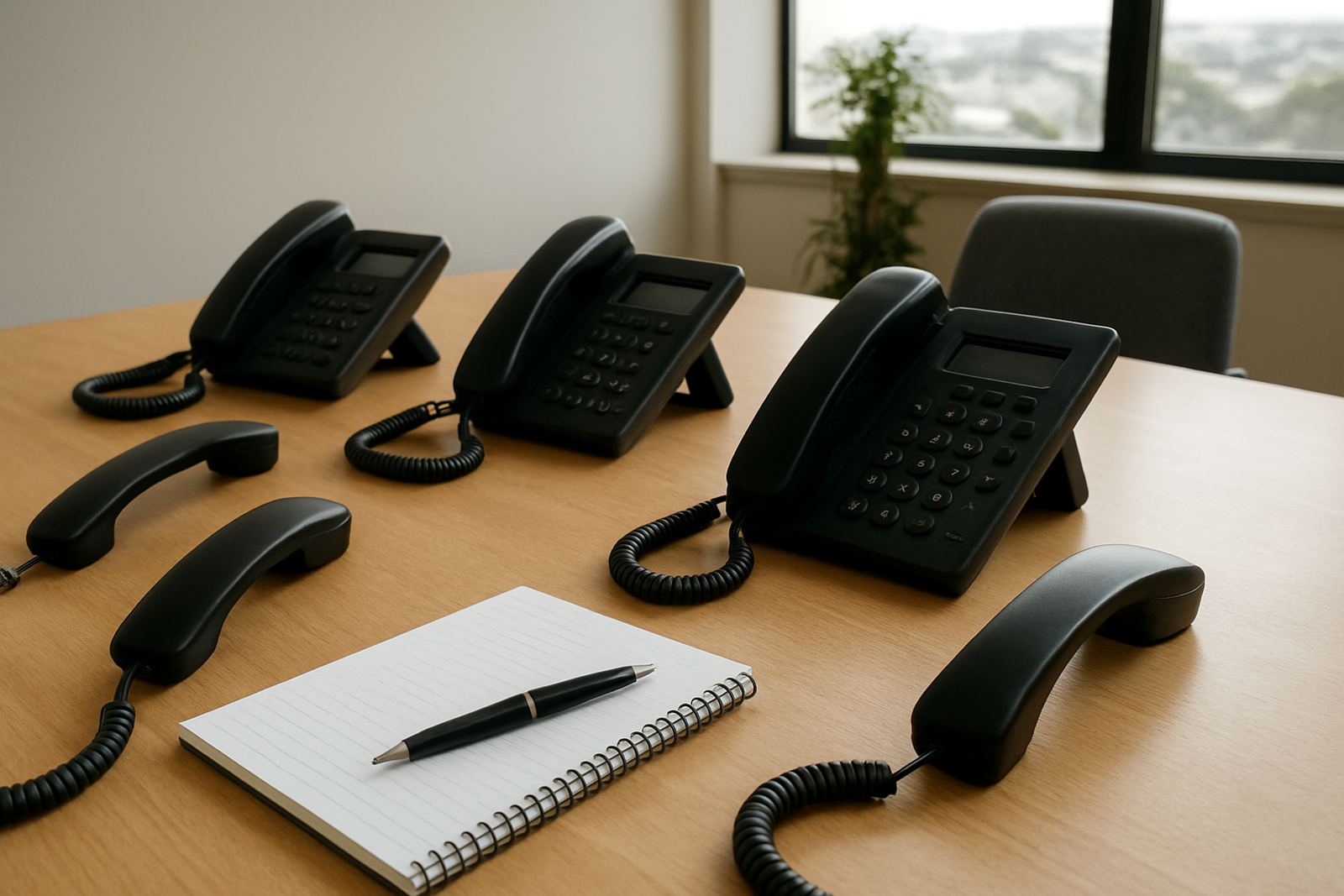
When a team gets new VoIP phones or a fresh call setup, the first week usually decides whether the change feels useful or frustrating. A 30 to 60 minute training session gives staff the basics they need before the first busy Monday morning, which means fewer repeated questions and fewer calls to support.
In a small office, one person not knowing how to transfer a call, put it on hold or check voicemail can slow everyone down. A little training also helps avoid the small errors that add up, such as calls going to the wrong extension or the receptionist having to redo the same steps all day.
- Explain the main buttons on the handset or softphone
- Show how to transfer, park and forward calls
- Cover voicemail, missed calls and call logs
- Set clear rules for after-hours handling
What staff actually need to know
Good training is not about technical theory. It should focus on the daily tasks that staff use from the first hour to the last. That includes making outgoing calls, answering incoming calls, using speaker mode, checking extensions and handling transfers without cutting the caller off.
For offices in Cape Town, Bellville or Somerset West, where teams often juggle client calls, deliveries and site visits, the value lies in speed. People do not need a long manual. They need a simple process they can remember when the phone rings and a client is waiting on the line. A clear cheat sheet on the wall or near the handset can help as well, especially for new staff or temp cover.
- Basic call handling steps
- How to use voicemail and voicemail-to-message
- How to find internal contacts quickly
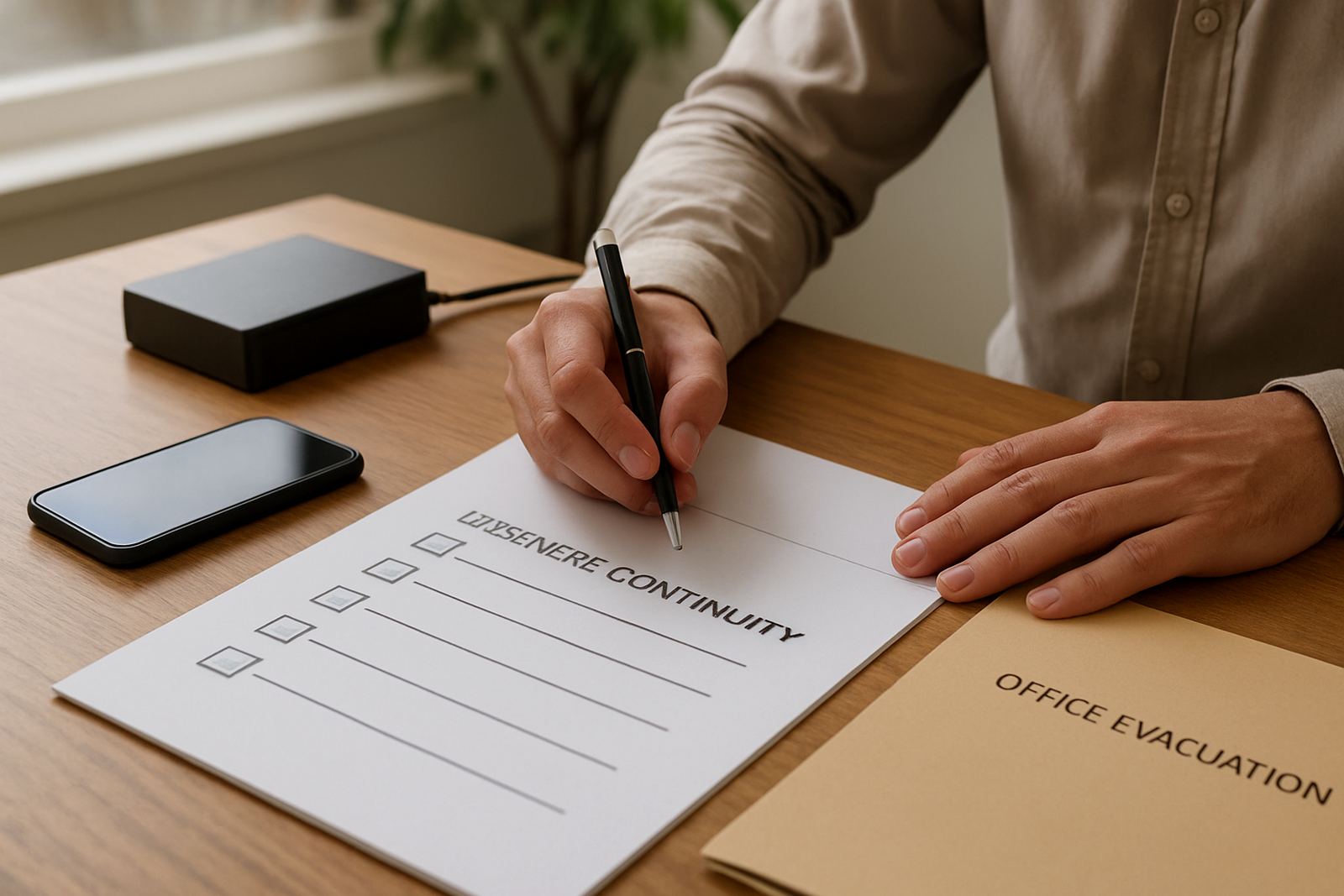
- What to do when the internet is slow or power cuts happen
A Cape Town front-desk setup that shows the impact
Take a four-person office in Century City with a receptionist, two account managers and a field technician. Before training, every transfer needed a shouted question across the room and the receptionist was not sure how to handle calls during load-shedding. After one focused session, the team knew which calls could move straight to mobile, how to use headset mode and how to keep the office line active when the fibre stayed up on backup power.
What changed was not flashy, but it made daily office calls and support far easier to manage. Fewer missed calls, less confusion and a better experience for clients. In a business where first impressions count, that sort of change matters. It also means the support team spends less time repeating the same answers and more time solving real problems.
Training reduces pressure on support and managers
When staff are not trained, the same questions come up again and again. How do I transfer to another extension? Why is this phone not ringing? How do I forward calls when I leave early? Each one is small on its own, but together they can take up a lot of time.
A proper session reduces that pressure. Managers do not have to stand over every user, and the support team can focus on network checks, line quality and the bigger issues. It also helps new staff settle in faster, which is useful in offices with regular rotation or seasonal help. A well-trained team usually picks things up quicker and makes fewer avoidable mistakes.
- Less time spent on repeat questions
- Faster onboarding for new staff
- Better use of call features already included
- Fewer support tickets for simple user errors
Training should match the office, not the manual
A good training session reflects the way the office really works. A legal firm in Stellenbosch may need call handling rules for reception and confidential lines. A small logistics office in Paarl may care more about shared extensions and mobile forwarding. A Somerset West team might want to know how to manage calls during power interruptions and how to keep the line of communication open when staff move between the office and the road.
That is why local context matters. The right session should cover the building layout, the internet setup, the number of users and the way calls are routed. It should also leave room for questions, because people often only realise what they need once they start using the system. A little hands-on practice works far better than a long explanation with no follow-up.
What a useful session usually includes
For most small offices, one short training visit is enough to get everyone moving in the right direction. The best sessions are practical, calm and focused on the people in the room. They should end with staff feeling comfortable, not overloaded.
- Walkthrough of phones, headsets or desktop calling apps
- Testing incoming and outgoing calls
- Transfer and voicemail practice
- After-hours call rules and emergency numbers
- Quick notes for future reference
It helps if the trainer also checks the basics around the office, such as network cabling, WiFi handover points and where the backup power sits. In some buildings, the issue is not the phone system at all but a weak wireless area or an extension that was not labelled clearly. Sorting those details early avoids confusion later on, and the office runs smoother.
Make adoption easier from day one
User training is one of the simplest ways to get value from new calling tools. It shortens the adjustment period, builds confidence and helps the whole office use the system properly instead of only a few people. For small businesses, that can make the difference between a tool that sits half-used and one that supports daily work from the start.
When staff know what to do, they sound more confident on calls, handle busy periods better and waste less time asking for help. That is good for clients too. In a place like Cape Town, where offices often run on tight schedules and mixed connectivity conditions, a short session is not an extra nice-to-have, it is part of getting the basics right.