Start with the room, not the call
Poor meeting audio usually starts in the room. Hard walls, glass fronts, tiled floors and bare ceilings bounce sound around, so even a good speakerphone can struggle. In many Cape Town offices, especially in Century City and Bellville, the problem is not the internet connection first, it is the space itself. A long, echoing room with a noisy aircon will make voices harder to follow than a smaller room with proper treatment.
Keep the meeting table away from corners and reflective surfaces where possible. Close windows if traffic or wind noise is coming through, and check that aircon units are not blowing straight across a microphone. If you use a boardroom for both calls and in person meetings, simple soft furnishings can make a difference. Curtains, carpet tiles and even a few acoustic panels reduce the sharp echo that makes people repeat themselves.
Choose the right microphone setup for the number of people
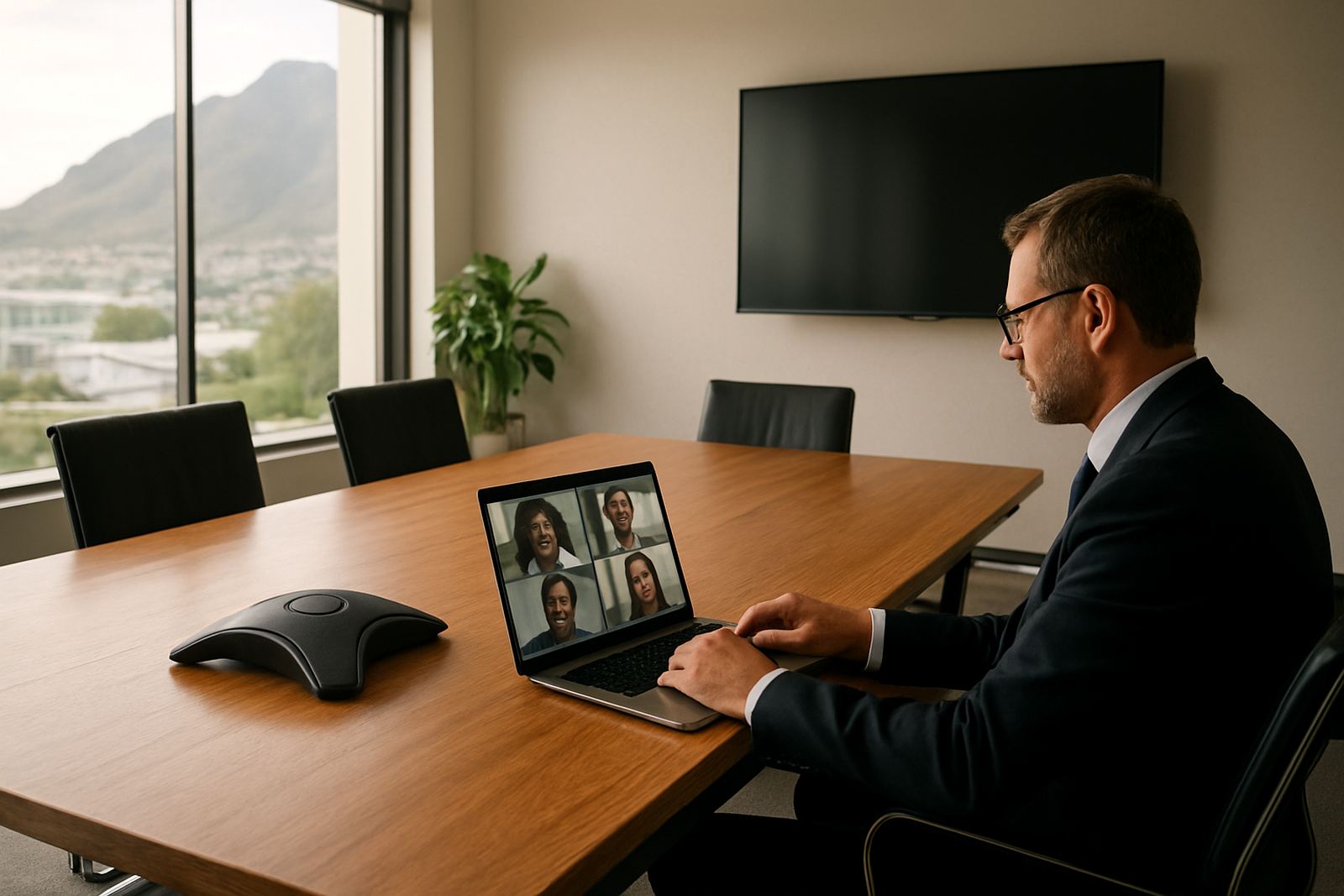
One handset on the table is rarely enough for six or more people. The goal is to pick up voices evenly, not to make everyone lean forward. For a small office in Somerset West or Paarl, a single quality speakerphone may handle a four person call well. For a larger room, use a microphone system that covers the full table or multiple pickup points. If the room has a central table, place equipment where voices will naturally reach it, not at the far end near the screen.
As a rule, the more movement in the room, the more important microphone placement becomes. Staff standing at a whiteboard, shifting between laptops and notebooks, or joining from the side of the room will be missed if the pickup is too narrow. Test the setup with one person speaking quietly from each seat. If the remote side says they miss half the words, the room needs a better layout.
- Use a wired microphone when the room is fixed and the table layout does not change.
- Use a wireless or portable unit when the room is shared for different meeting sizes.
- Keep microphone cables tidy to avoid accidental unplugging during calls.
- Check mute buttons before every meeting, because that one mistake can waste 10 minutes fast.
Treat fibre as the starting point for call quality
High-quality voice traffic needs steady connectivity. Fibre helps because it gives offices a stable base for voice, video and cloud tools, which matters when several people are online at once. In a small office, one heavy download or backup can still affect call quality if the network is not managed properly. That is why fibre installation, proper router setup and sensible traffic control all matter together.
For offices in Cape Town or Stellenbosch, fibre is usually the right fit where staff rely on conference calls, cloud phones and regular video meetings. If your team experiences dropouts, crackling audio or delayed speech, the issue may be local WiFi rather than the fibre line itself. A clean fibre handoff, proper network cabling and good WiFi design inside the office are what keep the connection steady once it reaches the counters, meeting room and reception area.
During load-shedding, call quality can also be affected by power issues rather than the line. Routers, switches and network points should stay on backup power where possible. A short outage should not take the whole phone system with it if the office has planned for it properly.
Keep VoIP settings simple and consistent
VoIP systems can sound excellent, but only when they are set up properly and kept consistent. Staff should not be changing audio devices in the middle of a meeting or using different apps on each laptop without a clear standard. When one person is on a laptop mic, another on a handset and a third using a speaker in a noisy room, the meeting becomes harder to manage for everyone.
Set a standard approach for office calls. For example, use the same headsets, the same ring volumes and the same login method for everyone who takes calls often. Porting existing numbers can also help if you want to keep your main business line but move it onto a better voice system. That avoids confusion for clients who already know the office number and keeps the process tidy for reception and support teams.
- Test echo cancellation before the first big client call.
- Use headsets for open-plan offices where background noise is constant.
- Assign separate call rules for reception, sales and after-hours support.
- Make sure voicemail is clear and short, with the office name and callback instructions.
Train people to speak for the microphone, not just the room
Even the best equipment cannot fix bad call habits. People often turn their heads while speaking, talk over one another or read from a screen in a flat voice. Simple user training helps staff understand how to speak clearly on hybrid calls. Encourage people to face the microphone, pause before responding and avoid paper shuffling near the pickup point.
A local example is a small professional office in Bellville that runs weekly client update meetings with two staff in the room and three joining remotely. Once they changed the setup, they asked everyone to join the call five minutes early, tested audio before the client arrived and kept the room door closed. The result was less repetition, fewer complaints about background noise and a better pace to the meeting. It was a simple change for that Bellville office, but it made their client meetings run properly.
For offices with rotating teams or new staff, short refresher training is worth it. It helps people understand what to do if the sound dips, who to call for support and how to switch to a backup line if needed. A little structure saves a lot of time.
Plan for relocations, support and the odd after-hours call
Many sound problems show up when an office moves, grows or changes floor layout. If you are relocating within Century City, Stellenbosch or Somerset West, the meeting room should be part of the move plan, not an afterthought. Network cabling, phone points, WiFi coverage and the position of conference equipment all need to be checked before the first client call from the new space.
It also helps to have a support team that can assist after hours when a boardroom system fails before an early morning meeting. A missed connection at 07:30 can affect a proposal, a supplier briefing or a staff update. Regular network monitoring, phone system support and quick fault reporting keep these issues from dragging on. Leaving it unattended can disrupt the day before it starts.
NewTel works with small offices across Cape Town and nationwide, helping with fibre installation, VoIP deployment, number porting, WiFi design, cabling and user training. For offices that rely on calls to keep business moving, the right setup means fewer repeats, fewer dropouts and a better meeting flow. It is simple really, if people can hear one another clearly, they can get on with the work.