Why a few minutes offline can cost a full morning
Uptime in a small office is about more than keeping the WiFi icon full. If your team handles quotations, client calls, cloud accounts or remote work, even a short outage can delay invoices, miss bookings and leave staff waiting on each other. In Cape Town and nearby business areas, one interruption can ripple through the whole day, especially where teams depend on VoIP phones and shared online systems.
It is also worth separating an internet problem from an internal office problem. A line fault, a failing router, poor WiFi coverage and loose network cabling all feel the same to staff but the fix is different. That is why uptime starts with looking at the full path from the fibre handover point to each phone, laptop and printer.
Start with the fibre line, then check the handover point
Most uptime trouble begins at the point where the service enters the building. If the fibre cable is bent too tightly, exposed to moisture or knocked during cleaning, the line may become unstable. In Century City offices, for example, technicians often find problems in shared risers, patch panels or cupboards where several services are crowded together and heat builds up.
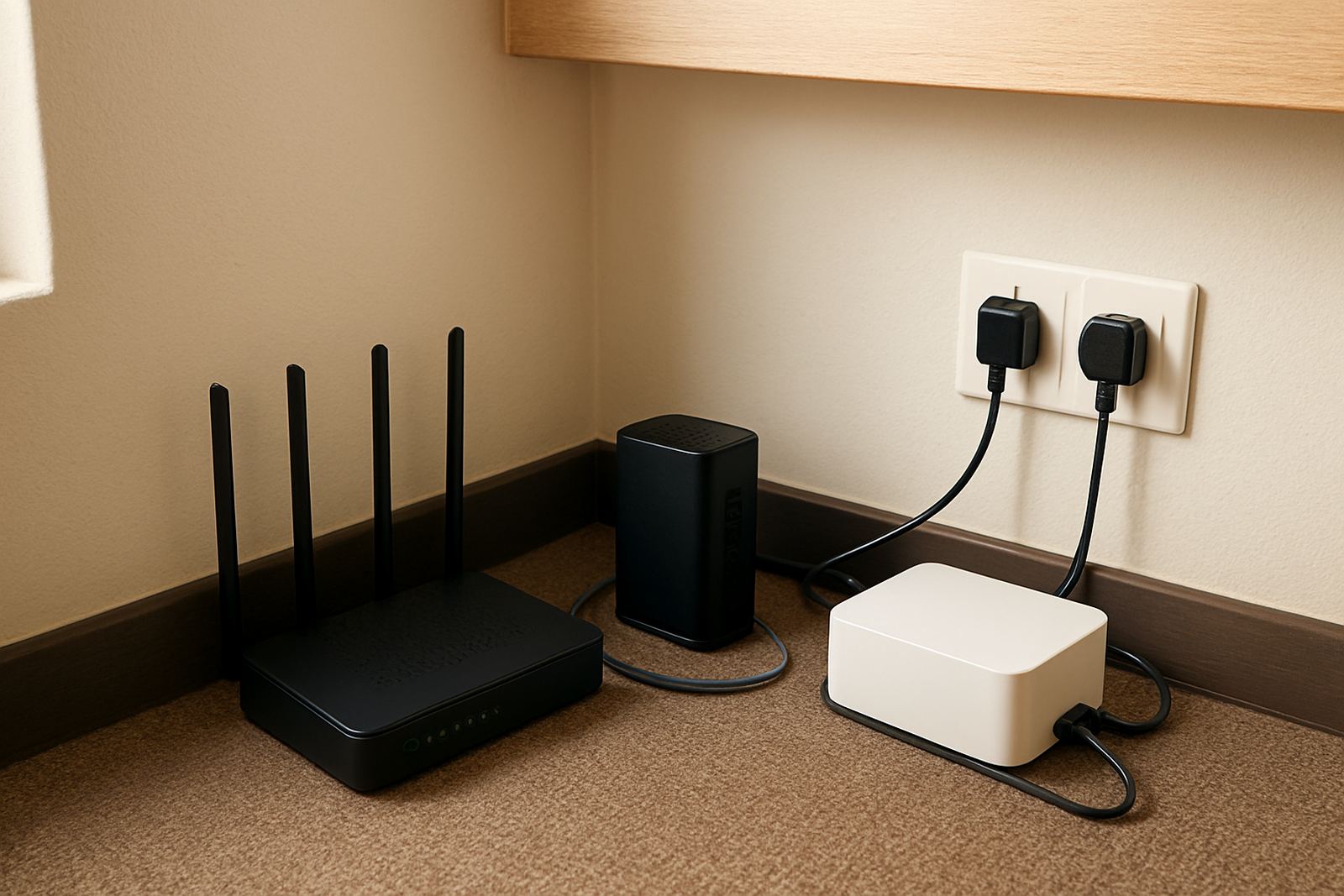
A clean installation makes a real difference. Keep the handover point labelled, the power supply protected and the router in a cool spot with enough airflow. If the office sits near the coast in places like Somerset West or Stellenbosch, humidity can affect loose joints and old connectors, so it helps to inspect terminations more than once a year.
- Keep fibre equipment away from water, sun and heavy foot traffic.
- Label every cable so faults can be traced quickly.
- Use proper mounting and tidy routing, not cables hanging loose.
- Ask for a check after any office move or renovation.
VoIP only works well when the network is planned properly
VoIP phone systems are reliable when the network is built for voice traffic. If calls share bandwidth with large downloads, cloud backups or video meetings on an unmanaged network, voices can break up or lag. That is why small offices should treat call quality as a network design issue, not just a phone issue.
Good WiFi design matters too, especially in offices with meeting rooms, glass walls or split levels. A single router in a corner may cover the space on paper but still leave dead zones where calls drop. Proper access point placement, channel planning and signal testing are practical fixes. Nadia Petersen and the support team often see that once the wireless layout is sorted, staff stop blaming the phones for problems that were actually caused by poor coverage.
- Separate guest WiFi from office devices where possible.
- Prioritise voice traffic if the network equipment allows it.
- Test call quality at reception, in meeting rooms and at the furthest work area.
- Review usage when the team grows, because yesterday's setup may not fit today's headcount.
Power cuts are not the only risk during load-shedding
Many offices think of load-shedding as the main cause of downtime, but power cuts often expose other weak points. When routers reboot, battery backups are poorly sized, or network gear is on the same circuit as heavy equipment, the office may not come back cleanly after the lights return. A short outage can become a longer one if the system needs manual resets or someone has to drive in and check every unit.
It helps to map what must stay on during a cut. For a small office, this usually includes fibre termination equipment, the router, a switch for phones and the main WiFi access points. If the battery backup is too small, the phones may survive but the internet will still fall over. Some offices also forget that a crowded power board can cause its own trip, so the load needs to be spread properly.
What to do before an office relocation or expansion
Office moves are one of the easiest ways to lose uptime. A new site may look ready, but the internet line can take time to install, the cabling may not reach every room and the number porting process can cause delays if it is rushed. That is why relocations should be planned with both the network and the phone system in mind.
Before moving, make a simple checklist and assign one person to each task. Themba Dlamini and the technical support team often advise businesses to test connectivity at the new address before the move date where possible. If the office is expanding into Paarl or Bellville, check whether the building allows the right cable routes, whether there is space for network gear and whether the landlord has any rules about alterations. A small amount of planning saves a lot of after-hours stress, and it is cheaper than sending staff home because calls and internet are not ready.
- Confirm fibre lead times well before the move date.
- Port numbers in good time so client calls keep flowing.
- Label the old and new network points clearly.
- Test internet, WiFi and phones in the new space before staff arrive.
Monitoring and support should catch faults before staff do
Good uptime is not only about installation day. It also depends on how quickly faults are noticed and handled. Monitoring can flag line drops, packet loss or equipment failures before staff start logging repeated complaints. For a small office, that early warning can be the difference between a quick reset and a full day of disruption.
Support after hours matters as well because many faults do not happen neatly between 8 and 5. A line may fail after a storm, or a router can stop responding late on a Friday. If the support process is clear, the office is less likely to waste time guessing who should respond. Zanele Jacobs and the customer success team usually see that once businesses know who to call and what details to provide, faults get resolved faster. It sounds basic, but it saves time.
A Cape Town example: one office, two simple fixes
A small professional office in Cape Town had recurring call dropouts and slow file access every afternoon. The team assumed the fibre line was unstable, but the real issue was a mix of weak WiFi coverage and a network cabinet placed in a hot storeroom. Once the access points were repositioned and the cabinet moved to a better ventilated area, the complaints dropped sharply. The internet package had not changed, but the office experience did.
That is the point of uptime work. You do not always need a bigger service, you need a cleaner setup. For many small businesses, the best gains come from the basics: proper cabling, sensible WiFi design, a backup power plan and support when a fault appears. Do those things well and the office runs with fewer interruptions, even when the weather, the grid or the workload does not cooperate.