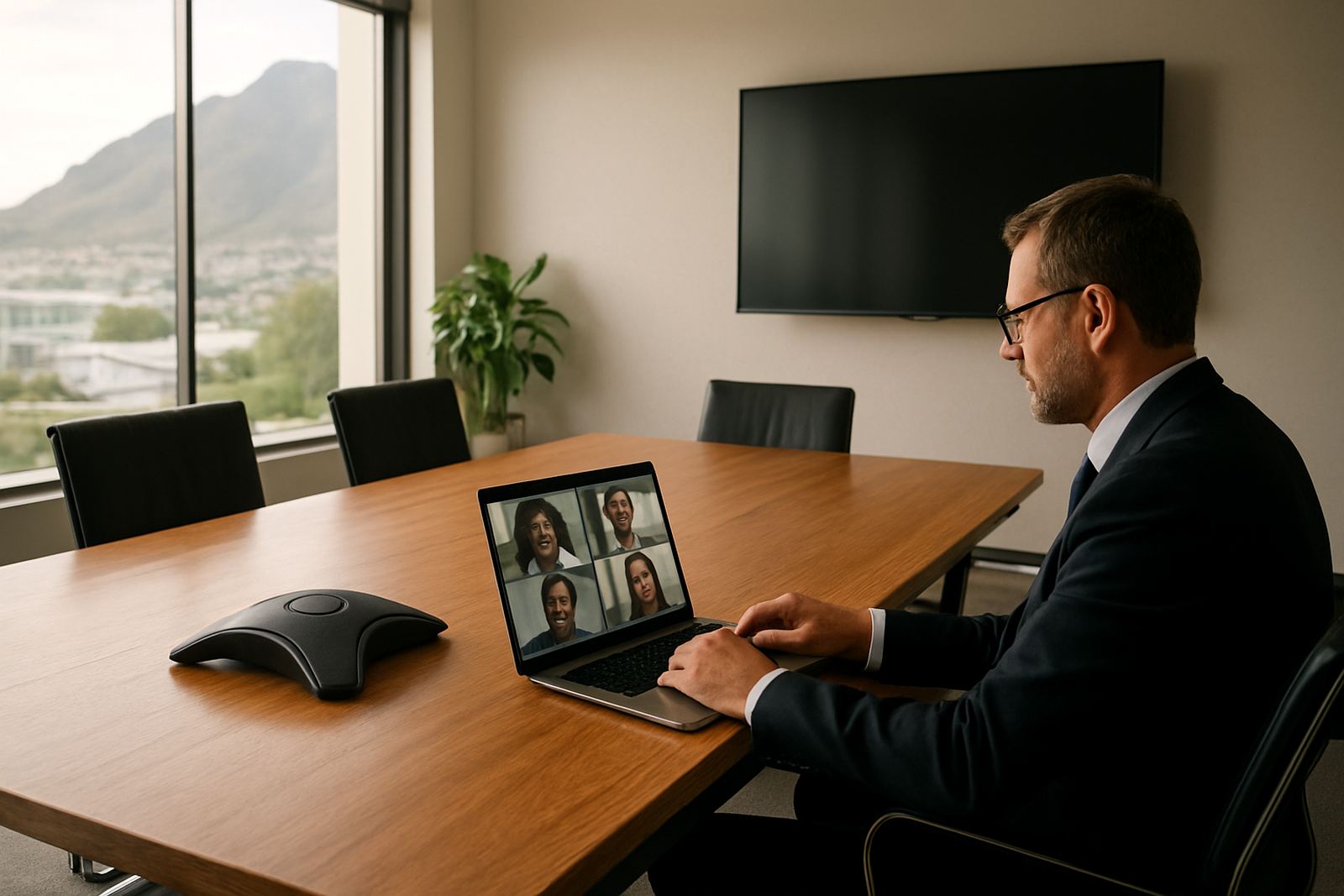
Why the office extension still matters when staff leave the building
Many small businesses assume remote work means handing out personal numbers and hoping for the best. That usually leads to missed calls, mixed-up messages and a poor customer experience. An office extension keeps each person tied to the business phone system, even when they are at home, at a client site or between meetings in town.
For a Cape Town office, that matters during school-run traffic, load-shedding and the odd day when staff have to work from Stellenbosch, Bellville or Somerset West instead of Century City. A caller should still be able to reach reception, sales, accounts or support through the same main number. The person answering can be anywhere with a stable connection and the right setup.
With VoIP, the extension follows the user rather than the handset. That means less disruption when someone is out on the road, and less pressure on the receptionist to act as a human forwarding service. It also keeps business records cleaner because calls can be routed, monitored and reported in one place.
- Keep one office number for the public.
- Route calls to the right extension, even off site.
- Use call logs and voicemail to track missed calls.
- Separate work numbers from private mobile numbers.
How remote calling works in practical terms
A remote extension can run through a softphone app, a desktop client or a VoIP handset at home. The important part is not the device, but the connection and the call rules behind it. When a client dials the office, the system can ring one person, a small group, or move through a queue until someone answers.
For most small offices, the simplest setup is to link the main business number to several extensions and allow staff to answer on approved devices. If a consultant is onsite in Paarl and a technician is working from a home office in Bellville, both can still be part of the same calling plan. Voice quality depends on decent fibre, sensible WiFi design and enough bandwidth for the number of calls in use at once.
It helps to test the basics before rolling out remote calling company-wide. Check upload speed, audio quality and whether the router or WiFi coverage drops during heavy use. In coastal areas like Cape Town, humidity and old cabling can also affect equipment over time, so it is worth keeping the setup tidy and properly installed.
- Test call quality on fibre, not only mobile data.
- Use headsets for clearer audio and less background noise.
- Keep a backup power plan for routers and switches.
- Review extension permissions for managers and staff separately.
What to set up before staff start working remotely
A remote calling plan should not begin with guesswork. First, decide who needs an extension, who needs a direct number, and who can work through a shared line. Some roles need more privacy, while others need easy transfer between team members. A finance person, for example, may need quieter call handling than a sales rep.
The next step is to sort out number porting if the business wants to keep an existing number. That is often the part people leave too late, then the move becomes messy. It is also the right time to check WiFi design, network cabling and whether the office relocation plan includes re-assigning phones, headsets and routers. If the team is split between office and home, make sure the same rules apply to both so support does not become confusing.
Training matters too. Staff should know how to log in, forward calls, change voicemail greetings and switch between office and remote profiles. Even a simple 20 minute session can save a lot of calls later. And if people are still unsure, after-hours support can make a big difference when someone is stuck before an important client call.
A local Cape Town example: one number, three work locations
Take a small professional office in Century City with staff in the office, one consultant in Somerset West and another in Paarl. Before the change, callers often ended up phoning three different mobiles and leaving messages in the wrong place. After setting up office extensions, the business kept one main number and routed calls by department and availability.
The receptionist could see who was online, who was on a call and who had stepped out. The consultant in Somerset West answered from a home office on fibre, while the Paarl team member used a softphone on a laptop during the week and a handset in the office on Fridays. When load-shedding hit, the business stayed reachable because the router and switch were on backup power.
That kind of arrangement suits a lot of small South African businesses. It cuts down on repeated calls, keeps customers informed, and makes it easier for staff to work from where they are most productive. It also helps during office relocations, because the call system can move with the business if the phones, lines and network are planned properly.
Keeping quality high when people answer from home
Remote calling only works well if the audio is clear and delays are low. A weak WiFi signal, a crowded network or poor cabling can make even a basic call sound rough. In homes and smaller offices, a dedicated work area with a stable connection is far better than relying on a shared household network full of streaming, gaming and video calls.
It is also worth monitoring the call pattern over time. If the same user keeps dropping calls, the issue may be the headset, the router, or the line profile rather than the phone system itself. Network monitoring helps spot those patterns before customers start complaining. For offices in coastal areas, equipment should be checked for dust, moisture and heat, especially where the setup sits near windows or in cupboards.
Useful habits for remote staff:
- Keep firmware and device settings up to date.
- Use a wired connection where possible for the main workspace.
- Mute background noise when not speaking.
- Log out properly at the end of the day so calls do not ring the wrong place.
When to get help with the setup
Most businesses can manage remote extensions, but it helps to bring in support when the phone system is growing or the team is spread across several locations. If new staff are joining in Bellville while others are based in Cape Town CBD or Stellenbosch, the call flow can become messy fast. A structured setup is better than patching things together later.
Support is also useful when moving offices, adding a new branch or linking phones to a larger fibre circuit. The aim is simple: keep calls easy to answer, keep the business number consistent and make sure staff can do their work without chasing technical fixes all day. With the right planning, remote work calling becomes part of the routine rather than an extra headache.
For small offices that rely on being contactable, a well-planned extension system is one of the most practical tools you can have. It gives staff freedom to work from home or on the move, while still sounding like one business on the other end of the line.