Start with the right details before you log a fault
To save time, please have your office name, contact number, service address and a short description of the issue ready. If the problem affects one user only or the whole office, say so straight away. That helps us work out whether the fault is on the handset, cabling, WiFi, fibre link or the provider side. If the issue started after a power cut or load shedding event, mention that too.
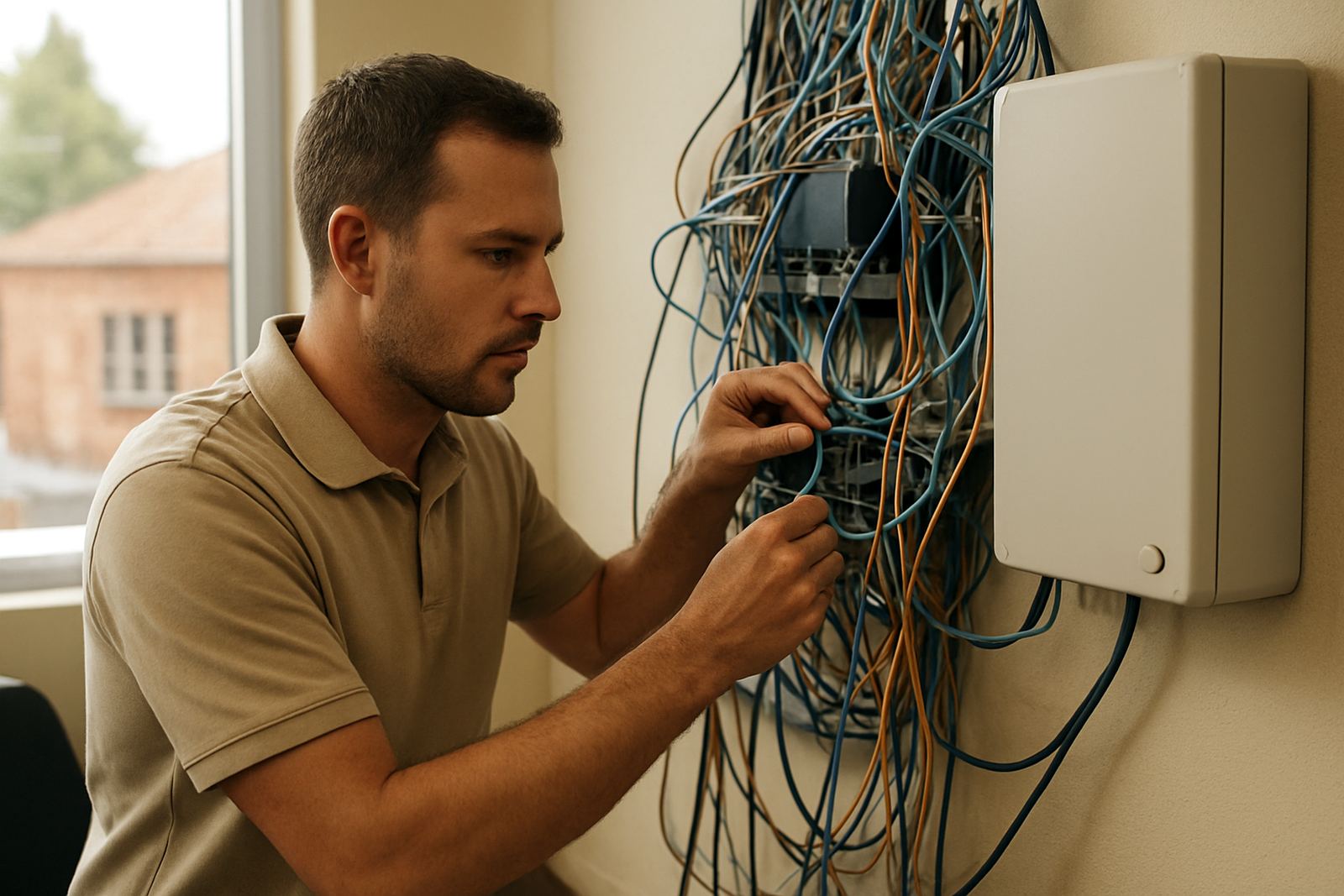
Include the time the issue started and any error messages on the phone system or internet router. A photo of flashing lights, damaged cabling or a failed port can also help. It is a small step, but it often saves a second visit.
How to report fibre or VoIP trouble
Send a message through our contact form with a clear subject line such as Fibre Down in Bellville or VoIP Calls Cutting Out in Somerset West. If your office is in Cape Town, Century City, Paarl or Stellenbosch, include the area and whether the issue is urgent. For shared offices and larger sites, list the number of affected users and any recent changes to the network.
- Confirm your company name and site address
- Describe the fault in plain language
- Share when it began and how often it happens
- Note any power interruptions, works on site or network changes
- Attach photos if there is visible damage
If you have already restarted the router, handset or switch, tell us that as well. It lets the support team avoid repeating the same step and move on to proper testing.
What our support team checks first
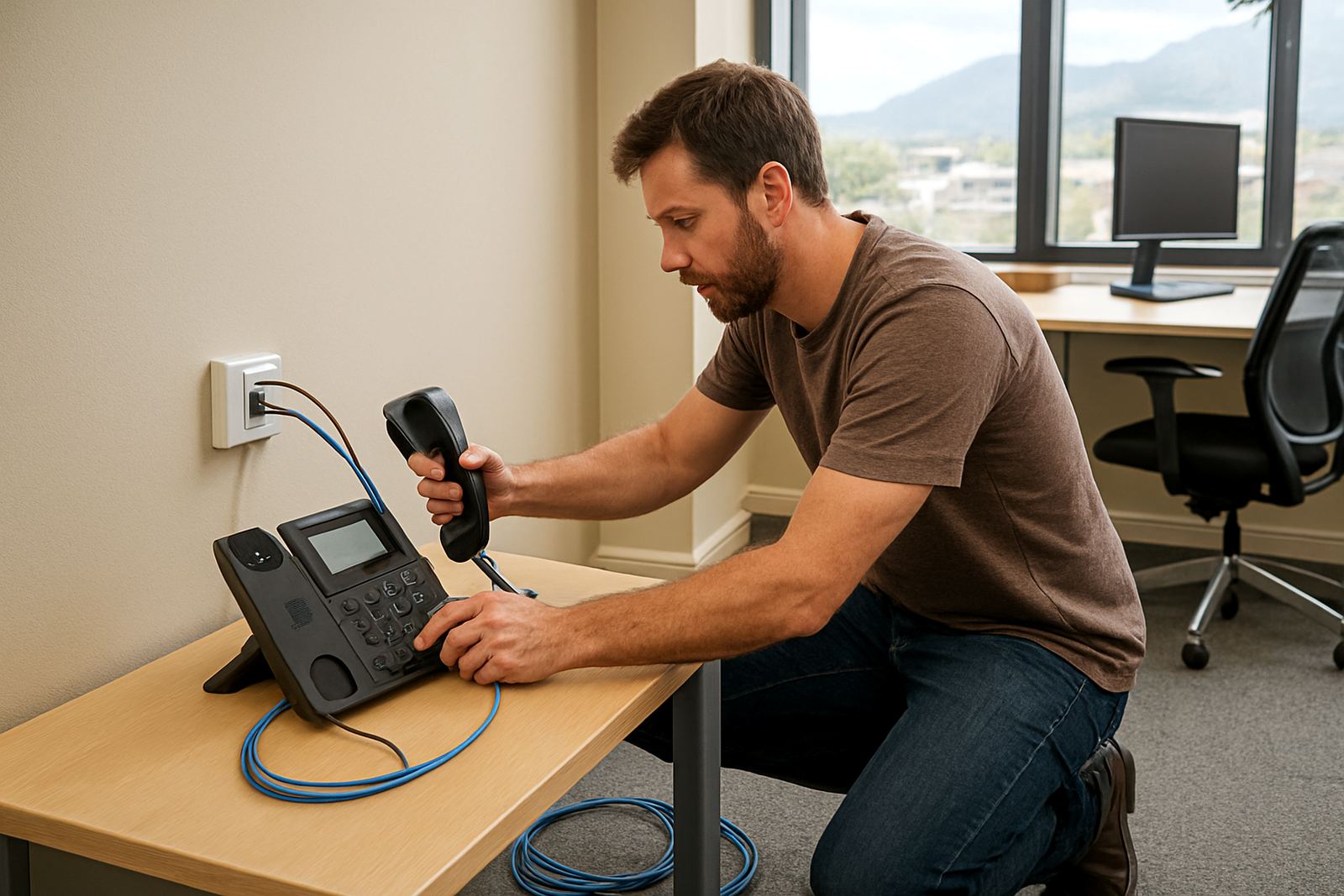
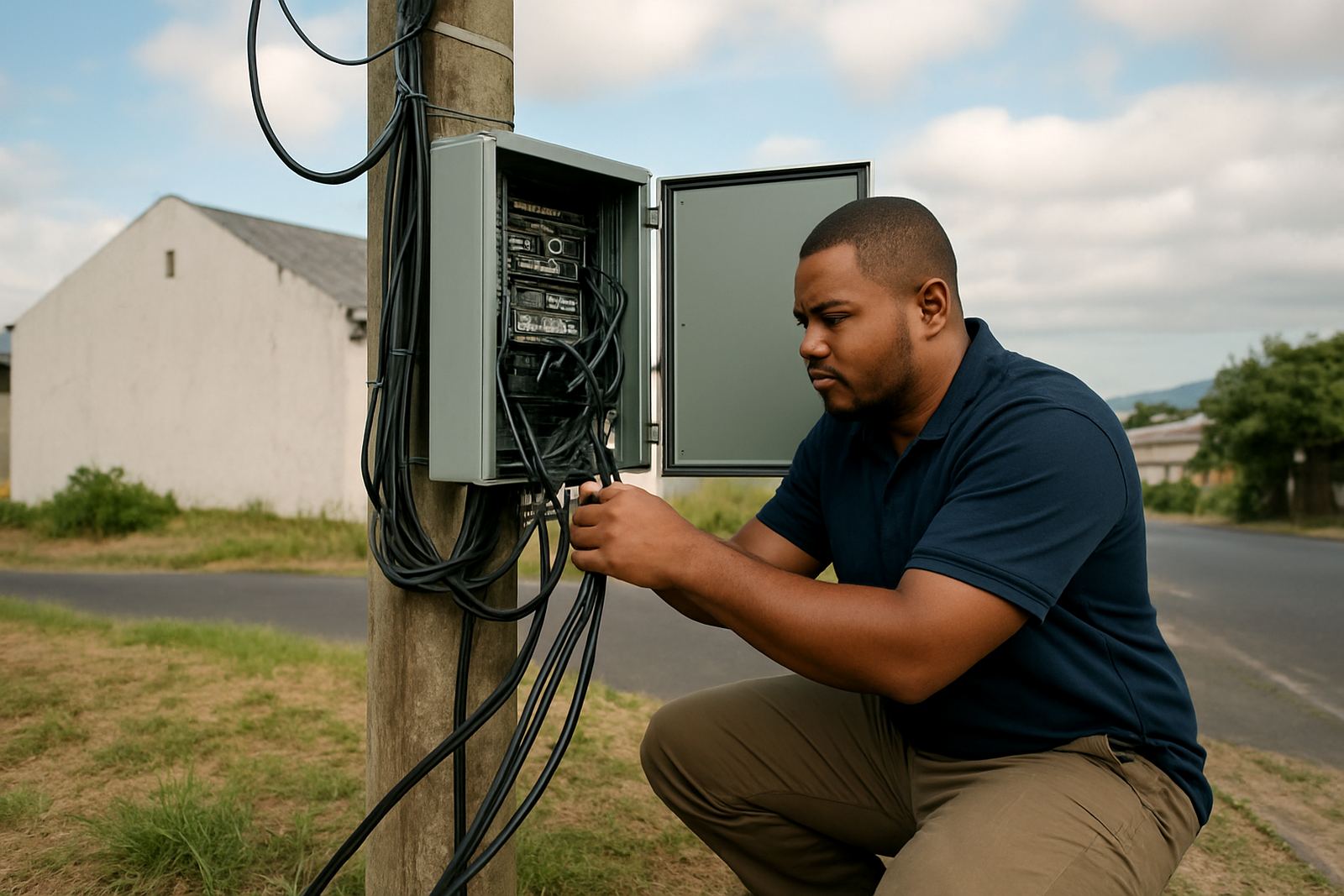
Our team will first look at the service layer, then the office setup, then any local equipment linked to the fault. For VoIP issues, that may include call quality, registration problems, number porting status and handset configuration. For fibre concerns, we check the live line, signal path and any power or cabling problems on site.
We support small offices with clear answers and practical guidance. If the fault is caused by a damaged patch lead, a loose wall jack or a router that did not recover after an outage, we will say so and guide you on the fix. If the matter needs a site visit, we will advise what access is needed and who should be available.
When you should request after-hours support
For some offices, phone issues affect customer service, bookings or reception duties too heavily to leave unattended. After-hours support is useful when a site goes offline after business hours, a relocations team has moved equipment, or an important number port is due to go live before opening time. If your office runs late shifts or has staff working across different times, let us know upfront.
- Office moves and same-day cutovers
- Critical call failures outside normal hours
- Internet loss affecting order processing or remote staff
- WiFi failures in reception, sales areas or meeting rooms
We work with businesses across Cape Town and nationwide, so the more detail you give us, the better we can decide what needs urgent attention.
Help for office moves, new sites and user training
If your team is moving to new premises in Bellville, Century City, Paarl or elsewhere, contact support before the move date. That gives us time to plan network cabling, fibre installation, VoIP deployment and any number porting required for the new address. A clean move is easier when the old and new sites are both mapped properly, even a small missing label can slow things down.
User training is also available when staff need help with call transfer steps, voicemail, handset use or basic WiFi access. This is especially useful when new reception staff join, or when an office changes layout and people need to understand where the phones and network points now sit.
Support that fits Cape Town offices and nationwide teams
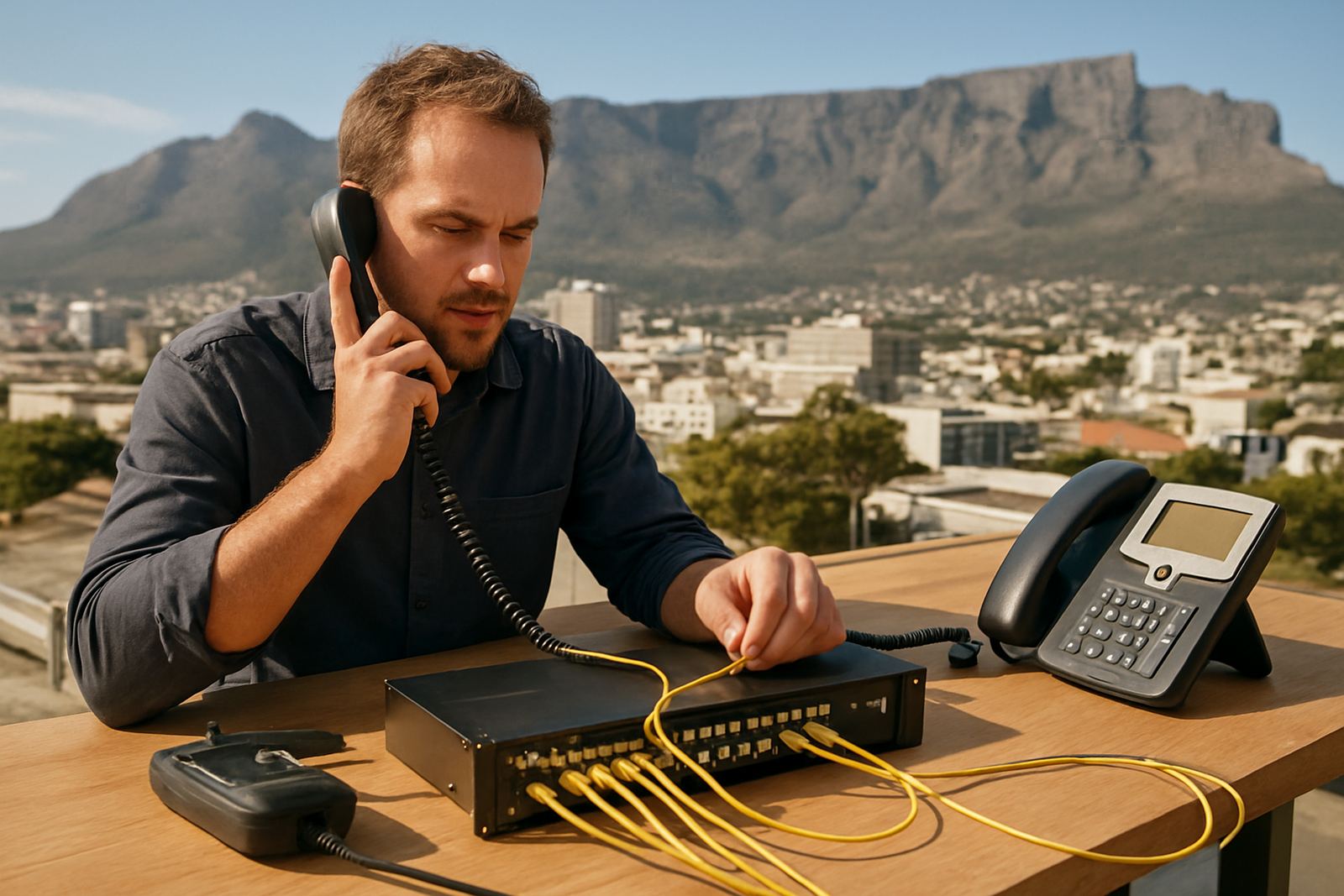
NewTel is based in Century City, Cape Town, with support for offices across South Africa. That includes firms operating from central Cape Town, Bellville, Somerset West, Stellenbosch and Paarl, as well as teams in other provinces that need one point of contact for fibre and VoIP concerns. We also help with network monitoring and phone system support, so recurring issues can be tracked instead of handled as one-off calls.
If the concern keeps returning, tell us that clearly. Repeated outages, poor call quality or unstable internet can point to a line fault, a cabling issue or a configuration problem on site. Once we have the facts, we can narrow it down and give you the next step without making you repeat the same story twice.