When to log a support ticket
Use a support ticket whenever a service stops working, starts cutting out, or behaves differently from normal. The sooner you send the details through, the faster our team can check the right equipment, line status, or configuration. This is especially useful after power interruptions, office moves, cable changes, or when more staff are working at the same time and the network begins to strain.
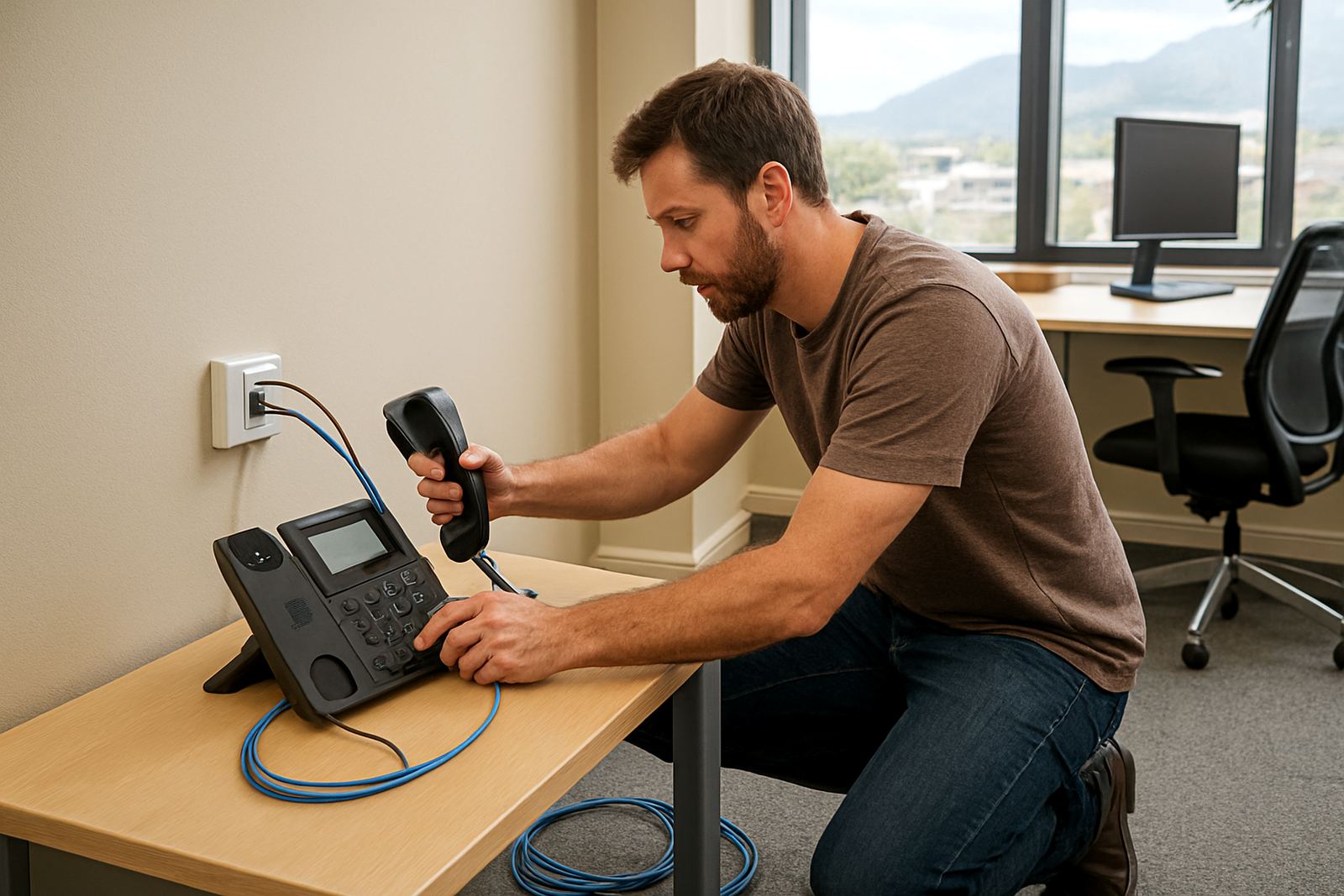
Common reasons to log a ticket include an office phone that cannot make or receive calls, slow internet on fibre, poor call quality on VoIP, WiFi dead spots, or a network point that was working yesterday and is now off. If the issue affects only one user, one room, or one device, mention that clearly so we do not waste time checking the wrong side of the setup.
- VoIP calls dropping, echoing, or failing to connect
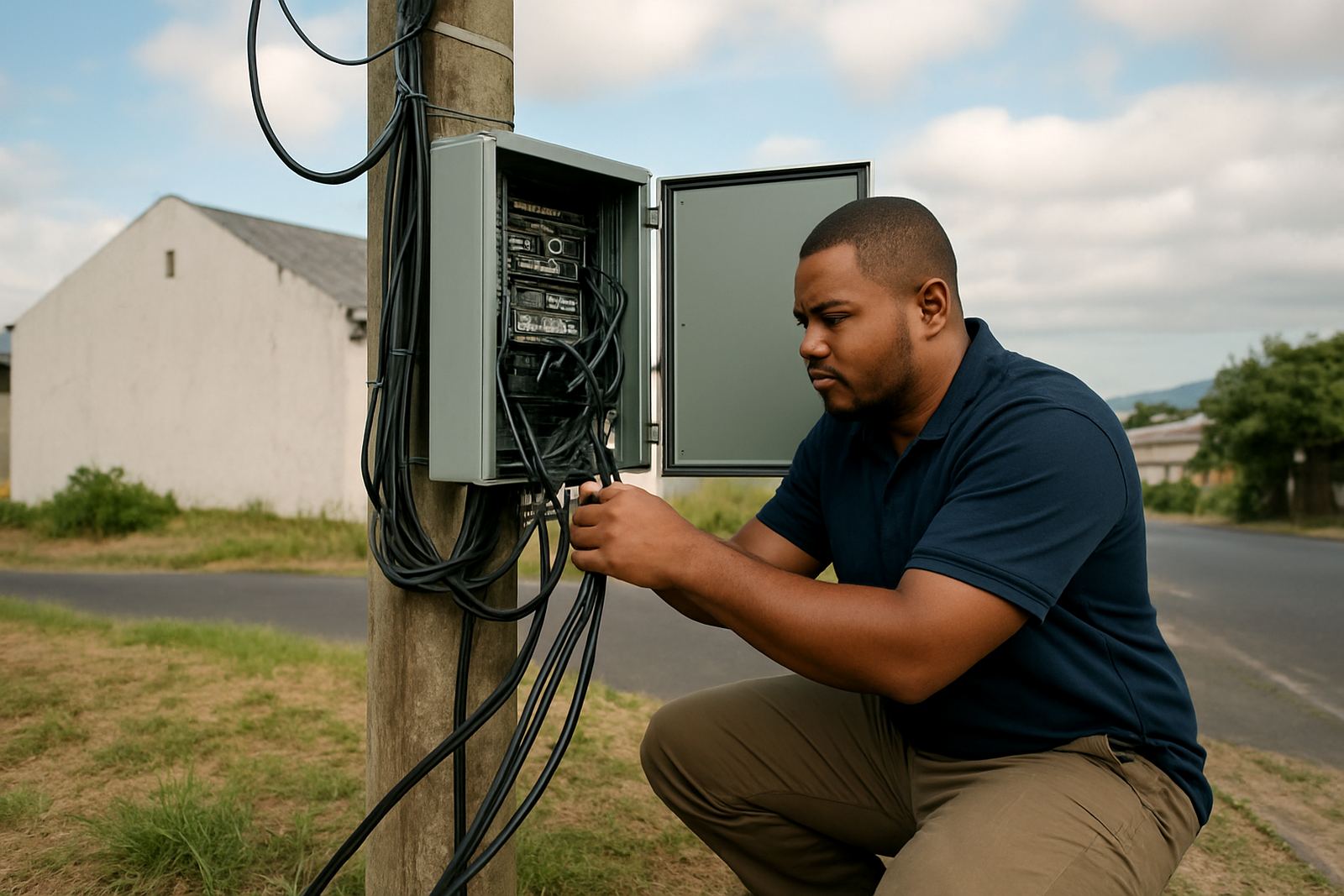
- Fibre speed drops, outages, or unstable connectivity
- WiFi signal problems in meeting rooms or back offices
- Phone system faults after load-shedding or a power reset
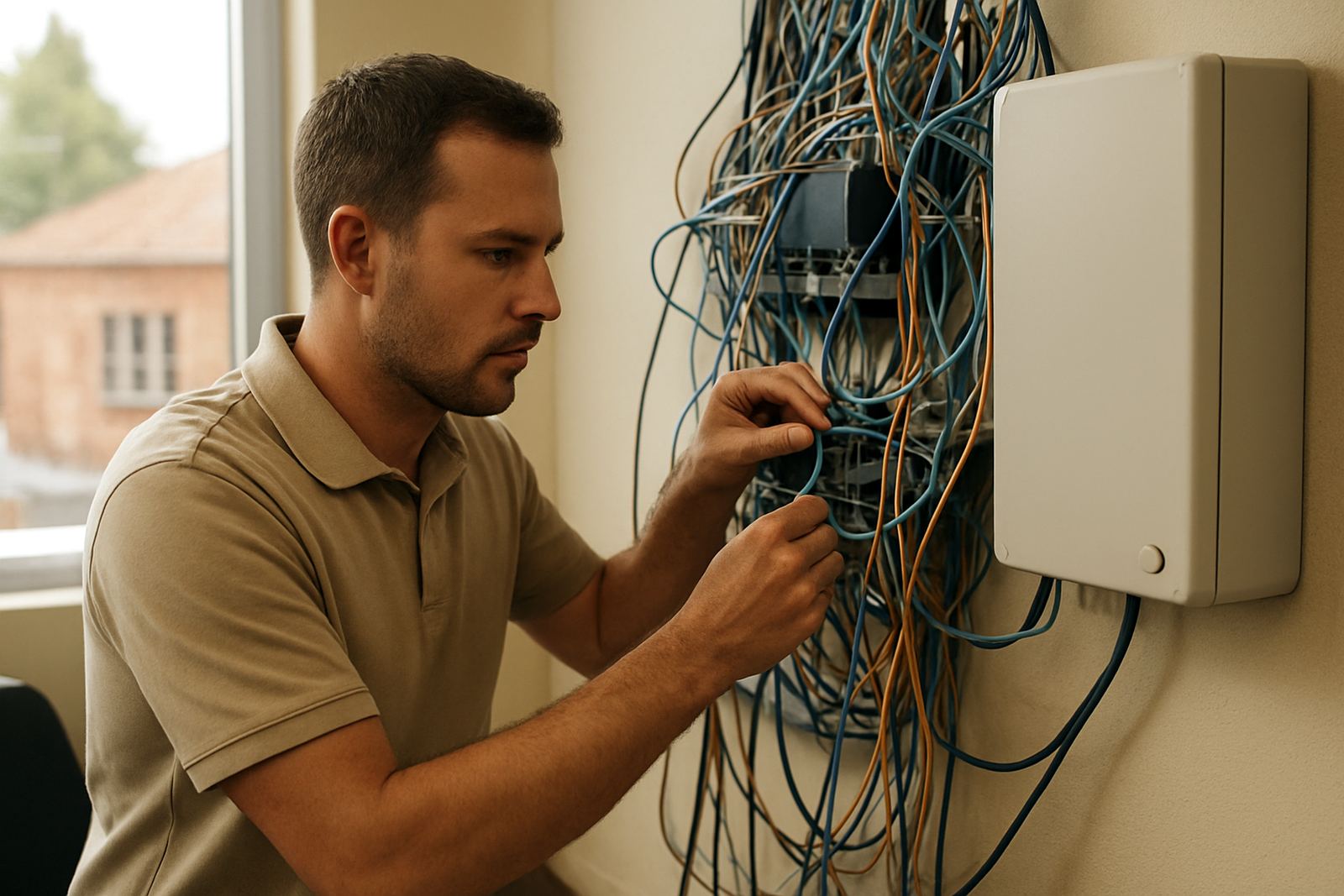
- Network cabling issues after an office relocation or counter move
What to include in your ticket
A good ticket saves time for everyone. Please include the office name, a contact person, the best phone number, and the exact location of the problem. If the fault only happens at certain times, say when it starts and how often it returns. If a phone line works for outgoing calls but not incoming calls, or if one floor is affected and another is fine, that detail helps a lot.
It also helps to note any recent changes. For example, did your team move furniture, add new handsets, replace a router, or switch on new equipment near the fibre point? In Cape Town and other coastal areas, humidity can also affect loose terminations and old cabling so mention any damp or corrosion you have seen. A few clear notes can point us in the right direction faster than a long description with no facts.
- Office address and suburb, such as Bellville, Paarl or Stellenbosch
- Type of service affected, for example fibre, VoIP, WiFi or cabling
- When the fault started and whether it is constant or intermittent
- Any error lights, beeps, messages or unusual sounds
- Photos of routers, phone screens, cables or wall points if needed
How to log the ticket
You can send your fault details through our contact form through our contact form and our support team will open a ticket for investigation. If the issue is urgent, make that clear in the subject line and include your callback number. We use the information you send to check service records, line status and any local network factors that may be causing the problem.
When you write in, keep the message practical. Tell us what is happening, what should be happening, and what changed before the fault started. If you have already rebooted the router or tested another handset, mention that too. It helps us avoid asking you to repeat steps and gets us to the next stage quicker. If several staff are affected, say how many and which areas of the office are impacted.
- Send a message through our contact form with a short subject line
- Describe the fault in plain language
- Include photos or screenshots if they show the issue
- List any steps already taken, such as rebooting equipment
What happens after you submit
Once your ticket is in, our technical team reviews the details and decides whether the fault can be resolved remotely or whether a site visit is needed. Some problems are fixed by adjusting settings, checking line authentication, or restarting the service in the right order. Others need a closer look at cabling, the fibre handover point, or the phone system on site.
We keep you informed as the job moves along, and we aim to give practical feedback rather than vague updates. If the fault is linked to a broader network issue, we will tell you. If it is local to your office, we will focus on the equipment and services in your space. For businesses that rely on phones for sales, bookings, or customer support, that clarity matters. We know downtime cost money and frustrates staff.
Before you log a fault, check these basics
Some issues are caused by simple things on site and can be ruled out quickly. If you can safely check a few basics first, it may save time while we investigate the bigger picture. This is especially useful after load-shedding, a power trip, or when cleaners, movers or staff have been near the equipment.
- Check whether the router, fibre device and phone unit have power
- Confirm that the cable plugs are seated properly and not loose
- Test one handset or one computer at a time to isolate the fault
- See whether the issue affects the whole office or only one area
- Restart equipment only if it is safe to do so and authorised on site
If you are in a shared building, also ask whether other tenants are affected. In some office blocks the fault sits with the building services, not your internal network. A clear check like that can save a lot of back and forth.
Support for busy offices across Cape Town and beyond
NewTel supports small offices from our Century City base and assists customers across Cape Town, Bellville, Somerset West, Paarl and Stellenbosch, as well as offices nationwide. Whether you need help after an office relocation, a new fibre installation, or a number porting issue that is affecting incoming calls, our team handles support with the same careful process.
We also help with after-hours faults where possible, because some businesses can only test systems after staff leave. If your office runs on a tight schedule or your team cannot afford long interruptions, log the ticket as soon as the issue shows up. The more accurate the report, the faster we can work through it and get your communication back on track.