Check Whether the Fault Is Local or Wider
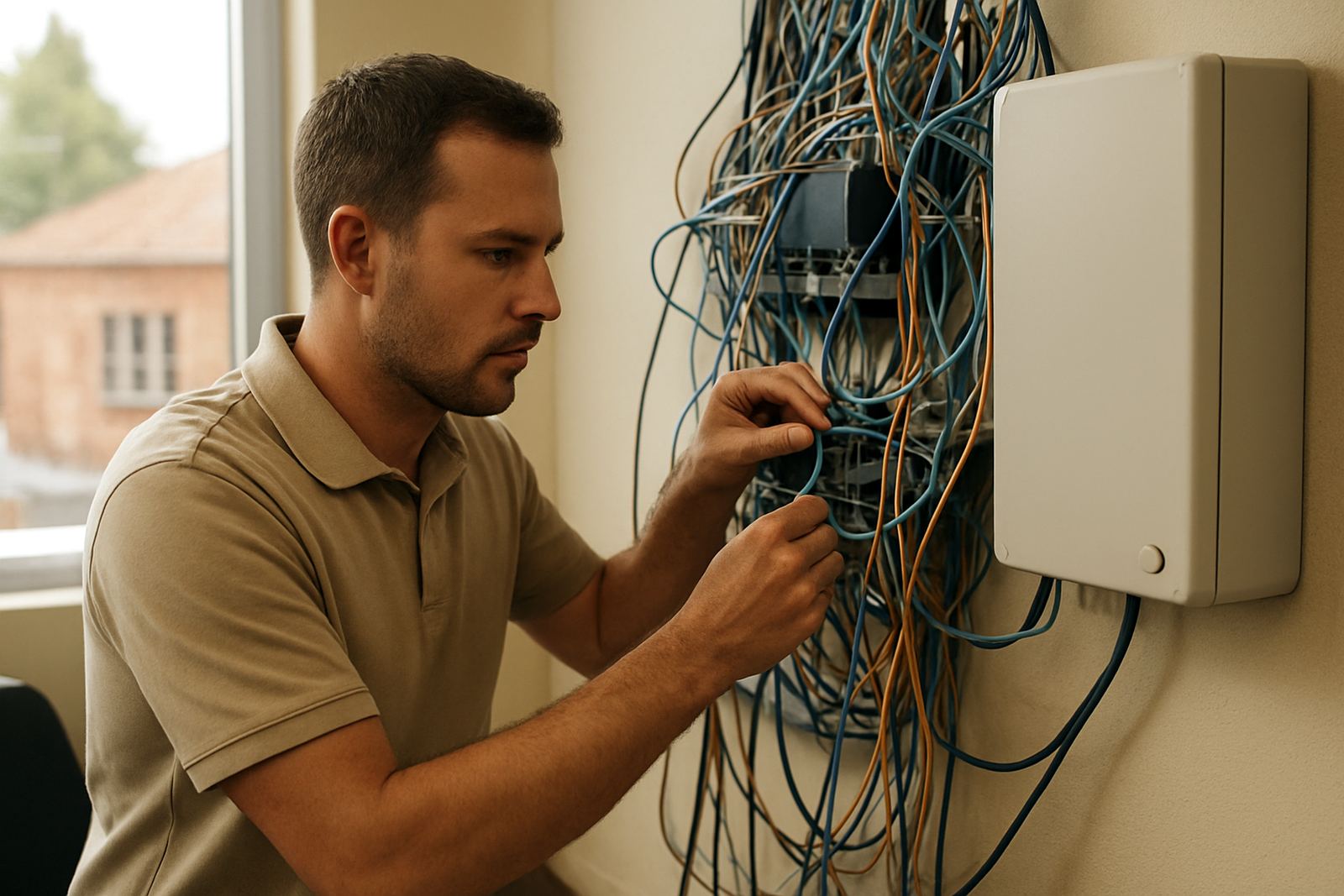
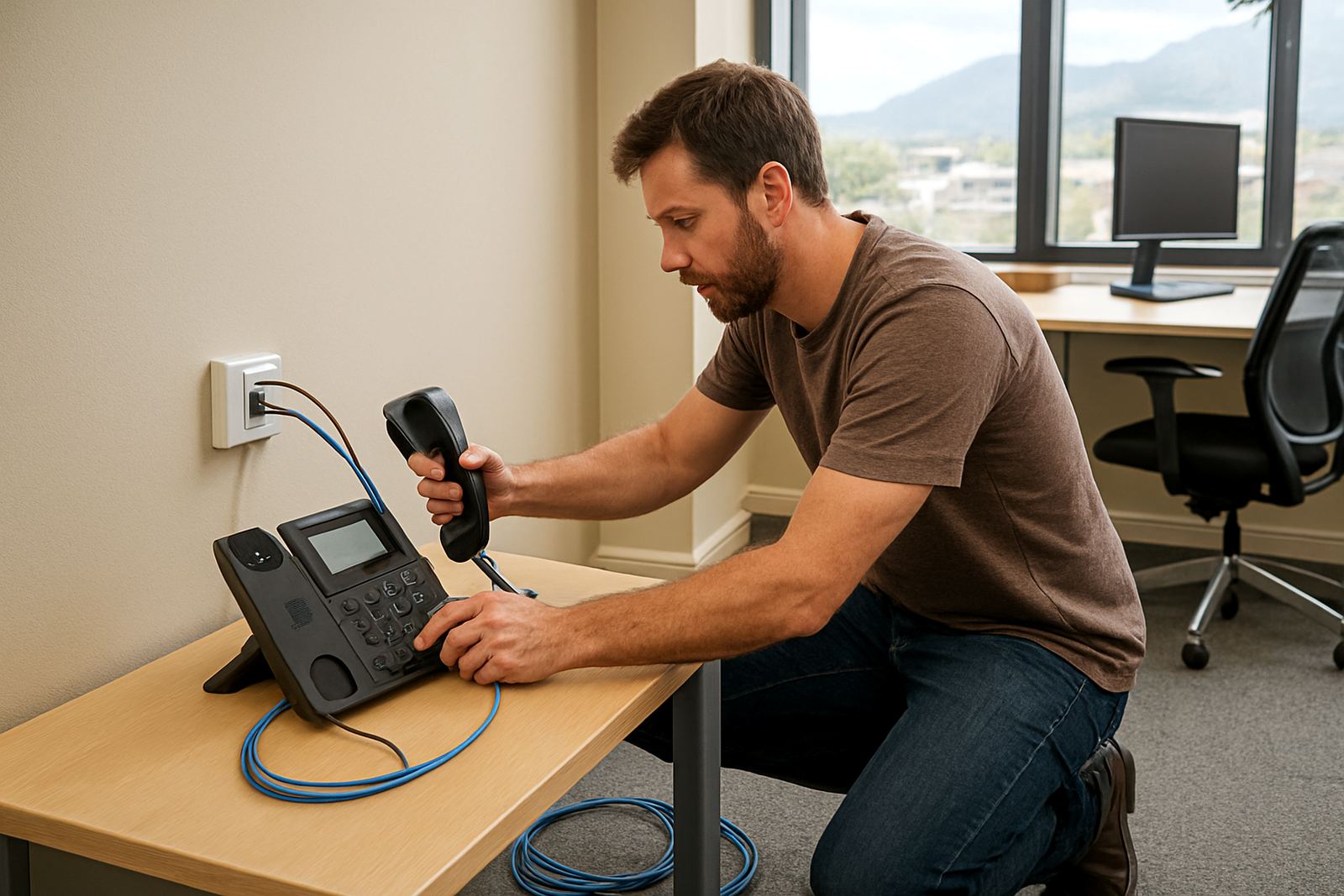
Before logging a fault, confirm whether the issue is only affecting one phone, one PC or the full office. A single extension with no dial tone often points to a handset, cable or power issue, while multiple users being offline may indicate a line, router or service problem.
In Century City, Bellville, Somerset West, Paarl and Stellenbosch we often see office issues caused by a router restart during load-shedding, a loose patch lead or a power backup that has run flat overnight. If your team is on fibre and VoIP, check both internet access and phone registration, because one can fail while the other stays live.
- Test one handset and one computer on the same circuit
- Check that the router, switch and power supply are on
- Look for red or flashing lights on the fibre device
- Try a mobile hotspot if you need to confirm internet access
What Service Status Covers Today
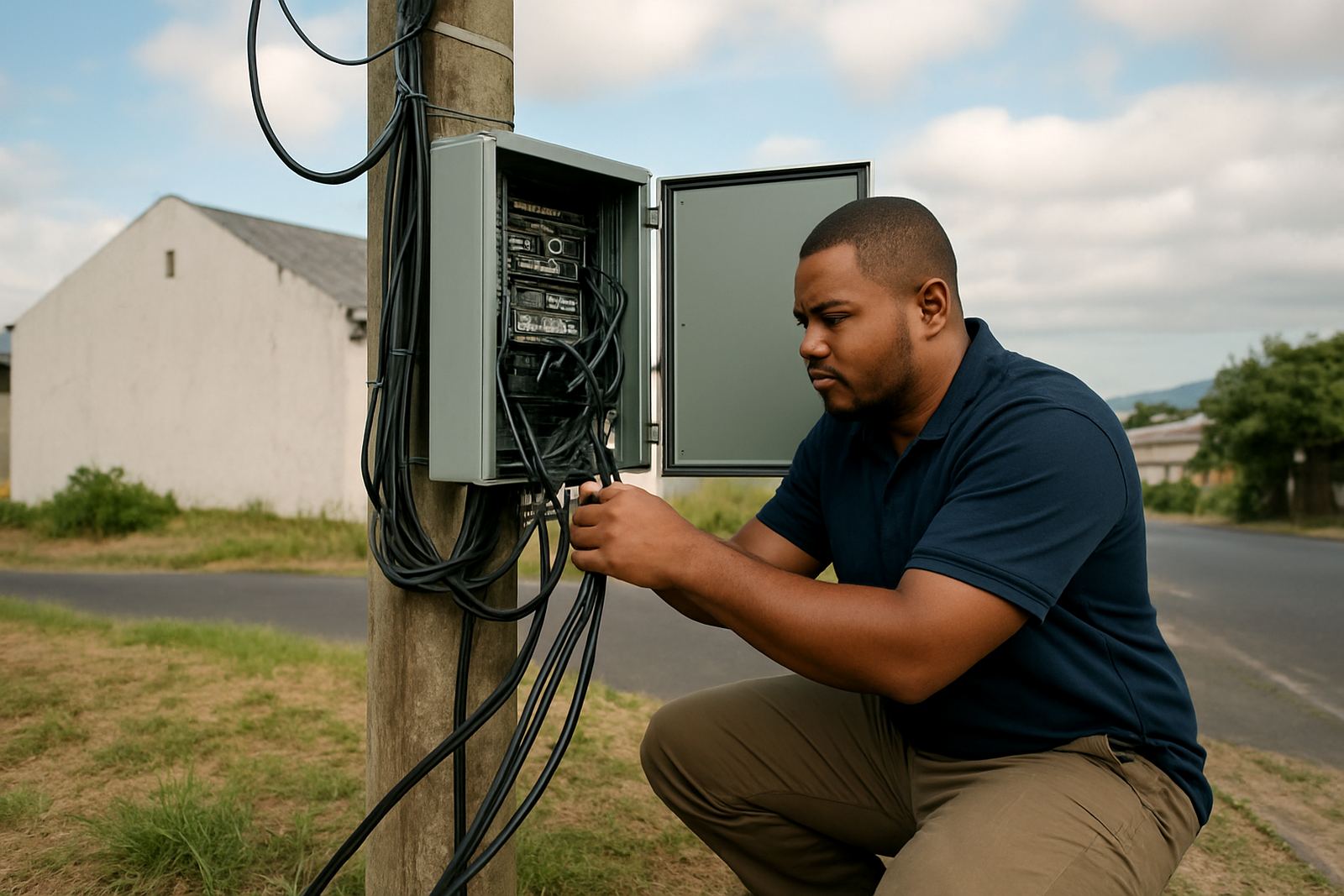
Current network and telephony updates cover issues that affect client connectivity. That can include fibre outages, slow connectivity during high demand periods, voice registration problems, number porting delays, local power interruptions or maintenance work that may affect calls and data.
Where possible, NewTel will update clients on the likely area affected, the service type involved and any expected restoration time. If the issue is limited to a building or business park, the update may point to site power, landlord equipment or internal cabling rather than the wider network. We keep the wording plain so you can decide what to do next.
- Fibre service interruptions
- VoIP call quality issues
- Number porting progress updates
- Planned maintenance notifications
How to Report a Connectivity Problem
If you are not sure whether the problem is already known, send a fault report with the basics first. Include your company name, contact person, suburb, a short description of what is happening and the time it started. If calls are failing only on certain extensions, say which ones. The more exact the report, the faster support can narrow it down.
For offices that have just moved in, it also helps to mention whether network cabling, the router, WiFi access points or the phone system support was installed recently. In some cases a new office has power but no active circuit on the correct port yet, or the fibre handover is live but the phones still need configuration. Small details save back and forth.
- Send the time the fault started
- List the affected number or extension
- Say if internet, calls or both are down
- Confirm whether the site has backup power
What to Do While You Wait for Feedback
If the issue is already being investigated, keep staff informed and work around it where you can. For example, use mobile calling for urgent client contact, shift non-critical work to message, and avoid repeated reboots unless support asks for them. Rebooting too many times can make it harder to confirm whether a fault is fixed or still present.
For offices in coastal areas such as Somerset West or parts of Cape Town close to the sea, humidity can also affect plugs, sockets and patch leads over time. If your phones cut in and out after rain or after a long weekend, check for damp, corrosion or a cable that has worked loose behind the router. It is a small thing but it happens more than most teams think.
- Keep one contact person available for updates
- Note any error lights or unusual sounds
- Avoid moving equipment unless instructed
- Test again after the advised time window
Planned Maintenance and After-Hours Support
Some updates are scheduled so work can be done outside normal office hours. That helps reduce disruption for teams that rely on call handling and internet during the day. Planned work may include fibre installation changes, network cabling adjustments, VoIP deployment updates or monitoring improvements across one site or several offices.
If you run after-hours support, reception coverage or a small call team, tell NewTel which hours matter most. We can then treat faults differently from planned maintenance and make sure your critical lines are watched closely. In a few cases a short maintenance window at night is better than losing half a trading day in the morning.
Clients in Bellville, Century City and the surrounding office areas should also check whether building management has any scheduled electrical work or network room access limits. That can affect restoration times even when the service itself is ready. A quick note from the landlord usually clears that up.
When the Issue Is Resolved
Once service is restored, test the full setup before the office gets busy again. Make one inbound and one outbound call, confirm internet speed on a work PC, and check that voicemail, hunt groups and call transfers still behave as expected. If anything looks off, report it while the fault is still fresh so it can be reviewed against the fix.
It also helps to train one or two staff members on the basics. They should know where the router sits, how to read the lights and who to contact when a site goes dark. That way the next hiccup does not wait for the one person who knows where everything is.
- Test calls on at least two extensions
- Check internet on a wired connection and WiFi
- Confirm voicemail and forwarding rules
- Record anything still not working as expected