What Office WiFi Covers in a Working Office
Office WiFi is the wireless network that connects your staff, visitors and office devices to the internet and your internal systems. In a small business, that can include laptops, smartphones, VoIP handsets, printers, meeting-room screens, access control units and the odd tablet used for stock or client sign-in. If the signal is uneven, people waste time walking around looking for bars, and calls start dropping at the wrong moment. That usually shows up first in the back rooms, kitchens and meeting spaces.
NewTel plans office WiFi around how your space is used, not just how many square metres you have. A reception area in Century City will need different coverage to a double-storey office in Bellville or a mixed-use space in Stellenbosch. We look at walls, glass, steel shelving, lift shafts and other things that block signal. We also check where your fibre entry point is, because a router shoved into one corner of the office often causes more problems than it solves.
Coverage Sizes and Setup Options
Office WiFi setups are usually sized by floor area, number of users and how many devices each person carries. A compact office of 40 to 80 m2 may only need one carefully placed access point, while a larger office of 150 to 400 m2 often needs two to six units depending on walls and usage. For open-plan spaces, we can map coverage so that the signal stays usable in all work areas, not just beside the router. For older buildings with thick internal walls, more points may be needed to keep things steady.
- Small office: 1 access point, suitable for 5 to 12 users
- Growing office: 2 to 4 access points, suitable for 12 to 35 users
- Multi-room office: 4 to 6 access points, suitable for 35 to 70 users
- Guest WiFi: separate access for visitors and contractors
- Managed network: remote monitoring, alerts and fault checks
We also size the system for your actual devices. A team using cloud apps, VoIP calls and video meetings will need a stronger design than an office that only checks message. If staff are streaming training videos or moving large files on a daily basis, that gets factored in too. It is better to do that planning up front than add more kit every few months.
Where Office WiFi Suits Best
Office WiFi works well in small offices, branch sites, professional practices, retail back offices and shared workspaces. It is also useful in offices where the layout changes often, like consultation rooms, training rooms or spaces that get reconfigured for new staff. In Cape Town, coastal humidity can affect how equipment is mounted and stored, so we choose sensible positions and hardware enclosures where needed. In hotter inland areas, ventilation around network gear matters just as much.
It suits businesses that need staff to move freely between workstations, meeting rooms and reception while staying connected. It also helps offices that use VoIP phones, because call quality depends on solid wireless performance and proper network priority. If your team works in two buildings, one floor or a converted house, the network can be planned to cover the whole site without people fighting over one weak signal near the modem.
- Professional offices and consultancies
- Medical rooms and reception areas
- Retail head offices and back offices
- Training spaces and shared offices
- Branch sites and temporary relocations
Installation, Power and Practical Site Needs
Installation starts with a site check, then cable routes, access point positions and network cabinet placement are agreed before anything is mounted. Where possible, access points are fitted on ceilings or high walls to keep coverage even and reduce interference. Network cabling is kept neat and labelled so that future fault-finding is quicker. We can also work around office relocations, staged moves and after-hours access if your business cannot stop during the day.
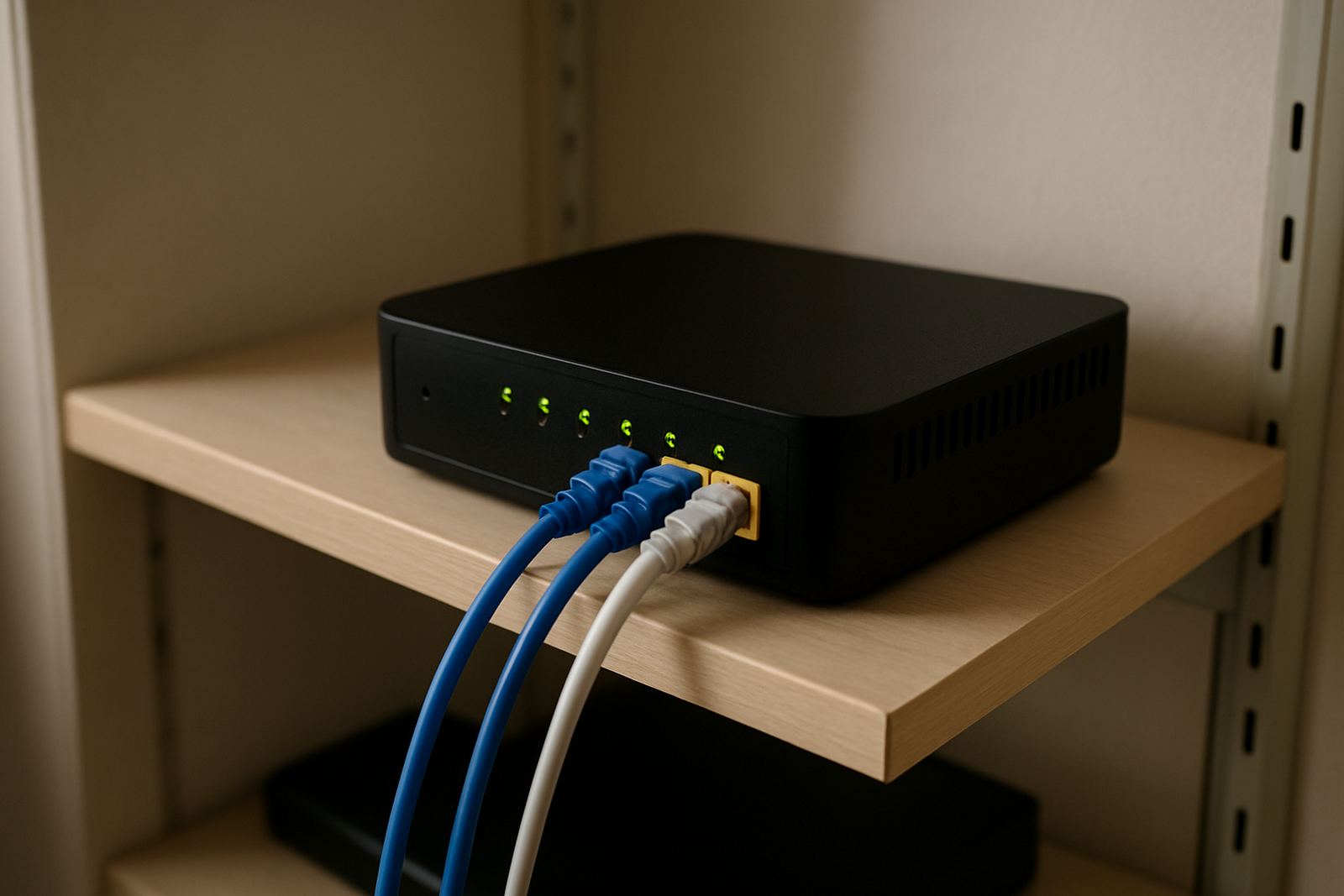
Office WiFi still depends on power, so load-shedding planning matters. If your router, switches and access points lose power, the wireless network goes down with them. For that reason, many offices use a battery backup or inverter supply for the core network gear. We can help plan for the router, switch and fibre termination equipment to stay up for at least the key trading hours. In some buildings, especially where there are municipal or landlord rules on drilling and cable routes, we’ll work to the approved method so there are no delays.
- Ceiling or high-wall mounting for better signal spread
- Structured cabling to each access point
- Backup power for core network equipment
- Guest access separation from staff traffic
- After-hours fitting to reduce disruption
Keeping the Network Stable Over Time
A good office WiFi system should not need constant fiddling. Even so, devices, furniture and office layouts change, so a periodic check is worth it. Access points can need firmware updates, channel adjustments or a quick review if a new printer, microwave or neighbouring network starts causing interference. If your office has moved a wall, added a boardroom or taken on ten new users, the wireless layout may need a refresh too.
NewTel offers network monitoring and support so problems are picked up earlier. That includes checking whether an access point is offline, whether users are being pushed onto the wrong band, or whether a new device is dragging performance down. We also help with user training, because many issues come from simple habits like unplugging equipment, using the wrong login or placing the router inside a steel cabinet. A small amount of care goes a long way, and it saves a lot of back and forth.
What to Check Before You Order Office WiFi
Before you place an order, it helps to know how many staff will connect, which rooms must have coverage and whether any devices need guaranteed performance for calls or file transfers. Check whether you already have fibre installed, where the line enters the building and where your current router sits. If you are planning office moves, ask about the timing now rather than after the move has started. It is also useful to note if the office has thick walls, glass partitions or long passages, because those affect coverage more than people expect.
You should also think about guest access, printing, security and whether your team needs different network access levels for staff and visitors. If your office runs on VoIP, it is worth asking for network settings that keep calls stable during busy periods. For coastal sites, ask what protection is needed for moisture and dust. For smaller teams, a simple setup may be enough, but it still needs to be put in correctly. A rushed install can leave dead spots, and then everyone blames the internet when the real problem is the wireless layout.
- Number of users and devices
- Room layout and wall materials
- Need for guest WiFi or separate access
- Power backup for network gear
- Integration with VoIP and printers
Key facts
| Coverage size | 1 to 6 access points depending on office size and layout |
|---|---|
| User capacity | 5 to 70 users, sized to actual device use |
| Network type | Staff WiFi, guest WiFi and device-specific access |
| Installation options | Ceiling mount, high-wall mount and staged after-hours fitment |
| Support | Monitoring, fault checks, updates and user training |
| Power need | Fibre router, switch and access points require backup power for load-shedding |