What Voicemail Message does for a small office
Voicemail Message links your office voicemail system to one or more email addresses. When a caller leaves a message, the recording is delivered as an audio file, usually with the caller details, time and date in the message text or subject line. That makes it much easier for reception, accounts, sales and site teams to see what needs attention without listening to every mailbox one by one.
For small businesses, this setup works well when staff are out on the road, in meetings, or handling more than one line. A message can be forwarded to the right person in seconds. It also helps during load-shedding, because if a handset is missed or power drops, the voicemail still lands in mail and can be actioned as soon as connectivity is back. Some offices use it for main reception only, others set it up for each extension, and a few choose both.
Options for one mailbox or a full office rollout
Voicemail Message can be configured in a few practical ways, depending on the size of the office and how calls are handled. A single shared mailbox is useful for a reception counter, switchboard or after-hours line. Individual mailboxes suit teams that work on separate client queues, while department mailboxes work well for sales, finance and support. You can also set different rules for each mailbox, such as who receives the message, whether a copy is kept in a central inbox, and how long recordings are retained.
- Shared mailbox for one department or reception
- Individual mailbox for each extension
- Group mailbox for sales, accounts or support
- After-hours routing to a monitored inbox
- Optional message notification only, or full audio attachment
Most offices do not need specialised hardware for this service. If the business already has VoIP lines, the voicemail feature is usually activated on the phone system and linked to message settings. Where required, we can also pair it with user training so staff know how to retrieve messages, forward them and mark urgent calls for follow-up. It keeps things neat and saves time, especially when the phones are busy and a client is waiting for a reply.
Where Voicemail Message suits best
This product suits offices that need better follow-up without adding more admin. It is common in legal practices, medical rooms, property firms, insurers, wholesalers and service businesses where the first missed call can mean a lost booking or delayed quote. It also suits satellite teams working between Cape Town, Bellville, Somerset West, Paarl and Stellenbosch, as well as national offices with staff in different provinces.
Voicemail Message is especially useful where not every call can be answered live. If a line rings out during site visits, lunch breaks or power interruptions, the message still reaches the team. For businesses near the coast, where humidity can affect older equipment, moving more of the call handling into message can reduce pressure on the handsets and makes message access easier from a laptop or phone. It works well for companies that want simple oversight, not another complicated system.
Installation, power and network requirements
Voicemail Message is normally installed as part of a VoIP setup or added to an existing office phone system. The main requirement is a stable internet connection and a working router that can handle voice traffic. If your office already has fibre, the voicemail feature can usually be switched on with minimal disruption. For new sites, we check network cabling, router placement and call routing before go-live so messages land where they should.
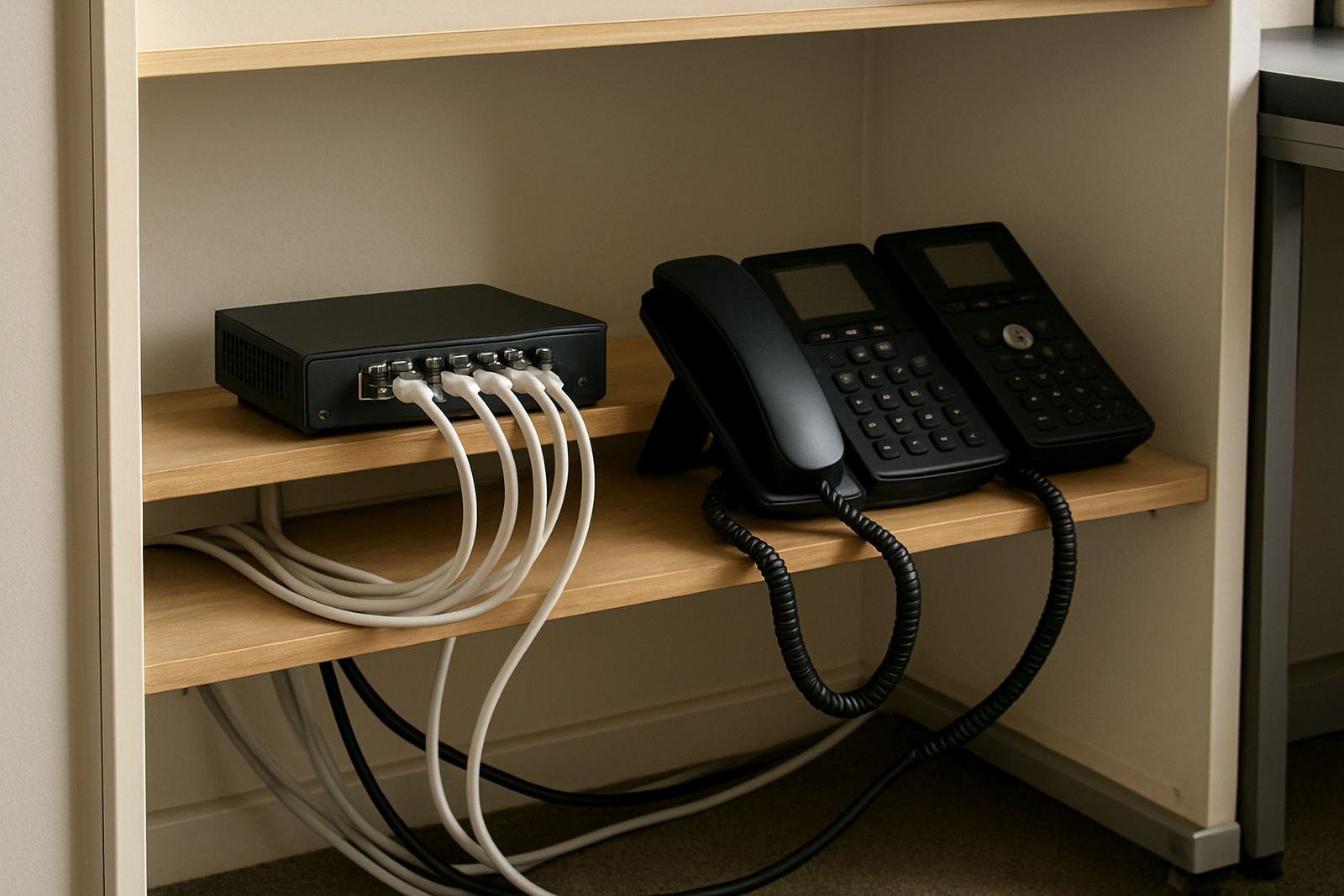
Number porting does not need any gas service at your office. Power is the main consideration, and offices should plan for a router, switch and any core voice equipment to stay on during outages. A small UPS often covers this. In a typical 6 to 20 user office, one battery backup point at the comms location is often enough for short load-shedding periods, though larger sites may need more. We also check whether the mail server or hosted message service accepts audio attachments and whether storage limits are enough for daily message traffic.
- Stable fibre or business-grade internet
- Router and voice equipment on backup power
- Message accounts with enough inbox and attachment space
- Correct voicemail greeting, ring time and routing rules
- Optional mobile access for managers off site
Message quality, formats and useful specifications
Message clarity matters. Most offices prefer a compressed audio format that keeps file sizes manageable while still sounding clear enough to hear names, numbers and short instructions. The system can be set to attach the audio file or provide a link, depending on how your message platform handles attachments. For larger teams, it is worth setting a consistent naming format so staff can search and sort messages quickly, especially when several calls arrive in the same hour.
Common setup choices include voicemail greeting length, number of rings before voicemail answers, attachment size limits and whether a copy is kept on the phone system. The right settings depend on call volume and how quickly the team responds. If you run a small office with 2 to 10 handsets, the setup can stay simple. For busier offices with 10 to 50 users, it helps to define who gets which mailbox and how long old messages are retained before deletion. That keeps inboxes tidy and the billing clear, no-one likes hunting through old audio files at month end.
Mailboxes, setup and what to confirm before ordering
Voicemail Message needs little day-to-day care, but it should be checked from time to time. Test that a voicemail sent to message still arrives, that the audio opens on desktop and mobile, and that the correct people are receiving messages after staff changes. Review greetings when office hours change, and update after-hours routing before holiday periods or municipal shutdowns that may affect trading hours. If the team grows, it is sensible to review mailbox naming and access rights so messages do not go to the wrong person.
Before ordering, check the following with your supplier:
- How many mailboxes are needed now, and how many later
- Whether each mailbox needs its own email address or a shared inbox
- How long messages should be kept before deletion
- Whether callers should hear a standard greeting or department-specific greeting
- Whether your internet and message setup can handle audio attachments
- Who will receive notifications after hours and on weekends
At NewTel, we set up voicemail message alongside fibre, VoIP deployment, number porting, network cabling and user training for offices in Cape Town and nationwide. Our Century City base supports businesses in Bellville, Somerset West, Paarl and Stellenbosch, and we assist with after-hours support when a change needs to happen outside trading time.
Key facts
| Service type | Voicemail delivered to message inboxes |
|---|---|
| Typical office size | From 2 users to 50 plus users |
| Delivery format | Audio attachment or message link, depending on setup |
| Connection requirement | Stable fibre or business internet with VoIP service |
| Power requirement | Router and voice equipment on UPS during outages |
| Availability | Cape Town and offices nationwide |