What wireless handsets do in a busy office
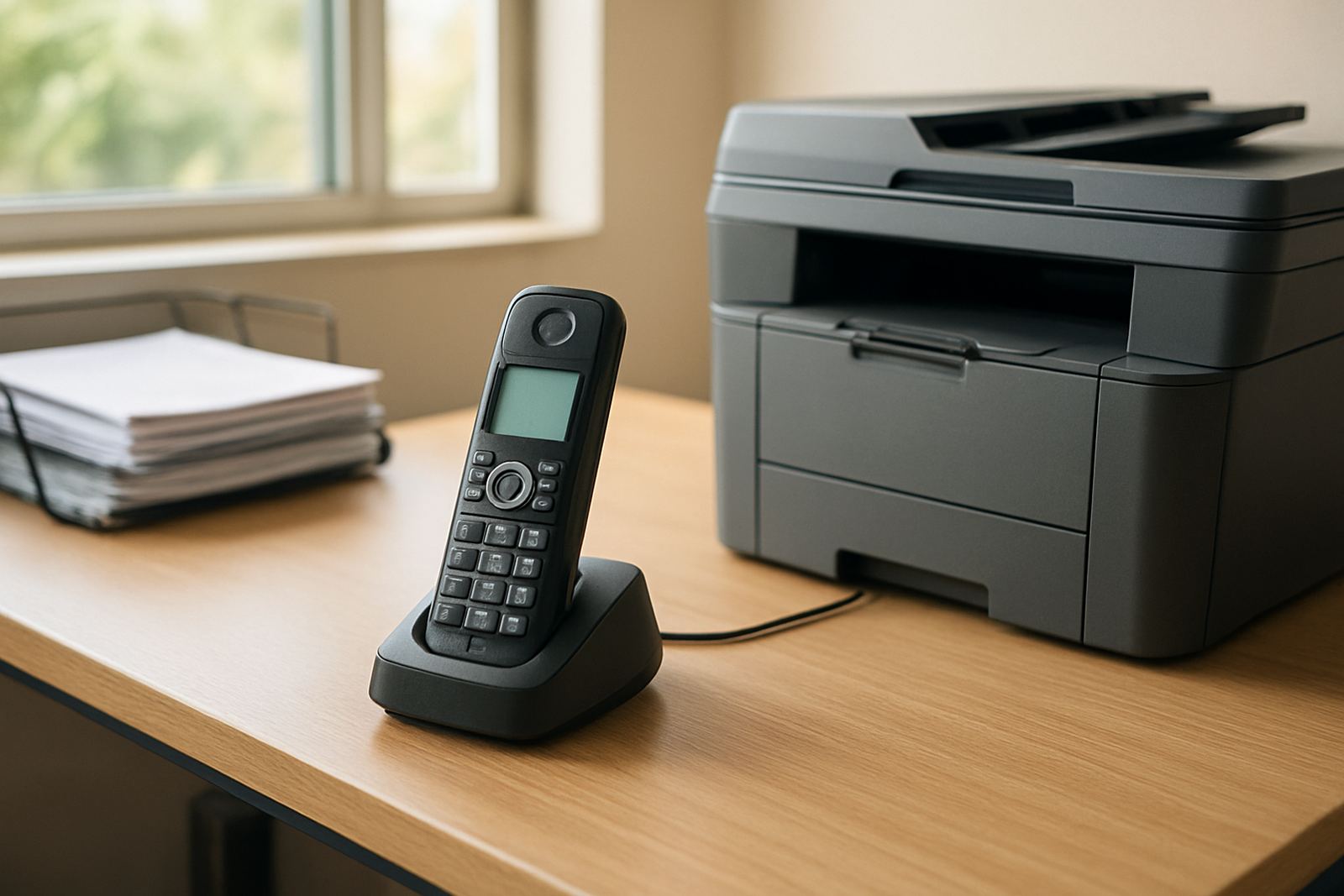
Wireless handsets give staff the freedom to answer and make calls without staying tied to one spot. They are useful in reception areas, small warehouses, clinics, professional offices and service counters where people move around during the day. The handset connects to your VoIP system through a base station or networked charging unit, so calls stay clear while the user walks between nearby rooms or work areas.
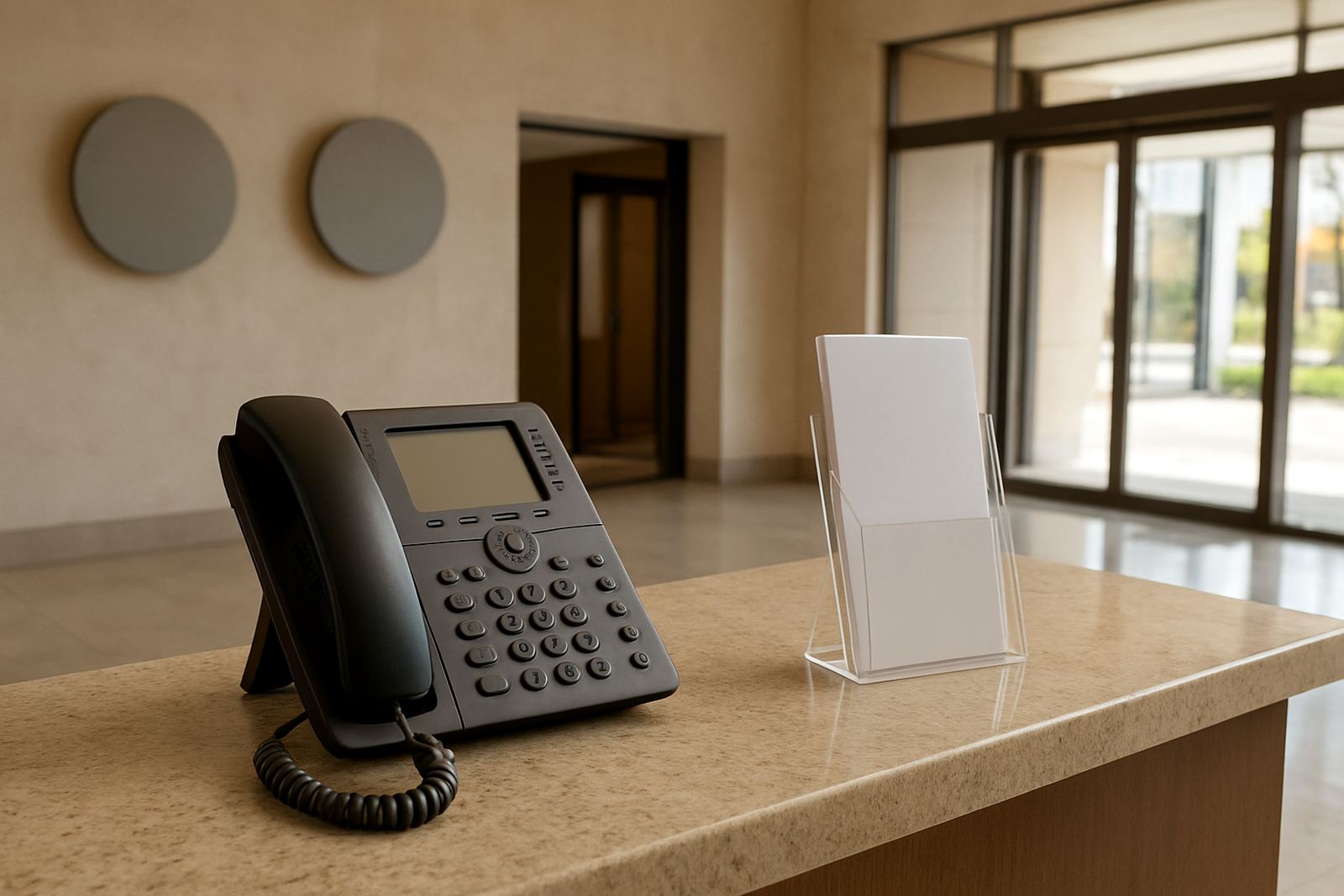
For small offices, this is often a better fit than relying only on fixed phones. A team member can handle a call at the front counter, check stock in the back room, then return to the counter area without missing the next ring. In Cape Town offices where space is tight, or in branch sites across South Africa, that flexibility saves time and reduces missed calls.
NewTel configures wireless handsets to match the number setup, call groups and voicemail rules already in place. If your team uses number porting or shared lines, the handsets can be arranged so the right people answer the right calls and not everyone needs a separate full counter phone.
Handset types, sizes and call features
Wireless handsets come in a few practical options. Compact models suit reception and internal calling, while larger models with bigger buttons and clearer screens suit shared offices and users who prefer a stronger grip. Some units include a speaker function for hands-free use, and others support multiple handsets on one base so a small office can spread coverage across rooms. Smaller handsets are easier to carry, but a larger handset can be better for staff who spend long periods on calls.
- Caller ID and call waiting
- Transfer, hold and mute functions
- Internal extension dialling
- Voicemail access where your system allows it
- Speaker mode for quick note taking
- Busy lamp or call indicator on selected setups
Depending on the office layout, NewTel can advise on one handset per user, a shared set of handsets, or a mixed setup with wireless units for mobile staff and fixed phones for admin work. That mix often works well in Somerset West, Stellenbosch and Bellville offices where the team split across front office, stores and back rooms. It keeps the call flow simple and reduces confusion.
Where wireless handsets make the most sense
These handsets suit businesses that need reachability without carrying a cellphone all day. They work well in reception, estate agencies, medical rooms, light manufacturing, consulting offices, estate management teams and small retail operations. In any setting where staff move between rooms, the handset helps keep calls in one system instead of scattering them across personal mobiles.
They are also useful when load-shedding affects office routines. A cordless handset on a charged base can keep working if the VoIP network, router and fibre backup power are sorted properly. That means the handset is only one part of the plan, but it is an important one. For offices on the Cape Town side, especially Century City and nearby business parks, that kind of continuity matters on busy days.
If your business handles courier deliveries, client visits or internal dispatching, a wireless handset can cut down on unnecessary walking and missed calls. It also helps in offices with limited cable routes or older premises where adding more fixed points would be expensive. In some buildings, running cable to every point just isnt practical, so cordless units are a sensible choice.
Installation, power and network requirements
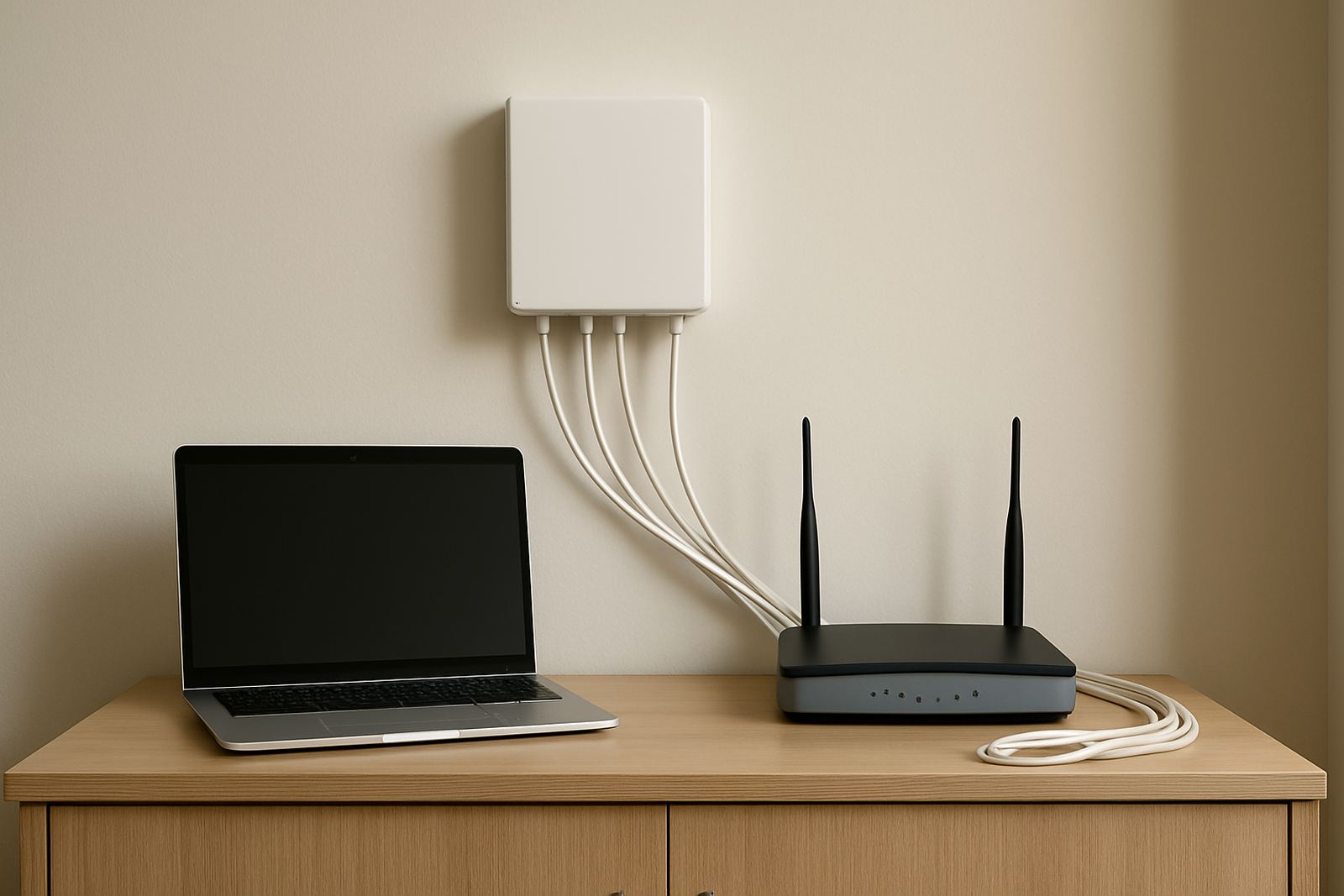
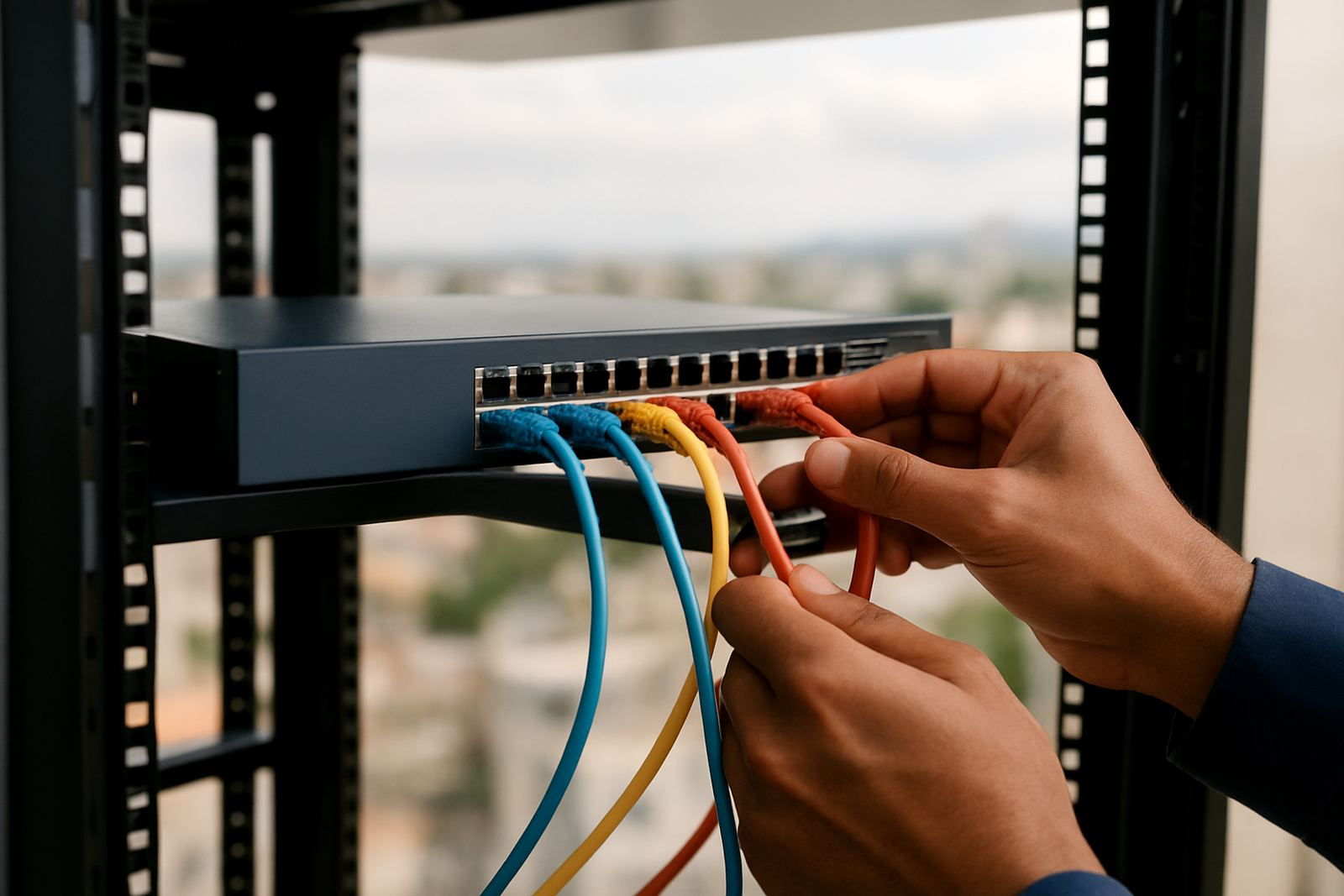
Installing wireless handsets is usually straightforward, but the office network still needs proper planning. The handset base needs power, and in most cases it must sit within good coverage of the VoIP network or connected phone system. NewTel checks whether your fibre line, router, switch and call setup can support the device before anything is fitted. If the building has patchy WiFi or thick walls, that gets looked at early so the handset range is not disappointing later.
- Power for the charging base or cradle
- Stable fibre or internet connection for VoIP calls
- Network coverage suited to the office size and wall layout
- Backup power for router and core equipment during outages
- Suitable mounting or shelf space for the base unit
There is no gas requirement for the handset itself, only normal electrical power for charging and system equipment. Where needed, NewTel can combine the handset rollout with WiFi design, network cabling and office relocation work. That helps if you are moving within Cape Town, opening a branch in Paarl or setting up a new office in another province.
Care, charging and servicing between workdays
Wireless handsets need basic care to keep working well. The battery should be charged regularly, contacts kept clean, and the handset stored away from heat, dust and moisture. In coastal areas like Cape Town, salt air and humidity can affect charging contacts and small buttons over time, so a dry storage spot matters. If the unit is used in a back office or near a warehouse entrance, a simple cleaning routine goes a long way.
We recommend checking battery life, call clarity and button response at regular intervals. If users notice the handset losing charge quickly, dropping calls or failing to pair properly, it may need a battery replacement or a settings check. NewTel can assist with phone system support and after-hours support for businesses that need issues sorted outside standard office hours.
For shared offices, it helps to assign each handset to a person or area and keep one spare charged unit available. That small habit prevents downtime when a battery fails or a device is misplaced. Servicing is usually light, but a proper check once in a while helps avoid avoidable call problems.
What to check before you order
Before ordering wireless handsets, it helps to confirm how many staff need one, how far they must walk from the base, and whether the system is for one floor or several. You should also check whether the office already has a VoIP setup, whether number porting is required, and whether the team needs training on call handling. These details affect the right model and how it gets configured.
- Number of users and handsets needed
- Office size, wall thickness and room layout
- Whether the handsets must work on one site or across branches
- Battery runtime and charging expectations
- Compatibility with your existing VoIP system
- Need for call transfer, paging or internal extension use
It is worth planning for extra staff, new premises or another branch. If you expect to add more staff, move premises or open another branch, choose a setup that can scale without replacing every handset. NewTel works with offices in Cape Town, Century City, Bellville, Somerset West, Paarl and Stellenbosch, as well as offices nationwide, so the same call structure can be kept in place as you grow.
Wireless Handsets In One Office Setup
NewTel supplies wireless handsets as part of a wider office communication setup, which means the handset, fibre, cabling and support can be planned together. That makes life easier for small businesses that dont want to manage different suppliers for each part of the system. From setup to user training, the aim is to keep staff reachable without making the office harder to run.
With a Century City base and service across Cape Town and beyond, NewTel supports offices that need practical communication tools rather than unnecessary extras. If you need one handset for a receptionist or a full rollout for a small team, the advice stays focused on what works in the actual office, not what looks good on paper.
Key facts
| Type | Wireless office handset for VoIP calling |
|---|---|
| Range | Office dependent, typically suited to rooms and nearby work areas |
| Battery | Rechargeable battery with charging cradle |
| Call functions | Answer, hold, transfer, mute, speaker and internal extension use |
| Power needs | Mains power for the charging base and supporting network equipment |
| Best use | Reception, admin, shared offices, clinics, stores and mobile staff |