What business fibre is and why offices use it
Business fibre is a dedicated internet service built for work use, not home browsing. It suits offices that rely on message, VoIP calls, cloud accounting, online backups, CCTV viewing and shared files. The main benefit is consistent performance through the working day, with lower downtime than older copper lines and better stability in areas where many users are online at the same time.
For small offices, the difference is usually felt in call quality and upload speed. If your team sends quotes, joins video meetings, uses CRM systems or moves large files, fibre helps keep things moving. In a Cape Town office, that matters during busy trading hours and load-shedding too, when your backup power needs to carry the network equipment without the line dropping unnecessarily.
NewTel works from Century City and supports offices in Cape Town, Bellville, Somerset West, Paarl, Stellenbosch and beyond. We supply fibre for businesses that need proper uptime, not guesswork. It is a practical choice for firms that want fewer interruptions and clear support when something needs checking.
Speed options and line sizes that suit small offices
Fibre is usually ordered by speed, with shared or business-grade line options depending on the site and how many users are connected. A small office may do well on 20 Mbps, 50 Mbps or 100 Mbps if the team mostly uses message, browser systems and VoIP. Larger teams, heavier file transfer or more video calling may need 200 Mbps, 500 Mbps or 1 Gbps. The right choice depends on user count, peak usage and whether the line also carries guest WiFi or security devices.
Upload speed matters as much as download speed for offices. If your team is sending backups to the cloud or running VoIP, a line with stronger upstream performance will usually behave better. We also look at whether the office has one site or several branches, because that can affect how the connection should be sized and monitored.
- 20 to 50 Mbps: light office use, up to about 6 users
- 100 to 200 Mbps: general admin teams, VoIP and cloud apps
- 500 Mbps and above: larger files, multiple calls, busy shared networks
- Static IP options: useful for remote access, CCTV and hosted systems
Where business fibre works best
Business fibre suits professional offices, medical rooms, small warehouses, law firms, accounting practices, agencies and retail head offices. It is especially useful where several staff members need the internet at once and where downtime quickly costs money. Offices in Century City, Bellville and Stellenbosch often ask for fibre because the line has to handle call traffic, payment systems and cloud software at the same time.
It also works well in relocated offices or new fit-outs where network cabling can be planned properly from day one. If your team is moving into a building with existing fibre ducts or a shared estate network, we check the path, the equipment room and the handoff point before installation starts. In some older buildings near the coast, salt air and damp can affect wall boxes and external terminations so we take that into account too, especially if the site is close to the sea.
Business fibre is not the same as a mobile router or consumer line. It is better for teams that need steady service during business hours and support when the connection needs attention. For offices with 3 to 30 users, it is often the most practical option.
Installation, power and backup planning
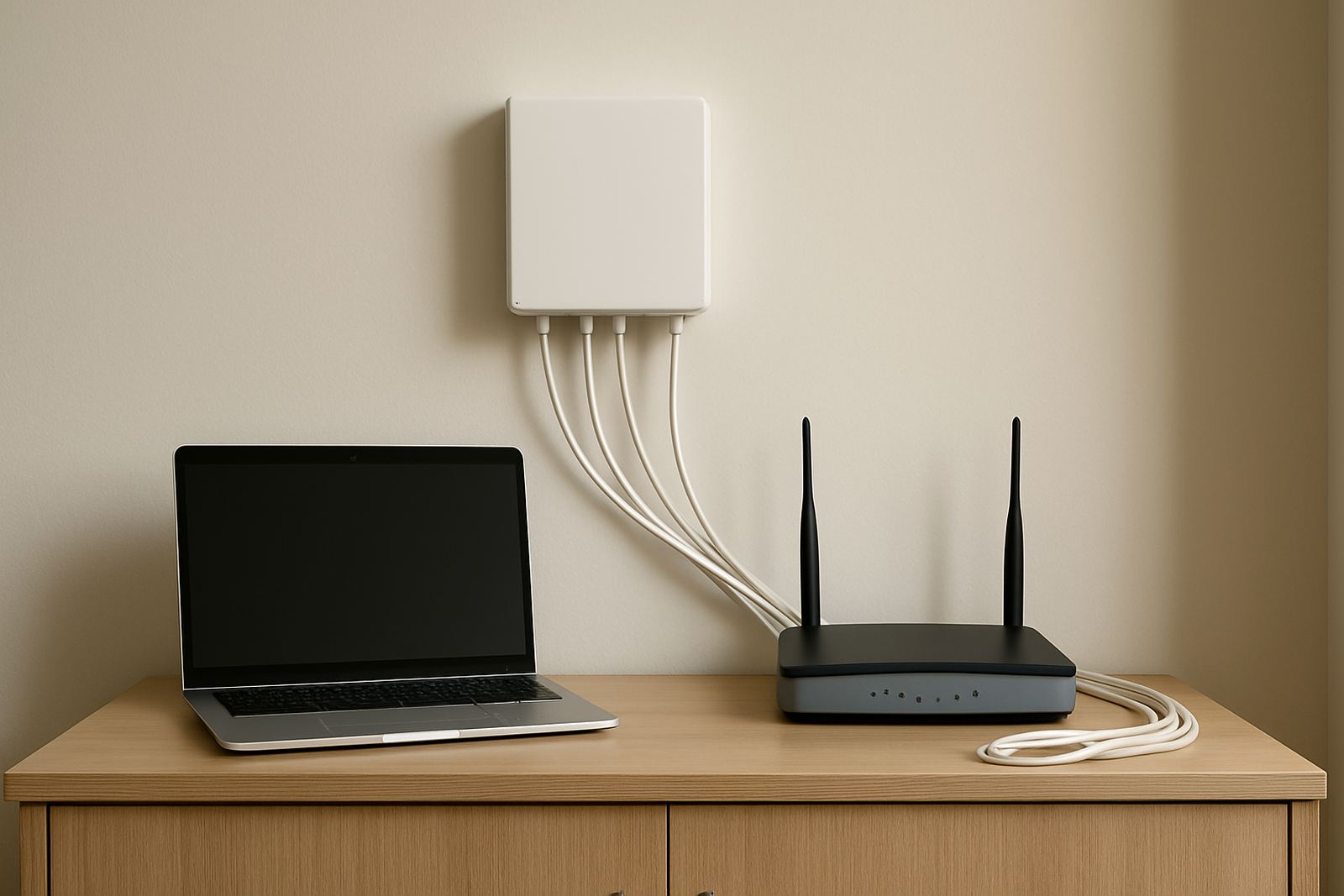
Installation starts with a site check, access approval and a look at the route from the street or building entry point to the comms area. Depending on the property, the work may include internal fibre termination, network cabling, a router, a switch and setup for VoIP or WiFi. Where an office is in a managed building, landlord or body corporate approval may be needed before work can begin. That can add time, so it is worth checking early.
Fibre itself does not need gas or fuel, but the active equipment does need power. At minimum, the optical network terminal, router and any switch should be on a small UPS so the line stays up during load-shedding. If the office uses VoIP phones, the power backup should cover those too. In some cases a 650 VA or 1200 VA UPS is enough for a few devices, while larger sites may need a bigger unit or two separate units.
- Site access and entry approval checked before install
- Power socket near the router and ONT
- UPS or inverter backup recommended for outages
- Structured cabling in place for stable counter-to-network connections
What to check before you order
Before ordering business fibre, check the address details, the number of users and the type of work done in the office. A team that mainly sends message will need something different from a team on cloud phones and large uploads. It also helps to know whether you need a new line, a migration from another provider, or fibre for a fresh office move. If you are porting phone numbers as well, the timeline should be planned together, not after the internet is live.
You should also confirm the equipment room location, whether there is enough ventilation and if the building has a working earth and decent power points. In coastal parts of Cape Town, salt and moisture can affect wall mounted gear over time, so a dry indoor position is better than a cramped corner near a window. Ask if the package includes a static IP, service level expectations and after-hours support. That avoids surprises later, and makes fault finding quicker.
- Exact office address and unit number
- Expected number of users and devices
- Need for VoIP, remote access or CCTV
- Backup power already in place or still to be arranged
- Any landlord, body corporate or estate rules
Care, servicing and support after activation
Once the line is live, good performance depends on keeping the network clean and well organised. Routers should be placed in a cool, dry spot with enough airflow. Network cables should be labelled, and patch leads should not be bent tightly behind cabinets or skirting. If the office grows, the line may need resizing or the WiFi design may need a rethink, otherwise the fibre itself can look fine while the internal network slows things down.
We support offices with network monitoring, after-hours support, WiFi design, phone system support and user training. That helps when the issue is not the fibre line itself but the router, switch, handset, cable run or a misconfigured device. We also help with office relocations and can move a service in a way that keeps downtime to a minimum, which is important when staff cannot afford to sit idle. Small issues caught early are easier to fix, and a quick check can save a long morning of frustration.
If a fault does come up, we look at the line status, handoff device, local cabling and power first. In many cases the problem sits inside the office rather than on the street side. That is why proper servicing and a tidy network matter so much.
Key facts
| Product type | Business fibre internet for office use |
|---|---|
| Speed ranges | 20 Mbps to 1 Gbps, subject to site and coverage |
| Best for | Small offices, multi-user teams, VoIP and cloud apps |
| Install requirements | Site access, power point, approved building entry point and internal routing |
| Power needs | ONT, router and switch should be backed by UPS or inverter |
| Support area | Cape Town, Century City, Bellville, Somerset West, Paarl, Stellenbosch and nationwide |