What Guest WiFi does in a busy office
Guest WiFi creates a separate wireless network for visitors, contractors and short-stay users. It sits apart from your main office network so staff traffic, shared drives and linked devices stay protected while guests get the internet access they need. For many South African offices, that split matters as soon as you have clients coming in, delivery teams waiting, or a boardroom used by different people through the day.
It is useful in places where people move through often, such as reception areas, consulting rooms, call centres, training rooms and client meeting spaces. You can allow internet access without opening up your internal systems. That means fewer security risks and less admin for your team. It also helps with compliance where visitor access must be separated from business systems, or where municipal and body corporate rules call for controlled network use.
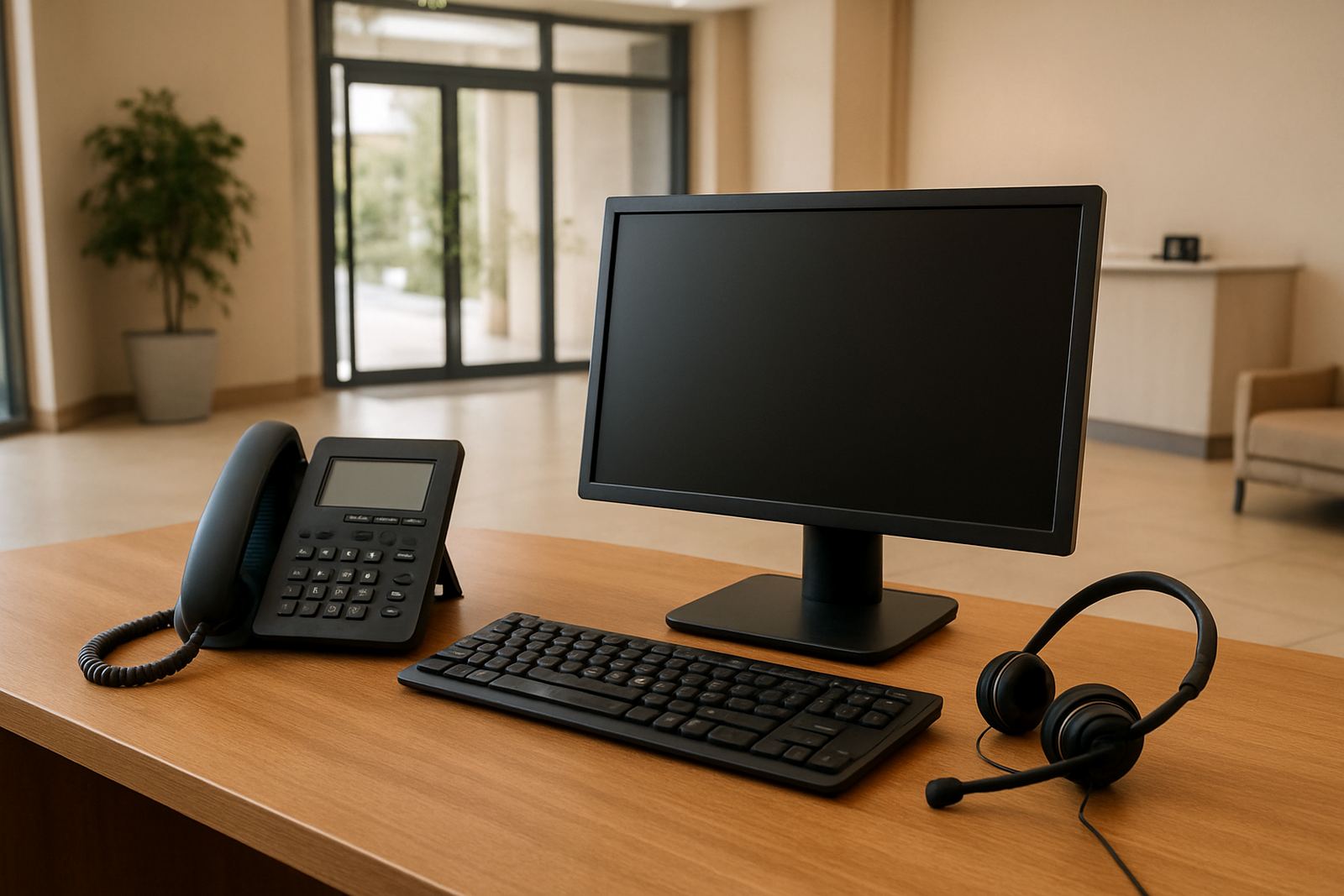
NewTel sets up Guest WiFi to work with your existing fibre and office routing, with settings that can be adjusted for time limits, speed limits and login control. If needed, we can also pair it with VoIP and internal WiFi planning so your phones and staff devices are not affected by guest traffic.
Guest WiFi options for different office sizes
There is no single setup that suits every office. A 6-person office in Bellville will need something very different from a multi-suite space in Century City or a clinic in Somerset West. We size Guest WiFi according to floor area, wall type, number of users and the amount of traffic you expect at busy times.
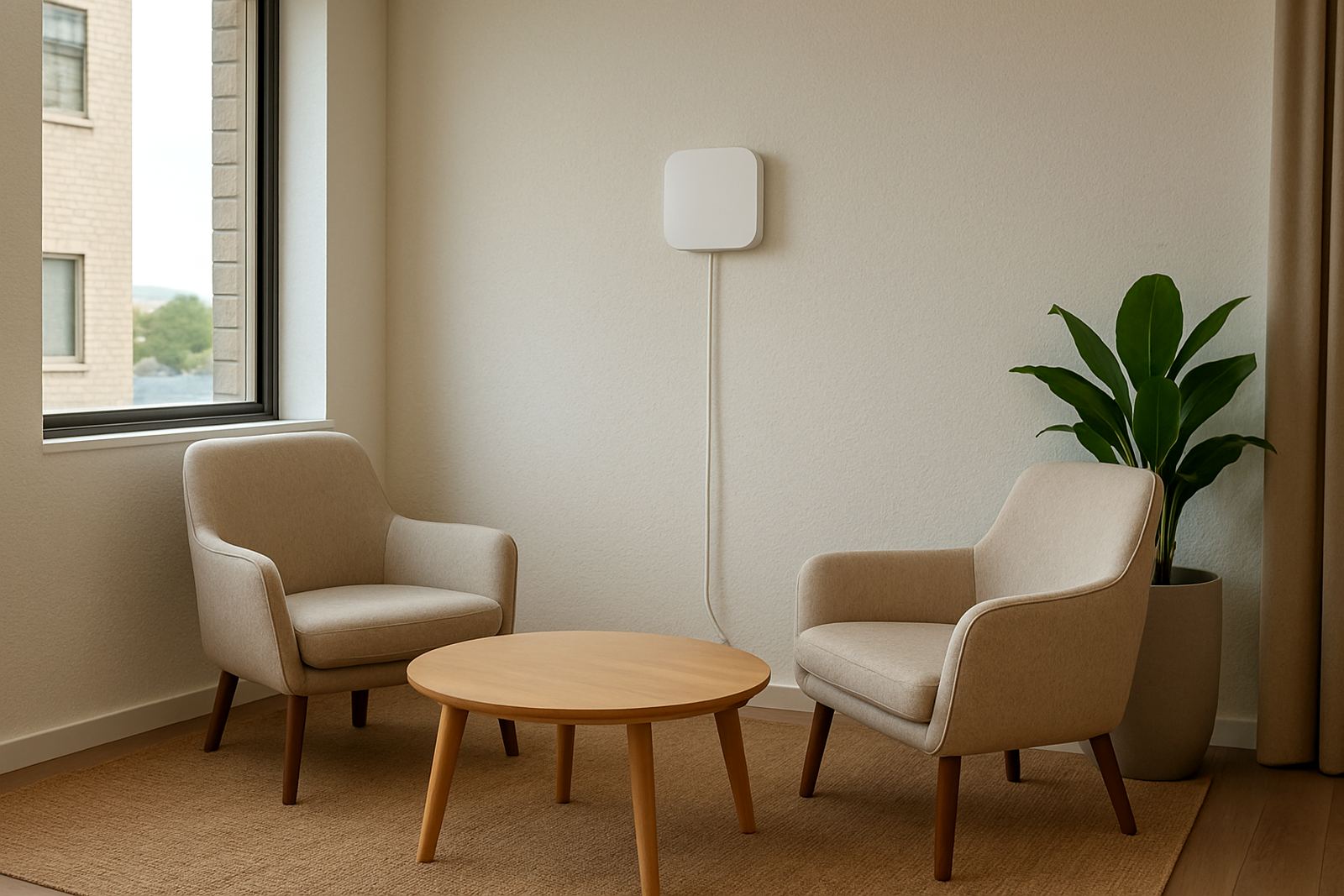
Small offices often need one or two access points with basic guest isolation and a controlled password. Larger offices may need multiple access points, proper roaming across rooms and more careful channel planning so the signal stays steady in boardrooms, reception areas and back offices. If your space has thick concrete walls, metal shelving or long passages, we plan for that upfront rather than trying to fix it after installation.
For businesses with regular visitors, we can set up one of the following options, depending on how much control you want:
- Simple shared password for light visitor use
- Voucher-based access for reception, training or events
- Timed access for temporary visitors and contractors
- Captive portal login with company branding and use rules
Every setup should be sized to the real number of users, not just the size of the office. A 30 square metre reception can carry a lot of traffic if the waiting area is full of people streaming videos on lunch break and the router is not limited properly.
Where Guest WiFi suits best
Guest WiFi suits any office where outsiders enter the building or use meeting space. It is common in Cape Town offices, but we also install it for businesses operating nationwide, from Paarl and Stellenbosch through to inland branches that need better control over visitor access. It works well in shared premises too, where different tenants must keep their networks apart.
It is a practical fit for medical rooms, accountants, legal practices, salons, classrooms, showrooms and professional offices. In all of these settings, clients expect internet access and staff still need to keep internal records, file systems and connected devices private. If your team works with cards, document scanners, printers or VoIP phones, separate guest access helps reduce interruptions.
Guest WiFi is especially useful where the office has to stay functional during load-shedding. When the router and access points are backed by a UPS, visitors can keep working during short power cuts, while the main office equipment stays protected. For sites with generator changeovers or solar systems, we can plan the network so access comes back cleanly after power is restored.
Installation, cabling and power requirements
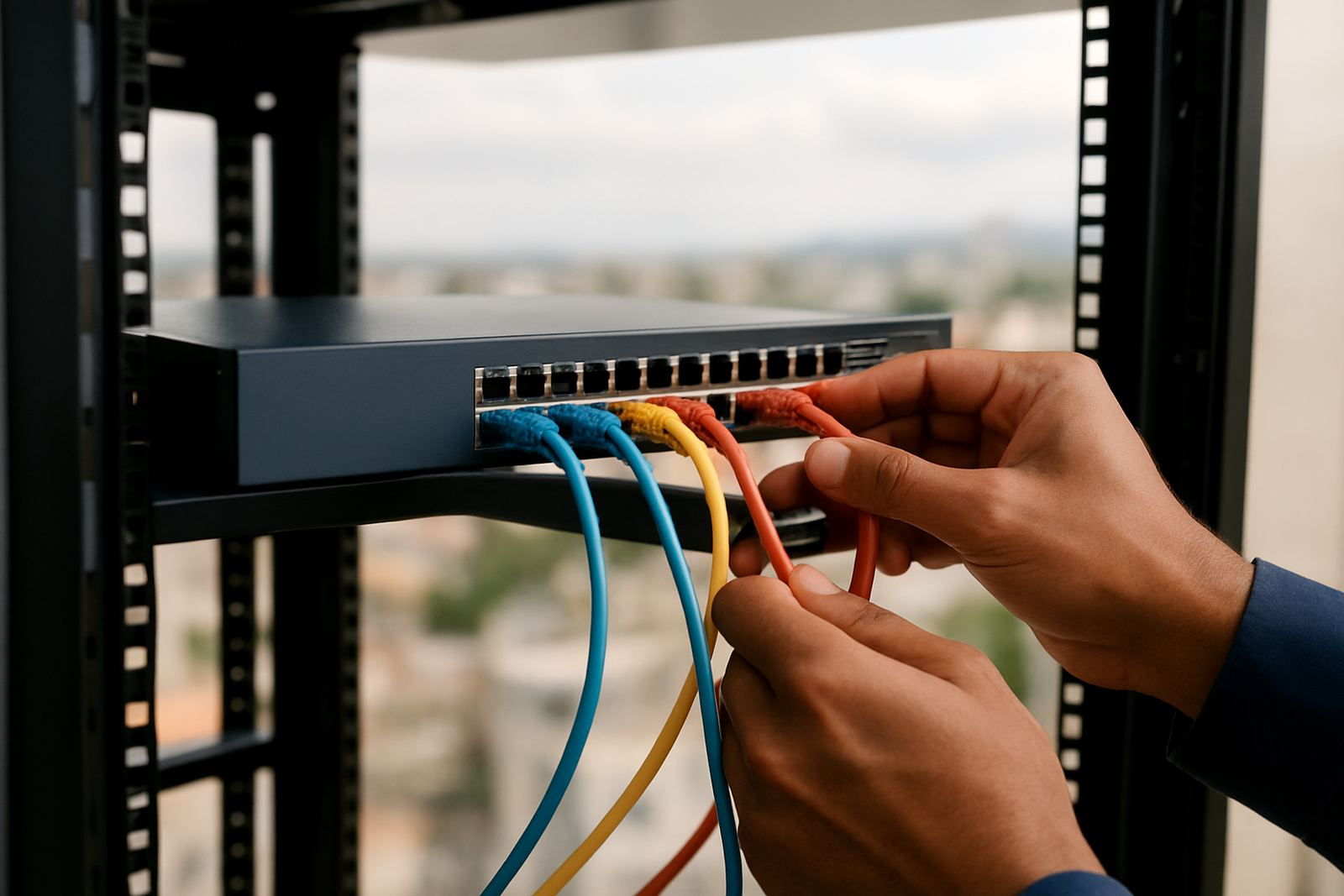
Guest WiFi starts with a proper network check. We look at the fibre handoff, router placement, cable routes and where people actually sit or stand. If there is no clean cable path, we plan one. If the existing network cabinet is cramped or badly ventilated, we flag it before work starts. That avoids unstable signal later on.
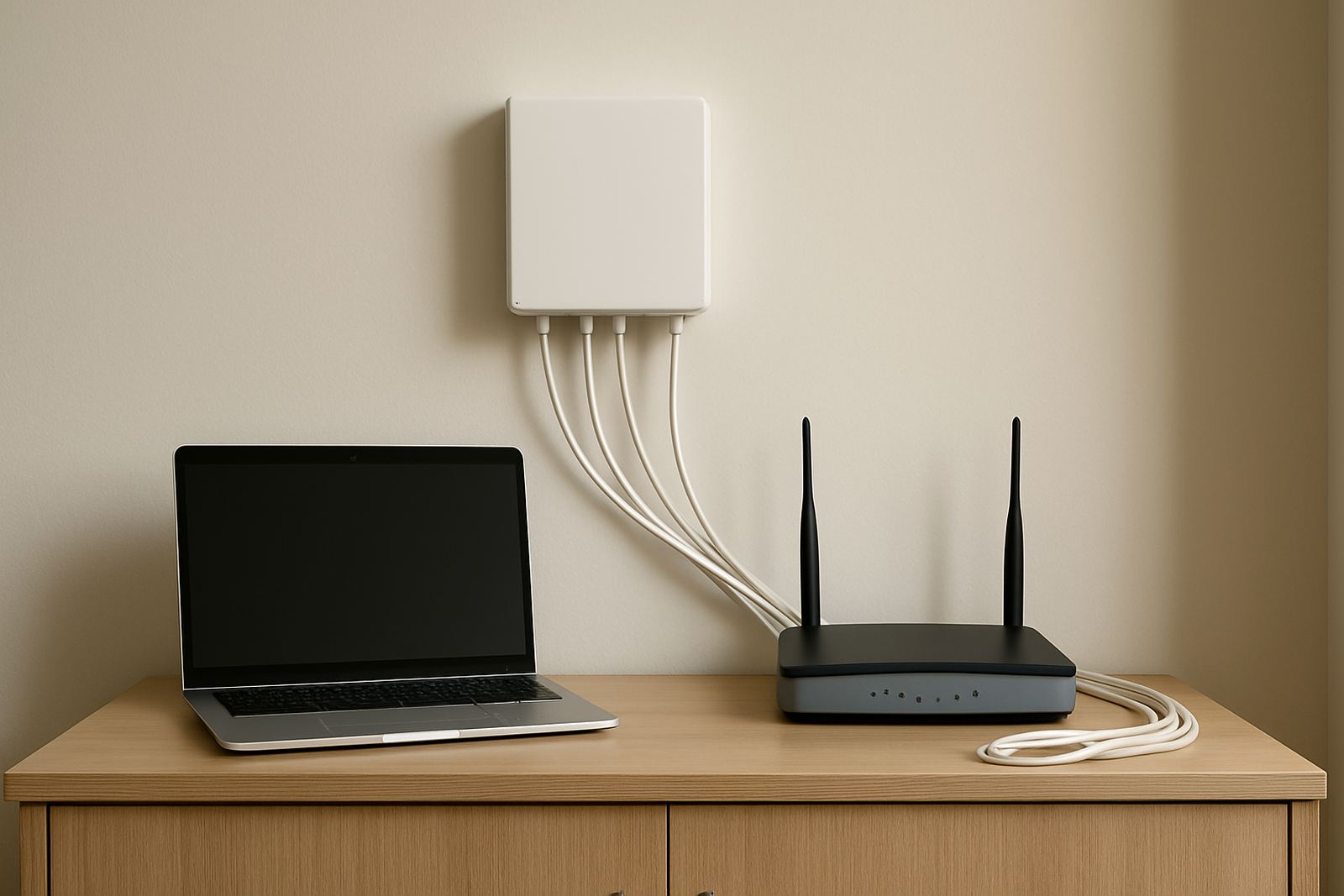
Depending on your site, the installation may include network cabling, access points, a firewall or managed router settings, and separation between guest and staff traffic. In some offices we can use a few well placed units. In others we need additional cabling to get the signal into meeting rooms or through older brick walls. The goal is a steady connection that does not drop every time the office fills up.
Power needs are usually modest, but they must be planned. Access points and network gear should run from a stable supply, preferably through a UPS where load-shedding is common. If you already have backup power, we check whether it can support the extra devices without overloading the circuit. If the office has a comms room with poor airflow, that is worth fixing too because heat shortens equipment life and causes trouble after a few months.
We also make sure the guest network cannot see printers, shared folders or internal devices unless you want a specific exception. That separation matters in offices where visitors often use the same space as staff, and it keeps the network simpler to manage.
Security settings that keep visitors out of your office systems
A guest network should be easy to use but tightly controlled. NewTel configures Guest WiFi so visitors can reach the internet while staying away from your internal systems. That includes client devices, office servers, printers, VoIP handsets and staff laptops unless you choose otherwise. For many businesses, that one change cuts down the risk of accidental access and keeps support calls to a minimum.
We can set bandwidth limits so guests do not use all the capacity during busy periods. We can also set session time-outs, limit devices per user and separate different groups, for example customers, contractors and training delegates. If your office handles confidential work, we can set logging and access controls that make it easier to see who used the network and when. It is a practical safeguard not just a technical one.
When the network is configured properly, staff do not need to keep giving out passwords or resetting access for every new visitor. Reception can hand over a code or voucher and move on with the day. That saves time, especially in places like Century City and Bellville where offices can be busy from morning till late afternoon.
Coverage, access points and what to confirm before rollout
Guest WiFi does not need much day-to-day care, but it does need periodic checks. Access points should be kept dust free and the comms area should stay cool. If your office adds more users, new partitions or extra meeting rooms, the WiFi plan may need a small upgrade. The same applies if you move offices or change furniture layouts because even a few metres can affect signal paths.
Before ordering, check the size of the office, the number of people who will use the network, and whether you want simple password access or a more controlled login. Also check whether the office already has fibre, a router, and enough network ports in the right places. If the office is in a coastal area, like parts of Cape Town or Somerset West, we also look at humidity and corrosion risk for any exposed cabling or wall points.
Useful things to confirm before installation:
- Number of daily visitors and peak concurrent users
- Whether guest users must be timed out automatically
- Where the access points can be mounted safely
- Whether backup power is available for the network gear
- Any building or body corporate rules about cabling or equipment placement
If your office is being renovated or relocated, Guest WiFi can be folded into the move plan so the network is ready when staff walk in. That avoids having visitors waiting around with no internet and makes the first week in the new space a lot easier.
Key facts
| Network separation | Guest traffic isolated from internal office devices and data |
|---|---|
| Access methods | Shared password, voucher, timed login or captive portal |
| Coverage | Single-room to multi-access-point office layouts |
| Speed control | Per-user or per-network bandwidth limits available |
| Power support | Can run through UPS backed office network gear |
| Typical use | Reception areas, boardrooms, clinics, showrooms and shared offices |