What a Reception Console Does at Reception
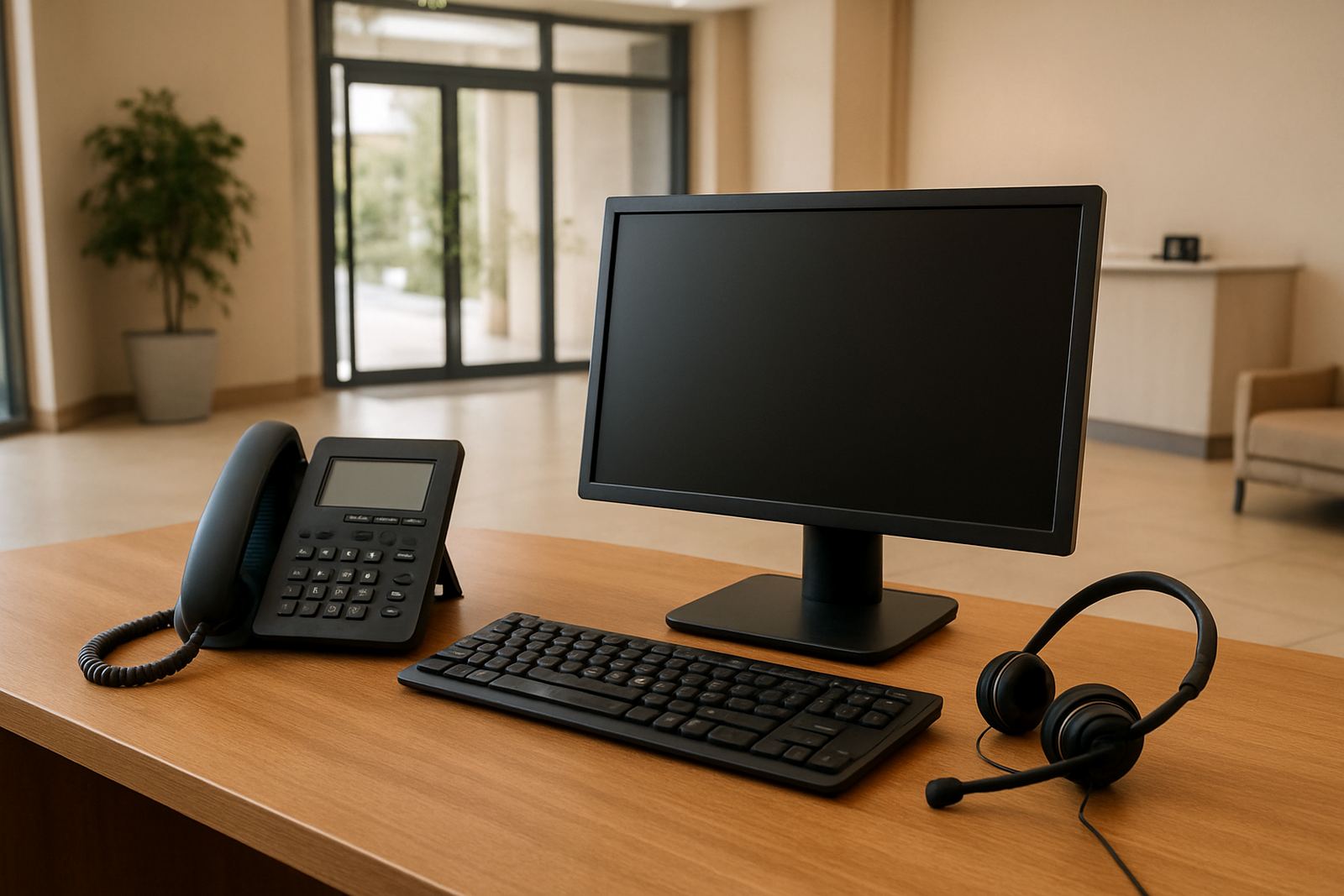
A reception console is a call handling station for the people who answer incoming calls first. It gives reception staff clear buttons or software controls for answering, placing callers on hold, transferring to extensions, checking availability and managing busy periods without working through a cluttered switchboard. In a small office, that can make the difference between a call being handled in 10 seconds or dropped while someone hunts for the right line.
For Cape Town offices and branches nationwide, this setup is useful where one person may need to manage multiple lines, a steady stream of visitors, and requests from sales, accounts and support. It also helps during load-shedding when call handling must keep going on battery backup or UPS power, provided the full voice setup is planned properly.
Sizes, Layout Options and Typical Specifications
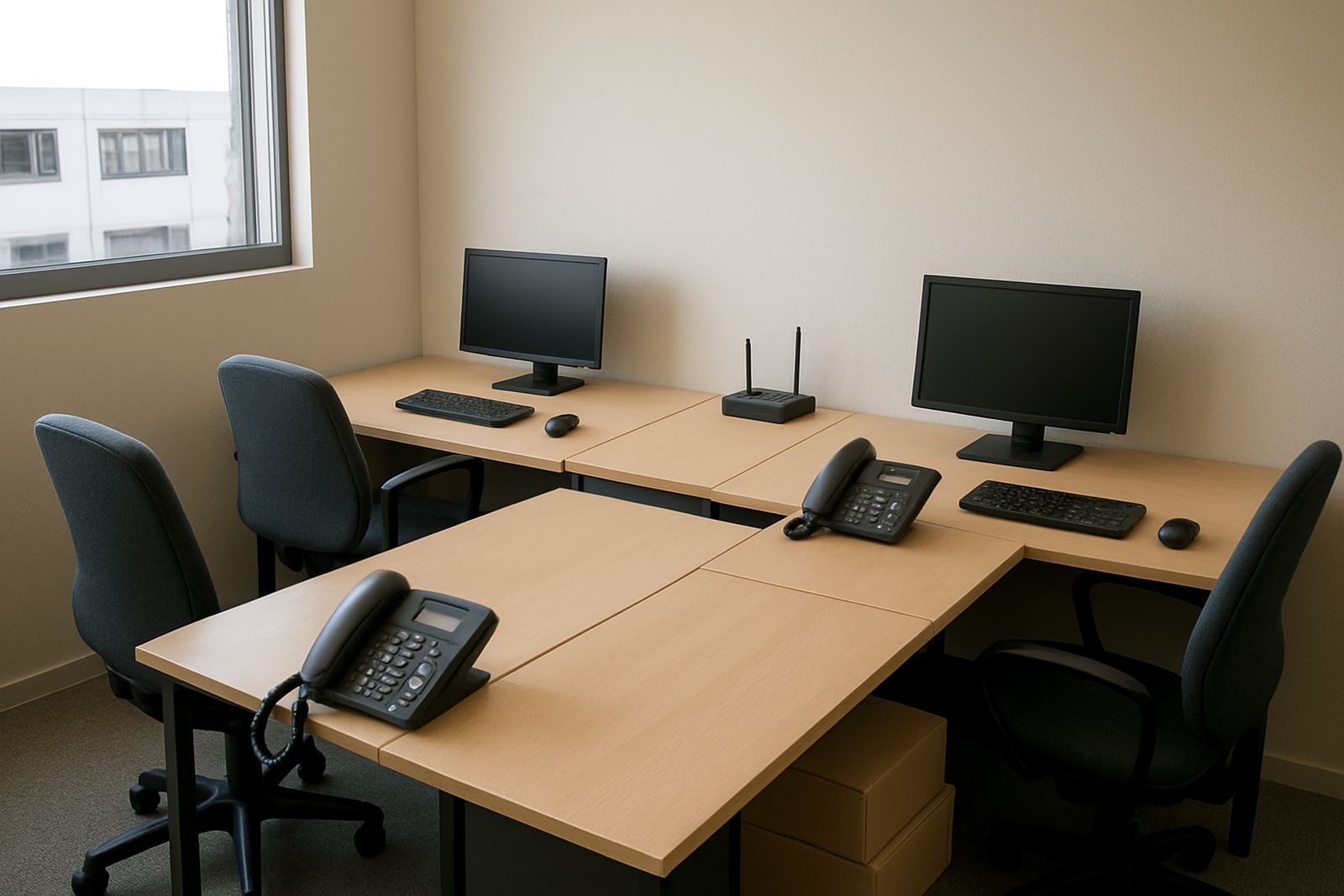
Reception consoles are usually chosen according to the size of the office and how many calls come in at once. A smaller front counter in Century City may only need a simple multi-line setup with a handset, headset option and quick-dial keys. A larger office in Bellville, Paarl or Stellenbosch may need several users, BLF-style extension monitoring, call queues and transfer shortcuts so the team can move callers fast.
- Single-user or shared reception layout
- Handset, headset or speakerphone operation
- Programmable keys for transfers, hold and speed dial
- Caller ID display and extension presence monitoring
- Queue handling for higher call volumes
- Integration with VoIP telephony and fibre internet
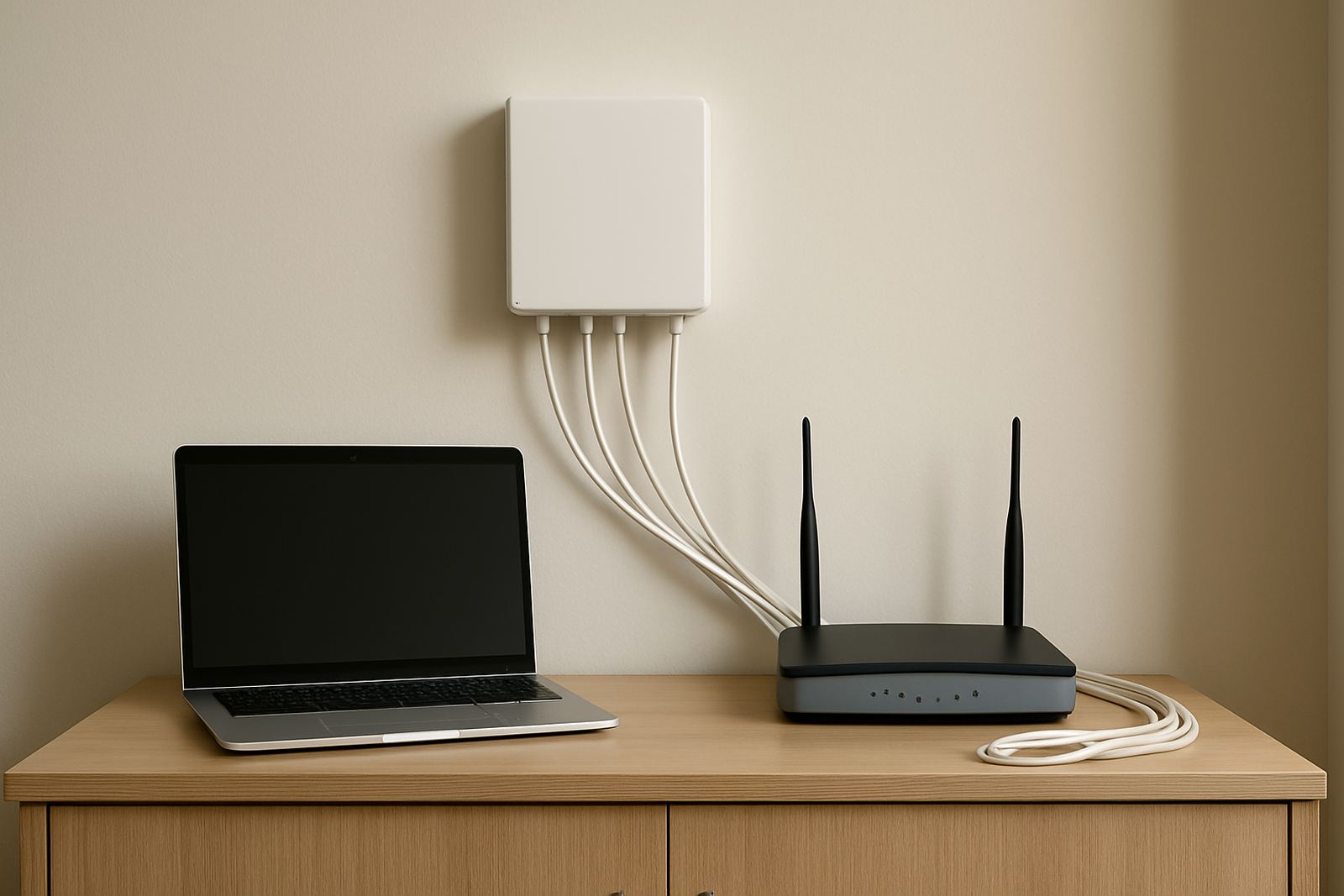
Most modern reception stations run over IP and connect to the office network, so the quality of the fibre link and internal cabling matters. Good WiFi is useful for mobility, but the main reception position should usually have a wired connection for stability, especially where calls are non-stop.
Where a Reception Console Suits Best
This product suits offices that take calls all day and need a central person or small team to route them. It is a practical fit for professional firms, medical rooms, property offices, logistics teams, shared workspaces and service businesses where a caller should never be left wondering who to speak to next. It is also handy for businesses with staff in multiple rooms or on different floors.
Reception teams in coastal areas such as Cape Town often need equipment that copes with humidity and constant daily use. A clean, well-ventilated location away from direct sun, kettle steam and loose paperwork helps the console last longer. If the office has visitors at the front and staff moving in and out, the reception point should be placed where the operator can see both the entrance and the activity behind them, without having to turn away from the screen.
Installation, Network Needs and Power Planning
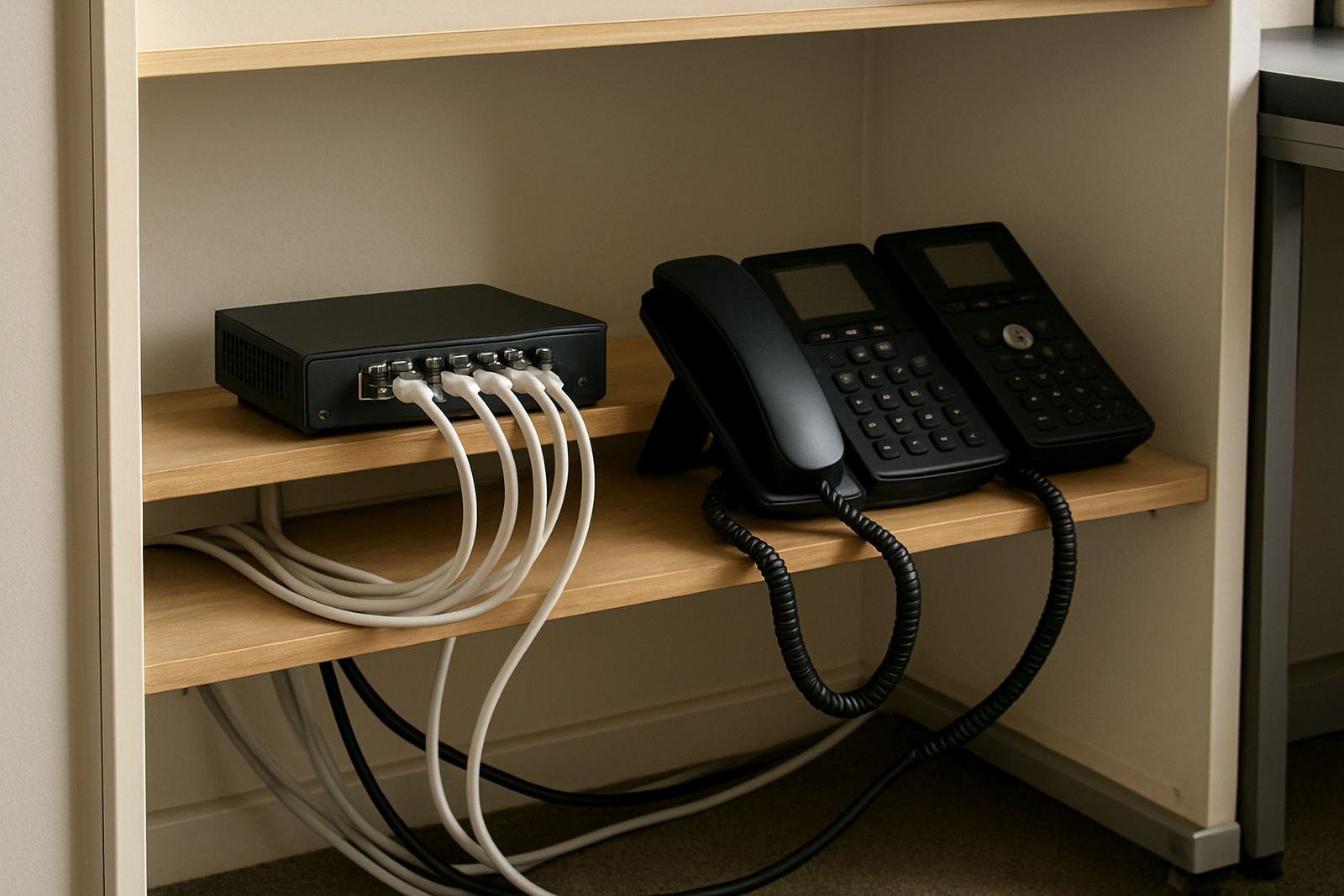
Reception consoles linked to VoIP need correct installation from the start. That means checking the fibre service, router placement, switch configuration and cabling before the first call comes through. If the office already has network cabling in place, the installer should test each point and confirm that the reception position has a stable line with enough bandwidth for calls and normal internet use at the same time.
Power planning matters as much as connectivity. The reception phone, router, network switch and fibre equipment should sit on backup power if the office wants calls to continue during load-shedding or brief outages. For many small offices, a UPS is enough for the voice gear but the runtime must be matched to the number of devices on it. Gas is not normally required for a reception console, although some larger buildings keep generator backup for the full office. If a generator is used, the changeover should be tested so the phones do not drop when power switches over.
- Confirm fibre speed and upload quality before commissioning
- Keep the reception unit on wired network, not a weak wireless link
- Place router and voice gear on suitable backup power
- Test incoming, outgoing and transfer calls after installation
Care, Cleaning and Ongoing Servicing
A reception console does not need much day-to-day care, but the front office staff should keep it clean and check it regularly. Dust, coffee spills and fingerprints can affect keys and screens over time, so a soft dry cloth or slightly damp cloth is usually enough for the body and handset. Harsh cleaners should be avoided, especially on displays and touch surfaces. In busy offices, handset cords, headset ports and power plugs should be checked every month for wear.
Ongoing servicing is worth doing before small faults become interruptions. Call quality should be reviewed, voicemail and queue settings should be tested, and any new staff should be added to the reception directory properly. If the office grows, a support visit can make sure the console still matches the way the team answers calls now, not the way it worked a year ago. That sort of upkeep keeps the front of house steadier, and less frantic.
What to Check Before You Order
Before ordering, it helps to confirm exactly how the reception team works, not just how many people sit at the front. Some offices need a simple handset and transfer control, while others need queue management, presence indicators and headset use for longer call stretches. It is also worth checking whether the reception position must handle multiple lines, after-hours messages or call forwarding to mobile numbers when staff are out.
- How many inbound calls arrive in the busiest hour
- How many extensions or departments the operator must see
- Whether a headset is needed for hands-free work
- Whether call queues, music on hold or voicemail are required
- What backup power is already in place for the office
- Whether the site needs number porting from an existing line
For Cape Town, Bellville, Somerset West, Paarl and Stellenbosch offices, it also helps to confirm whether installation has to happen after hours or during a relocation. If the business is moving premises, the phone handover should be planned with the network work so reception is not left without service on the first trading day.
Key facts
| Product type | Reception call handling console for office front-of-house teams |
|---|---|
| Connection | VoIP over fibre or managed office network |
| User setup | Single-user, shared reception or small team configuration |
| Core functions | Answer, transfer, hold, queue handling, speed dial, extension monitoring |
| Power requirement | Standard office mains with UPS backup recommended for voice continuity |
| Typical use case | Busy switchboards, call queues and reception points in small to medium offices |