What Call Recording does for an office
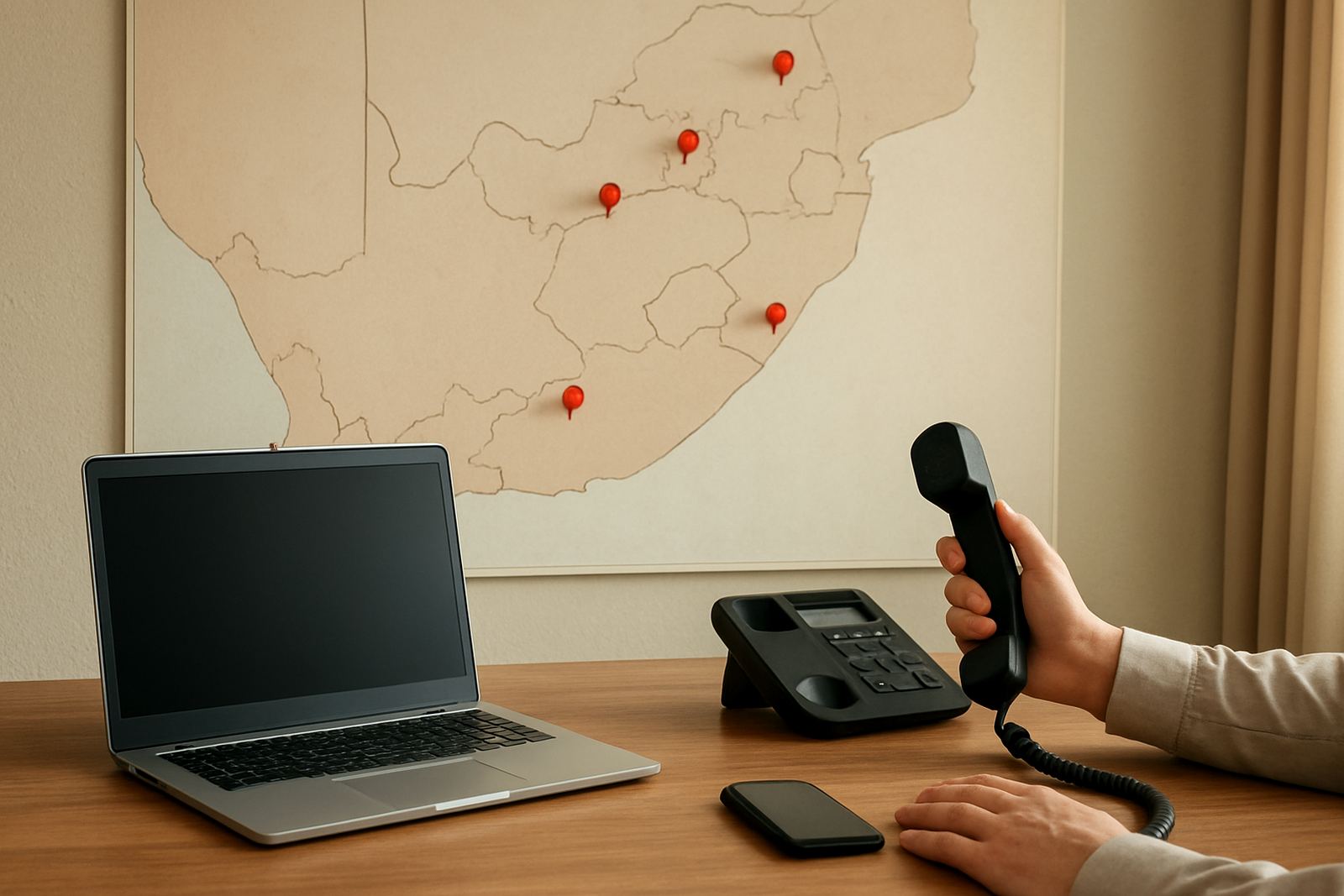
Call Recording captures inbound and outbound business calls so managers and teams can review what was said, how a call was handled and what action was agreed. It is useful for sales follow-up, staff training, dispute checks and keeping a record when a customer gives instructions over the phone. For small offices in Cape Town, Bellville and Somerset West, it helps keep everyone on the same page without relying on memory.
NewTel sets up call recording to work with your VoIP telephony so recorded calls are stored against the right extension or user. You can keep recordings for a set period, limit access to selected staff and use the files when you need to recap a quote, confirm a delivery detail or check a support conversation.
Storage sizes and recording options
There is no one-size-fits-all recording plan. A small office with a few lines may only need basic storage and a short retention period, while a busy team in Century City or Paarl may want longer storage, more user access and stronger search tools. The right option depends on how often you call, how long you need to keep files and whether recordings must be checked by more than one person.
Common setup options include:
- Per-user recording for selected staff or extensions
- All-call recording for full office coverage
- Scheduled retention periods such as 30, 90 or 180 days
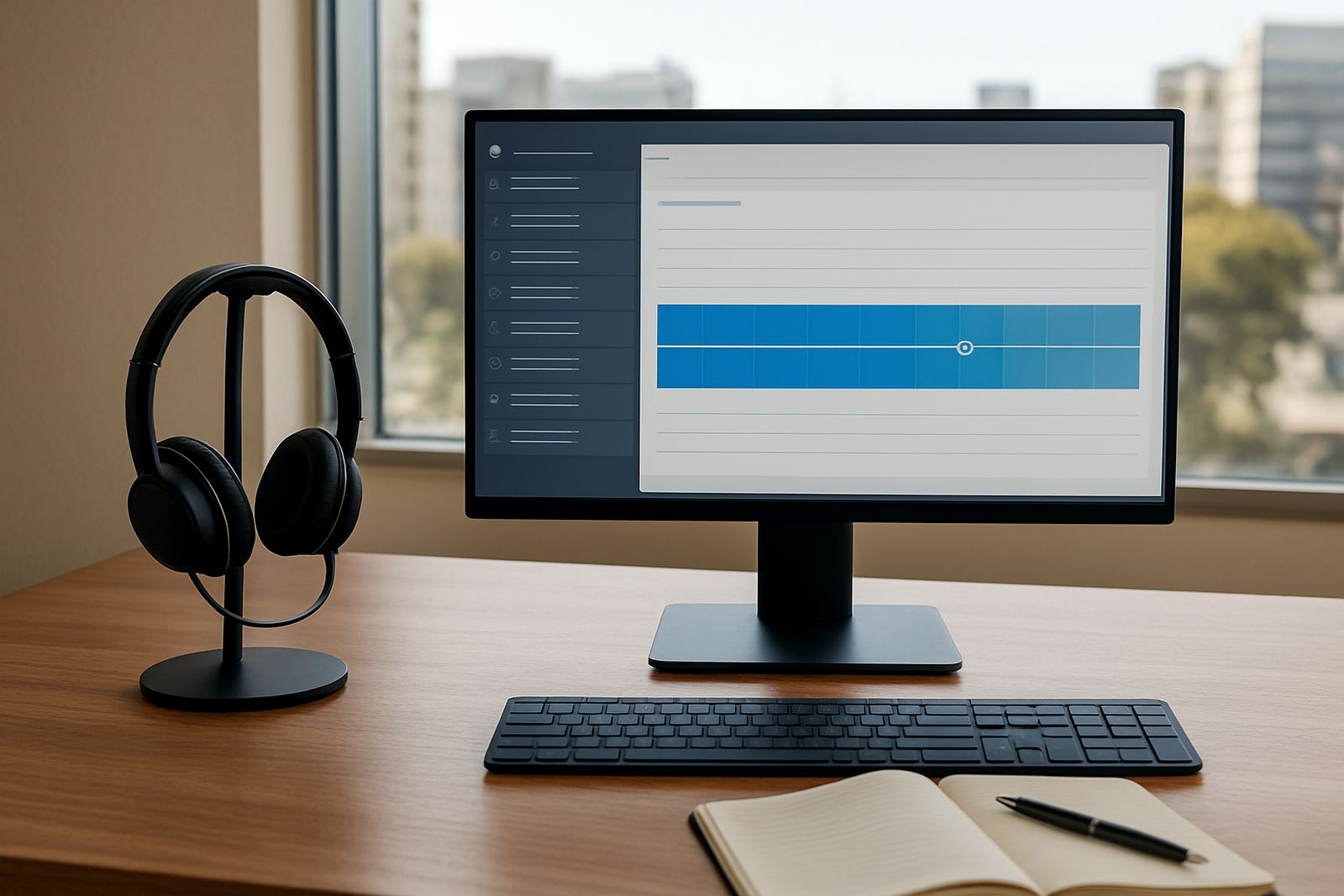
- Search by date, extension, number or call time
- Access control for managers, support teams or admin staff
For firms handling customer instructions, after-sales queries or internal handovers, a longer retention period can be helpful. If you only need short-term reference, a smaller storage plan keeps things simple and easier to manage.
Where it suits best in South African offices
Call Recording suits offices that depend on clear phone communication day after day. It is a practical fit for customer service teams, small sales offices, property consultants, financial administrators, repairs counters and any business that takes instructions by phone. It also helps when staff work across more than one site, or when some people are on leave and another team member needs to follow up without confusion.
In coastal areas such as Cape Town and Somerset West, good recording quality can help when background noise, power cuts or busy lines make calls harder to track. If you operate from offices in Stellenbosch, Bellville or Paarl, the system can be set up so managers can review calls without needing to ask staff to remember every detail. It is a good fit for offices that want clearer accountability and faster training for new staff.
- Small call handling teams
- Reception and switchboard users
- Sales and lead follow-up
- Support and service counters
- Multi-branch offices
Installation, network needs and power backup
Call Recording is usually installed as part of a VoIP setup or added to an existing system. NewTel checks your fibre line, phone system, router, switches and local network before activation, because poor network settings can affect recording quality. For offices using WiFi handsets or softphones, we also review bandwidth and signal strength so call files remain clear and complete.
This call recording setup does not need any gas supply or related compliance requirements. The main need is stable internet, a properly configured network and reliable power for your modem, router, switches and phone equipment. During load-shedding, recordings can only continue if your office network stays up on backup power. A small UPS may keep a single setup going, while a larger battery system is better for offices with several users or longer outages.
- Fibre line with sufficient upload speed
- Compatible VoIP phone system or app
- Router and switch on UPS or battery backup
- Enough storage space or cloud access for recordings
- Clear permission settings for staff access
Care, servicing and keeping recordings usable
Call Recording needs light but regular attention. Old recordings should be reviewed and archived according to your retention policy, and user access should be checked when staff change roles or leave the business. If you are using a cloud-based setup, it is wise to test logins from time to time so you know the right people can still reach the call history when needed.
NewTel can assist with ongoing support, especially if your office changes numbers, adds users or moves premises. After an office relocation, or if your internet provider changes, the recording settings may need to be updated so files continue to store properly. A quick monthly check is usually enough for smaller teams, though busier offices may want a tighter admin routine.
What to check before ordering Call Recording
Before you place an order, it helps to know how many users need access, how many calls you want recorded and how long you need to keep the files. You should also check whether you want full recording or only selected extensions, because that affects setup and storage. If your office handles sensitive customer information, ask how access can be restricted and what audit options are available.
It is also worth confirming your current fibre speed, router setup and backup power. If your office often experiences outages or patchy internet, the recording plan should be matched to that reality so you do not lose important call history. NewTel can help you choose a setup that fits the way your team works now and can scale later if your call volume grows.
- Number of users and extensions
- How many calls must be recorded
- Retention period needed
- Access levels for managers and staff
- Current fibre speed and backup power
- Any compliance or privacy rules for your office
Key facts
| Product type | VoIP call recording for office phone systems |
|---|---|
| Recording scope | Inbound, outbound or selected extensions |
| Storage options | 30, 90 or 180 day retention, or custom periods |
| Access control | User-level permissions for managers and admin staff |
| Network requirement | Stable fibre connection with suitable upload speed |
| Power requirement | UPS or battery backup recommended for router, switches and phone gear |