What a fibre router does in a small office
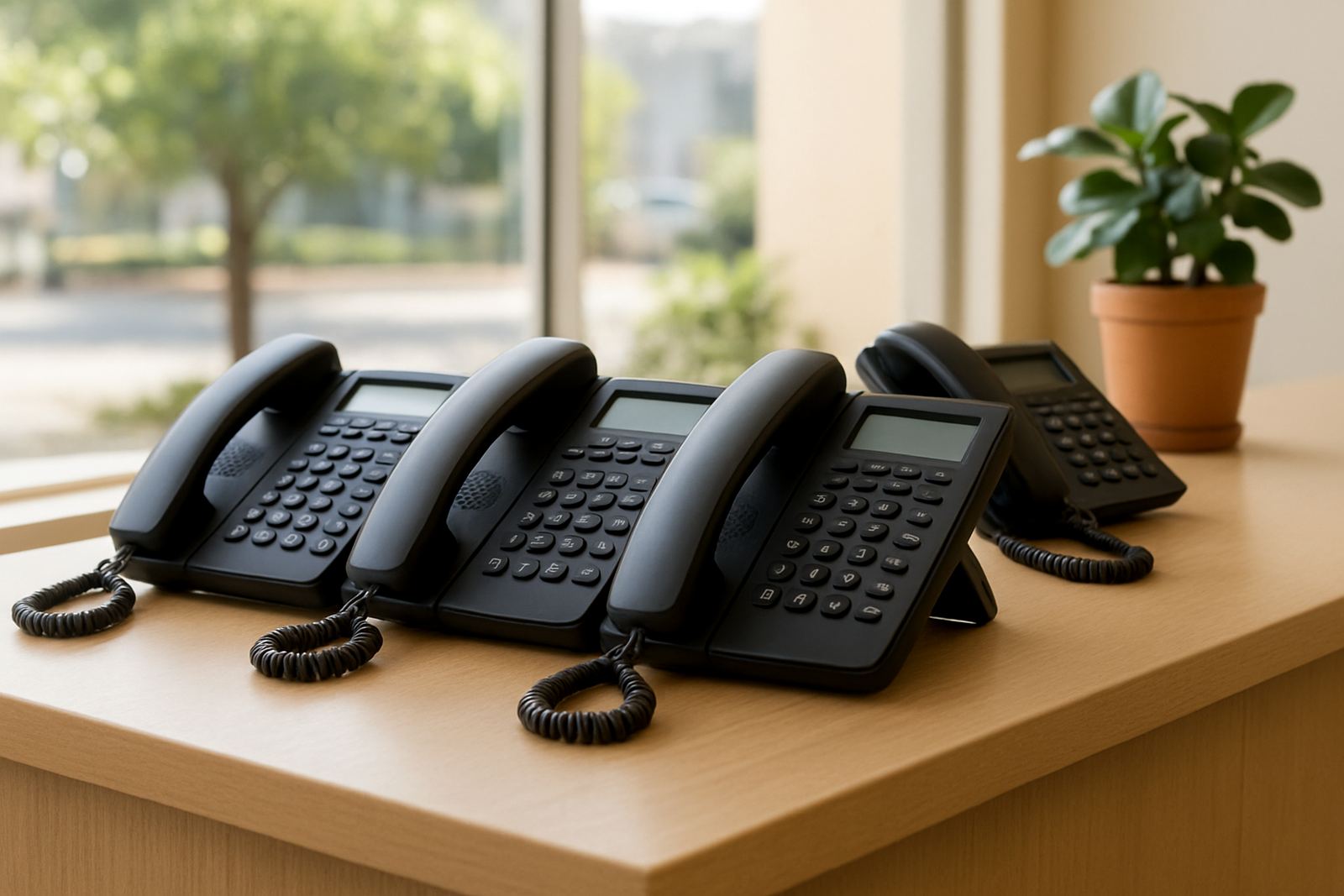
A fibre router sits between your fibre line and the rest of the office network. It directs traffic, manages connected devices and helps keep internet use steady when phones, laptops and printers are all online at once. For offices using VoIP, a proper router also helps prioritise call traffic so voices stay clear, even when someone is uploading files or backing up data.
NewTel supplies office routers for businesses that need dependable day to day performance without unnecessary complication. We work with small teams, branch offices and relocating businesses that want one point of control for internet access, call quality and basic network security. It is a sensible fit where staff need to keep working during load-shedding too, as long as the router is on backed-up power.
Sizes and options for different office setups
Not every office needs the same router. A two-person practice in Century City will need something simpler than a 20-user office in Bellville with VoIP phones, printers and guest WiFi. We help match the router to the number of users, the fibre line speed and the type of traffic on the network.
- Compact office routers for 1 to 5 users
- Mid-range routers for 6 to 15 users
- Higher-capacity routers for offices with multiple VoIP extensions
- Dual-band WiFi options for stronger wireless coverage in open-plan offices
- Models with guest network control and traffic prioritising for calls
Where offices have thick walls, long passages or separate consulting rooms, a router may be paired with access points and proper WiFi design. This is often better than trying to make one unit do everything.
Where a fibre router suits best
This product suits small offices, satellite branches, shared workspaces, reception areas and businesses that rely on cloud software, online banking and VoIP telephony. It is especially useful in Cape Town, Paarl, Somerset West and Stellenbosch where many offices now depend on fibre for both internet and calling.
A fibre router is also a good choice during office relocations, because it gives the new premises a clean network starting point. If your move includes phone number porting, network cabling or new WiFi coverage, the router becomes part of the full office handover rather than a loose add on.
- Professional offices with VoIP handsets
- Small retail back offices
- Accounting, legal and consulting teams
- Branch offices needing stable remote access
- Businesses with CCTV or cloud based systems
Installation, power and site requirements
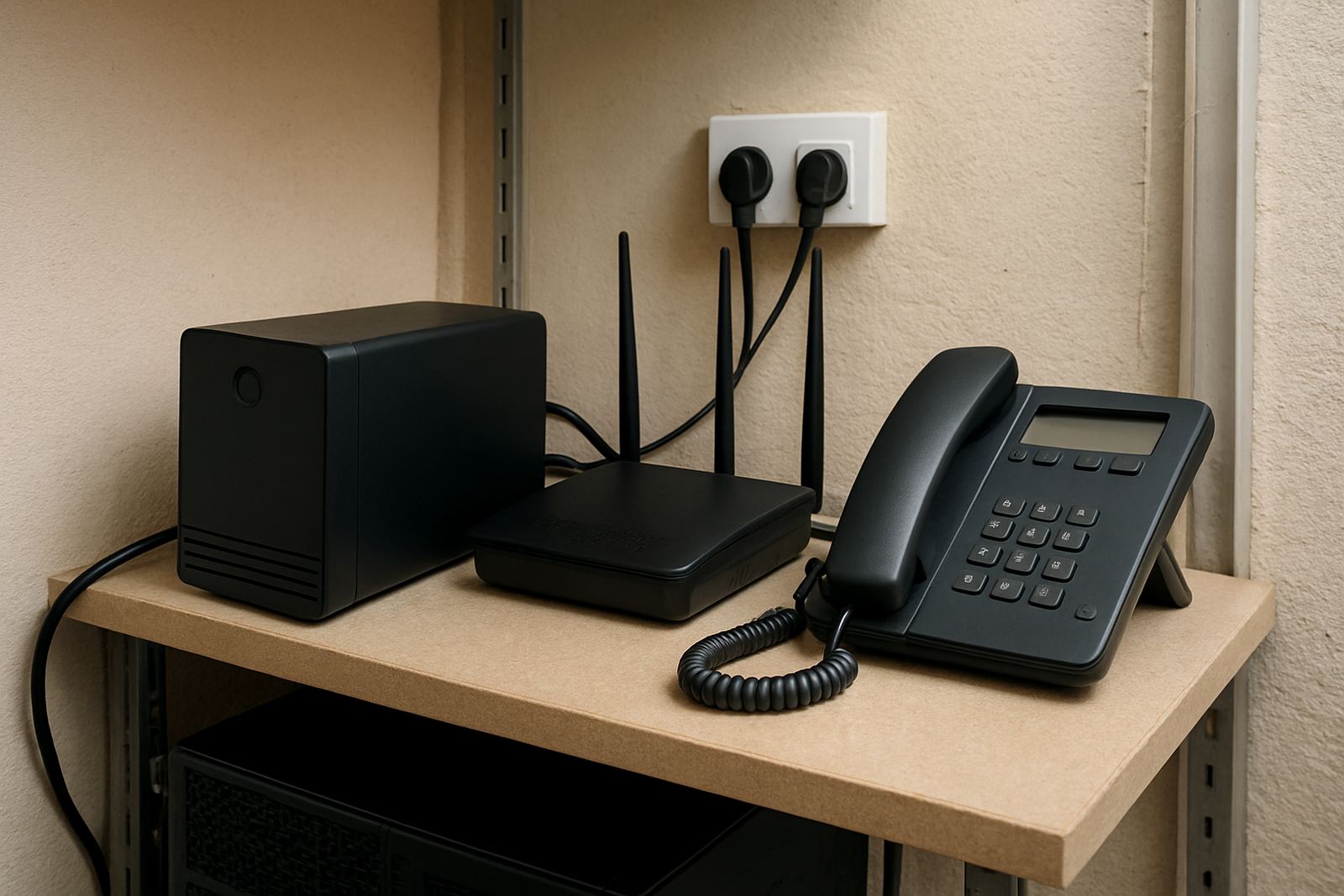
Installation starts with checking the fibre handoff point, the number of users and the layout of the premises. The router should sit in a dry, ventilated place with enough space around it for cables and airflow. In coastal areas like Cape Town and Somerset West, it helps to keep equipment away from damp corners and direct salt air where possible.
Power is important. A fibre router does not need gas, but it does need clean electricity and ideally a battery backup or UPS so it stays online during load-shedding and short outages. If the router powers VoIP phones or nearby access points, then backup sizing needs to cover all of that equipment. A small UPS might keep only the router and fibre termination alive, while a larger unit can support the full office network for a useful amount of time.
We also check whether the office needs extra network cabling, a better switch position or a wall mounted cabinet. Good placement reduces cable strain and makes fault finding easier later.
Care, servicing and support over time
A fibre router needs little day to day attention, but it should be checked now and then. Dust build up, loose cables and poor ventilation can cause heat issues, and that is when performance starts to slip. Offices that run after hours or over weekends should also make sure the router is included in their support plan.
NewTel offers after-hours support and monitoring for offices that need help outside standard business hours. If there are call drops, slow internet or WiFi complaints, we look at the full setup, not just the router. In many cases the problem sits in the cabling, power backup or the line profile. A quick restart may help sometimes, but it should not be the only fix.
What to check before ordering
Before ordering, it helps to confirm a few details so the router is matched properly to the office. A wrong size unit can lead to poor call quality, dead spots or a network that feels fine in the morning but slows down by lunch.
- How many users and VoIP handsets will be connected
- The fibre speed on the circuit
- Whether WiFi is needed across the whole office or only in certain rooms
- Whether the office needs guest access and traffic control
- What backup power is already in place
- Whether the site is being relocated, upgraded or fitted out from scratch
If you are not sure, send the office details and the line requirements through our contact form. Our team in Century City works with businesses across Cape Town, Bellville and beyond, and we can advise on the most suitable setup without overcomplicating it. A good router should just do its job day after day, with very little fuss.
Key facts
| Product type | Office fibre router for internet and VoIP use |
|---|---|
| Typical users | 1 to 15 users per unit, depending on model and line speed |
| Connectivity | Fibre WAN, Ethernet LAN, WiFi options on selected models |
| Power needs | Mains power with UPS or battery backup recommended |
| Use cases | VoIP telephony, office internet, guest access, cloud systems |
| Support | Installation, setup, monitoring and after-hours support available |