What Battery Backup does for your office
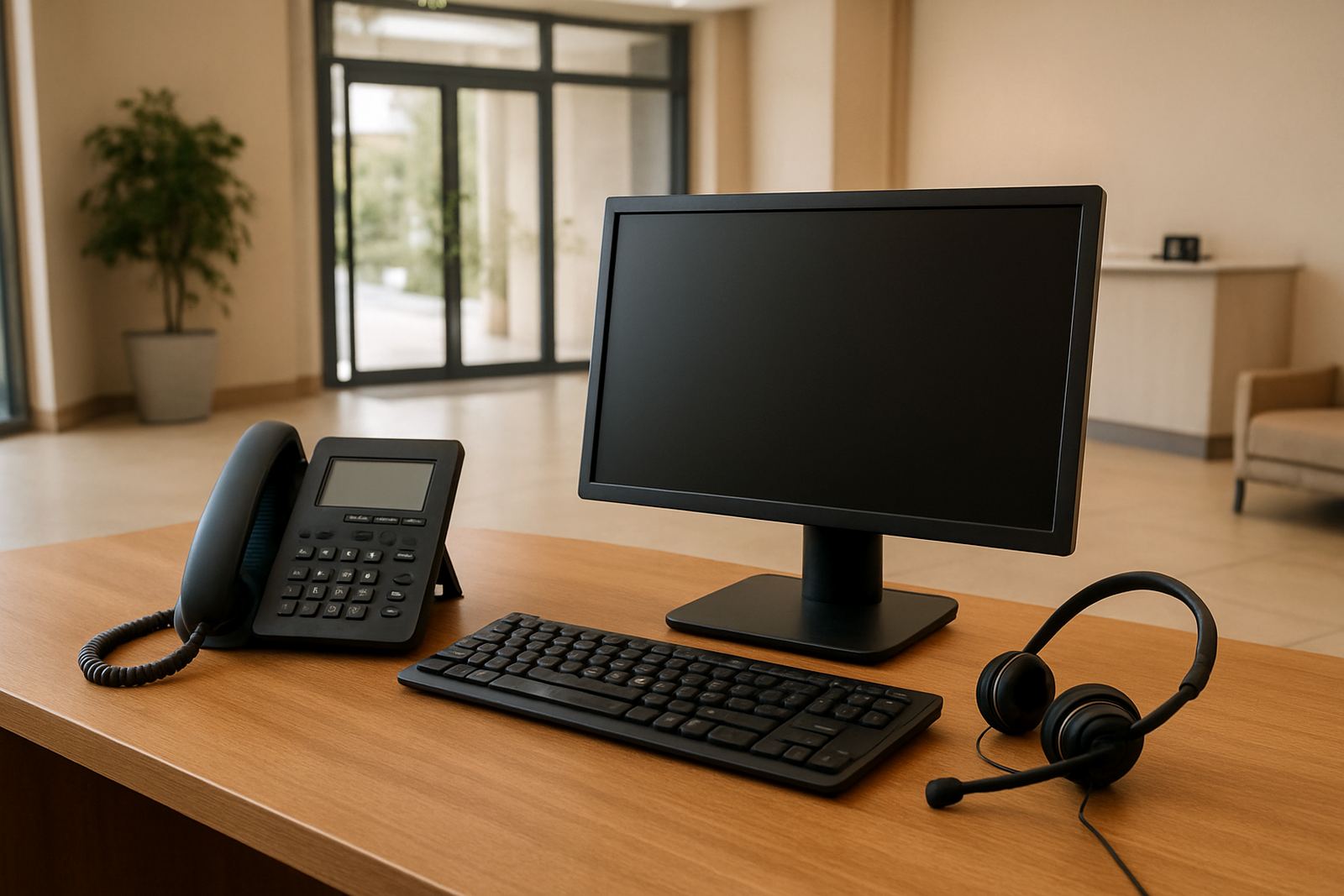
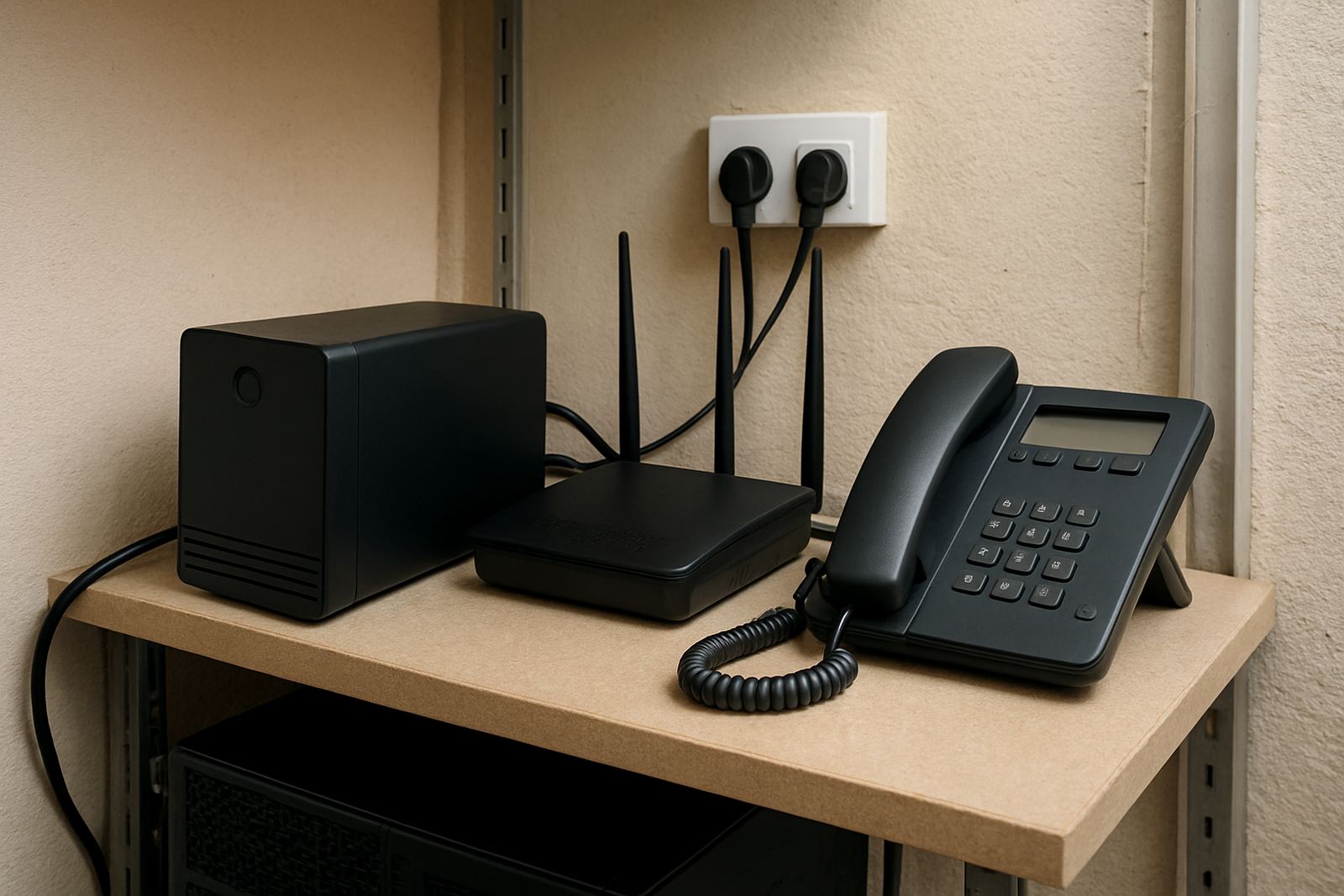
Battery Backup is a compact power support unit that keeps essential communication equipment alive when the mains supply drops. It is usually set up for your fibre ONT, router, WiFi access point and VoIP handset base or small switch, not for heavy appliances or printers. That means your office can keep making and taking calls, saving files and using cloud tools for a useful period instead of shutting down straight away.
For small teams, the main benefit is continuity. A 10 minute outage can interrupt a client call, a payment query or a remote meeting. With the right battery size, those interruptions become manageable rather than costly. The unit can also help with short voltage dips and flickers that often come with municipal switching or building-side faults.
Battery sizes and runtime options
NewTel supplies Battery Backup in a few practical sizes, depending on how many devices you want to keep online and for how long. Smaller units suit a single counter cluster or reception point, while larger options work better for an entire small office with multiple VoIP handsets, a switch and WiFi coverage. Runtime depends on the load, battery age and how many devices are connected at once.
- Mini office option: 12V 7Ah to 9Ah for one router and one ONT
- Standard office option: 12V 18Ah to 26Ah for router, ONT and 2 to 4 handsets
- Extended option: dual battery or higher-capacity pack for more users and longer outages
- UPS-style option: power conditioning plus battery storage for mixed network equipment
A small setup may give 2 to 4 hours on light load, while a larger office system can keep core communications running for longer. The exact runtime is always tied to the actual watt draw, so a site with multiple access points or a busy call line will need a bigger reserve. It is wise to allow margin rather than size it too tight, especially if the building sees regular outages.
Where Battery Backup suits best
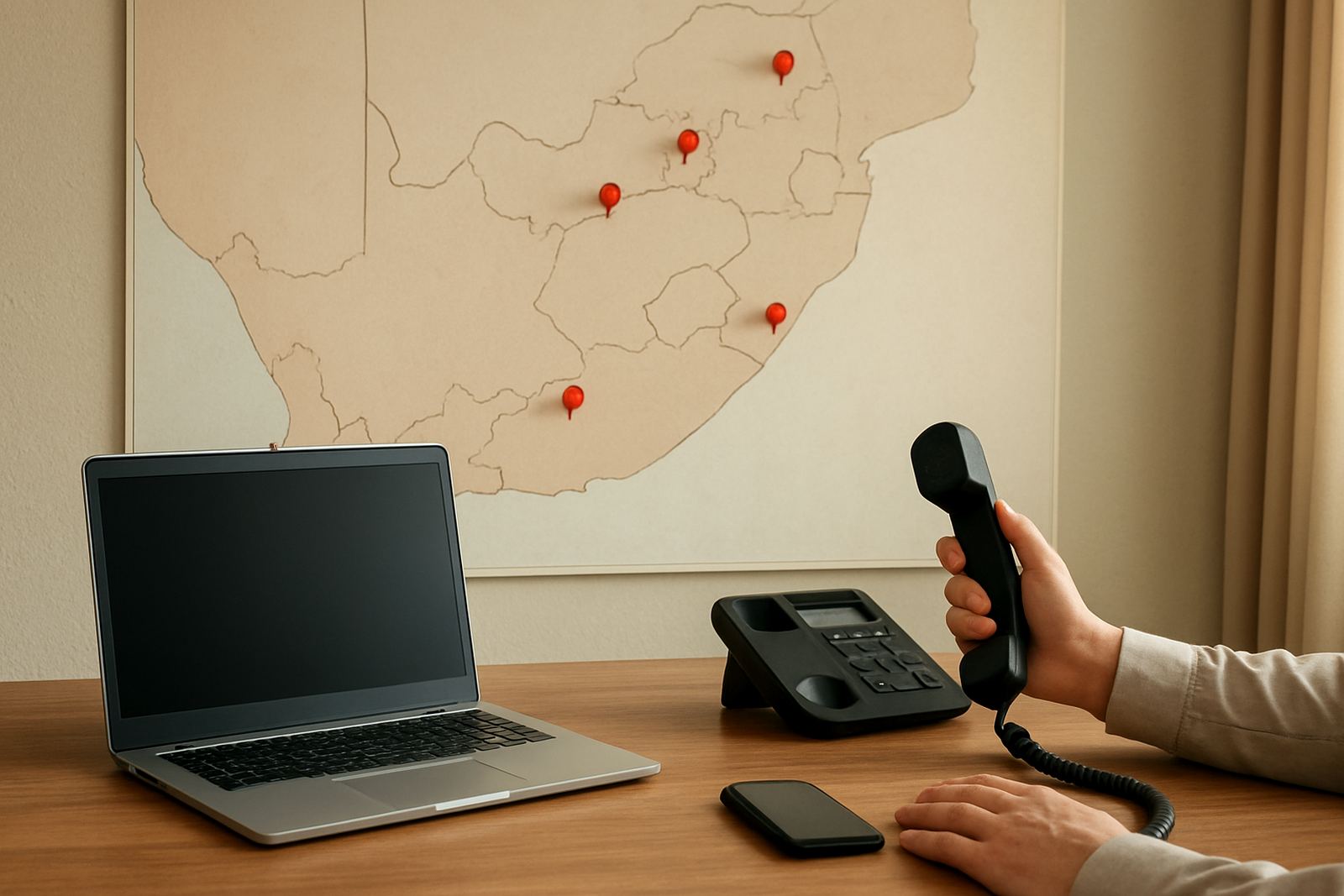
This product suits offices that rely on fibre and VoIP for daily work, especially where calls must keep moving during load-shedding or unplanned cuts. It is a strong fit for reception areas, professional firms, medical rooms, sales teams, property offices and shared workspaces in Cape Town, Century City, Bellville, Somerset West, Paarl and Stellenbosch. It also works well for branch offices nationwide where staff depend on one clean internet link and a small voice system.
It is particularly useful where there is no generator, or where a generator starts up after a delay. In many commercial buildings, that delay is long enough to interrupt a call or force routers to reboot. Battery Backup bridges that gap. For coastal offices in Cape Town and Somerset West, it also keeps sensitive equipment powered through brief brownouts that can be hard on network hardware over time.
Installation, power use and site checks
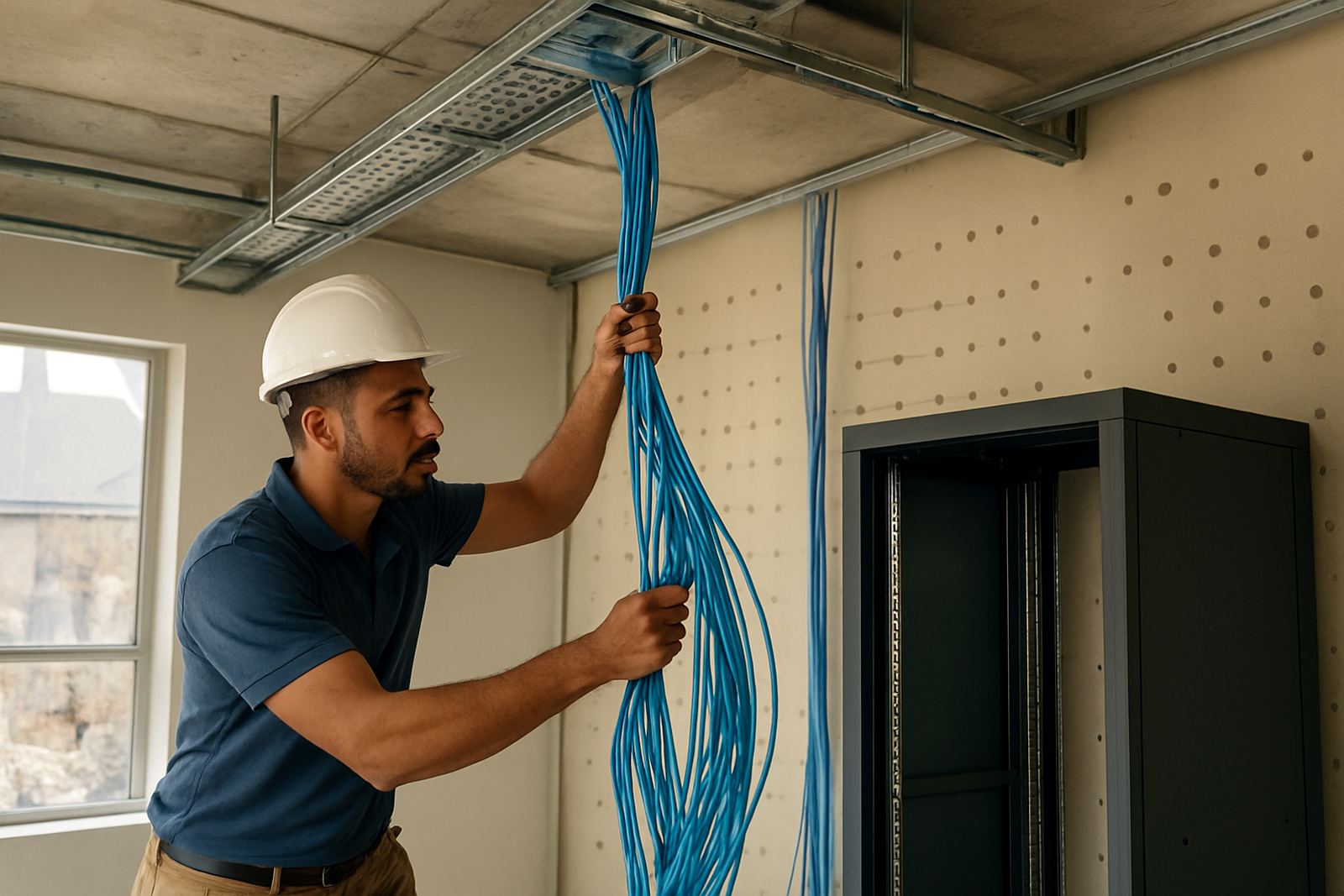
Installation is normally done alongside your fibre and VoIP setup. The unit is connected to the devices that matter most, then tested under load so you can see how long the system lasts with your actual office equipment. If the office has limited socket points or a shared comms cupboard, the layout should be checked before anything is mounted. A tidy setup helps with servicing and makes future changes much simpler.
Power use is low, but the charger does need a stable mains supply to keep the battery ready. There is no gas requirement. If your site already has a generator or inverter, NewTel can help make sure the battery unit fits in without conflict, so the handover between systems is not messy. The equipment should be kept in a dry, ventilated indoor space away from direct sun, damp walls and cleaning chemicals.
- Confirm the total watt draw of the router, ONT and phones
- Check whether one circuit feeds all comms gear or if it is split
- Allow wall space or shelf space for safe mounting
- Keep the unit close to the devices it supports to reduce cable clutter
Care, servicing and battery life
Battery systems need light care to stay reliable. In normal use, the battery should be checked regularly for swelling, heat build-up or reduced runtime. Dust should be cleared from vents and cables kept neat so airflow is not blocked. If the office is in a coastal area, extra attention helps because salt in the air can shorten the life of connectors and terminals.
A good service routine also includes a test during working hours, not only after a failure. That way you know the unit is still carrying the load properly. Battery life depends on cycles, temperature and how deeply it is discharged. As a guide, many office batteries are replaced every 2 to 4 years, sometimes sooner in hot or high-use sites. A unit that has to carry calls and WiFi through repeated outages will wear faster, so it pays to monitor it rather than waiting for a failure.
What to check before you order
Before ordering Battery Backup, it helps to list the exact equipment you want protected. Do you need only the fibre line and one VoIP handset, or do you need the whole office comms rack? Do you want short-term coverage for load-shedding, or longer runtime for brownouts and utility faults? These answers affect the battery size, cable types and where the unit will sit.
It also helps to confirm the number of users, your office hours, and whether staff work after hours or on weekends. If your team has to answer calls during client peak times, the backup should be sized for the busiest period, not the quietest. NewTel can also factor in future additions, so if you plan to add another access point or more handsets soon, the system does not become too small too quickly.
- How many devices must stay on during an outage
- How long the office needs to remain connected
- Whether the site has generator, inverter or no backup at all
- Any wall, shelf or cabinet limits in the comms area
- Need for monitoring, alerts or user training
Key facts
| Typical input | 220V to 240V AC mains |
|---|---|
| Common battery sizes | 12V 7Ah, 9Ah, 18Ah, 26Ah |
| Protected equipment | Fibre ONT, router, WiFi access point, VoIP handset base, small switch |
| Typical runtime | About 2 to 4 hours on a light office load, depending on configuration |
| Installation type | Indoor wall, shelf or cabinet mounted |
| Service interval | Routine inspection every 6 to 12 months, battery replacement usually every 2 to 4 years |