What structured cabling does in a small office
Structured cabling is the organised network of cables, sockets, patch panels and cabinet hardware that connects your phones, internet points, printers, access points and workstations. Instead of loose runs and mixed cable types under a counter or along skirting boards, each point is routed back to a central location so it is easier to manage, test and extend later.
In a small office, this becomes important because staff changes can happen quickly. One month you may have four users in Century City, and the next you may be adding a sales team, a VoIP handset for reception and extra network points for a meeting room. Proper cabling keeps those changes simple and reduces faults caused by bent connectors, poor joins or cables left too close to power lines.
Cable types, sizes and layout options
Most office cabling jobs use Cat6 or Cat6A copper cable for data and VoIP handsets, with fibre used where longer runs, higher speeds or building links are needed. The right choice depends on the number of users, the floor size and how much spare capacity you want for later growth. In a compact office in Bellville, 8 to 16 points may be enough. In a larger space in Somerset West or Paarl, 24, 36 or more points can make better sense.
We plan the layout around how your team actually works. That can include:
- Wall outlets for phones, PCs and printers
- Ceiling points for WiFi access points
- Patch panels for cleaner cabinet management
- Floor boxes or trunking where wall routes are not practical
- Dedicated points for routers, switches and VoIP equipment
Cable routes should also allow spare capacity. If your office is likely to add users in 6 to 18 months, it is better to install extra points now than chase new routes through occupied rooms later. It saves labour and keeps the office tidy.
Where structured cabling suits best
This service suits small offices, consulting rooms, shared workspaces, medical rooms, call centres, retail back offices and branches that rely on steady calls and stable internet. It is also a good fit for office relocations, because a new premises often needs a proper cable map before staff move in.
In Cape Town, and especially in buildings around Century City, CBD edges and business parks, cabling needs to handle shared risers, tighter ceiling spaces and building rules on where routes can be installed. Coastal humidity in places like Somerset West can also affect badly terminated connections over time, so neat terminations and enclosed cabinets matter. In Paarl and Stellenbosch, many offices want cabling that can be expanded without ripping out finishes later, which is why clear labelling and spare ports are useful.
- Offices that use VoIP phones and softphones
- Teams with frequent staff growth or layout changes
- Businesses that need separate data and voice points
- Sites with meeting rooms and shared printers
- Branches that need predictable cable standards across locations
Installation details, power and backup planning
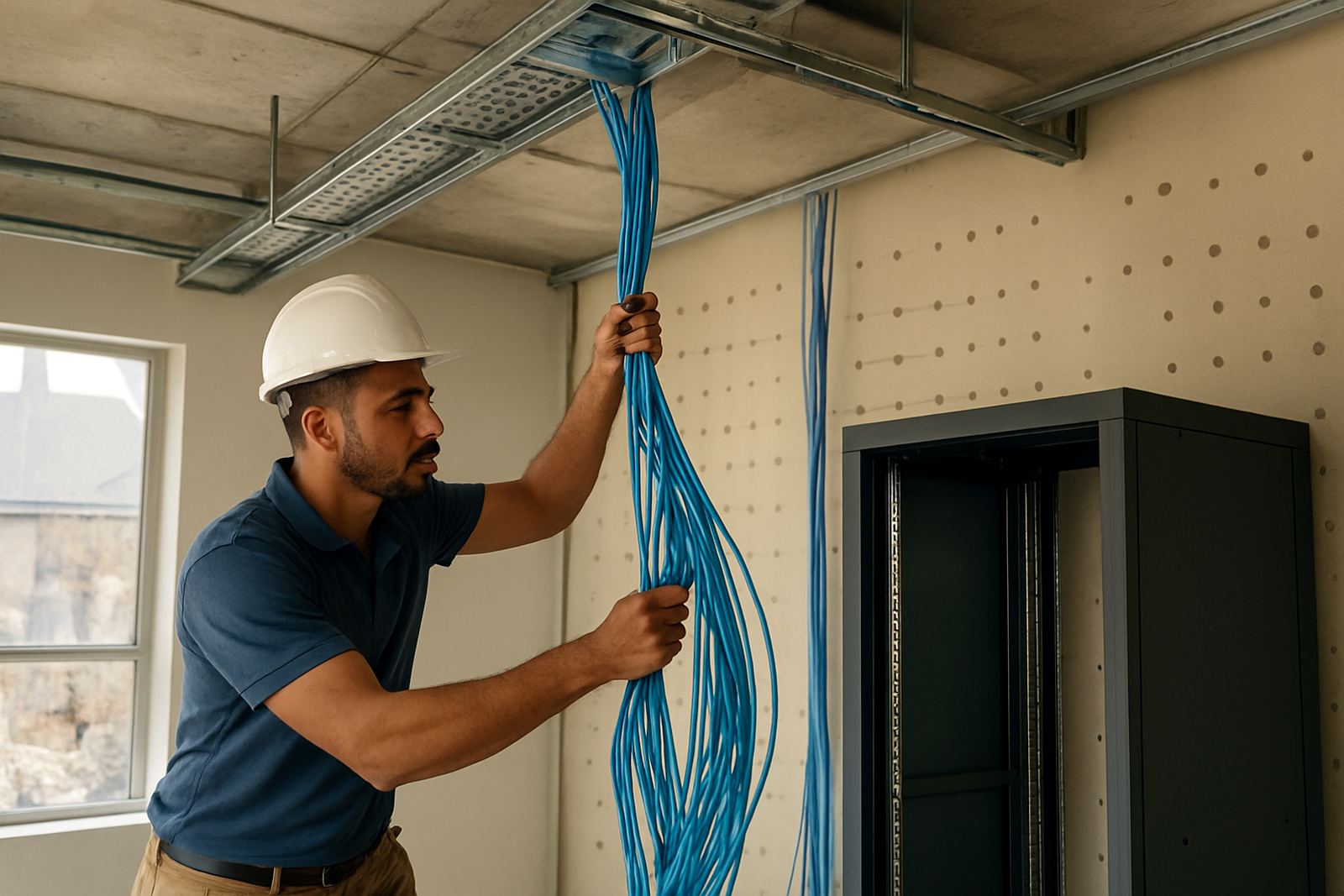
Structured cabling installation starts with a site check, room count and point schedule. We confirm where the cabinet will sit, where each outlet should land and how the cabling will avoid heat sources, water lines and electrical interference. New runs are then tested and labelled so fault finding is quick if a port goes dead later.
Cabling itself does not need a power or gas supply, but the equipment it supports usually does. Your router, switch, VoIP base equipment and any wireless access points must have power, and where possible they should be backed by a UPS so your phones and internet stay up during load-shedding or short outages. For offices in busy business parks, that extra backup can make the difference between taking calls and losing them for an hour.
We also look at practical things like cabinet ventilation, lockable doors for shared spaces, and tidy cable entry so no one pulls a line loose during a cleaning shift or office move. If the premises is being fitted out, cable routes should be coordinated with electricians and partition installers early on, not after the ceilings are closed.
Care, servicing and long-term upkeep
Good cabling needs little daily attention, but it does need sensible care. Keep patch panels labelled, avoid overbending cables behind cabinets and do not use office chairs or storage boxes to press on floor runs. Dust buildup in cabinets and around patch leads should be cleared during regular office cleaning, and any damaged outlet or loose socket should be checked quickly before it affects more users.
We recommend servicing after office moves, new tenant changes, or any time you add handsets, printers or access points. A quick test can catch split pairs, a damaged port or a cable that was accidentally unplugged during cleaning. In older office spaces, a periodic audit also helps confirm that the cabling still matches how the business works. You do not want 20 points on paper and only 14 live in practice.
What to check before you order cabling
Before placing an order, count the number of current users and then add spare capacity for growth. A practical rule is to allow at least 20 percent extra points, more if you expect a move, staff increase or an additional meeting room. It is also worth confirming whether you need only data points or a mix of data, voice and WiFi points.
Ask these questions before work begins:
- How many workstations, phones and printers need cable points?
- Will the office use VoIP handsets or only internet data?
- Where should the network cabinet sit for access and security?
- Are there any landlord rules about ceiling access or wall fixing?
- Do you need after-hours work to limit disruption?
- Will the cabling need to support future office relocations?
If you are moving into a new space in Cape Town, Bellville or Stellenbosch, send through your floor plan early. That helps avoid last minute changes and keeps the install clean, tidy and within budget.
Key facts
| Cable classes | Cat6 and Cat6A copper, with fibre options for backbone runs |
|---|---|
| Typical point count | 8 to 48+ outlets depending on office size |
| Use cases | VoIP phones, internet access, printers, WiFi access points and internal office links |
| Installation style | Labelled runs back to a central patch panel or cabinet |
| Expansion | Spare ports and routes can be planned for future users or rooms |
| Support area | Cape Town, Century City, Bellville, Somerset West, Paarl, Stellenbosch and nationwide |