What a corded handset does in an office
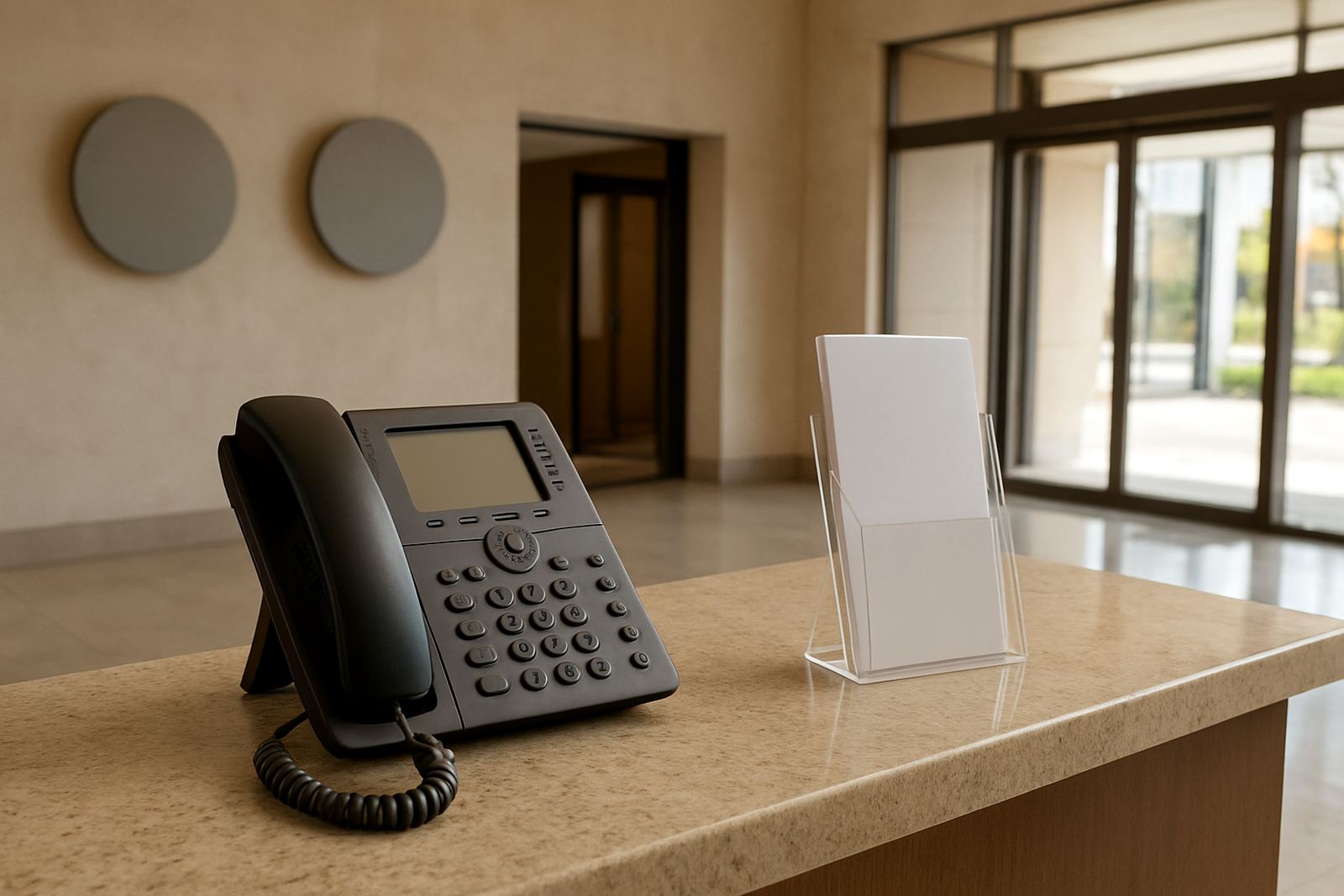
A corded handset is a fixed office phone with a handset and base unit, used for voice calls on a PBX or VoIP system. It is the kind of phone that works well at reception, in a manager’s office, on a shared counter, or in any place where a staff member needs quick access to incoming calls without having to charge a battery or keep a mobile nearby. For many small offices, it remains the simplest and most dependable calling option.
These handsets connect to your office network or phone system and are usually powered through the network cable, so there is no need for a separate plug point in most cases. That makes them useful during office moves, fit-outs, and in buildings where power points are limited. If your site is in Cape Town, Bellville, Somerset West, Paarl or Stellenbosch, the right corded handset can also help keep calls going through load-shedding when the network and backup power are in place.
Sizes and feature options to consider
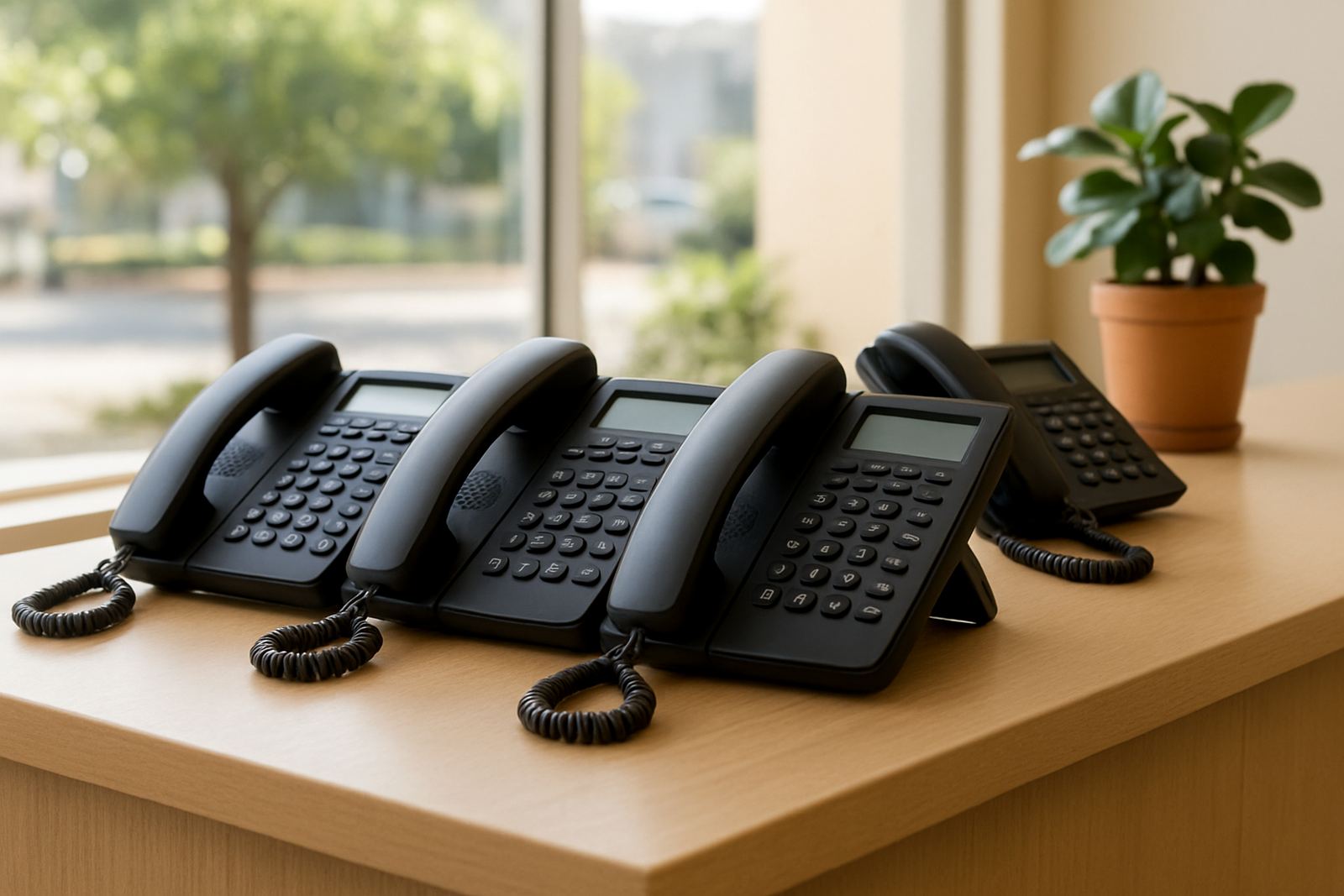
Corded handsets come in a few practical formats, from basic single-line units to feature-rich phones with screens, programmable keys and speakerphones. The right option depends on how the phone will be used each day. A reception position may need quick transfer buttons and a clear display, while a back-office extension might only need a straightforward handset with mute and redial.
- Standard handsets for basic calling and everyday extension use
- Handsets with LCD screens for caller ID, call logs and menu access
- Units with speakerphone for hands-free work and internal conference calls
- Models with programmable buttons for queues, transfer and speed dial
- Wall-mountable options for tight spaces or shared areas
- Headset compatible units for reception or support staff
Most office handsets are compact enough for a small counter or shelf, with low-profile bases that suit modern offices. If your team spends much of the day on calls, it is worth choosing a model with a comfortable handset shape and a clear display, because that small detail makes a difference over a full shift.
Where corded handsets suit best
These phones suit reception areas, director and manager offices, accounts teams, call handling stations and branch locations where call reliability matters more than mobility. In a small office, a corded handset often becomes the main point of contact for customers, suppliers and internal transfers. It is also a good fit for legal, medical, financial and admin environments where staff need a fixed calling point and a tidy setup.
They are especially useful in offices with fibre internet and VoIP telephony, because calls can run over the network while the handset stays simple to use. In Century City and the wider Cape Town region, many offices choose corded handsets for front-of-house use and keep cordless or mobile devices for movement around the building. That gives a cleaner call flow and fewer missed calls when the line is busy or a staff member is away from their station.
- Reception counters and switchboard positions
- Manager offices and private work areas
- Shared extension points in small teams
- Warehouses, branch offices and front counters
- Relocation projects where a fixed phone is needed quickly
Installation, power and network requirements
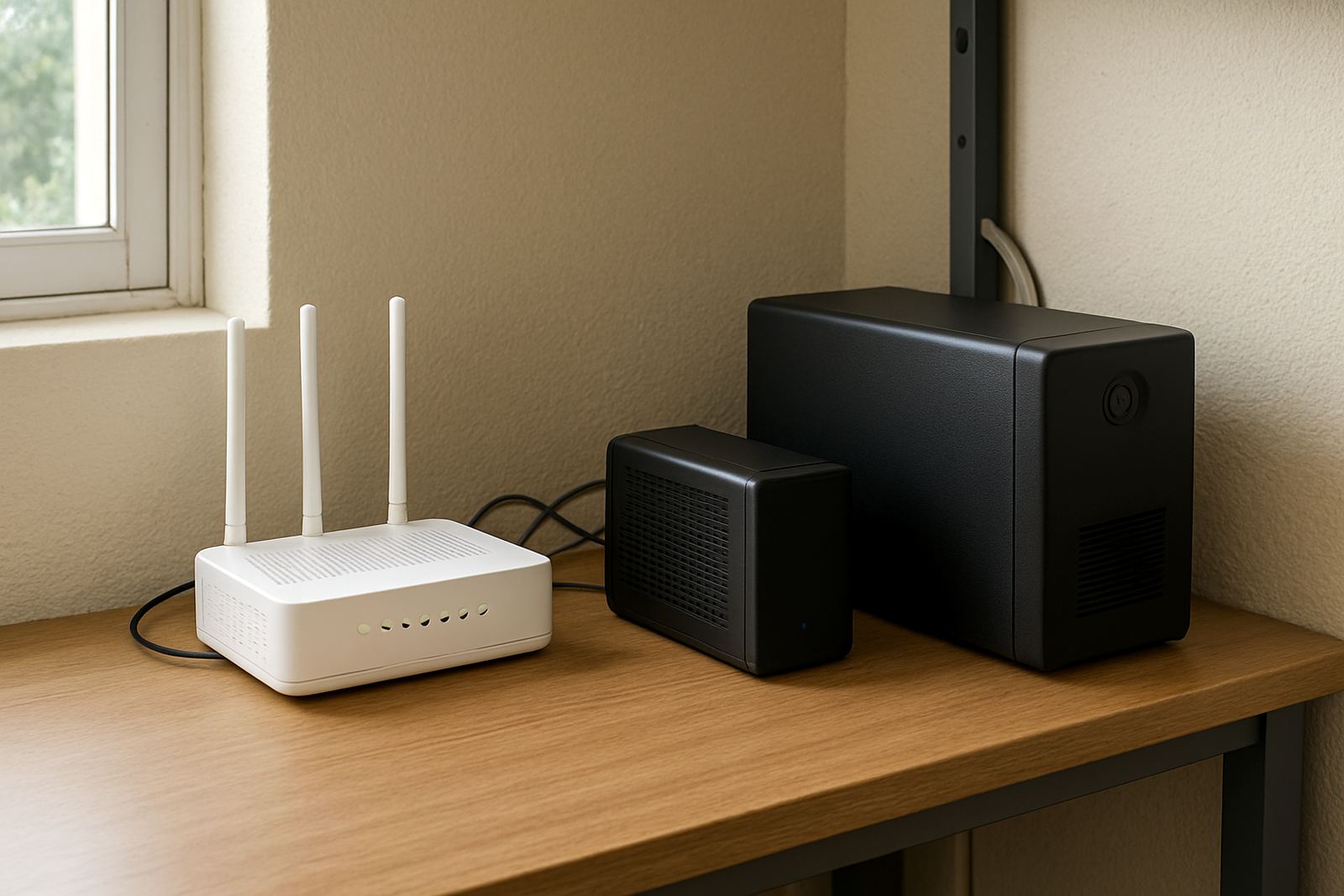
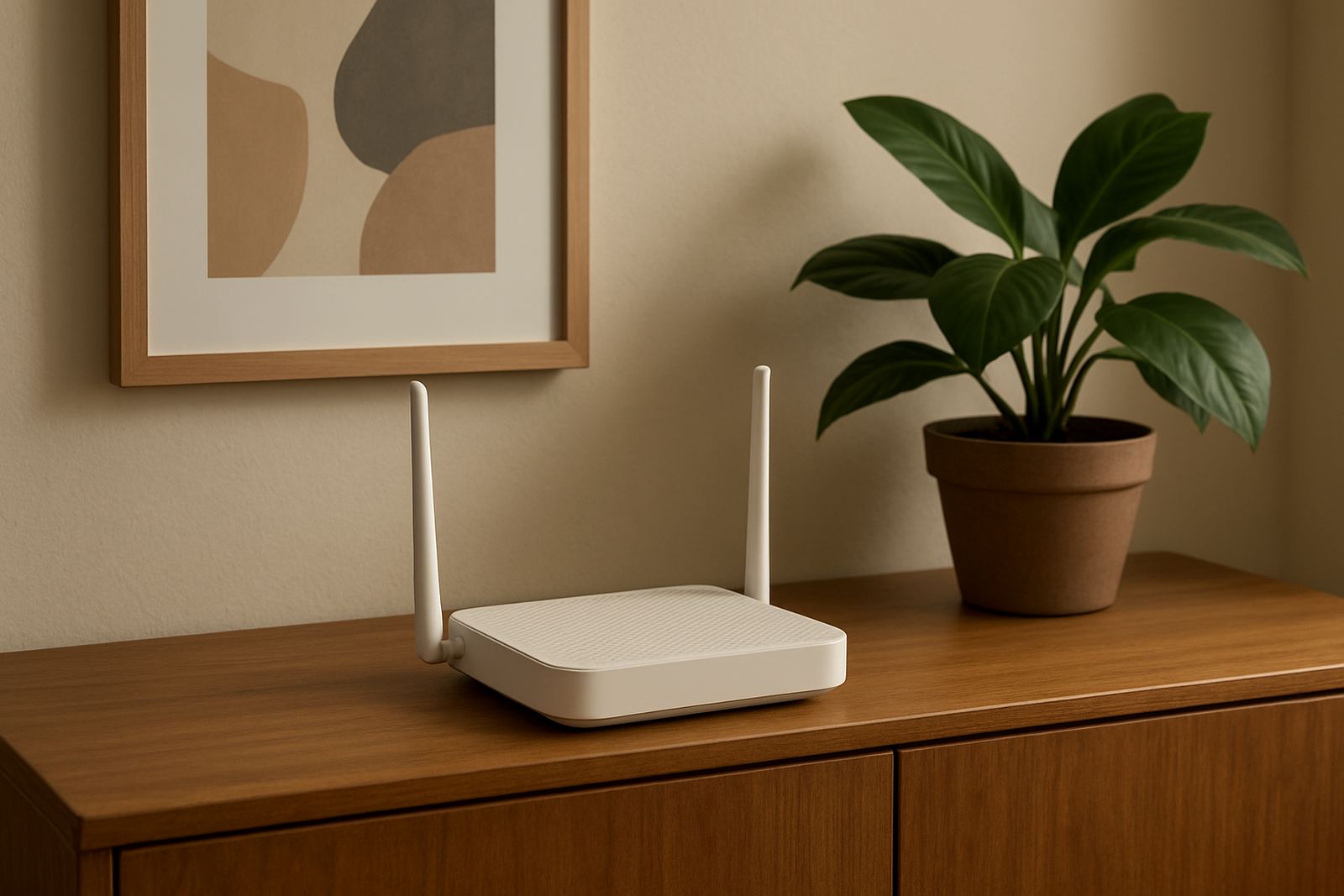
A corded handset normally needs a working office network point and a compatible phone service such as VoIP or a connected PBX system. If the handset is used on a VoIP service, the internet connection and router setup must be stable, and the office should have battery backup or inverter support if calls need to continue during power cuts. No gas connection is needed, just a reliable data service and the correct cabling.
During installation, NewTel can assess the office layout, confirm where each handset should sit, and make sure the network cabling is neat and suitable for daily use. In older buildings around Bellville or Stellenbosch, it can be worth checking the condition of existing cabling before moving handsets across to a new floor or room. Poor terminations, damaged cables or loose wall points can cause crackling, call drops or echo.
- Network points should be tested before handsets are connected
- Power backup helps keep VoIP calls active during load-shedding
- Reception stations may need headsets or speakerphone support
- Office moves often need new labels and extension mapping
- Existing phone numbering should be confirmed before go-live
Care, servicing and day to day upkeep
Corded handsets need very little care, but a few simple habits will keep them in good working order. Wipe the handset and keypad with a dry or lightly damp cloth, and avoid strong cleaners that can damage the plastic finish. Keep the cable free from sharp bends and do not pull the handset by the cord, as that can loosen the connector over time.
If call quality changes, check the network point, cable and power to the router or VoIP device first. Dust around the base, loose plugs and damaged cords are common causes of trouble. NewTel can assist with phone system support, network monitoring and after-hours help when the office needs cover outside normal working hours. For busy sites, regular checks make sense especially if the handsets sit near windows, kitchens or sea air in coastal areas where humidity can affect fittings over time.
What to check before you order
Before ordering corded handsets, it helps to confirm how many extensions you need, what type of phone system you are using, and whether the handsets must work with transfer keys, queues or headset use. A front-of-house phone should not be the same as a back-office extension if staff answer different types of calls. It also helps to know whether the office is moving, expanding or replacing older units.
When you speak to NewTel, have the following details ready so the right handset can be matched to the job. This keeps installation simpler and avoids buying phones that are either too basic or more complex than needed.
- Number of handsets required
- Whether the service is VoIP or another phone system
- Need for caller ID, speakerphone or programmable buttons
- Wall mount or tabletop placement
- Whether staff use headsets
- Any office move, branch opening or cabling changes due soon
For Cape Town offices and nationwide sites, NewTel can also help with number porting, WiFi design, network cabling and user training, so the handsets fit into the full communication setup instead of working in isolation. That saves time when the office is busy and keeps the call flow orderly.
Key facts
| Product type | Corded office handset for fixed-line and VoIP use |
|---|---|
| Typical use | Reception, managers, shared extensions and front counter calling |
| Power requirement | Usually powered via network or system, with backup recommended for VoIP |
| Connectivity | Compatible with suitable VoIP or PBX network connections |
| Mounting options | Tabletop, and on selected models wall-mountable |
| Support available | Installation, configuration, phone system support and after-hours assistance |