What Failover LTE Does When the Main Line Goes Down
Failover LTE is a backup internet service that takes over when your primary fibre or fixed line stops working. A small LTE router or gateway sits on site and watches the main connection. If it detects a fault, it changes over to mobile data in a few seconds, then switches back once the main service is stable again. For a small office in Cape Town, Bellville or Somerset West, that can mean the difference between answering calls and sitting in the dark waiting for a ticket update.
This setup is useful for offices that rely on VoIP phones, cloud accounting, CCTV viewing, card machines, remote support tools and message. It is also a practical option for load-shedding, cable damage, rain-related faults and fibre cuts near building works. In many cases it is not about replacing your main line, it is about giving the office a working plan B, even if the primary network is out for hours.
We set up failover so it happens without staff needing to log in or change settings. The changeover is automatic, which helps reception, sales and support teams keep going with very little interruption.
Sizes and Options for Small Offices
NewTel supplies failover LTE in a few practical options, depending on how much traffic your office uses and how many users need cover. A small setup suits a 3 to 8 person office with voice calls, message and light cloud use. A medium setup works better for 10 to 25 users, especially where VoIP, file syncing and web-based systems run all day. Larger offices often need a stronger router, better antenna placement and tighter data control, because backup links can get used more often than expected.
- Basic unit: single LTE failover router for one internet line.
- Dual-WAN unit: automatic switching between fibre and LTE with priority rules.
- Managed option: monitoring, alerts and remote support from our technical team.
- Antenna upgrade: helps in offices with weak indoor mobile signal or thick concrete walls.
Some businesses only want the service for the main branch, while others put failover at each site. We also support offices that need separate voice and data priorities, so calls stay up first if data use gets heavy. That is important in busy areas like Century City and Stellenbosch where many businesses share the same building infrastructure.
Where Failover LTE Suits Best in Cape Town and Beyond
Failover LTE suits offices that cannot afford downtime, but do not want a second fixed line installed. It is a strong fit for professional services, small logistics teams, medical rooms, estate agencies, bookkeepers, call handling teams and branch offices. It also works well for sites where the landlord is slow to approve extra cabling, or where municipal work makes a backup line impractical.
In coastal areas like Cape Town, moisture and salt air can affect outside equipment over time, so the hardware choice and enclosure matter. In older buildings, the mobile signal can be patchy behind thick walls, lift shafts or ground floor parking areas. In those cases we assess the signal first and place the router or antenna where it gets the best reception, sometimes near a window or higher point. That bit of planning saves a lot of grief later.
For businesses in Paarl, Bellville and the surrounding districts, LTE is often a sensible backup because it is quick to install and does not depend on a trench, wayleave, or complex civil work. It is also handy for office relocations where the new premises are not yet fully connected.
Installation, Power Backup and Site Requirements
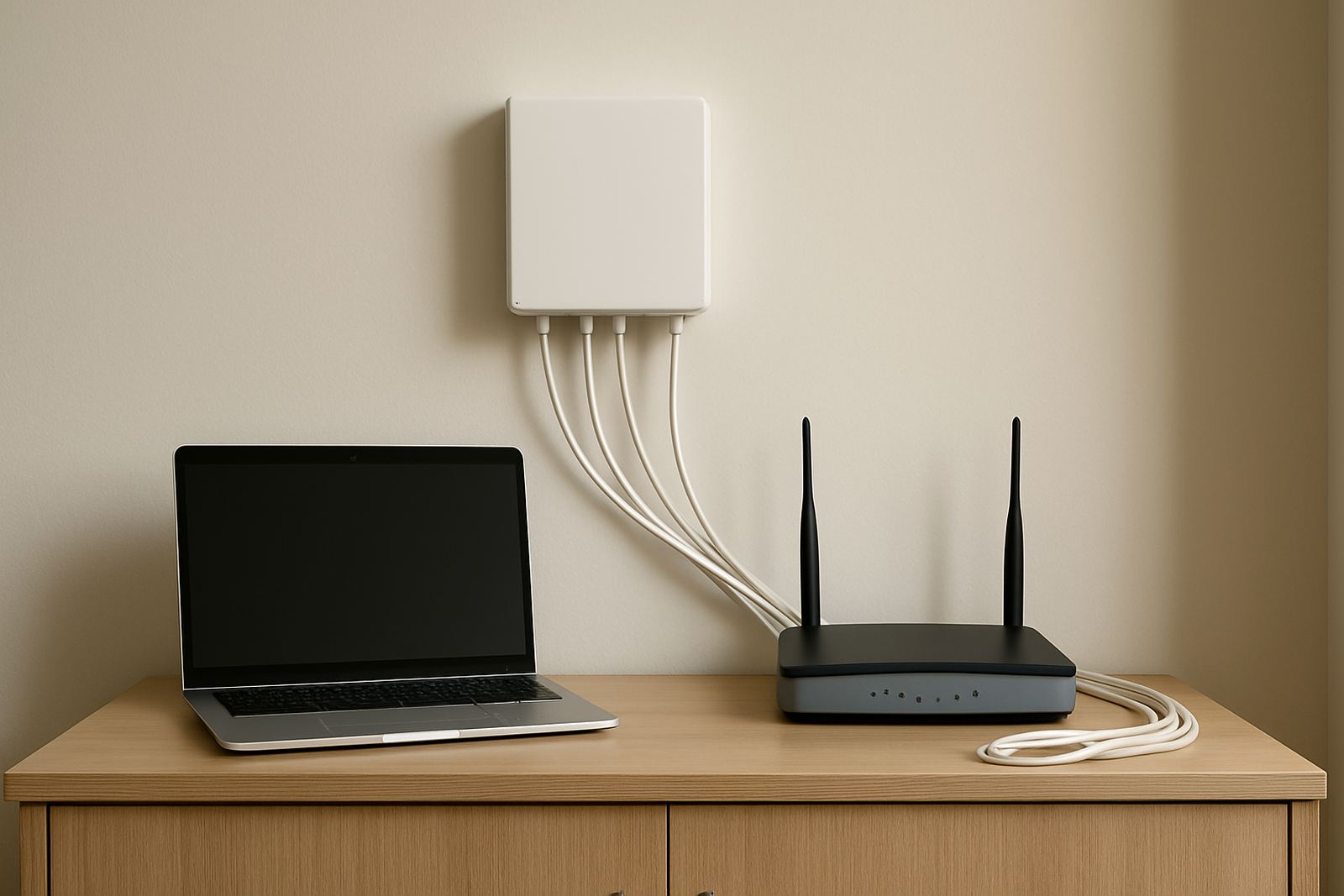
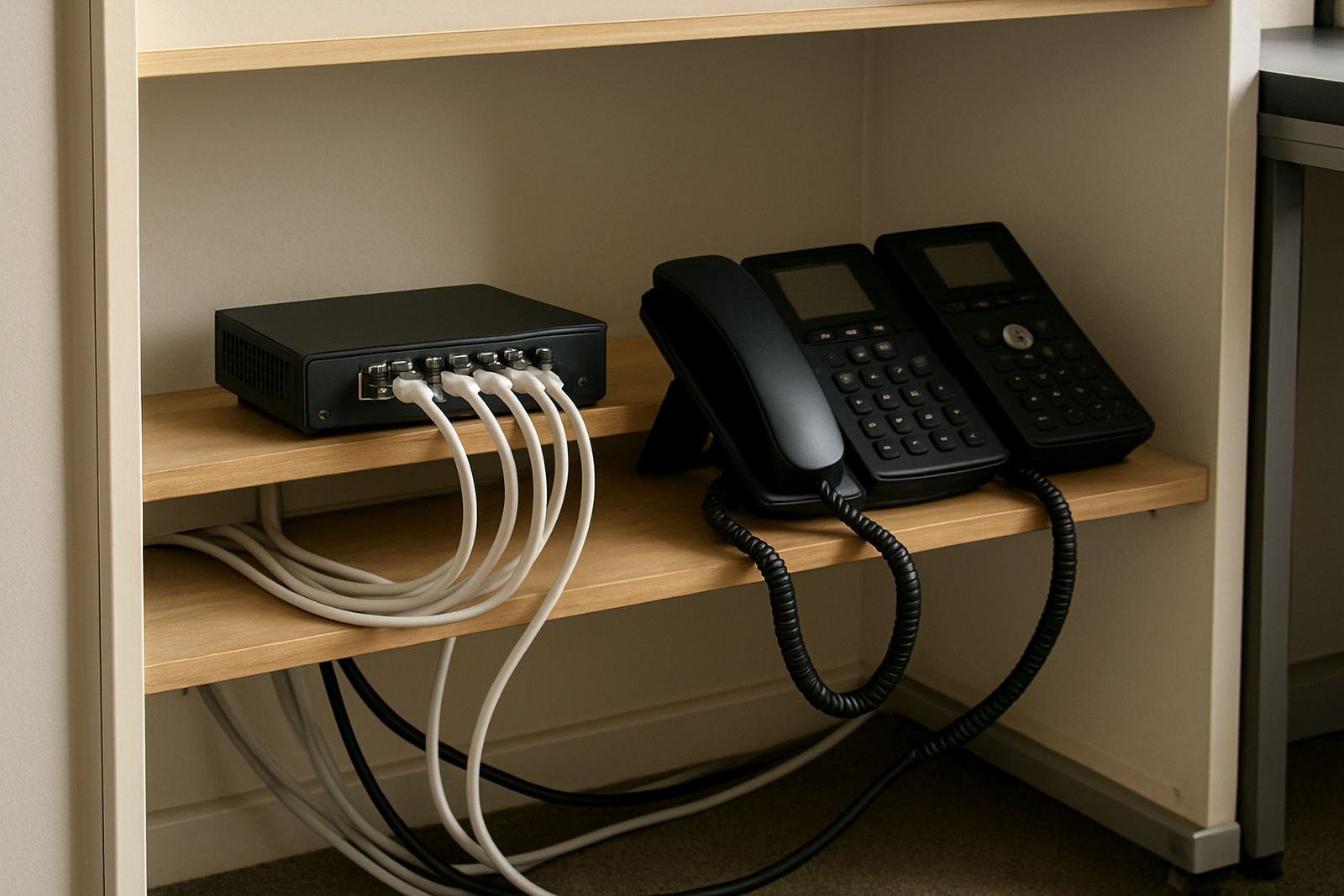
Installation usually starts with a quick check of the existing internet setup, router layout and signal strength at the office. We then confirm where the LTE unit will sit, how it will connect to the primary line, and whether any cabling changes are needed. Most failover setups plug into your current network cabinet or router area and need only a small amount of space, usually no more than a shoebox sized unit plus power.
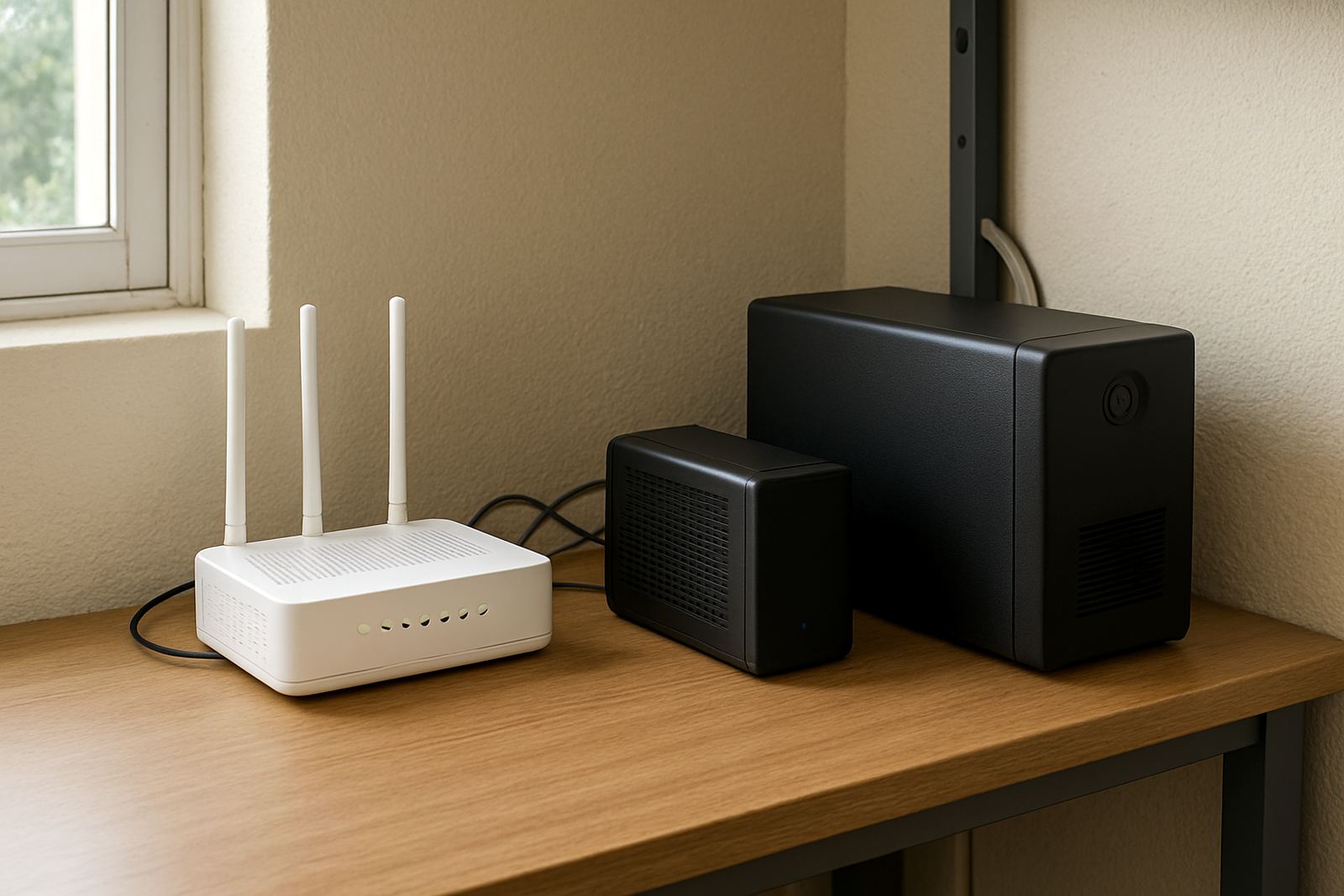
Power is important. Failover LTE still needs electricity, so if the office is on UPS, inverter or generator during load-shedding, the backup internet can keep running. Without backup power, the LTE service will stop as soon as the router loses power. This backup internet option does not need any gas supply. If your site has a generator, we check that the router, switch and any PoE devices are on the protected circuit, otherwise the internet may be live but the phones will not be.
- Power needed: standard mains supply, with UPS or inverter recommended.
- Space needed: small indoor wall, shelf, or network cabinet position.
- Network point: one Ethernet connection into the main router or firewall.
- Signal check: indoor mobile coverage or external antenna if needed.
We also advise on neat cabling, surge protection and restart behaviour after an outage, because some offices come back on line in the wrong order and the backup link never gets a proper handover.
Care, Servicing and Keeping the Backup Ready
Failover LTE is generally low-maintenance, but it should not be ignored once fitted. The router needs a stable power supply, and the SIM or mobile profile should be kept active and monitored. If the office moves furniture, adds a metal cabinet or changes window tinting, the signal can shift and the backup performance may change too. A yearly check is sensible, especially for sites near the coast where humidity and corrosion can creep in over time.
We recommend testing the failover function at intervals so you know the handover works before an emergency happens. This can be done after hours if the office cannot tolerate disruption. Our support team can check logs, firmware, connection state and data use, and we can help with alerts if the backup link is being used more often than expected.
If the office is running VoIP, care is especially important because phone quality depends on latency and packet stability. A backup link that is technically connected but badly placed can still give poor call quality, so we keep an eye on both signal and throughput. Small faults are easier to catch early than after a month of missed calls.
What to Check Before You Order Failover LTE
Before placing an order, it helps to know how the office uses the internet and what must stay online during an outage. Some businesses only need message and voice. Others need cloud systems, remote desktop, payment terminals and CCTV monitoring. The more critical the traffic, the more carefully the backup should be sized and configured.
- Primary line type: fibre, wireless, or fixed line.
- Number of users and phones that must stay active.
- Monthly backup data estimate, based on real office use.
- Signal quality at the router location.
- Need for antenna, UPS or generator support.
- Whether you want automatic switchback after recovery.
It also helps to confirm if the office needs number porting, network cabling changes, or support for a recent relocation. If your team works from a building with strict access hours, we can plan the install around that. A proper check at the start saves repeat visits and keeps the setup right for the way your office actually works, not just how the brochure says it should.
Key facts
| Function | Automatic internet failover from primary line to LTE backup |
|---|---|
| Typical changeover | Usually within seconds, depending on router settings and network conditions |
| Connection type | Ethernet handover into existing router, firewall or network cabinet |
| Power requirement | Standard mains power, with UPS or inverter recommended for outages |
| Coverage fit | Indoor LTE signal or external antenna for weak signal sites |
| Best for | Small offices, branch sites, VoIP systems, cloud apps and payment terminals |