What a call queue does for a small office
A call queue sits between your incoming number and your team. When all agents are busy, callers are held in line in the order they arrived, then routed to the next available person or the right group. It is a practical way to manage reception traffic, sales enquiries, support calls and after hours overflow without sending people to voicemail too quickly.
For small offices in Cape Town, Bellville, Somerset West, Paarl and Stellenbosch, this works well when call volumes rise at month end or during service peaks. You can set music or a recorded message, estimated wait time announcements, and options for voicemail, a backup number or another department. It helps staff stay focused while callers know they have not been forgotten.
- Queue by department, language or branch
- Priority routing for urgent callers
- Overflow to another user, group or external line
- Recorded announcements and business hours messages
Queue sizes and routing options that fit different teams
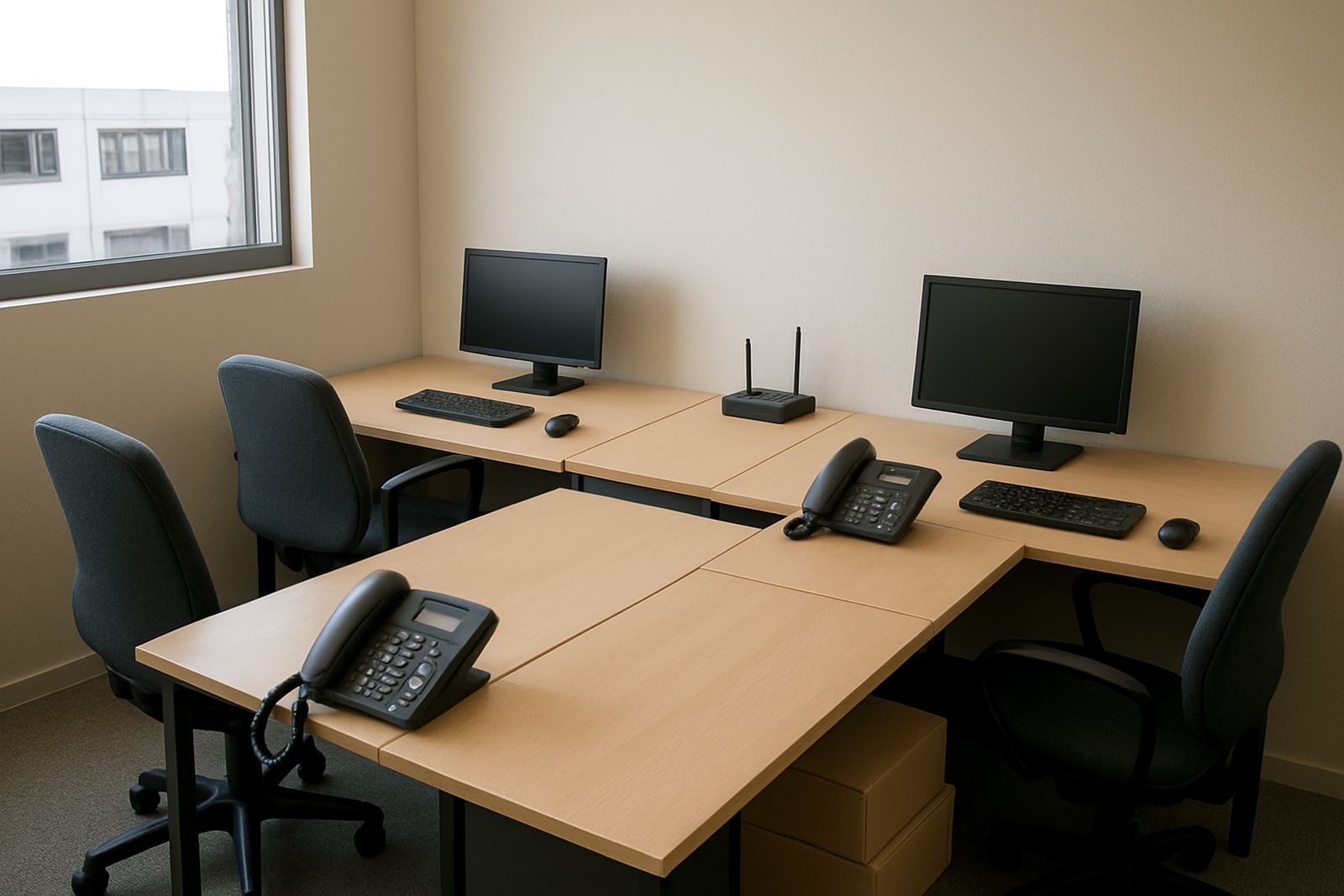
Call queues are usually set up in small, medium or multi team formats. A small office may only need one queue for 2 to 5 users, while a growing practice or contractor office may need 10 to 25 extensions spread across sales, admin and support. Larger setups can split calls by branch, product line or service type, then ring several phones at once or in stages.
You can also decide how callers move through the system. Some offices use round robin distribution so calls are shared evenly, while others use longest idle routing so the next call goes to the person who has waited the longest for work. If you have a front counter, you may want the queue to try reception first, then overflow to a shared group, then to an after-hours message if nobody answers. That kind of structure keeps things orderly and reduces repeat calls.
- Queue group size: 2 to 50 plus extensions
- Ring style: round robin, longest idle or simultaneous ring
- Overflow paths: another queue, mobile number, voicemail or auto attendant
- Announcements: custom welcome, wait time and legal notices
Where call queues suit South African offices best
Call queues suit offices that handle more than one enquiry at a time and need a sensible way to manage waiting callers. They are common in property firms, medical rooms, school admin offices, insurance teams, logistics counters and service businesses where people phone in with orders, bookings or support requests. They also help during load-shedding when staff may be working from laptops and mobiles, because calls can be redirected without confusing the client.
In coastal areas such as Cape Town and Somerset West, call queues pair well with VoIP and fibre because remote staff can answer from different places, even during poor weather or traffic delays. If your team is spread between Century City, Bellville and a home office, the queue still works as one shared call flow. That means fewer missed calls and less pressure on one person to answer every ring. It is also useful for smaller teams that do not need a big switchboard but still want better control over busy periods.
When callers hear a clear message and know they are in the right place, they are less likely to hang up. That matters for businesses trying to keep waits short and service steady through the day.
Installation, power needs and network setup
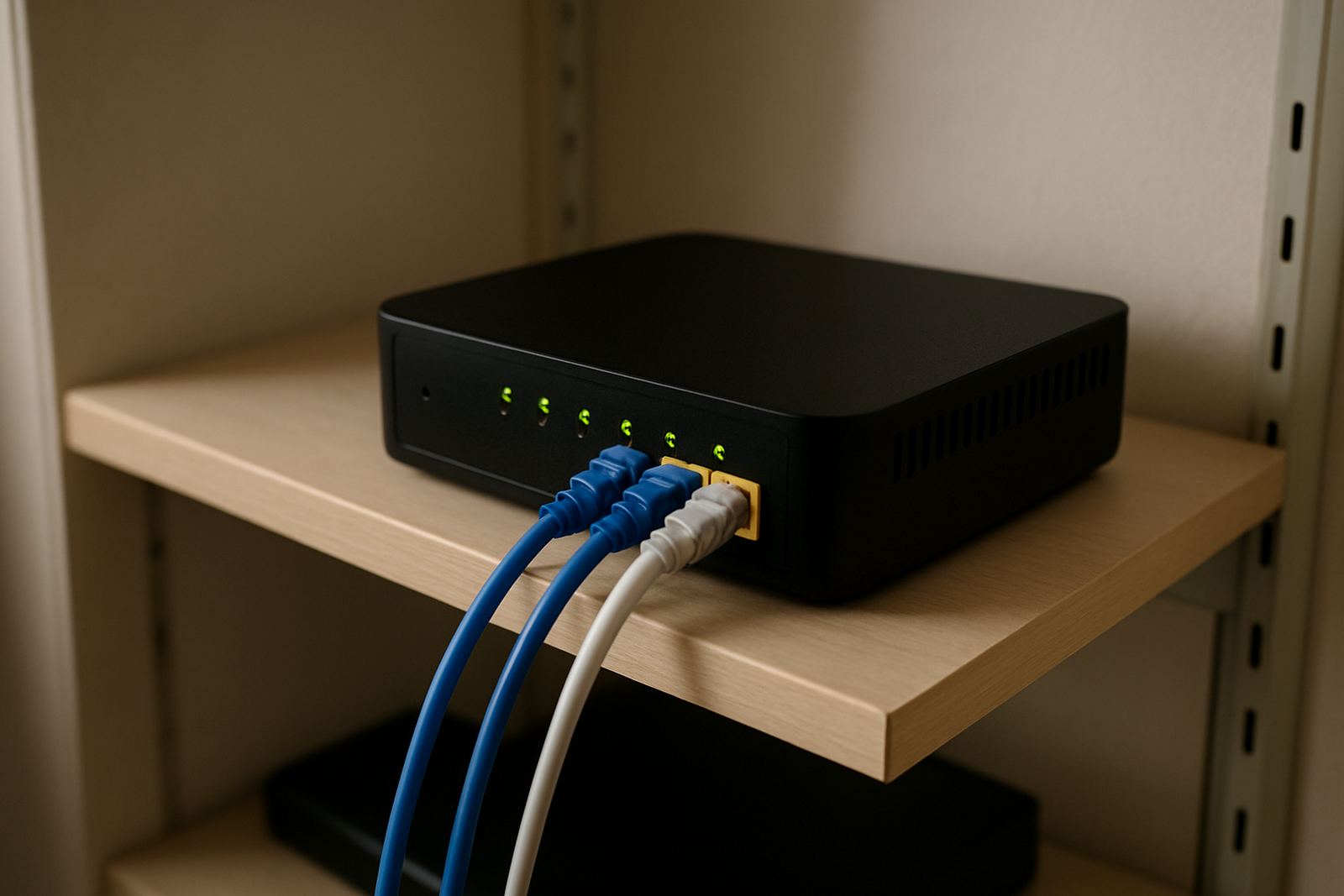
Call queues are usually configured as part of your VoIP phone system and do not need separate hardware on their own unless you want counter phones, headsets or a local gateway. NewTel can set them up with fibre or another suitable internet service, then test the routing, prompts and overflow rules before handover. In most offices, the main requirement is a stable connection, working network cabling and enough power for the router, switch and phone equipment.
For power, a small UPS is strongly recommended so your phones and network gear stay online during short outages. If you already have battery backup for fibre equipment, the queue can keep running as long as the internet and phones stay powered. No gas supply is needed. In older buildings or shared offices, it is worth checking whether the cabling path is neat, labelled and kept separate from noisy electrical runs, as that helps reduce fault finding later.
Installation time depends on the number of extensions and the routing rules you want. A simple queue for a small office can often be completed quickly, while a multi-branch setup may need number porting, user training and testing across several sites. We normally confirm call flows first, then map the queue to your actual working hours and staff availability.
Care and servicing that keeps the queue reliable
Call queues do not need much day-to-day upkeep, but they should be reviewed when your staff, hours or services change. If one team becomes busier than another, the queue settings may need a new overflow rule or an extra extension. It is also wise to check announcements each quarter so old messages do not stay in place after a holiday schedule changes. A small typo in a prompt can sound unprofessional, so reviewing recordings matters.
Ongoing support usually includes monitoring the line quality, checking whether calls are dropping during internet issues, and confirming that voicemail or backup routing is still working. If you relocate offices in Cape Town or move from a home office to a shared space, the queue should be updated at the same time as your phone numbers and network cabling. That avoids confusion and missed calls.
- Review greeting messages after hours changes
- Test overflow to mobiles at least once a month
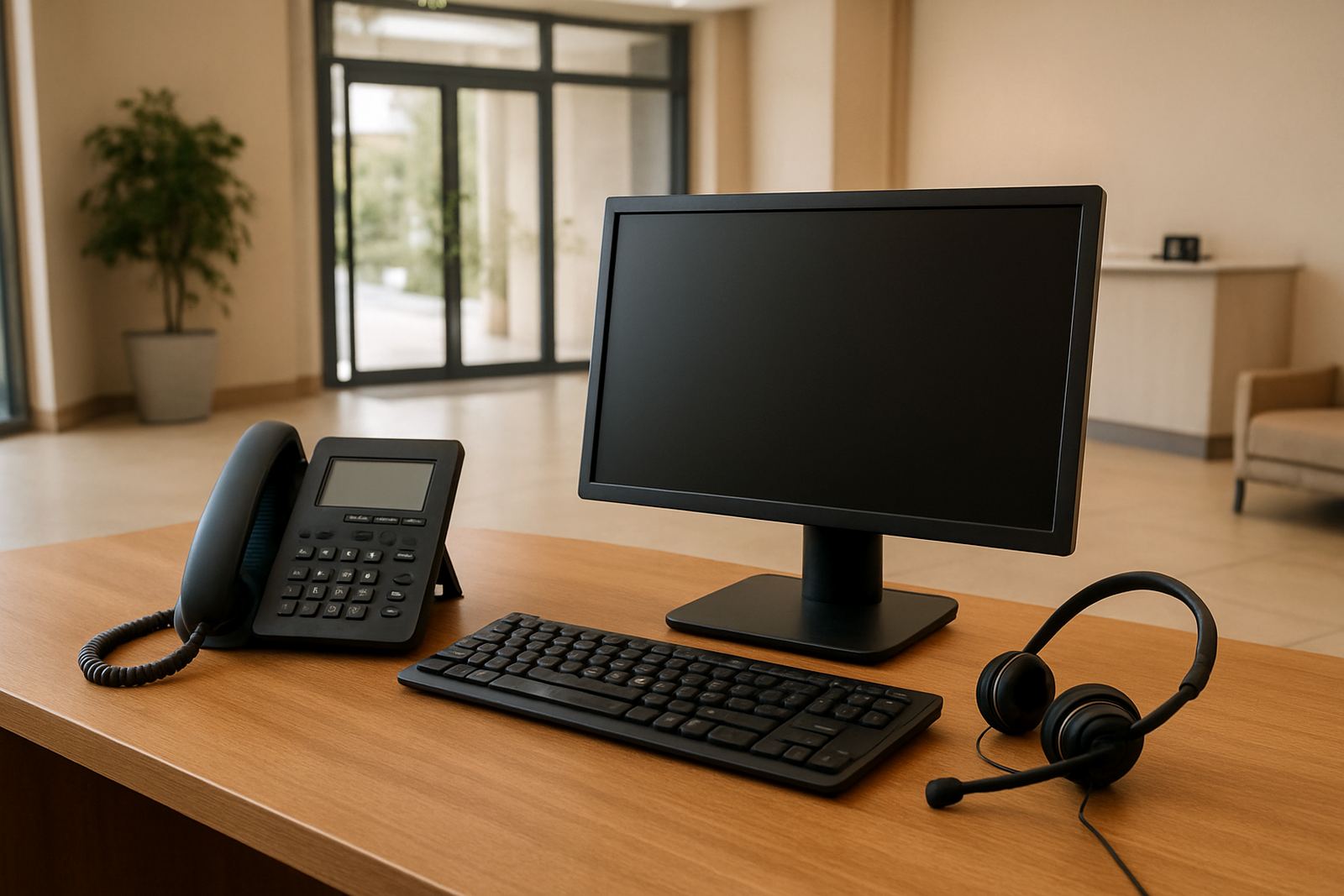
- Check headset, handset and network cable condition
- Keep a UPS in working order and replace batteries when needed
What to check before you order a call queue
Before ordering, think about how many calls you get in a busy hour, who should answer first and what should happen when everyone is occupied. It helps to know your business hours, lunch breaks, holiday schedule and whether callers must hear a legal message or a simple welcome. If you take calls in more than one language, say so early so the prompts can be planned properly.
You should also confirm how many users need access, whether you want call recording, and if calls must ring counter phones, softphones or both. If your team works across Bellville, Stellenbosch and Paarl, ask for local numbers or number porting where needed. And if you expect busy periods during the month, make sure the overflow path lands on a real person, not an unused voicemail box.
- Expected call volume and peak periods
- Number of users, branches and departments
- Need for recording, reporting or after-hours routing
- Internet quality, power backup and existing cabling
Key facts
| Queue sizes | 2 to 50 plus users, depending on routing needs |
|---|---|
| Routing types | Round robin, longest idle, simultaneous ring and overflow routing |
| Announcement options | Welcome message, hold music, wait time updates and business hours prompts |
| Device support | Counter phones, headsets, softphones and mobile overflow |
| Power requirement | Internet router, phone system and UPS backup recommended |
| Typical setup use | Reception, support, sales, bookings and multi-branch office calls |