What Call Analytics does for busy offices
Call Analytics turns everyday phone traffic into useful figures you can act on. Instead of relying on gut feel, you can see how many calls came in by hour, which lines were busiest, how long people waited, and where calls were lost. For a small office in Cape Town or a branch in Paarl, that can make the difference between a customer getting through on the first try or moving on to someone else.
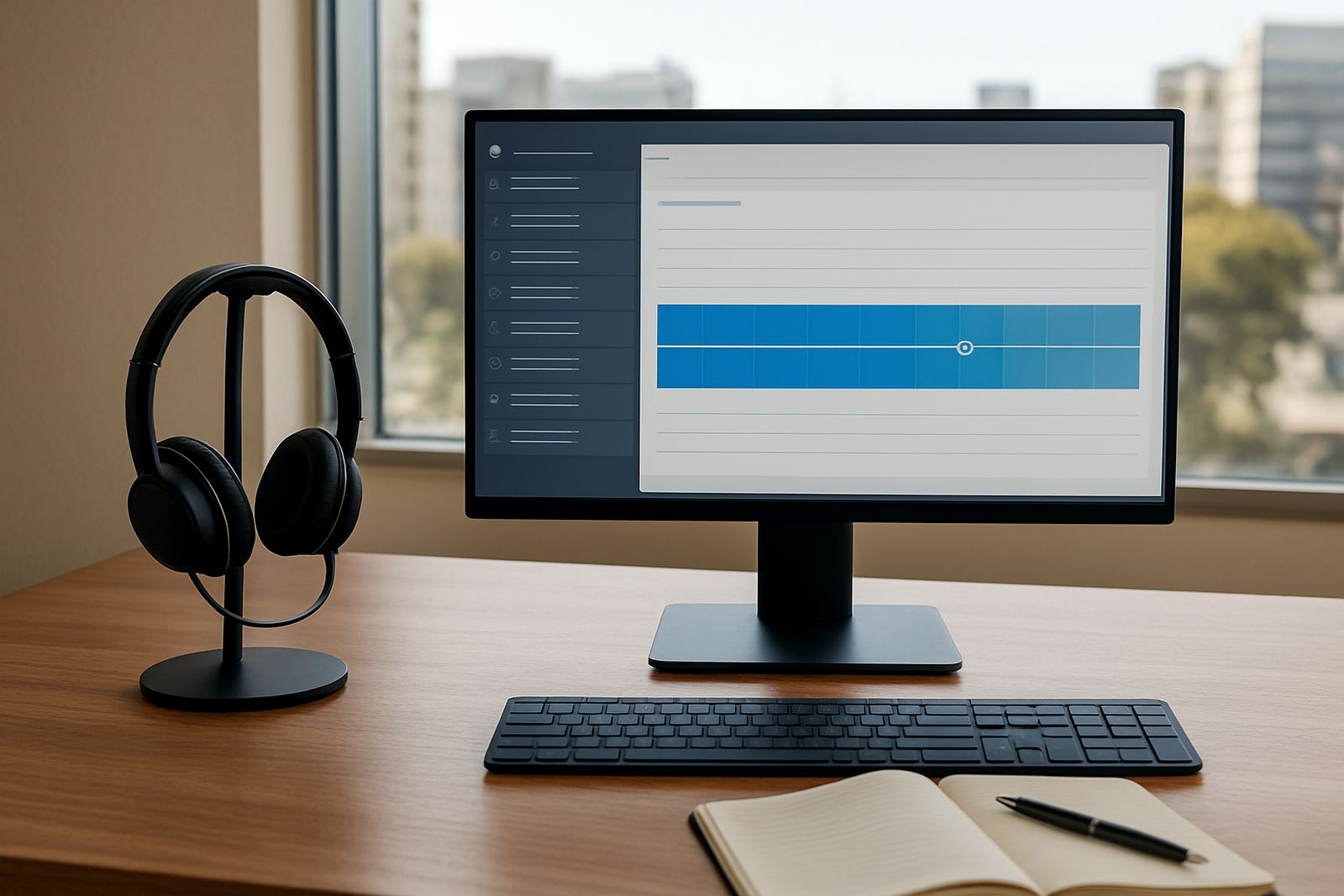
The service sits on top of your VoIP phone system and records call events in a readable format. You can track missed calls, answered calls, abandoned calls, queue times, call duration and agent activity, all from one reporting view. It works well for teams that handle sales, bookings, support or after-hours calls, and it is just as useful for a 3-person office as it is for a 30-seat team.
Reporting options that suit different team sizes
Not every office needs the same depth of reporting, so Call Analytics can be set up to match the way you work. A smaller business may only need daily and weekly summaries, while a larger team might want live dashboards, line-by-line reporting and exports for management meetings. The reports can be filtered by date range, extension, queue, branch or user group, which makes it easier to compare Bellville against Somerset West or head office against a satellite team.
- Basic summary reporting for small offices
- Queue and extension reporting for support teams
- Live call stats for reception and sales floors
- Exportable reports for managers and directors
- Branch comparisons for multi-site offices
If you are still growing, start with the essentials and add more detail later. That keeps the setup simple and avoids paying for functions you will not use yet.
Where it works best in South African offices
Call Analytics suits businesses that need proper call records. It is commonly used by professional practices, estate agencies, service companies, medical reception teams, contractors and any office where one missed call can mean lost work. It is especially handy in coastal areas, where staff rotation and internet interruptions can make call patterns harder to judge by hand.
In Cape Town, Century City, Stellenbosch and the surrounding areas, many offices use it to monitor call peaks between 8am and 10am, then again after lunch when clients try to catch up. If your team has multiple branches, the same reporting view helps you see whether one site is overloaded while another is underused. That makes scheduling and routing much easier, and it supports fairer workloads across the office.
Installation, internet and power requirements
Call Analytics does not need a separate gas supply and it has no direct fuel requirement. What it does need is a stable VoIP setup, reliable fibre or business internet, and the right call platform permissions so reporting data can be captured correctly. In most offices, it is installed as part of the VoIP deployment or added to an existing system during a service check.
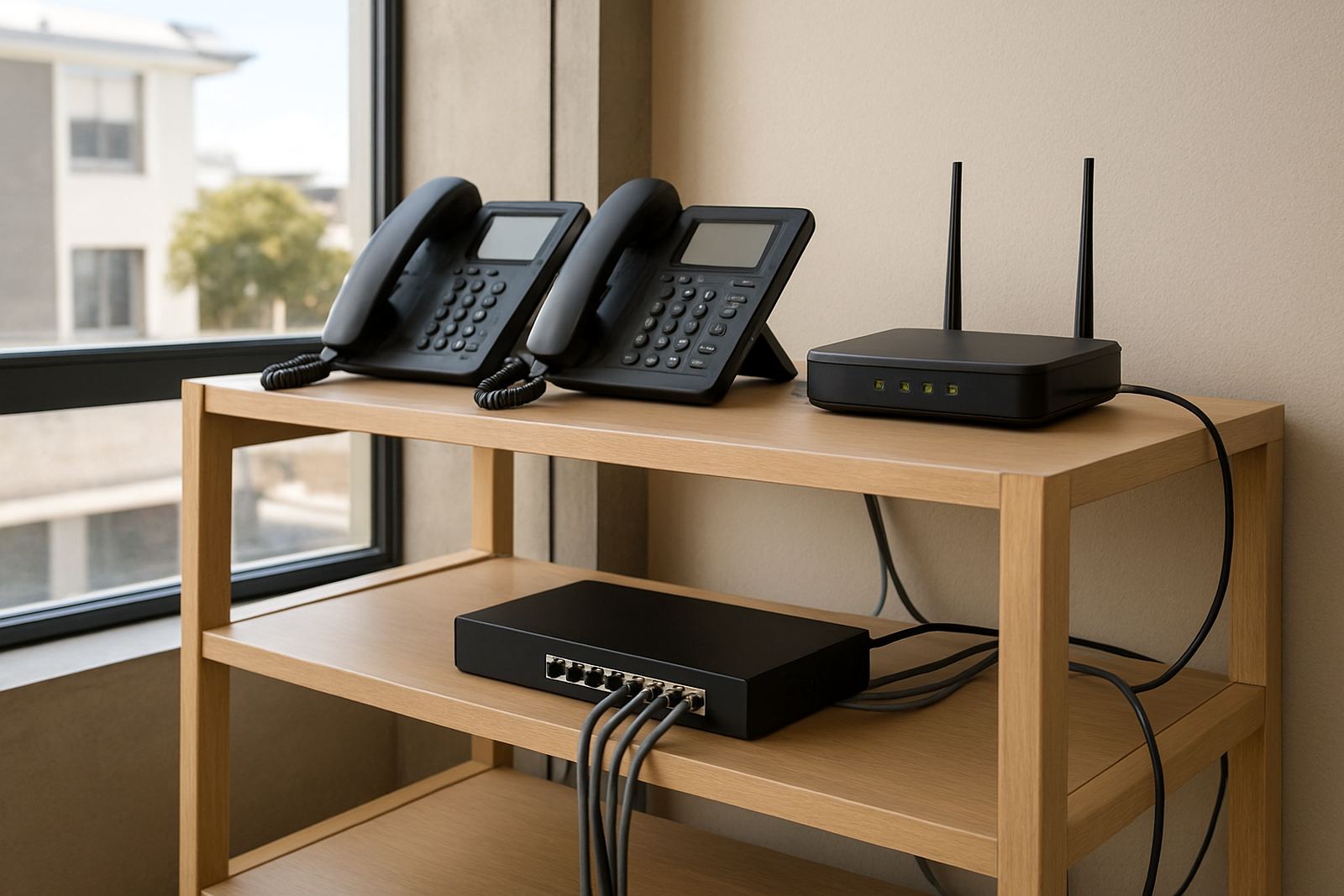
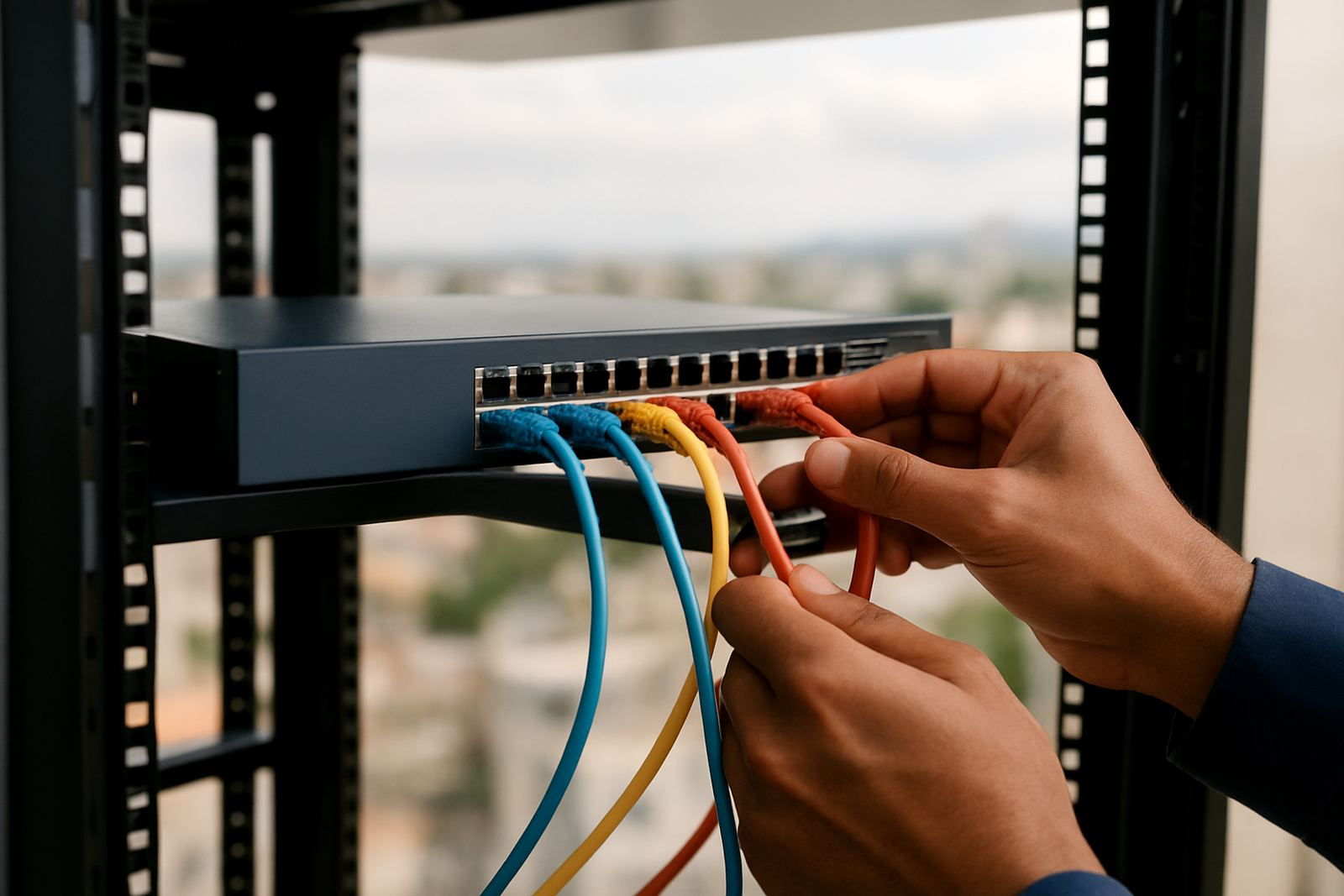
For best results, make sure your router, firewall and network cabling are in good order. If you rely on phones during load-shedding, the analytics reporting will only be as reliable as the systems keeping your phones and internet up. A small UPS for the router, switch and VoIP gateway is a good idea, especially in offices where power cuts happen often. If you are moving premises, the reporting setup can be adjusted during the office relocation so your call history stays organised.
- Business fibre connection or stable internet line
- VoIP phone system with reporting access
- Router, switch and gateway on backup power
- Correct user permissions for managers and supervisors
- Clean network cabling for stable call records
Specs and data points you can expect
The exact reporting depth depends on your phone system and user permissions, but most setups include practical figures that help with day-to-day management. You can expect data on call start time, end time, duration, answering extension, missed call status, ring time and queue handling. Some offices also want call trends by weekday, by hour or by branch, which is useful when staffing needs change through the month.
Typical reporting outputs include CSV or spreadsheet exports, on-screen dashboards and scheduled summaries through our contact form. In offices where managers are not always on site, this makes it easy to review performance after hours without logging into a complicated system. The data is plain enough for non-technical staff, but detailed enough for operations teams who need proper numbers.
- Call volume by hour, day or month
- Average answer time and missed call count
- Queue wait time and abandoned call tracking
- Extension, branch and user-level reporting
- Export options for audits and management reviews
- Scheduled message summaries for supervisors
Ordering checks before you add Call Analytics
Before ordering, check how many users need access, which branches should be included, and whether your current system already records the call data you want. If you use number porting, make sure the call records will still match the correct business numbers after the move. It also helps to confirm whether you need live monitoring, historical reports or both.
Ask about retention periods, report frequency and whether your managers need separate logins. If your office is in a busy area like Bellville or Somerset West, it may be worth adding queue reporting so you can track missed calls during peak periods. You should also confirm internet speed, backup power and any existing firewall rules before go-live, because those details affect how cleanly the data is captured. A quick check up front saves a lot of trouble later on.
Key facts
| Core data tracked | Call volume, answer time, missed calls, duration, queue time and extensions |
|---|---|
| Reporting formats | Live dashboard, scheduled message reports and CSV export |
| Suitable team size | From 3 user offices to multi-branch small business setups |
| Access control | User-level permissions for managers, supervisors and branch staff |
| Connectivity need | VoIP system with stable fibre or business internet |
| Power requirement | UPS recommended for router, switch and VoIP gateway during load-shedding |