What Hosted PBX Means For A Busy Office
Hosted PBX is a cloud-based business phone system that lets your team make and receive calls through internet-connected handsets, softphones or compatible office phones. Instead of buying and maintaining a big on-site phone server, your calling setup sits with the provider and is managed remotely, which suits small offices that want control without the overheads.
For offices in Cape Town, Bellville, Somerset West, Paarl and Stellenbosch, it is a practical fit where space is tight and teams need a clean setup. It also helps when you have staff working from more than one location, or when you need to reroute calls quickly during load-shedding, office moves or after-hours support.
System Sizes And Options To Match Your Team
Most small businesses start with 2 to 10 extensions, then grow as the team does. Hosted PBX can be sized for a reception line, a sales team, a support counter or a mixed office with multiple departments. You can usually keep one main business number and split calls to individual extensions, ring groups or voicemail boxes.
- 2 to 5 users: ideal for a small office, professional practice or owner-managed team
- 6 to 15 users: better for admin, sales and support teams that need call routing
- 15 plus users: useful for growing operations that want call queues and reporting
- Optional features: voicemail to message, hunt groups, call recording, time-based routing and music on hold
There is no need to overbuy hardware at the start. If your office grows, extra extensions can be added on a monthly basis instead of replacing the whole system, which keeps cash flow steadier.
Where Hosted PBX Works Best In South Africa
This service suits offices that depend on reliable client contact, such as accounting firms, medical rooms, attorneys, sales teams, logistics counters and service businesses. It is also useful for branches that need the same call handling rules across different towns, even if the teams are not under one roof.
In Cape Town and coastal areas, the system is often paired with fibre and battery backup so calls keep going through short outages. If your office is near the sea, the handsets and networking gear should be kept dry and well ventilated because salt air and humidity can shorten the life of cheap equipment, especially if the cupboard runs warm.
- Good for offices that need fewer missed calls
- Works well when staff share answering duties
- Handy for businesses with branches or remote staff
- Useful where number porting is needed from an old line provider
Installation, Power Backup And Site Readiness
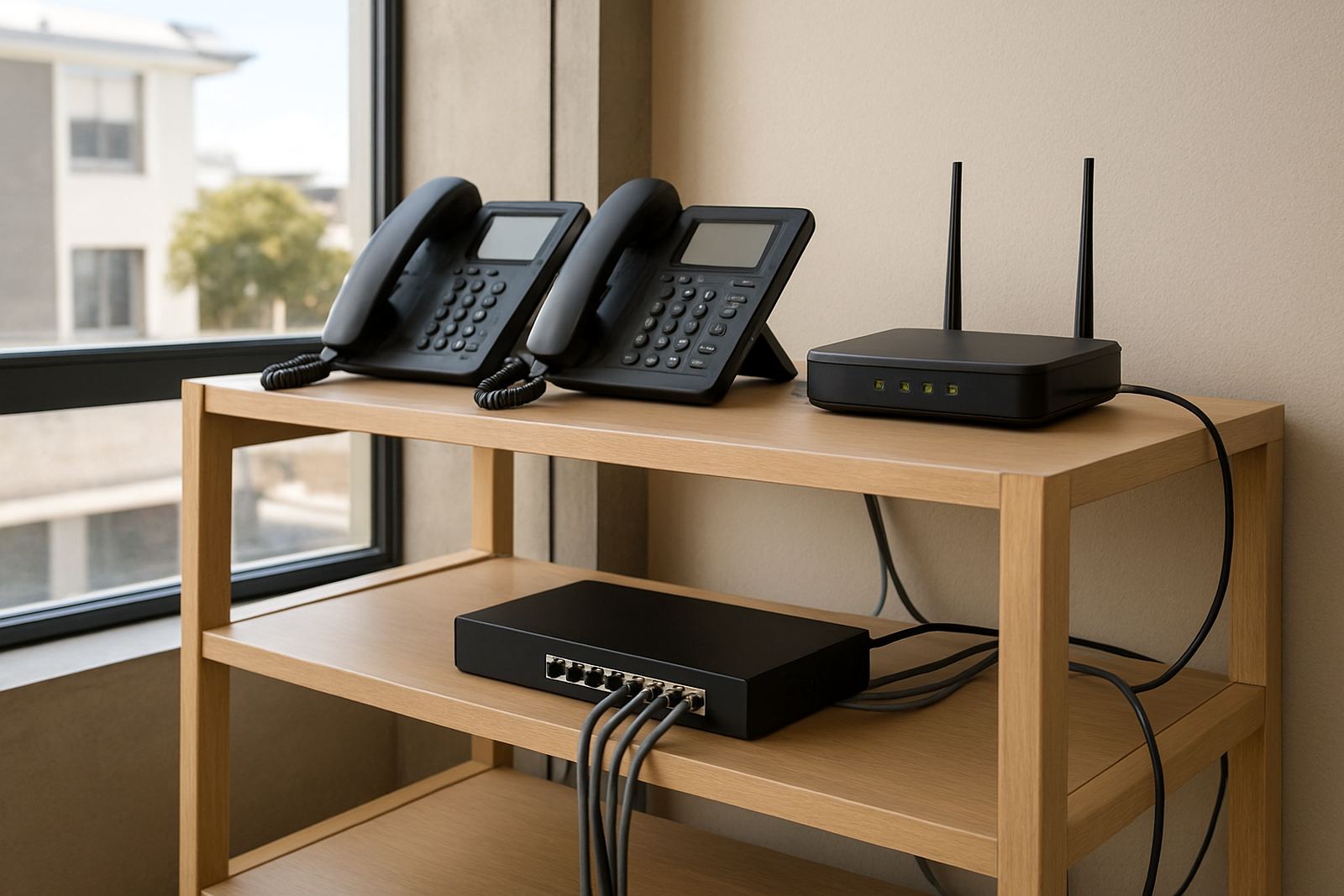
Before installation, the office needs a stable internet line, a router that can prioritise voice traffic, and enough power backup to keep the network alive during outages. Hosted PBX is only as good as the connection and local setup, so the cabling and WiFi need to be checked before the phones go live.
A proper install normally includes number setup, extension planning, handset provisioning, call routing rules and testing across the office. If your premises has a small server cabinet or comms cupboard, keep it clean and well cooled. There is no gas requirement for Hosted PBX, but power matters, so a UPS or inverter backup is worth planning for if you cannot afford dropped calls. We see many offices overlook this, then struggle during load-shedding.
- Internet line with enough upload speed for call volumes
- UPS or inverter backup for the router, switches and fibre equipment
- Quality cabling and a tidy network point for each handset
- Strong WiFi if any staff use softphones on laptops or mobiles
Users, Call Flow And What To Check When Ordering
Hosted PBX does not need the same hands-on servicing as old analogue systems, but it still needs regular attention. Check call quality, handset registrations, call routing rules and voicemail settings every so often. If a user leaves or changes departments, update the extension list straight away so calls do not land in the wrong place.
When ordering, ask about monthly call plans, number porting, handset compatibility, support hours and the process for adding users. It is also worth confirming whether you need call recording, queue reports or after-hours routing. Make sure the quote clearly shows installation fees, monthly service charges and any once-off porting costs so there are no surprises on the invoice.
- Confirm how many extensions you need now and in 6 months
- Check whether your current numbers can be ported
- Ask what backup options are included for outages
- Review support cover and after-hours help
Why NewTel Fits Cape Town Offices Nationwide
NewTel supports offices from its Century City base in Cape Town, with fibre and VoIP services for businesses across South Africa. That means you can get a Hosted PBX setup that suits a small office in Bellville, a growing team in Somerset West, or a branch network that needs consistent call handling in more than one province.
Because the system is managed monthly, it gives you room to scale without replacing everything each time you hire. Our team can help with fibre installation, VoIP deployment, WiFi design, network cabling, office relocations and user training, which keeps the whole phone setup easier to manage and less likely to fail when the pressure is on.
Key facts
| Service type | Cloud-based Hosted PBX for business telephony |
|---|---|
| Typical team size | 2 to 15 plus users, scalable by month |
| Core features | Extensions, call routing, voicemail, call queues and number porting |
| Connectivity needed | Stable fibre or business internet with router prioritisation |
| Power support | UPS or inverter backup recommended for fibre and network gear |
| Area covered | Cape Town and offices nationwide |