What SIP Trunks do for an office phone system
SIP Trunks carry voice calls over IP instead of traditional copper lines, so your business phone system uses the internet to handle inbound and outbound calling. In practical terms, one main connection can support a set number of simultaneous calls, with each call counted as a channel. That makes it easier to match capacity to real usage, whether you have 3 staff in a Century City office or 30 across Cape Town and the surrounding areas.
They are often used with an IP PBX, hosted call platform or a compatible on-site phone system. If your office already has fibre, SIP trunks are a good way to put that connection to work. They also help when you need to keep one number range across multiple branches, or when staff work from home and still need to answer through the office line. Setup is usually straightforward once the network, router and voice settings are checked.
Channel sizes and call options that suit local offices
NewTel SIP Trunks are supplied in channel counts that can grow with the office. A small practice or sales team may need 2 to 4 channels, while a busier operation with reception, support and outbound calling may need 6, 10 or more. If call patterns change through the month, the trunk count can be reviewed so you are not paying for unused capacity.
- 2 to 4 channels for very small offices or reception only use
- 6 to 8 channels for mixed inbound and outbound calling
- 10 plus channels for higher call volumes or multi-site teams
- Number porting for keeping existing business numbers
- CLI management for showing the right outbound number
It also helps where staff split time between office and remote work. The team can answer through the same business number, and calls can be routed to the right extension or hunt group. For many small businesses this is simpler than keeping separate mobile numbers for every person, and it looks more professional when clients call in.
Where SIP Trunks work best in South African offices
SIP trunks suit offices that already have a decent internet line and need more control over calling than a basic analogue setup allows. They are common in professional services, trades offices, medical practices, small call centres, estate agencies and branch businesses. If you are based in Bellville, Somerset West, Paarl or Stellenbosch and the office runs on fibre, the service can usually be integrated neatly with existing cabling and handsets.
They are especially useful where load-shedding has forced businesses to think carefully about power backup. Voice calling only works properly when the internet, router, switch and phone system stay on. That means a UPS or inverter backup is important, not optional, if you want calls to carry on when the power drops. In coastal areas like Cape Town, the equipment room also needs decent ventilation and protection from moisture because humid air can affect plugs, patch leads and other network hardware over time.
- Offices with fibre and a VoIP-ready phone system
- Businesses that need more than one call at a time
- Teams that want number portability and better call routing
- Branch offices that need one calling setup across locations
- Sites that can provide backup power for internet and phones
What is needed for installation and backup power
Before installation, the site needs a stable internet service, a suitable router and enough power backup to keep the call path alive. Voice traffic does not use much data, but it does need low delay and a connection that does not drop often. If the office is already on fibre, the next check is whether the network is properly separated for voice and whether the router can prioritise calls. That small step often improves call quality more than people expect.
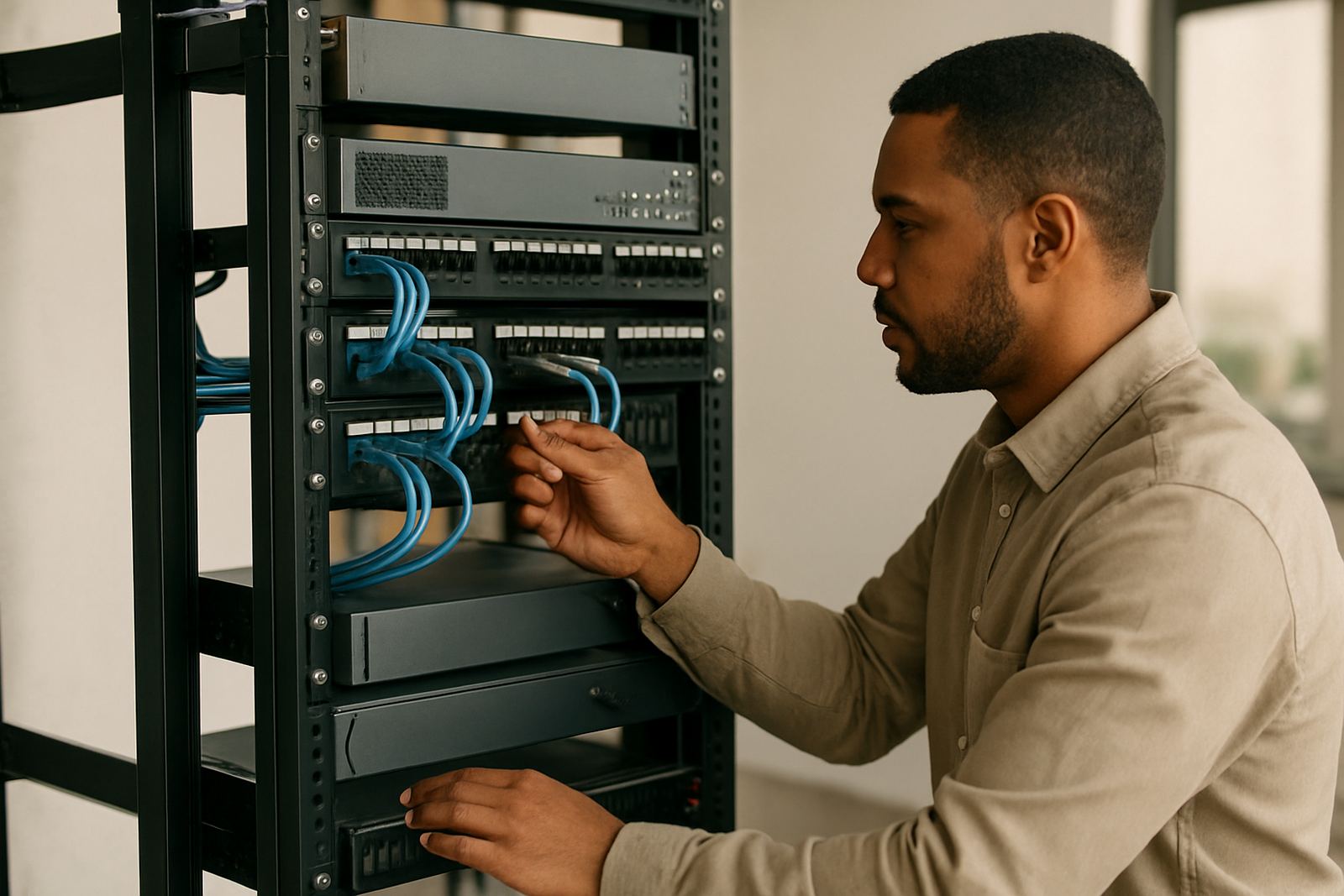
For most offices, the essentials are simple: fibre or another reliable data service, a router, switches if needed, IP phones or a compatible phone system, and a UPS sized to hold the kit during a power cut. If the building has a generator, that can help with longer outages but the switchover must be checked so the internet and phones do not reset. Ask about SIP credentials, firewall settings and whether any existing cabling needs testing before go-live.
- Internet line with steady upload and download speeds
- UPS or inverter backup for the router, switches and phone system
- Correct handset or PBX compatibility
- Network cabling in good condition, with tested ports
- Firewall and router settings that allow voice traffic through
Keeping call quality steady and servicing the setup
Once SIP trunks are live, the setup should be checked from time to time, especially after network changes, office moves or a power event. If calls start cutting out or sounding flat, the cause is often not the trunk itself but the local network, a failing UPS battery, or a router that is overloaded. A short review of the call path can usually pinpoint the issue quickly.
Care is mostly about the surrounding equipment. Keep the router, switch and phone system in a clean dry area, away from direct sun and dust. Replace UPS batteries before they fail, and test them at least every few months. If you have a busy office, it also helps to monitor usage so you can see when channel counts need to go up or down. A small note here, people often forget to check the office internet line after a contractor has moved a patch lead.
NewTel can assist with ongoing support, after-hours help and user training so staff know how to use the calling features properly. That includes basic call routing, voicemail handling, number display and how to report a fault with the right detail. Good records save time when troubleshooting and keep downtime to a minimum.
What to review before linking your branches
Before ordering SIP trunks, it helps to have a clear picture of how the office calls work now and how they should work after installation. Count the number of people who may call at the same time, then add a bit of headroom for busy periods. Check whether you want to keep your existing numbers, move from an analogue line, or set up separate numbers for different branches.
- How many simultaneous calls you need during peak hours
- Whether you want to port existing numbers
- What phone system or handsets are already in place
- Whether the site has fibre and backup power
- Who will handle reception, voicemail and overflow calls
If you are relocating, ask about office moves early so the calling service can be planned with the cabling and internet cutover. It is far easier to test before a full move than to fix issues on the first trading morning. For Cape Town offices and nationwide teams, a clear install plan keeps the switch-over tidy and avoids missed calls.
Key facts
| Service type | SIP trunk voice channels over IP |
|---|---|
| Typical sizes | 2, 4, 6, 8, 10 plus channels |
| Best connection | Fibre or another stable business data link |
| Business use | Inbound and outbound office calls |
| Power need | UPS or inverter backup recommended |
| Support | Installation, number porting, monitoring and after-hours help |