What a Fibre ONT does in an office
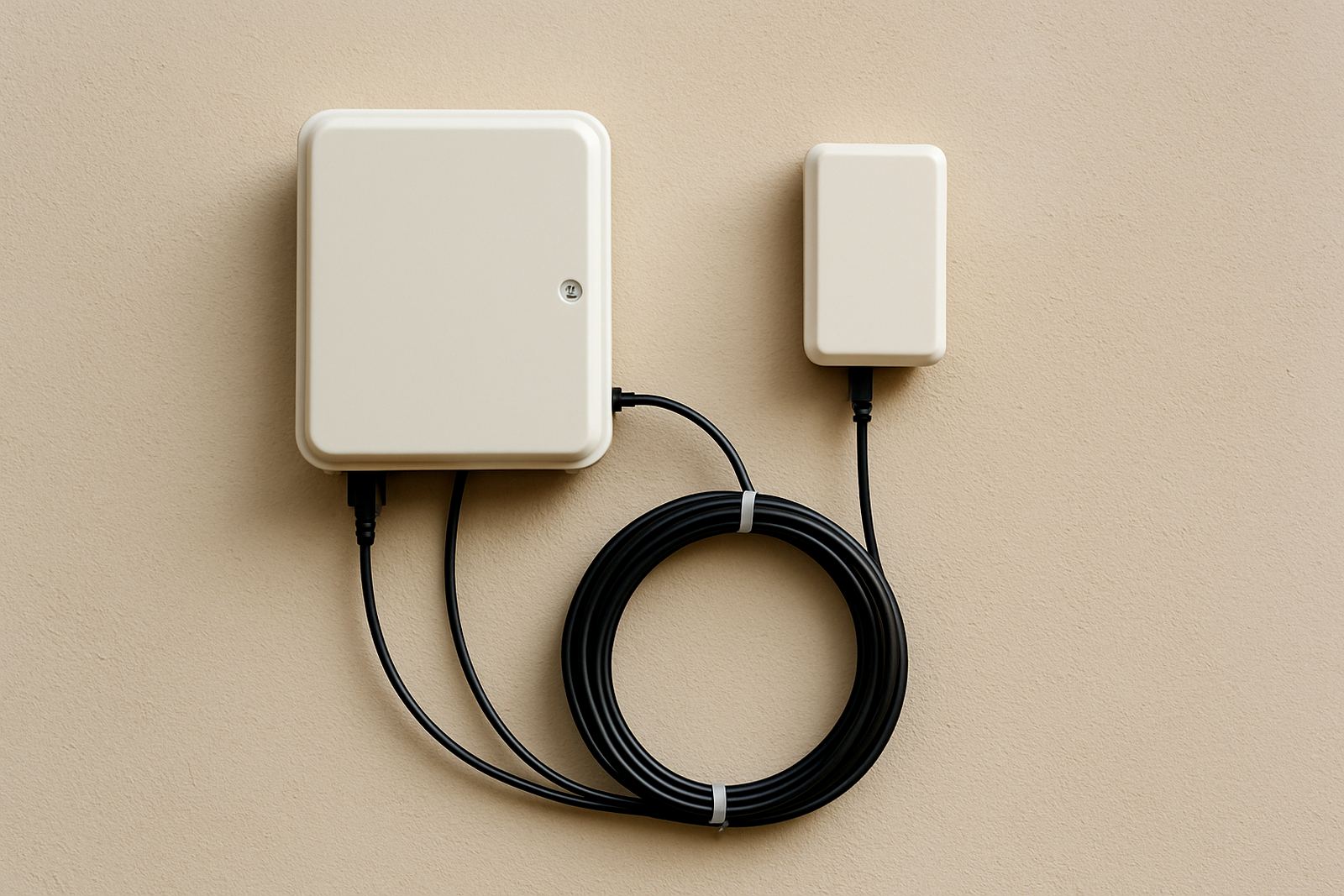
A Fibre ONT, or optical network terminal, is the device that sits at the point where the fibre line enters your premises and converts the light signal on the fibre into an Ethernet connection your office equipment can use. In a small office, that normally means one handoff to your router, firewall or voice gateway, and from there your staff, phones and WiFi all work from the same line. If your business runs VoIP calls, card payments or cloud backups, the ONT is the key link that makes the service usable every day.
Most office installations use the ONT inside a secure comms cupboard, reception store room or a lockable wall mount close to the incoming fibre. That keeps the cable run short and makes fault finding easier. In coastal areas like Century City, Bellville and Somerset West, keeping the unit dry and dust free matters as much as speed, because salt air and fine dust can cause problems over time if the space is left open.
Which ONT sizes and options suit small offices
ONTs are not all the same. Some are compact single port units for a simple office with one router, while others provide extra Ethernet ports, battery backup support or voice ports for analogue handsets and alarm links. For a 4 to 15 person office, a standard single or dual port ONT is often enough. Larger sites, multi tenant offices and businesses with separate data and voice networks may need a unit with more handoff options.
- Single Ethernet port for one main router or firewall
- Dual Ethernet port versions for separate data and voice equipment
- Voice enabled models for legacy phone lines or fax devices
- Wall mount or shelf mount formats depending on cupboard space
- Indoor units designed for controlled office environments
If you are planning VoIP deployment as well, ask for an ONT that matches the router and phone system layout from the start. It saves rewiring later and helps keep call quality steady when staff are on multiple calls at once. A small typo in planning can cost a lot more than the unit itself.
Where a Fibre ONT works best in South African offices
This product suits small offices, shared workspaces, medical rooms, legal practices, sales teams and branch offices that need stable connectivity and clear call quality. It is especially useful where the office depends on online bookings, accounting systems, file sharing or remote support. In places like Paarl, Stellenbosch and Somerset West, many offices also need reliable service through summer load shedding, so the ONT should form part of a full power backup plan.
For businesses in industrial parks, retail centres or older commercial buildings, the fibre ONT is often the first clean connection point before the network is distributed around the premises. If the office is relocating, the unit can be moved as part of the fibre re install, provided the line service is ordered correctly and the building owner allows the new entry point. Municipal or landlord rules may affect cable routes, drilling and cabinet placement.
Installation, power requirements and backup planning
Installation is usually handled with the fibre service order and should be done by a technician who understands both the fibre handoff and the office network behind it. The ONT needs a stable mains supply, usually from a standard 230 V AC point, and it should sit close to the router and any voice equipment. If the premises have no nearby socket, plan for a neat extension from a protected circuit rather than a loose plug trail across the floor.
Because the ONT is active equipment, it needs backup power if you want the connection to stay up during outages. For many offices, a small UPS will keep the unit and router running for several hours, depending on battery size and total load. If your phones are VoIP based, backing up the ONT is not optional in practice, because no power means no internet and no calls. During handover we check signal levels, port light status and whether the unit is registered correctly on the fibre line.
- Allow a dry, ventilated space with enough wall or shelf clearance
- Keep a spare power lead or labelled socket nearby for servicing
- Use a UPS sized for the ONT, router and any voice gateway
- Protect the unit from direct sun, water ingress and heavy vibration
Care and servicing to keep the link steady
An ONT needs very little day to day attention, but the installation around it should be checked from time to time. Keep the fibre connector capped when disconnected, avoid bending the incoming fibre sharply, and make sure the power light stays normal after outages. If the office has cleaners, security staff or foot traffic near the cupboard, the cable should be secured so nobody knocks it loose by mistake.
We also recommend a quick service check after office moves, network changes or repeated power interruptions. Dust build up, a failing UPS battery or a damaged patch lead can cause random drops that look like line faults when they are really local issues. A quick check now and then saves a lot of time on the phone later, especially when staff are waiting for calls or remote access to come back.
What to check before you order
Before ordering a Fibre ONT, confirm the type of fibre service, the number of Ethernet ports needed and whether you need any voice capability. Check where the unit will be mounted, how close the router will sit, and whether there is a working power point nearby. If the office is in Cape Town, Bellville or Century City, it also helps to note building access times so installation can be booked without delays.
- Confirm the fibre provider and line speed you need
- Check whether you need one port, two ports or voice ports
- Measure the cable path from entry point to network cupboard
- Confirm UPS backup for load shedding and short outages
- Tell us if the office is moving, dividing space or adding VoIP
If you are ordering for a branch in another town, include the full street address, contact person and any site access notes. The right details at the start prevent repeat visits and make the handoff cleaner. For help matching the ONT to your office network, contact NewTel at our contact form.
Key facts
| Product type | Fibre handoff unit for office internet and VoIP connections |
|---|---|
| Power input | 230 V AC mains, normally supported by a UPS |
| Ports | Single port or dual port options, depending on service need |
| Mounting | Wall mount or shelf placement indoors |
| Use case | Small offices, branch sites, shared workspaces and relocations |
| Typical install space | Dry indoor area with fibre entry and nearby power point |