Shared Office Needs in Table View
The client was a shared office operator in Table View serving freelancers, small teams and growing businesses that needed a professional address without the cost of a full standalone office. The space had to support daily phone use, stable internet for multiple tenants and a few meeting rooms where calls and online meetings could run at the same time. The brief was practical: keep people connected, split traffic properly and make the wireless signal reach every corner of the floor.
The original setup was being pushed hard by mixed usage. Some members were running cloud software and video calls, others were printing or working on site visits, and meeting rooms were taking traffic at peak times. In a coworking environment that means more than speed alone, because one user should not affect the next. The owner wanted a cleaner setup that would still be manageable for a small internal team and simple enough for new tenants to join without long delays.
What Had to Be Solved Before Install Day
Table View brings its own practical challenges. The building sits close to the coast, so humidity and salty air are always a consideration for equipment placement and cable protection. The office also needed to stay open during the work, which meant we had to phase the job around tenant hours and avoid long service breaks. Load-shedding added another layer, because voice and connectivity had to recover quickly after power interruptions.
The most important technical requirement was segmentation. The shared network needed separate zones for staff, tenants and guest access, plus dedicated paths for meeting room calling and admin devices. We also had to check the existing cabinet, patching layout and cable runs before starting, because hidden faults in older shared spaces usually show up only when several users are online at once. Small issue, big complaints if it goes wrong.
- Separate VLAN structure for staff, tenant and guest traffic
- WiFi coverage planned for reception, private suites and meeting rooms
- VoIP handsets and meeting room calling points on protected power
- Cabinet clean-up and labelling for easier support later
Fibre, VoIP and Wireless Work Completed
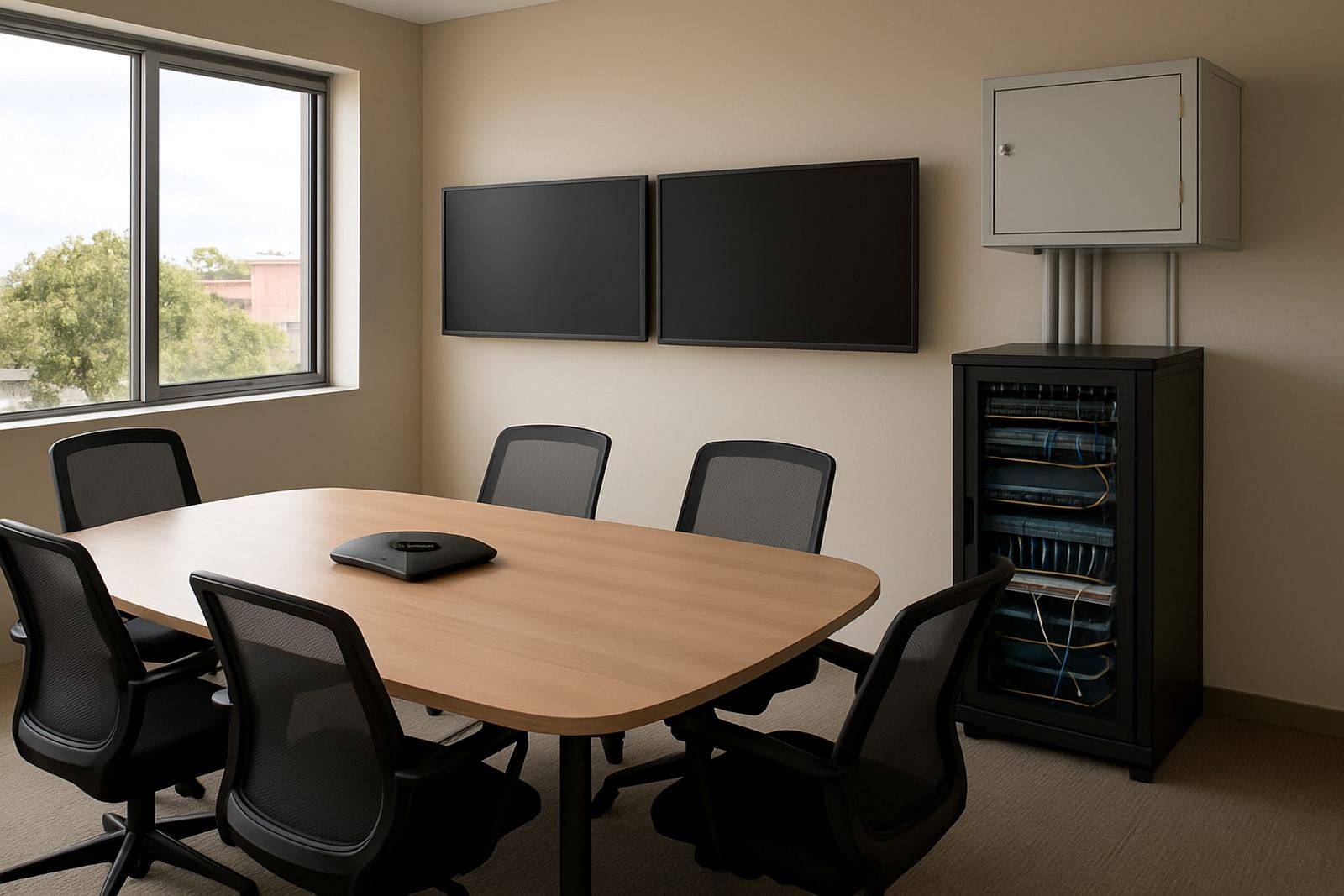
We supplied and installed the fibre handoff, the VoIP call environment and the internal network layout needed for the coworking floor. The fibre service was brought into the main communications area and terminated into a properly organised cabinet. From there we built out the voice and data layers, then tested the handover to make sure the connection was stable before moving on to the rest of the site.
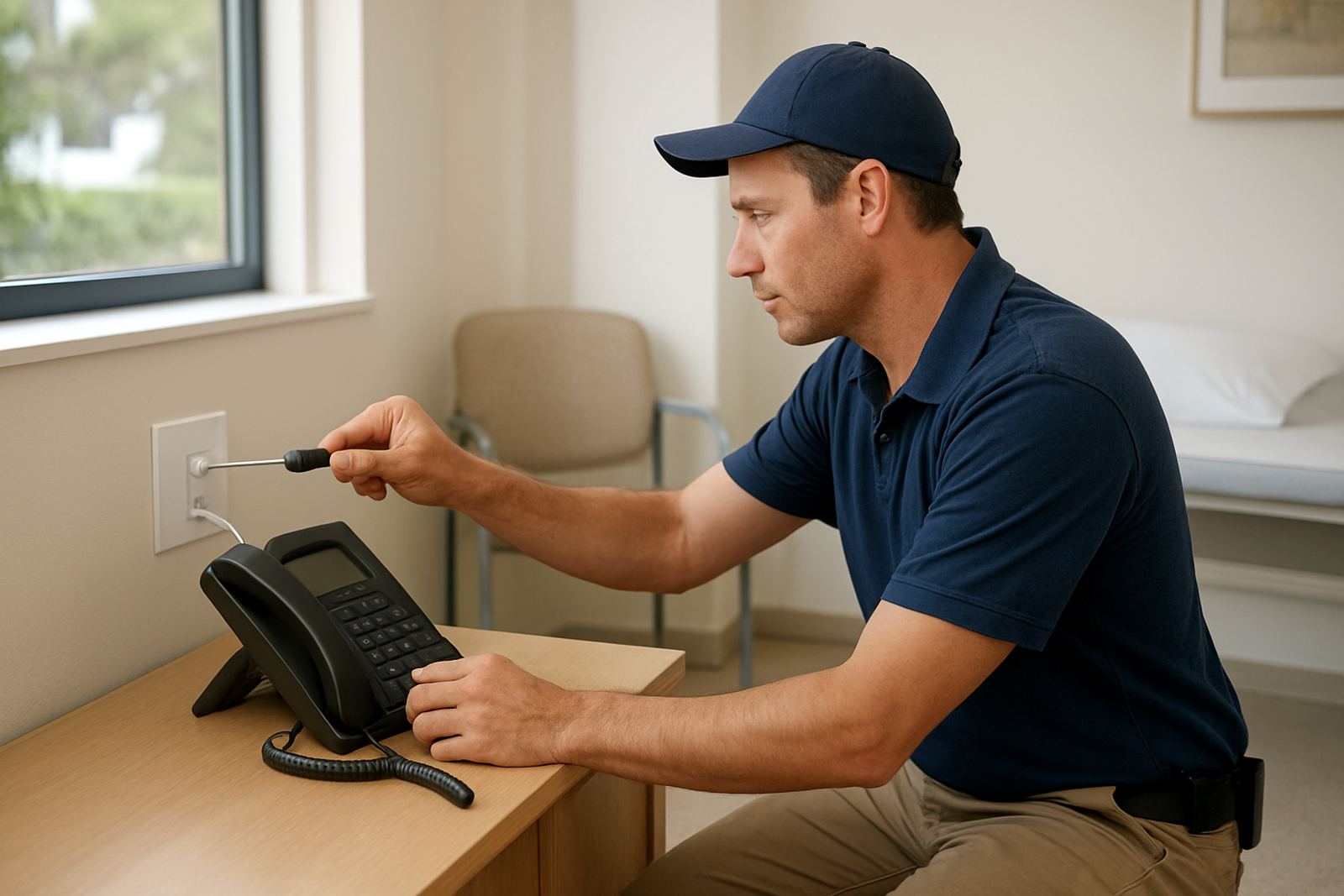
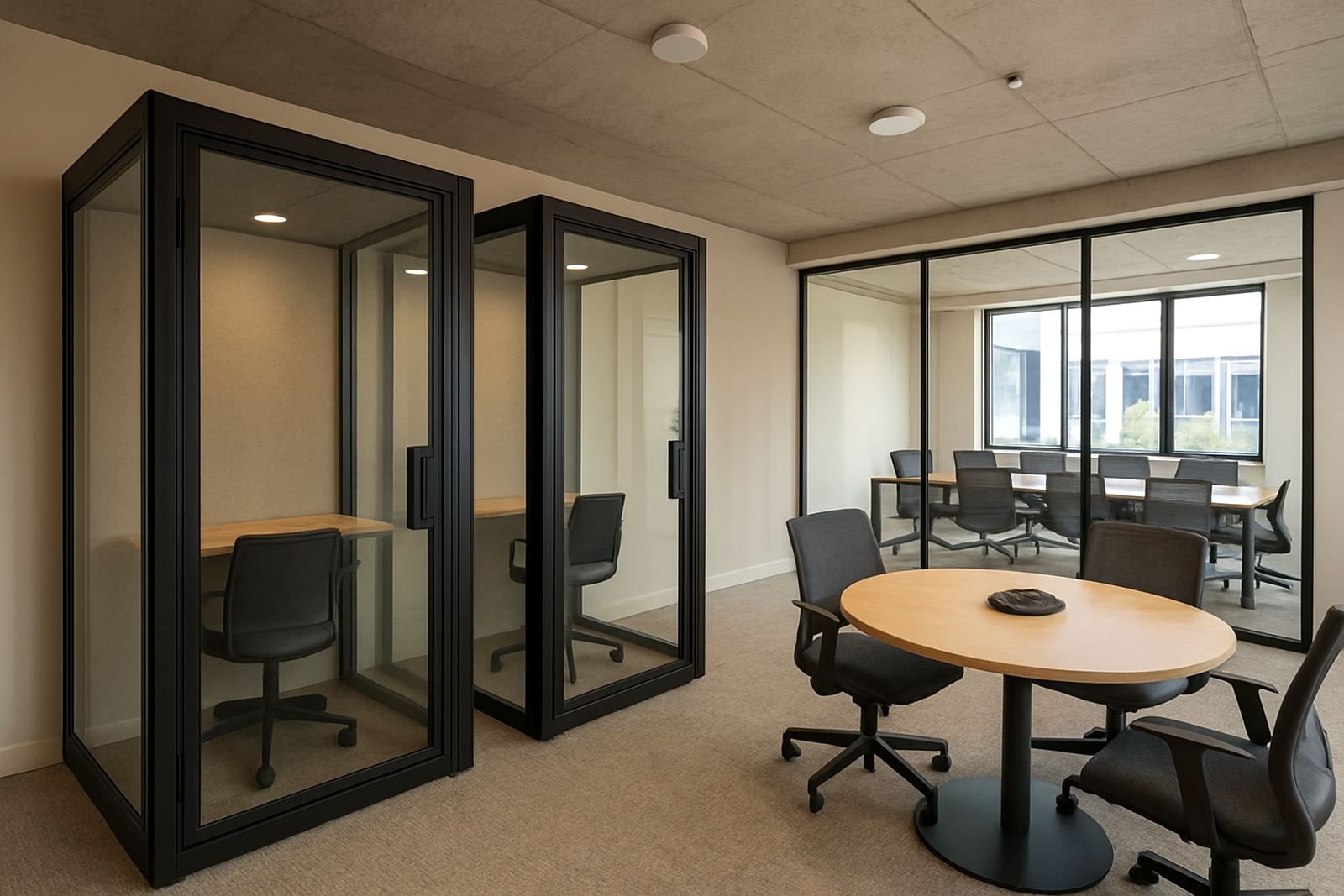
For telephony, we set up meeting room calling so teams could join a call without borrowing staff phones or using personal mobiles. We also configured number porting for the main office line, set call routing rules and tested inbound and outbound performance. On the wireless side, access points were positioned to carry signal through the open-plan areas and into enclosed rooms, with stronger coverage where walls and glass partitions had been weakening it before. The result was steadier connectivity for laptops, phones and guest logins all at once.
- Fibre installation with cabinet termination and testing
- VoIP deployment for reception and meeting room use
- WiFi design to reduce dead spots in shared spaces
- Network cabling and patching for clear separation of services
How We Worked Around the Building
The rollout took 2 weeks from survey to handover, with the busiest work completed outside peak tenant hours. Week one was the site review, cable checks and network design. Week two covered installation, configuration, live testing and user walkthroughs. We kept the sequence tight so tenants were not left waiting for long periods and so the office team could keep operating while the work moved through the building.
Because this was a shared environment, office relocation planning was also part of the brief. A few private suites were being reallocated at the same time, which meant we had to allow for fresh cable routes and room changes without disrupting the core network. We also checked the generator and inverter tie-in points so voice services could come back properly after outages. That kind of planning saves a lot of call backs later on.
- Survey and design: 3 days
- Installation and cabling: 5 days
- Configuration and testing: 3 days
- Handover and user training: 1 day
Results for Tenants and the Office Team
Once the new setup was live, the biggest change was consistency. Meeting rooms could handle calls without dropping the rest of the floor off the network, and users had fewer complaints about weak wireless in back offices or near partition walls. The office team also gained better visibility over the network, which made it easier to spot unusual usage and support new tenants quickly.
The space now has a more professional feel for members as well as visitors. Calls sound clearer, joining meetings is easier and the guest network is separated from business traffic, which helps protect internal systems. For a coworking operator that matters because one bad connection can affect several businesses at once. The client reported smoother onboarding for new members and fewer after-hours support requests in the first few weeks after go-live.
What We Would Repeat on the Next Coworking Rollout
If we were doing the same type of project again in Table View, we would keep the same order of work: survey first, then segmentation, then voice and wireless tuning. That approach reduces surprises and makes it easier to keep the office open during the install. We would also recommend a small spares pack on site, including labelled patch leads, a spare handset and a backup power check schedule for the cabinet.
For shared offices, the lesson is simple. Do not treat the internet as one flat service. Separate the traffic, protect the calling, and plan for the fact that one room may be full while another is empty. That kind of thinking keeps the network usable when occupancy changes through the day. It also makes support cleaner for the long term, which is what most operators actually need.
- Keep guest and tenant traffic separated from the start
- Place access points after the final partition layout is confirmed
- Test meeting room calling during load-shedding recovery
- Label every cabinet and room point for faster fault finding
Key facts
| Project type | Shared office and coworking network rollout |
|---|---|
| Town | Table View, Cape Town |
| Delivery time | 2 weeks |
| Core services | Fibre Installation, VoIP Deployment, WiFi Design, Network Cabling |
| Key outcome | Segmented networks with meeting room calling and improved wireless coverage |
| Support covered | Number porting, network monitoring, after-hours support and user training |