The brief from the Durbanville office
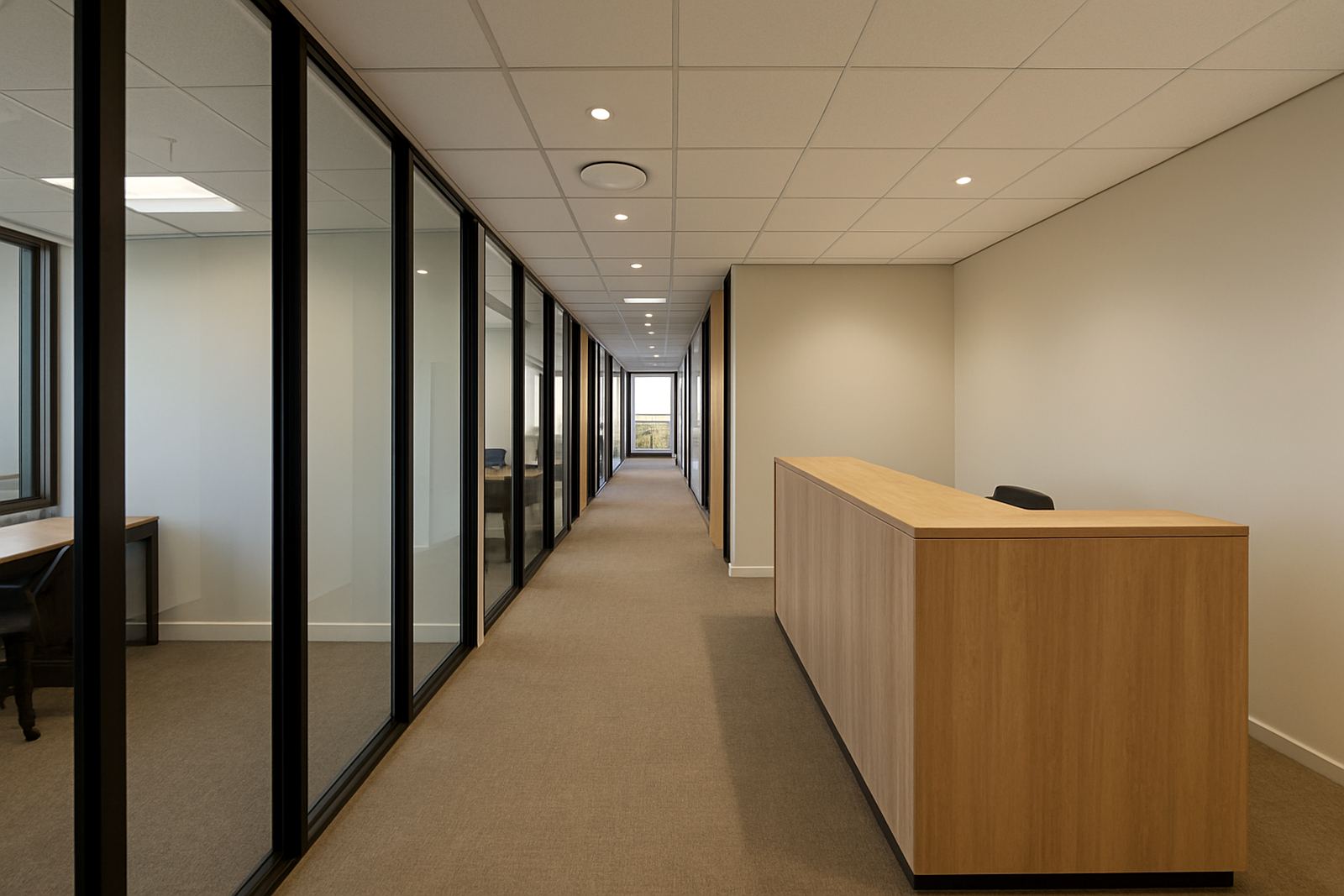
The client was a small creative office in Durbanville, working with a mix of designers, account staff and project leads who needed reliable calls, steady connectivity and better audio for internal meetings. They were moving into a larger space and wanted the network sorted before staff settled in, so nobody had to work around patchy internet or a half finished phone setup.
The brief was straightforward enough on paper: replace the old connection with business fibre, move the main phone numbers over, set up conference calling tools, and make sure the wiring in the office could handle more staff. In practice the challenge was getting everything live with very little downtime, because the team still had client deadlines and could not afford a long break in service.
- Office type: creative studio with 10 to 15 staff
- Town: Durbanville, Cape Town northern suburbs
- Core need: fibre, VoIP and proper internal call handling
- Move window: after hours and over a weekend
What was holding them back
The old setup struggled most during busy hours. Calls would drop when several people were online at once, and file uploads for artwork and proposals were slow. During load-shedding, the team also lost time because the router and phones were not backed by sensible power planning, so even short outages caused problems. With several people using cloud tools at the same time, the office needed a connection that could take the load without everyone complaining.
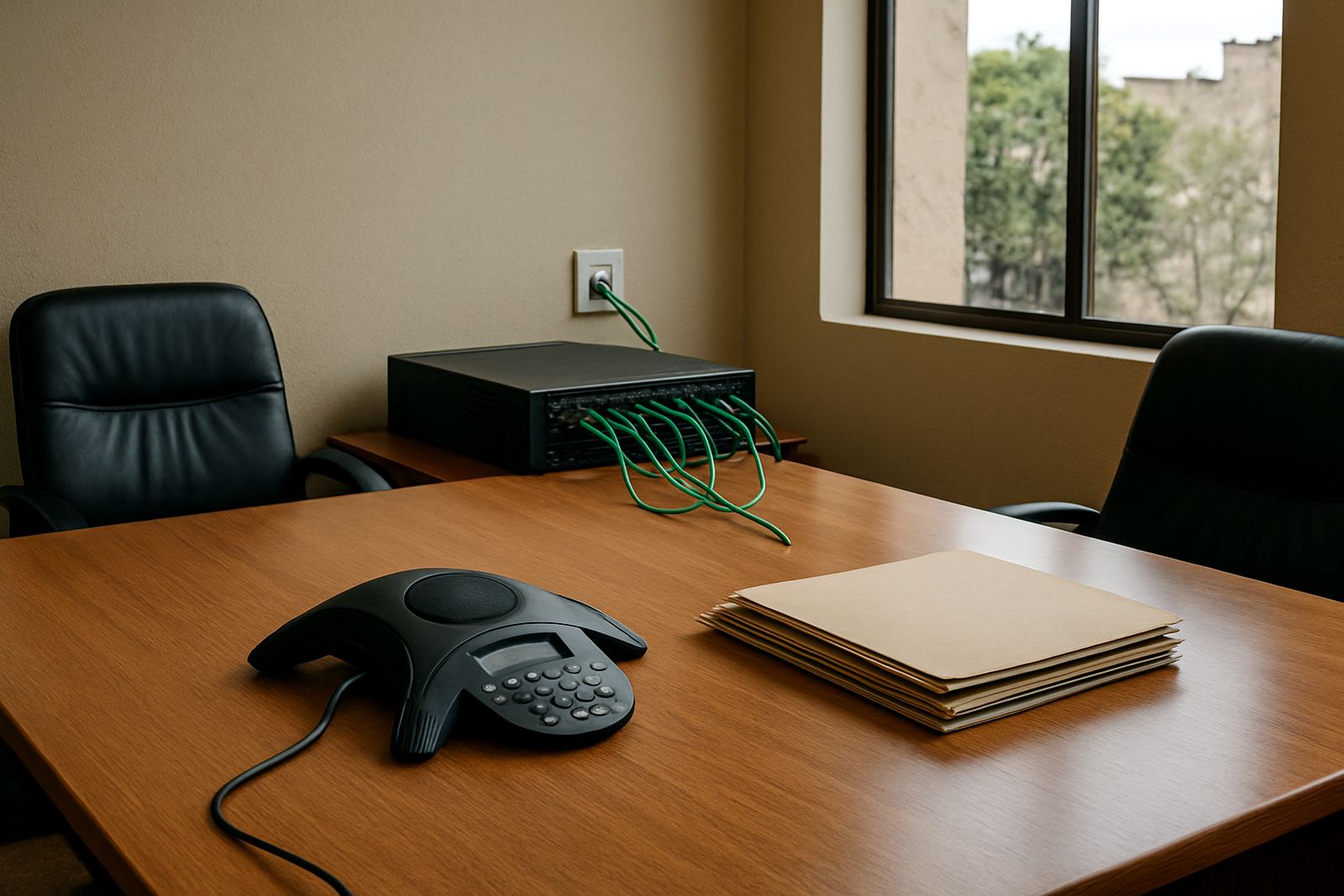
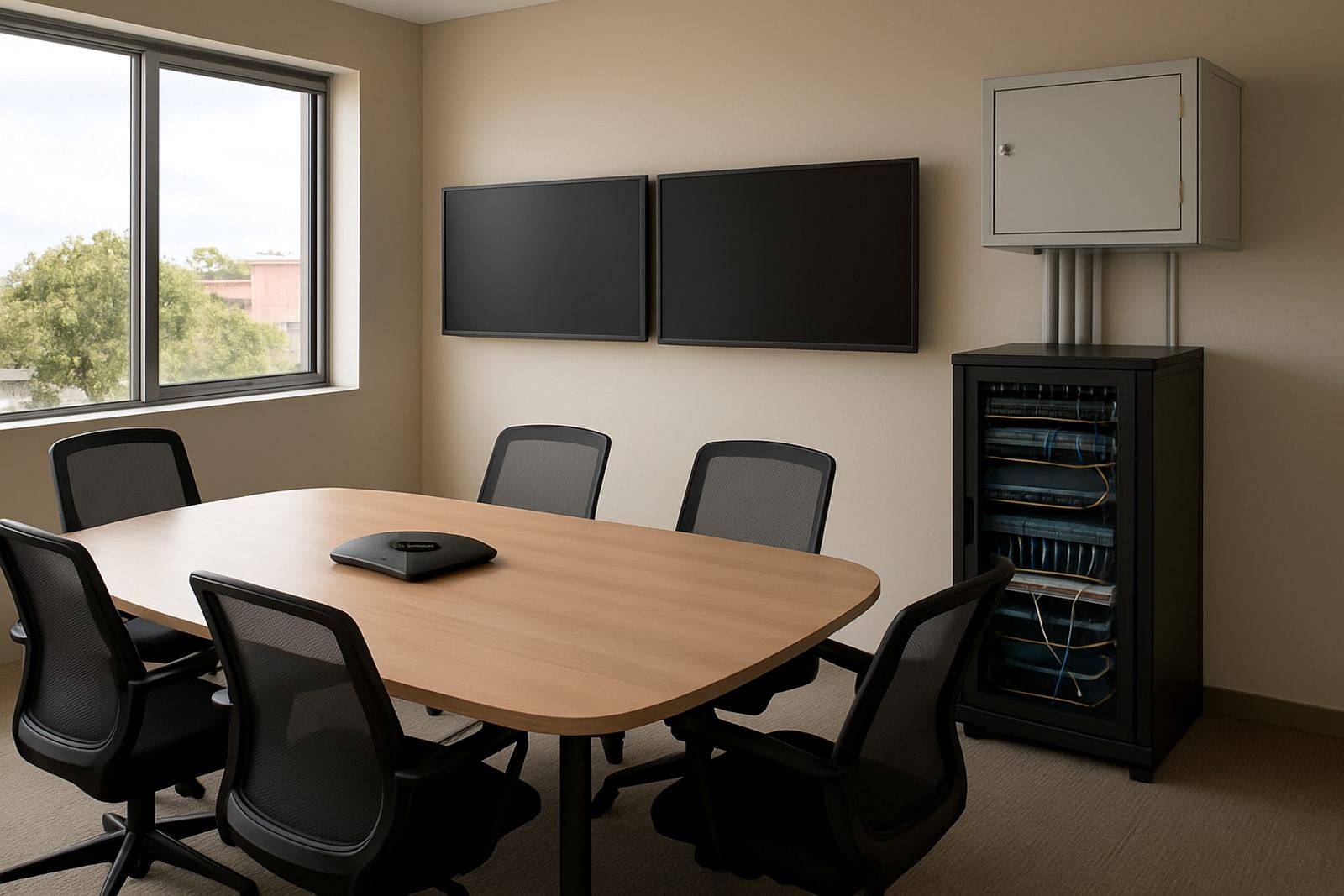
There was also a cabling issue in the new premises. A few points had been left in awkward spots, and the meeting room had no clean network path for the conference phone. We checked the layout, mapped the working areas and planned the cable runs so the team would not end up with trailing leads across walkways. The landlord had restrictions on drilling in certain shared sections, so we worked within the building rules and kept the install tidy.
- Problem areas: call quality, upload speed, weak meeting room connectivity
- Site constraint: landlord rules on shared building areas
- Power concern: keeping core comms usable during outages
Fibre installation and voice setup
We supplied and managed a business fibre installation sized for a multi user office, then deployed a VoIP phone system that could support both direct numbers and shared call handling. The number porting was handled as part of the changeover so the client could keep their existing business numbers. We also set up call routing, voicemail and after hours behaviour so incoming calls would not get lost when the office was closed.
The office received network cabling to the main work areas and the meeting room, plus WiFi design to help coverage stay even across the floor. The fibre handoff was placed near the comms point, and we set the phones and network gear so the team had a cleaner layout and less clutter. There was a bit of back and forth on the meeting room position but we got it sorted without delaying go live.
- Fibre handoff for office use with business class service levels
- VoIP extensions with number porting and call routing
- WiFi design for open plan work areas and meeting space
- Network cabling to reduce reliance on long patch cords
Timeline from survey to go live
The project ran over three weeks from first survey to final handover. Week one covered the site visit, service checks and cabling plan. Week two focused on the physical installation and the number porting process. Week three was for testing, user training and final tweaks to call flow. We scheduled the switchover outside office hours so the team came in the next morning with the new system already running.
Because the office was still active during the move, we kept communication tight with the client contact and the building manager. That saved time when access was needed for ceiling routes and termination points. A small issue with one handset configuration was picked up during testing and corrected before staff started using it, which is the sort of thing that prevents a lot of frustration later on.
- Week 1: survey, scope and access planning
- Week 2: fibre install, cabling and porting
- Week 3: testing, training and handover
- Changeover: after hours, with minimal interruption
What changed once the team was live
Once the new setup was in place, the office could run meetings without everyone repeating themselves or asking clients to call back. Conference calls were clearer, internal communication was quicker and the team could move files in a fraction of the time. That made a real difference for a creative office where mood boards, proofs and larger artwork files move around all day.
The admin side improved too. Calls reached the right people more reliably, and the after hours setting meant missed calls were less of a problem. With better WiFi coverage and cleaner cable runs, the workspace felt easier to manage. The client told us the biggest benefit was not one single feature, it was the way all the parts started working together. Their staff stopped wasting time on basic connection issues and could get back to client work, which is what they needed most.
- Clearer conference calling for internal and client meetings
- Faster uploads and more stable internet use across the office
- Better call routing during office hours and after hours
- Less clutter and fewer faults from improvised cabling
What we would reuse for a similar creative office
For another creative office in Durbanville, Bellville or Somerset West, we would follow the same approach: survey early, plan for load-shedding, keep the phone cutover tight and make sure the cabling matches how the team really works. That means placing the network points where people actually sit and meeting room gear where it can be used without fuss. It sounds simple, but those small choices save time every day.
We would also recommend a short user training session for the team lead and anyone handling call changes, because even a good system needs someone who knows where to check settings. A bit of training upfront means fewer support calls later. For offices near the coast, we also look at humidity and equipment placement so the hardware is not sitting in a bad spot near windows or damp wall sections.
- Do the site survey before furniture is finalised
- Plan power backup for fibre and voice equipment
- Match cabling points to actual staff movement
- Train at least one internal contact before handover
Key facts
| Project location | Durbanville, Cape Town northern suburbs |
|---|---|
| Client type | Creative office with 10 to 15 staff |
| Services supplied | Fibre Installation, VoIP Deployment, Number Porting Service, WiFi Design, Network Cabling, User Training |
| Timeline | 3 weeks from survey to handover |
| Key outcomes | Clearer conference calls, faster file transfer, steadier office connectivity |
| Support | After-hours changeover and post install assistance |