Why training centres need more than basic internet
In a training centre, the same line has to carry learner sign-ins, reception calls, online classes, cloud platforms and staff admin. If the connection drops during a booking rush or a session upload, the whole day gets pushed back. For centres in Century City, Bellville, Somerset West and farther afield, the real test is not just speed, but consistency when many users connect at once.
We often see centres start with a small office internet package and then struggle once extra classrooms, handheld devices and admin computers are added. A better plan is to separate voice, WiFi and back-office traffic from the start, so one issue does not affect everything else. That saves time and avoids those awkward moments when a student cannot reach reception because the phones are tied up.
Typical equipment for classrooms, reception and admin
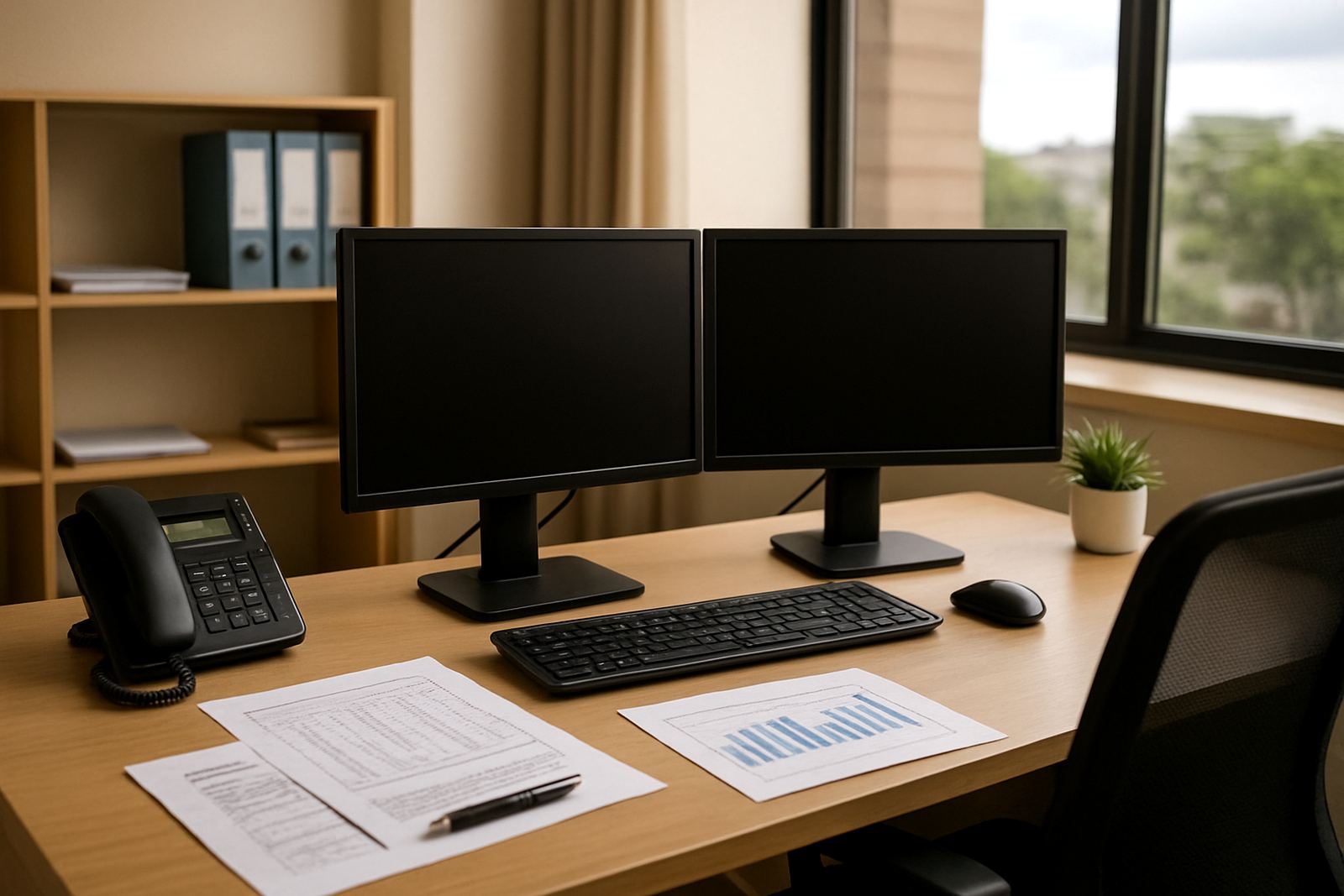
A practical training centre setup usually includes fibre termination, a business router, a managed switch, access points, VoIP handsets and structured cabling to each room. For larger sites, we also include battery backup for the router and core network gear so short power cuts do not stop registration or calls. In coastal areas like Cape Town, Paarl and Stellenbosch, we also plan for salt air and moisture around wall boxes and cable routes.
- Fibre handoff and router for the main internet connection
- VoIP handsets at reception and admin, plus softphone options where needed
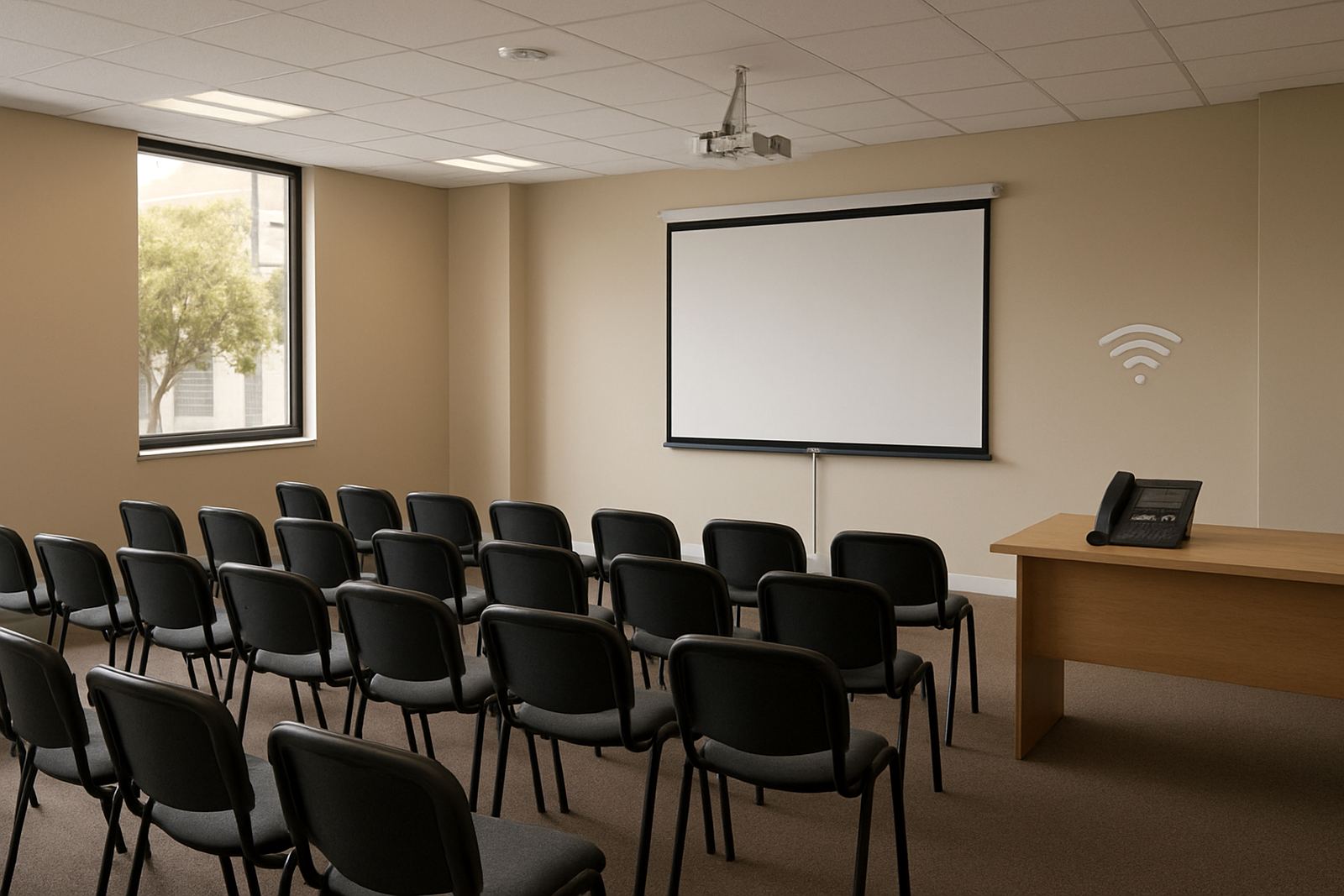
- WiFi access points placed for classrooms, meeting rooms and waiting areas
- Cat 6 network cabling to printers, computers and network points
- Power backup for critical gear during load-shedding
Where a centre has multiple rooms or floors, it helps to keep the network gear in one lockable position with enough ventilation and neat cable dressing. We have seen many sites where the switch sits in a hot cupboard near cleaning supplies, and that usually ends badly after a few months.
Layout planning that keeps classes and admin running
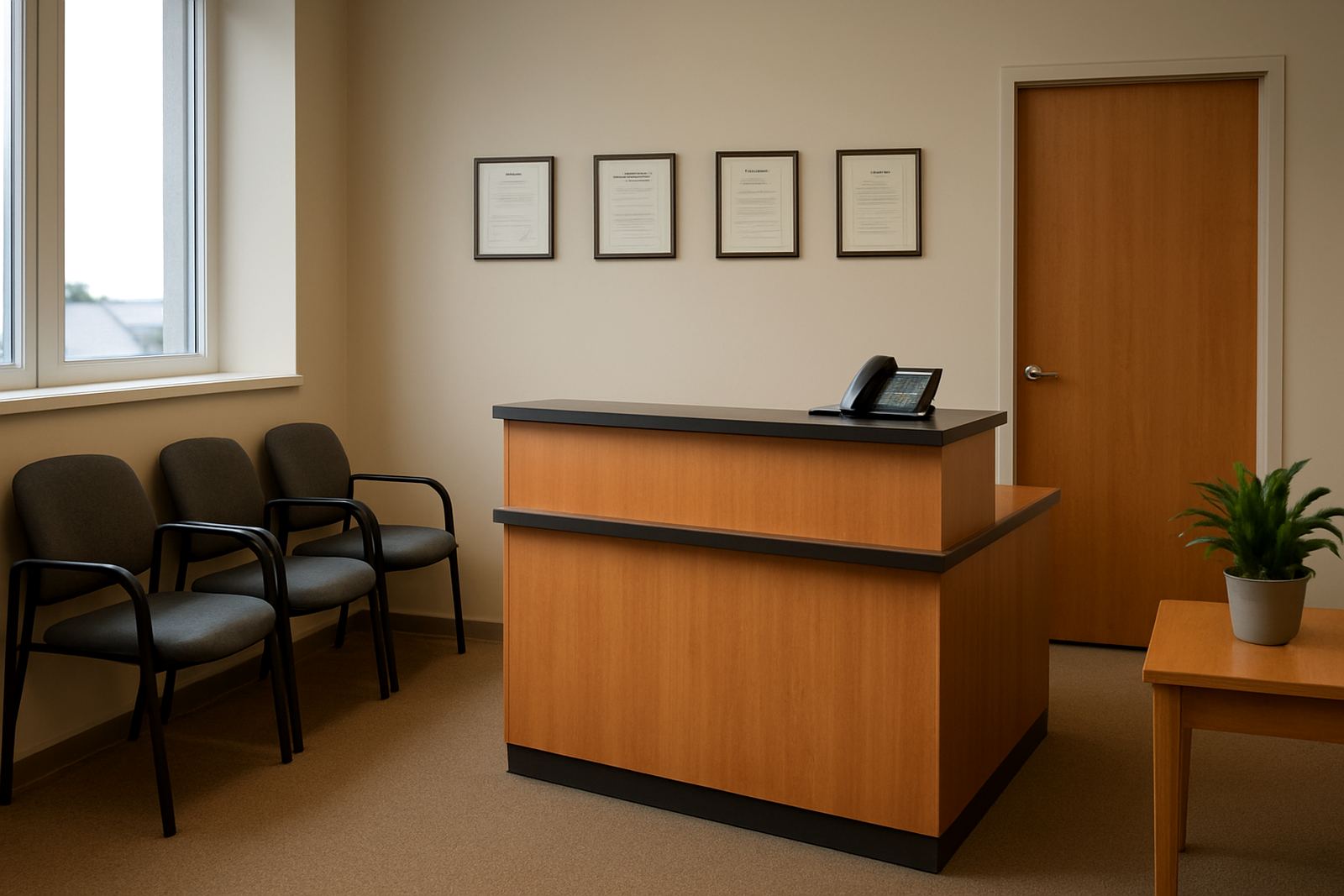
The best layout starts with how people move through the building. Reception should have clear calling access, admin should have reliable data points, and classrooms should get strong WiFi without overspill into the street or neighbouring tenants. In shared buildings, that matters for both security and municipal compliance, especially where access control and cable routes cross common areas.
A useful rule is to map every space before equipment is ordered. Count classrooms, computer labs, reception points, printers, staff counters and any upstairs rooms, then allow a little extra for future intake. If a centre plans to grow from 20 learners to 60 learners a day, the network should already be able to cope without a full rewire six months later.
- Place access points centrally, not hidden behind metal shelves or ceiling bulkheads
- Keep voice gear near reception and admin where most calls start
- Run separate cable routes for network equipment and power where possible
- Leave spare ports for extra computers, card machines or booking stations
Common mistakes that cost training centres time
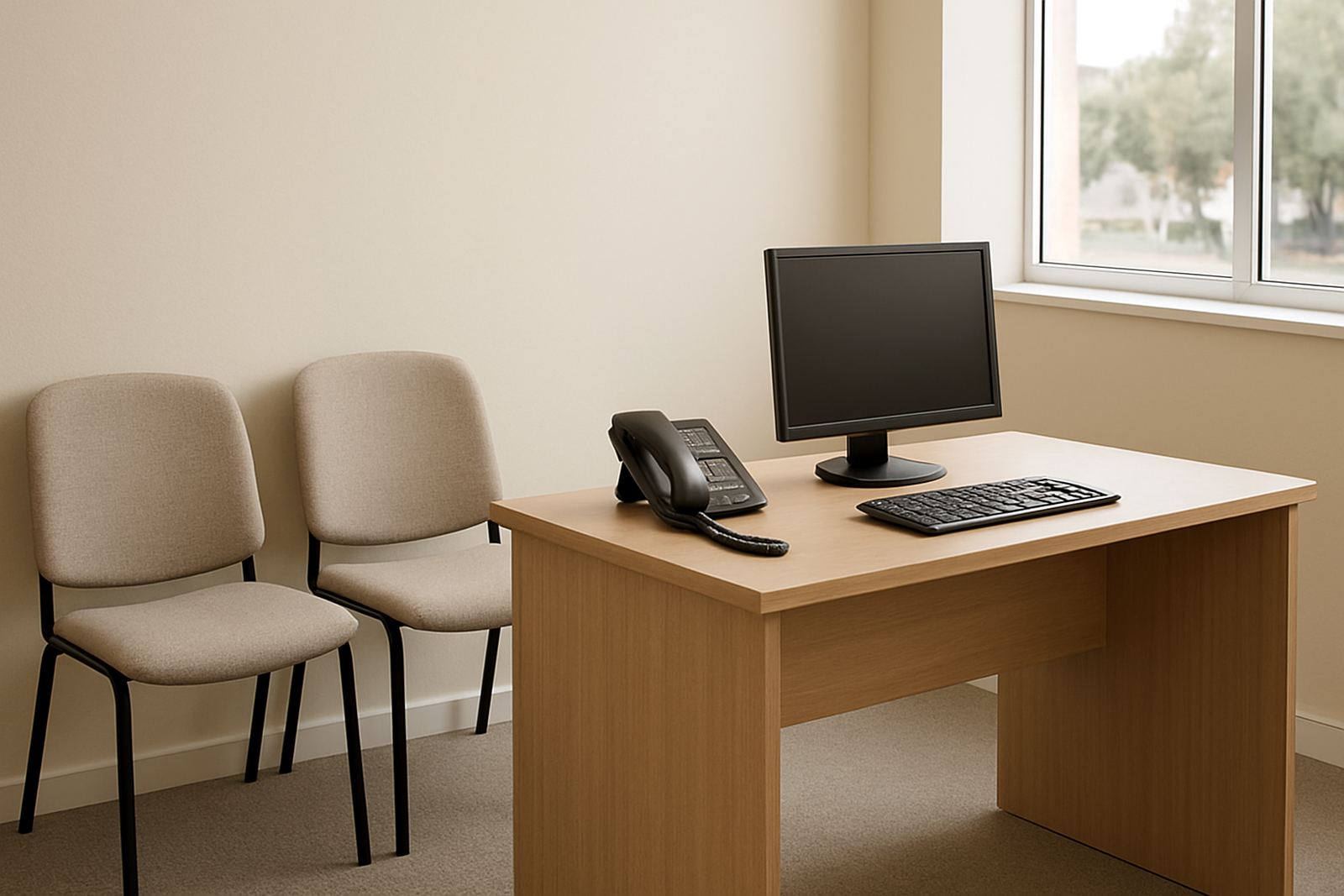
One common mistake is treating the reception phone as an afterthought. If the front line cannot transfer calls quickly or if the number is not ported correctly, parents and students will keep ringing back or go elsewhere. Another issue is relying only on WiFi for everything, including desktop computers that should really sit on wired points for better stability.
Centres also get caught out by poor rack placement, too few battery backups and no plan for after-hours support. When classes finish late or weekend workshops run over time, a fault at 18h30 still needs attention. We also see networks installed without user training, which means staff do not know how to restart equipment, change a voicemail greeting, or check whether a handset is registered. That leads to avoidable calls and delays.
Budget ranges for training centre communication setups
Every site is different, but a small training office with one or two rooms can often start from about R18 000 to R35 000 for cabling, router setup, a few handsets and basic WiFi planning. A medium centre with multiple classrooms, reception and admin usually sits between R40 000 and R95 000 depending on cable runs, number of access points and backup power. Larger or multi-floor premises can run higher when there are more points, more users and stricter layout needs.
Ongoing monthly costs depend on fibre speed, call volume and support level. As a guide, fibre and VoIP service packages for a small centre often start around R1 200 to R3 500 per month, with higher usage sites paying more. It is better to budget for a little headroom than to run a busy centre on the cheapest option and then pay twice when the network struggles.
How NewTel supports centres in Cape Town and nationwide
NewTel works with training centres in Cape Town, Century City, Bellville, Somerset West, Paarl and Stellenbosch, and we also support offices nationwide. We handle fibre installation, VoIP deployment, number porting, WiFi design, network cabling, phone system support, network monitoring, office relocations, after-hours support and user training. For centres with multiple branches or temporary classrooms, we can help keep communication consistent from one site to the next.
Lungile Mthembu and the team at NewTel focus on practical planning, not overcomplicated kit. That means you get a setup that suits the building, the number of users and the hours you keep. If your centre has a reception that never stops ringing, a few busy classrooms and a small admin team trying to keep up, we can put the whole thing in order without making it harder to manage.