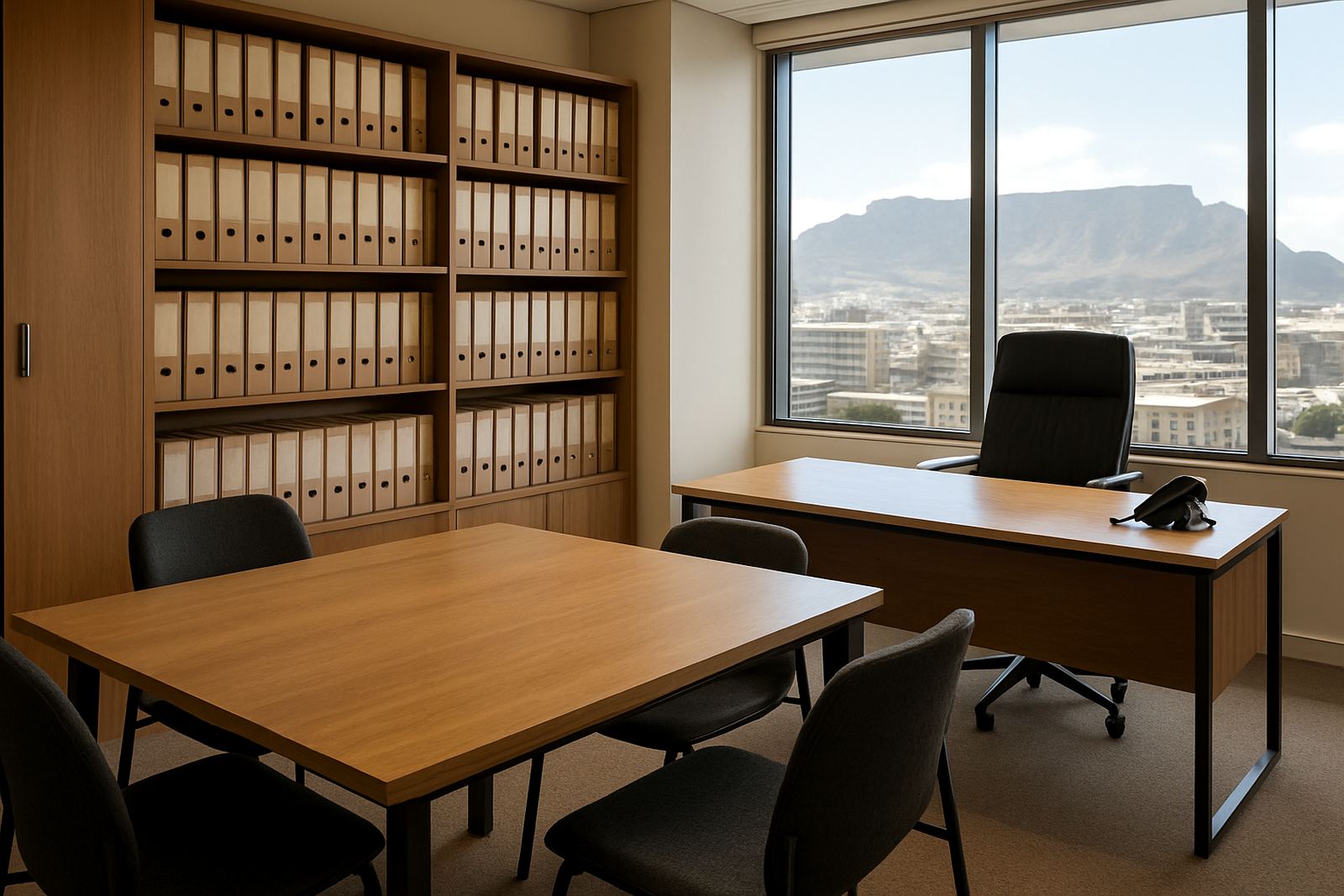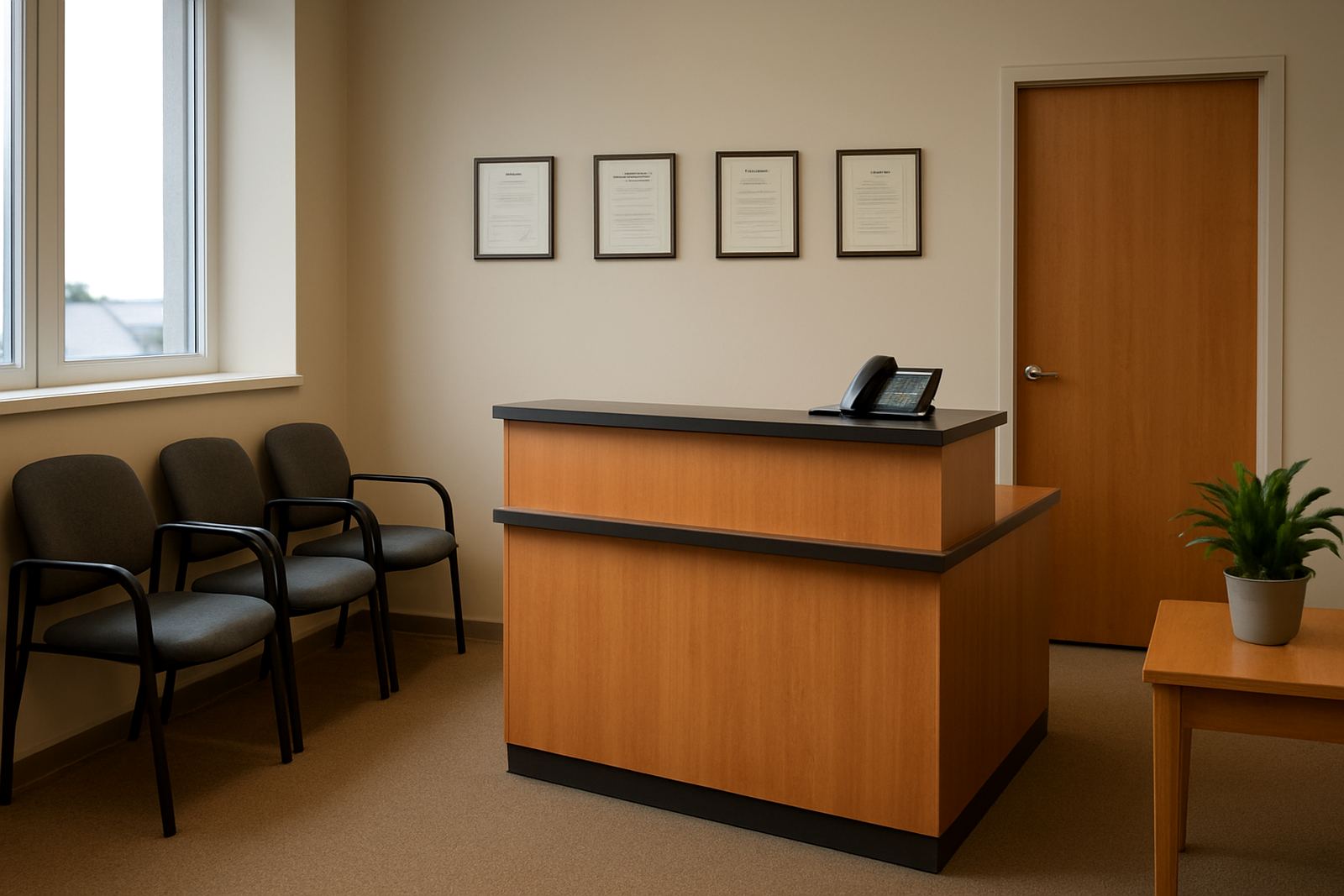
What a professional suite needs to work properly
A professional suite usually has a small team, but the pressure on communications is high. Calls must reach the right person quickly, reception may be shared, and clients expect clear audio whether they are phoning from Sandton, Durban or a site office in Bellville. When the line drops or the internet slows during a meeting, it affects billing, service and confidence.
For this type of office, the aim is not flashy kit. It is a sensible setup with enough capacity for current staff and room to grow by a few users without a full rework. In many cases that means fibre internet, VoIP handsets or softphones, a proper router, WiFi coverage that reaches meeting rooms, and cabling that keeps printers and workstations stable. In Century City or Somerset West, that might be a compact suite with 4 to 12 people. In smaller towns, the same planning helps if staff split time between office and remote work.
Typical equipment for consultants and service offices
Most professional suites do well with a modest, well planned equipment set. The exact mix depends on how many people take calls, whether there is a reception point, and whether the team uses laptops, printers and cloud systems all day. NewTel usually plans around the actual working pattern, not just the number of chairs in the office.
- Fibre connection sized for message, cloud apps, video meetings and file transfers
- VoIP handsets or headset based calling for reception and main users
- Router and firewall equipment for secure internet access
- WiFi access points for offices, meeting rooms and shared areas
- Structured cabling for printers, workstations and any server or backup device
- Call queues, ringing groups and voicemail for after hours handling
In a suite with a front office and several consulting rooms, the phones should be placed where staff can answer without interrupting client meetings. That often means one handset at reception, one in the operations area, and softphone access for partners who move between rooms. We also see offices using wireless headsets so they can talk while pulling files or taking notes, which is practical in small spaces where every metre counts.
How to plan the layout before installation
Good planning saves money. Before any install, map the office in simple terms: where the fibre enters, where the comms gear will sit, where staff work, and where the quiet rooms are. In Cape Town buildings, especially shared office blocks, there are often landlord rules about cable routes, ceiling access and after hours work. It helps to check those early so the install does not stall halfway through.
For a professional suite, the router and any monitoring equipment should sit in a ventilated spot with stable power. If the office is in a coastal area like the Atlantic Seaboard or False Bay side, moisture and salt air can shorten the life of cheap fittings, so clean termination and tidy enclosure work matters. Load shedding is another issue. If the phones and internet must stay live, the router, fibre termination and key handsets should be on battery backup. A small UPS can carry the essentials for 1 to 3 hours, depending on load.
Layout should also consider sound. Consulting rooms, boardrooms and reception should not share thin walls with noisy equipment. If staff are on client calls throughout the day, put the main WiFi access point centrally and keep it away from large metal cupboards or thick concrete corners that block signal. A quick site survey upfront usually avoids call quality complaints later on, and saves repeat visits.
Common mistakes in small office communications
Many professional suites run into the same problems. They start with a consumer internet package, add a few handsets, then wonder why calls jitter or drop when everyone logs into cloud software. Another common issue is buying too many features at once. A 6 person office does not need a large call platform if a simple, well configured setup will do the job.
- Using home grade WiFi instead of business sized access points
- Leaving phones and routers off backup power during load shedding
- Running voice traffic and large file downloads on an undersized connection
- Skipping number porting planning and causing downtime during the switch
- Putting the router in a locked cupboard with no airflow
- Not training staff on call transfer, voicemail and hunt groups
Another mistake is forgetting growth. If the office plans to add two advisors in the next 6 months, it is better to size the cabling and network once. The same applies to relocations. A move from Bellville to Century City, or from Paarl to Stellenbosch, is much easier if the VoIP numbering plan and network layout are documented from the start. Small details matter here, and a missed label can cause avoidable downtime.
Budget ranges for fibre, VoIP and cabling
Costs depend on office size, the building layout and the level of support needed. For a small professional suite, a basic fibre and VoIP setup can start from around R6 500 to R15 000 for initial hardware and installation on a simple site, excluding the monthly connectivity costs. A more complete setup with multiple handsets, cabling, WiFi design and monitoring can sit in the R18 000 to R45 000 range, especially where the office needs several rooms covered properly.
Monthly fibre and voice costs vary by speed, call use and support requirements. A small office often budgets from about R1 200 to R3 500 per month for connectivity and service layers, while heavier users may spend more. If number porting, office relocation, after-hours work or extra cabling is involved, that is usually quoted separately. It is better to see the communication stack as a working business tool, not just a line item. A failed install or poor call quality usually costs more than doing the job right once.
Support for Cape Town offices and nationwide teams
NewTel works with professional suites from Century City and Bellville through to Somerset West, Paarl and Stellenbosch, and supports offices nationwide. The team handles fibre installation, VoIP deployment, number porting, WiFi design, network cabling, phone system support, network monitoring, office relocations, after-hours support and user training. For offices with client-facing staff, that mix makes it easier to keep work moving when hours are tight or staff are split across sites.
Lungile Mthembu leads the business with a practical focus on reliable service, supported by Nadia Petersen, Nkosinathi Seleka, Anika van Wyk, Themba Dlamini and Zanele Jacobs. If your suite needs a cleaner call setup, better coverage or a move away from patchy internet, NewTel can plan the upgrade around the way your office actually works. That approach keeps things simple, and it usually means fewer call backs too.
For enquiries, use our contact form.