When reception cannot miss another call
A medical office runs on timing. Patients call to book, reschedule, ask for script collection, check on referrals and follow up on results. If the line is busy or the connection drops, the team loses time and patients wait longer than they should. In Cape Town, Bellville, Somerset West, Paarl and Stellenbosch, many practices also deal with busy buildings, shared network points and power cuts that can knock smaller systems off balance.
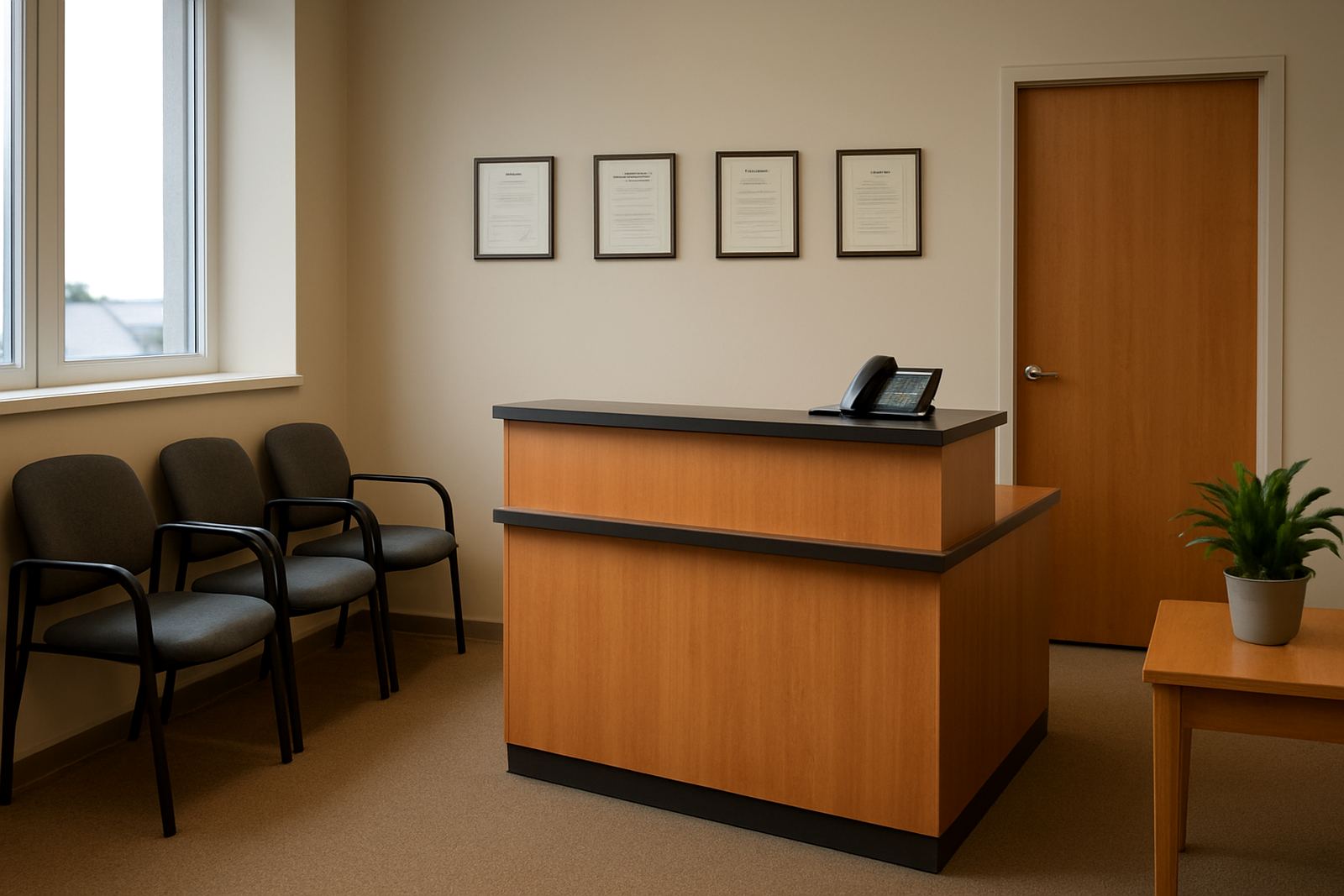
NewTel sets up fibre and VoIP for medical rooms, group practices and small clinics so reception can keep taking calls while the admin side handles messages, medical aid queries and electronic records. For a single practice, that may mean 2 to 5 handsets, a router, a managed fibre line and a small network cabinet. For a busier office, it may include call routing across several lines, paging between rooms and backup options for when load shedding hits. The point is simple, keep the front counter reachable and the back office usable.
Typical equipment for a medical practice
Every practice has its own layout, but most need the same core pieces. A good setup starts with fibre into the building, a business router, VoIP handsets and proper cabling to the reception counter and consulting rooms. If the premises are in an older building in Century City or the Southern Suburbs, we often have to work around existing conduits, thick walls and shared service risers, so planning matters from the start.
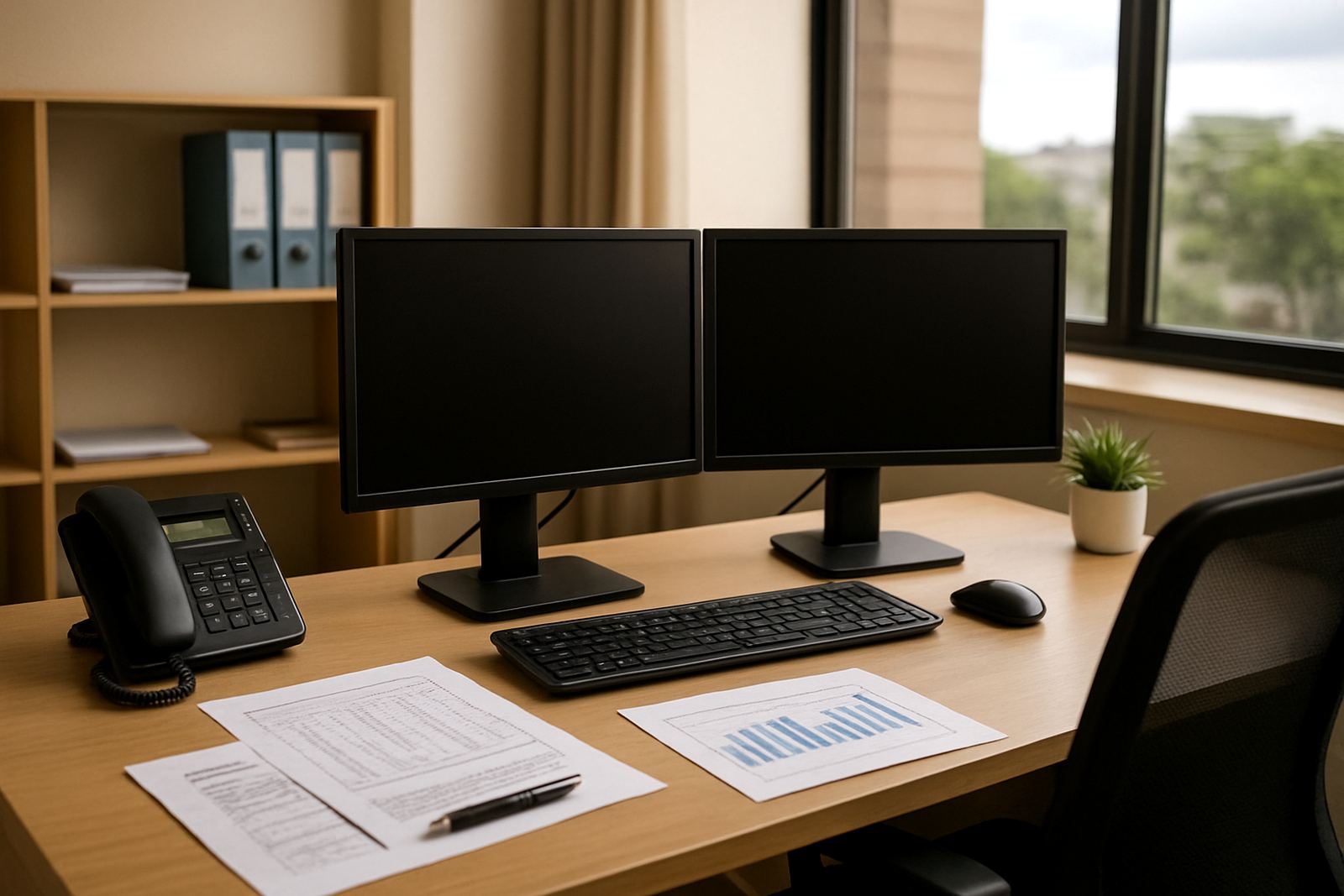
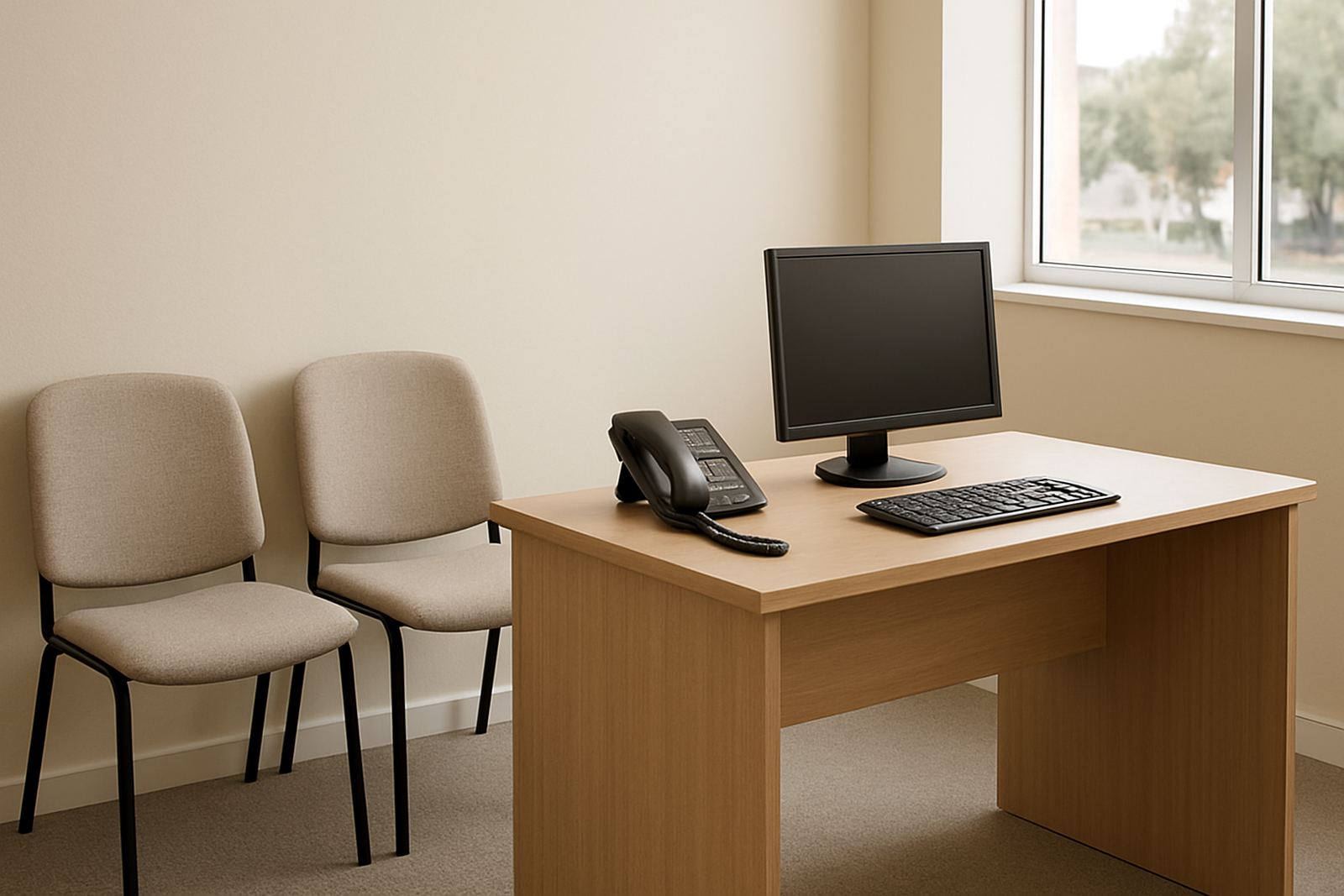
For medical offices, we usually look at equipment that is practical and easy for staff to use. Receptionists should not need special training just to transfer a call. Doctors need a handset or headset that works well with private consult rooms. If the office takes payments, prints reports or scans documents, the network must carry those tasks without slowing down. A small uninterruptible power supply can also keep key items running long enough for a safe shutdown or a short outage.
- Fibre line sized for daily calls and admin traffic
- VoIP handsets for reception, treatment rooms and management
- Router with quality of service settings for voice traffic
- Network cabling to printers, PCs and file points
- Optional backup power for critical communication gear
Common mistakes we fix for clinics
Many medical offices start with consumer-grade internet or a few office phones and expect them to cope with daily pressure. That often leads to poor call quality, dropped audio, WiFi dead spots and admin staff spending too much time chasing connection issues. Another common problem is poor number porting. If the practice wants to keep its existing main number, the port must be handled correctly so patients do not end up dialing a dead line.
We also see networks that were built without thinking about load shedding or coastal humidity. In areas near the Cape coast, moisture can affect exposed equipment and cheap cabling if it is not installed properly. In inland offices, dust and heat can do just as much damage. A clinic should not have to re-open the comms cupboard every few months because nobody planned for ventilation, cable protection or backup power. A little care upfront saves a lot of admin later.
- Using home routers on business lines
- Putting voice traffic on an overloaded WiFi network
- Skipping proper number porting timelines
- Leaving no backup for power cuts
- Installing too few points for reception and consult rooms
Support for porting, training and after-hours needs
A medical team needs more than hardware. Receptionists must know how to transfer calls, place them on hold, handle voicemail messages and reach the right person quickly. That is why NewTel includes user training and practical support as part of the service. If a practice is moving premises, opening a new room or changing from analogue lines to VoIP, we can assist with office relocations and number porting so the transition is managed properly.
We also know that clinics do not always operate in standard business hours. Some offices need early starts, late finishes or urgent support when phones stop working after a storm or power interruption. With a Cape Town base and service for offices nationwide, we support practices in Century City, Bellville, Somerset West, Paarl and Stellenbosch, as well as other South African towns that need dependable calling and fibre. You want the phones on, the internet steady and the staff able to get on with the day, no fuss.
- VoIP deployment for new or growing practices
- Number porting for existing clinic numbers
- After-hours support when issues cant wait
- Monitoring and support for office continuity