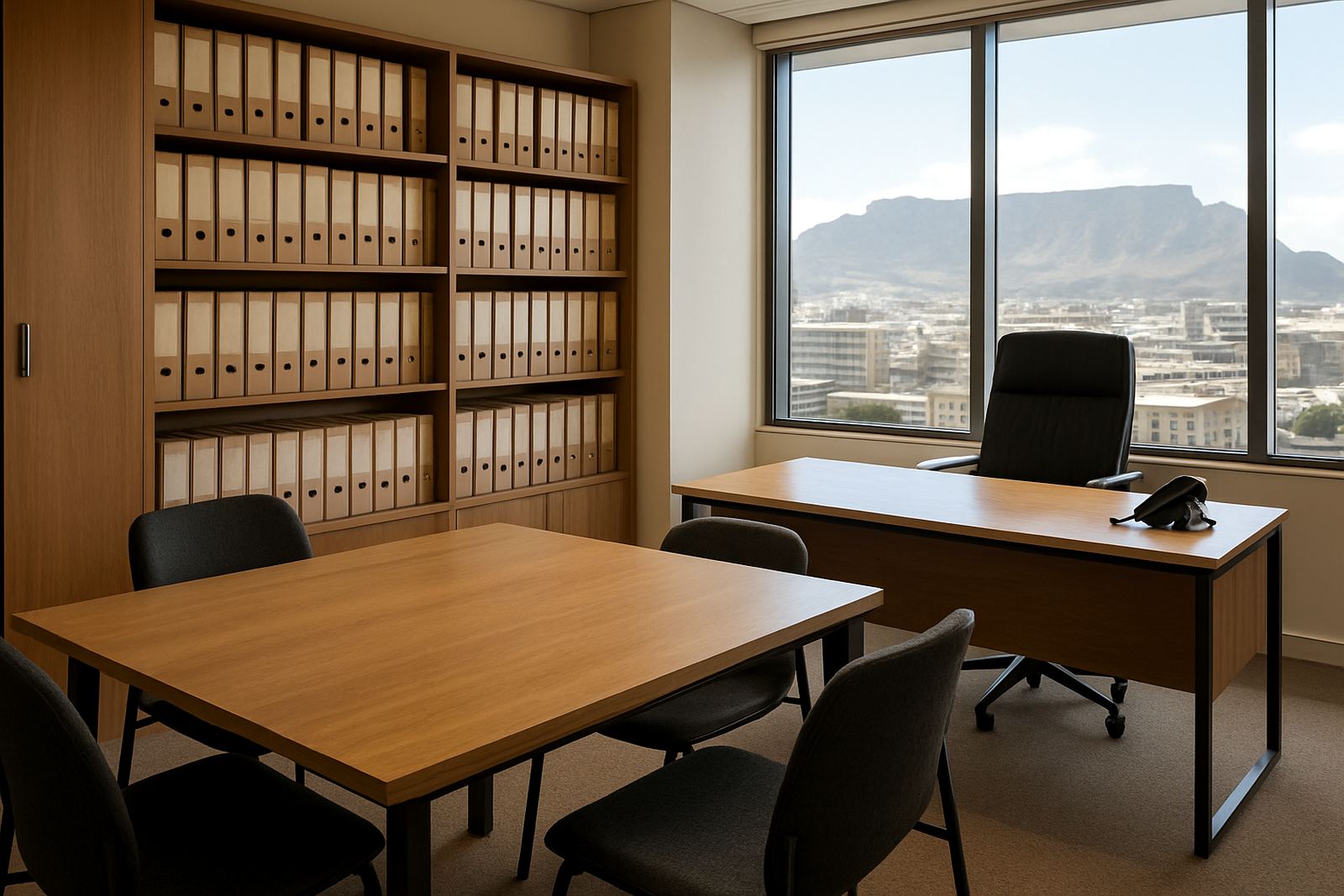
What property offices need day to day
A property office is a busy place. Agents come and go for viewings, reception answers new leads, and support staff still need to take messages when everyone is out on the road. In practice, that means the phone system must handle call transfers, mobile extensions, voicemail and clear call quality without much fuss.
Most property firms also need stable internet for listings, cloud files, online forms and video calls with buyers or landlords. If the line drops during a busy Saturday morning or a power cut hits the block, work slows down fast. That is why fibre and VoIP are usually planned together rather than as separate jobs, especially in Century City, Bellville, Stellenbosch and the wider Cape Town area.
We work with small offices, branch offices and mixed teams that need dependable communication without paying for gear they wont use. The goal is simple: staff should answer from the office, from a mobile phone, or from a laptop with the same number and the same call history.
Typical setup for an agency office
For a property office, the usual set-up starts with fibre internet, then a VoIP phone system that can route calls to individual users or hunt groups. A receptionist or central support line often rings several staff members at once, while each agent gets a personal extension and voicemail. If someone is out on site, calls can move to a mobile app or forward to a handset with no extra admin.
The hardware list is usually modest but must be placed properly. You may need a router, a managed switch, a small patch panel, a few counter phones or cordless handsets, and proper cabling to each work area. Where the office has boardroom calls, add a conference phone or a speaker unit. In larger premises, separate guest WiFi from staff WiFi, because visitors and contractors should not sit on the same network as your internal systems.
- Fibre line sized for the number of users and cloud tools in use
- VoIP handsets for reception, agents and managers
- Mobile extension setup for staff on the move
- Network cabling to keep phones and computers stable
- WiFi design for staff, visitors and devices like printers
How to plan the layout before installation
Good planning starts with how the office actually works. Reception should have clear sight of incoming calls and a simple way to transfer them to the right person. Sales teams often sit in clusters, while property management staff may need quieter corners for longer calls. If the office handles rentals, sales and admin from one room, separate call groups can stop everyone from ringing at once.
We normally look at the floor plan, the number of active users, where the router and power points sit, and whether there is a small server cupboard or comms area. In older buildings, cabling routes can be tight, so it helps to check ceiling space, trunking and wall access before work starts. In coastal areas, humidity and salt air can affect fittings over time, so equipment choices and cabinet placement need a bit of thought.
For offices in mixed-use buildings, it is also wise to check landlord rules and body corporate requirements before drilling, mounting or running lines. That saves delays later and avoids having to redo neat work because approvals were missed.
Common mistakes that cost property teams time
The biggest mistake is buying phones first and thinking about the network later. If the fibre is undersized or the WiFi is poorly designed, call quality suffers and staff start using personal numbers instead. Another common issue is not planning for load-shedding. A small UPS on the router, switch and phone system can keep communication going long enough to finish calls and save work, which matters when leads come in after hours.
Teams also run into trouble when extensions are not mapped properly. If the office has new agents joining every few months, the system should allow quick changes to users, hunt groups and voicemail routing. Porting an existing number can be done smoothly, but only if the current bill details and account ownership are in order. Miss that step and the process drags.
- Using consumer WiFi for the whole office instead of proper network planning
- Skipping UPS backup for router, switch and VoIP gear
- Not documenting which number belongs to which branch or agent
- Leaving cables loose, unlabeled or running across walkways
- Ignoring porting lead times before a new office opens
Budget ranges for small and growing offices
Costs depend on the number of staff, the building layout and whether you are starting from scratch or moving an existing office. As a rough guide, a small property office with fibre installation, a basic VoIP setup and structured cabling can start from around R18 000 to R35 000 for the initial work, excluding monthly line costs. A more involved branch with multiple extensions, better WiFi coverage and relocation work can move into the R40 000 to R85 000 range.
Monthly spend usually includes fibre access, call minutes or a voice package, plus any support or monitoring you choose. For offices that cannot afford downtime, after-hours support and network monitoring are worth considering. They cost more than a basic service, but they can save a lot of time if a switch fails on a Friday afternoon or a line needs attention before an open house weekend.
We always suggest budgeting for the unglamorous parts as well: cabling, power backup, mounting, tidy labels and a few spare handsets if the office grows quickly. It is cheaper to plan for those items now than to patch them in later.
Support for branches, relocations and daily use
Property businesses change often. New branches open, teams relocate, and agents move between office and field work. That is why support matters just as much as the initial install. NewTel handles number porting, office relocations, phone system support, user training and after-hours support so your team can keep working when the pressure is on. For Cape Town, Century City, Bellville, Somerset West, Paarl and Stellenbosch, we can also help with local site checks and practical rollout planning.
Training is worth doing properly because even a good system can be underused if staff do not know how to transfer calls, pick up voicemail or switch to mobile extension mode. We keep it straightforward and show the team how to use the system in the way they already work. Lungile Mthembu and the NewTel team focus on steady service, clear handovers and quick support when offices are busy.
If your property office needs stronger fibre, cleaner call handling and a setup that can handle mobile agents, NewTel can help you put it together without overcomplicating the job.
- Number porting for existing office lines
- Support for moves and branch changes
- Training for agents and reception teams
- Monitoring and after-hours help for busy offices