Start With Who Answers Which Calls
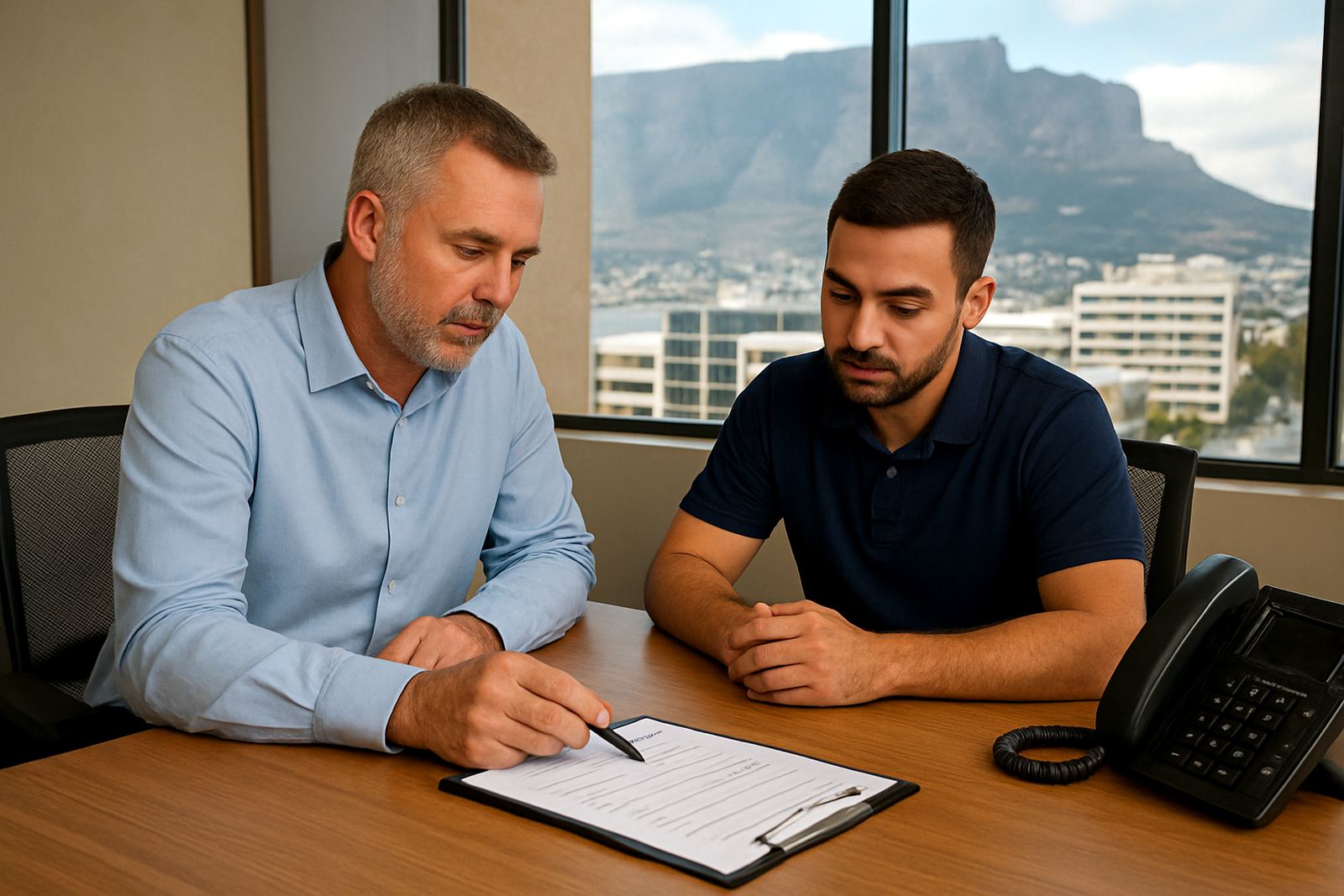
Before any handset is fitted, map out the people who answer incoming calls and the order they should ring in. Reception usually takes the first call, then the shared team line, and then a manager or backup staff member if no one picks up. In a small office, that may be enough. In a busier office, you may need separate extensions for sales, accounts, support and directors so clients do not get passed around more than once.
Think about the actual flow in the office, not just job titles. A Cape Town office with front-of-house, back office and remote staff may need a different plan from a Somerset West team working in one room. If the layout is clear from day one, staff learn it faster and callers get help quicker.
- List every person who answers calls, even part-time staff.
- Mark which calls are public, shared or private.
- Decide who covers lunch breaks, meetings and leave.
- Note which users need voicemail, call transfer or hunt groups.
Set Extension Numbers That Are Easy To Remember
Keep the extension plan simple. Two or three digit numbers are usually easier for staff and visitors to remember than long codes. Many offices use a pattern such as 2xx for reception and admin, 3xx for sales, 4xx for support and 5xx for management. That makes training easier and reduces mistakes when calls need to move quickly.
If you are relocating offices, it is worth checking whether you can keep old internal numbers or whether the whole plan should be reset. A tidy extension list also helps when you add new staff later. It avoids the mess of duplicate numbers, skipped ranges and extensions that nobody can explain to a caller.
For offices in coastal areas like Cape Town, Bellville and Somerset West, we also recommend thinking ahead about spare extensions for growth. Humidity, equipment changes and seasonal hiring can all mean you need a little extra room in the plan, not just enough for today.
Group Teams So Calls Land In The Right Place
A strong extension layout is not only about individual phones. It should also group teams in a way that suits daily work. For example, all reception related calls can go to one queue, while sales and support each have their own group. Managers can be added as overflow contacts rather than the first point of contact. That keeps the load off senior staff and helps junior staff answer more confidently.
When a team works across the office and from home, assign an extension that follows the person rather than the seat. This is especially useful for hybrid teams that move between Century City, Paarl or Stellenbosch and still need to appear on the same office number. With VoIP, the extension can ring on a handset, laptop softphone or mobile app depending on the setup.
- Separate public calls from internal calls.
- Use shared team numbers for busy counters, not only personal lines.
- Set overflow rules for meetings and after-hours periods.
- Give managers direct lines only where that is really needed.
Plan For Remote Users And Staff On The Move
Remote users still need proper extension planning, even if they work from home two or three days a week. They should be able to answer calls from the office number, transfer calls back to reception and keep their number when they move between sites. This matters for small businesses with field staff, consultants and directors who travel often.
Test how calls behave on weak internet, mobile data and during load-shedding. A well planned VoIP system should still let staff stay reachable if the office loses power and the fibre battery backup is in place. It is also worth checking if the user needs voicemail to message, call recording or a failover number so important calls are not missed.
For remote users, keep the setup simple enough that they can use it without calling support every week. That means clear labels, short extension lists and a fallback option if the internet drops out.
Check Cabling, WiFi And Power Before Go-Live
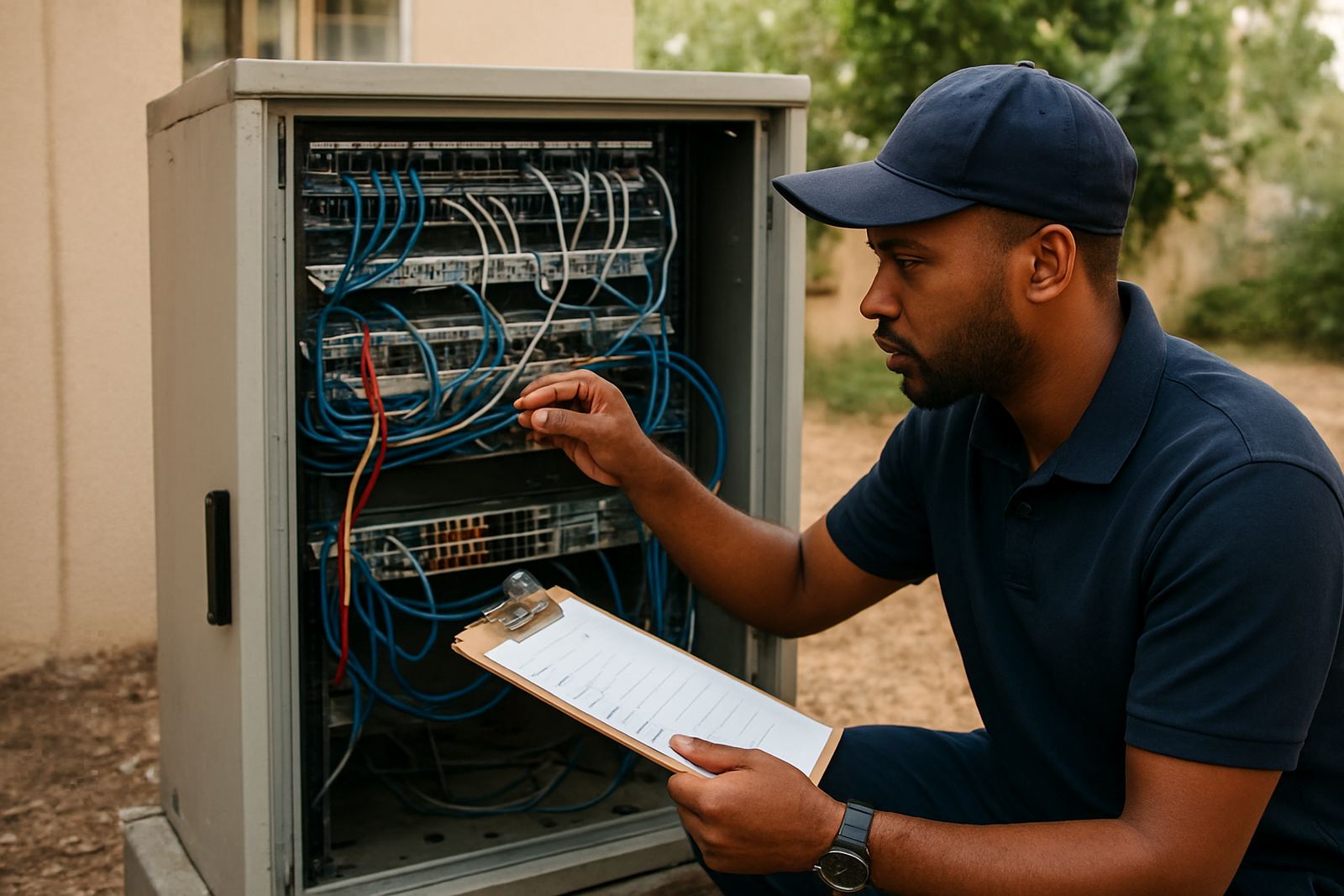
Extension planning is not complete until the physical side is checked. Network cabling should be tidy, labelled and routed in a way that meets building rules and office access needs. In some buildings, you may need approval for new cabling routes, especially where fire doors, ceiling voids or common areas are involved. Good cable management also makes fault finding quicker when a handset stops working.
WiFi matters too, especially for softphones and remote counter phones connected through wireless access points. If the WiFi is weak in boardrooms or at the far end of the office, calls will suffer. We also advise checking power backup for the router, fibre equipment and key phones so the office can carry on during load-shedding, even if only the main reception line stays live.
- Label each cable, port and extension clearly.
- Test voice quality in every office area.
- Confirm power backup for core networking gear.
- Check signal strength for WiFi calling in meeting rooms.
- Keep spare handsets or alternative call paths for busy periods.
Train Staff And Write A Simple Call Rule Sheet
Once the extension plan is set, staff training keeps it working. People need to know how to transfer calls, park a call, check voicemail, update greetings and use the after-hours process. A one-page rule sheet is usually enough for a small office, provided it names the main groups and explains what happens if someone is unavailable.
This is also the right time to train staff on number porting if an existing office number is moving across to a new VoIP setup. The team should know when the cutover happens, who to call if a line fails, and how to handle callers if there is a delay. Good training reduces confusion and makes the first week after changeover far easier. A small typo in the team list or a missing forward rule can waste half a day, so double-check before go-live.
At NewTel, we work with offices from Century City to Bellville, and also across South Africa, to set up practical call rules that match real work patterns. If the team knows the plan, they use it properly and the phone system feels much simpler.