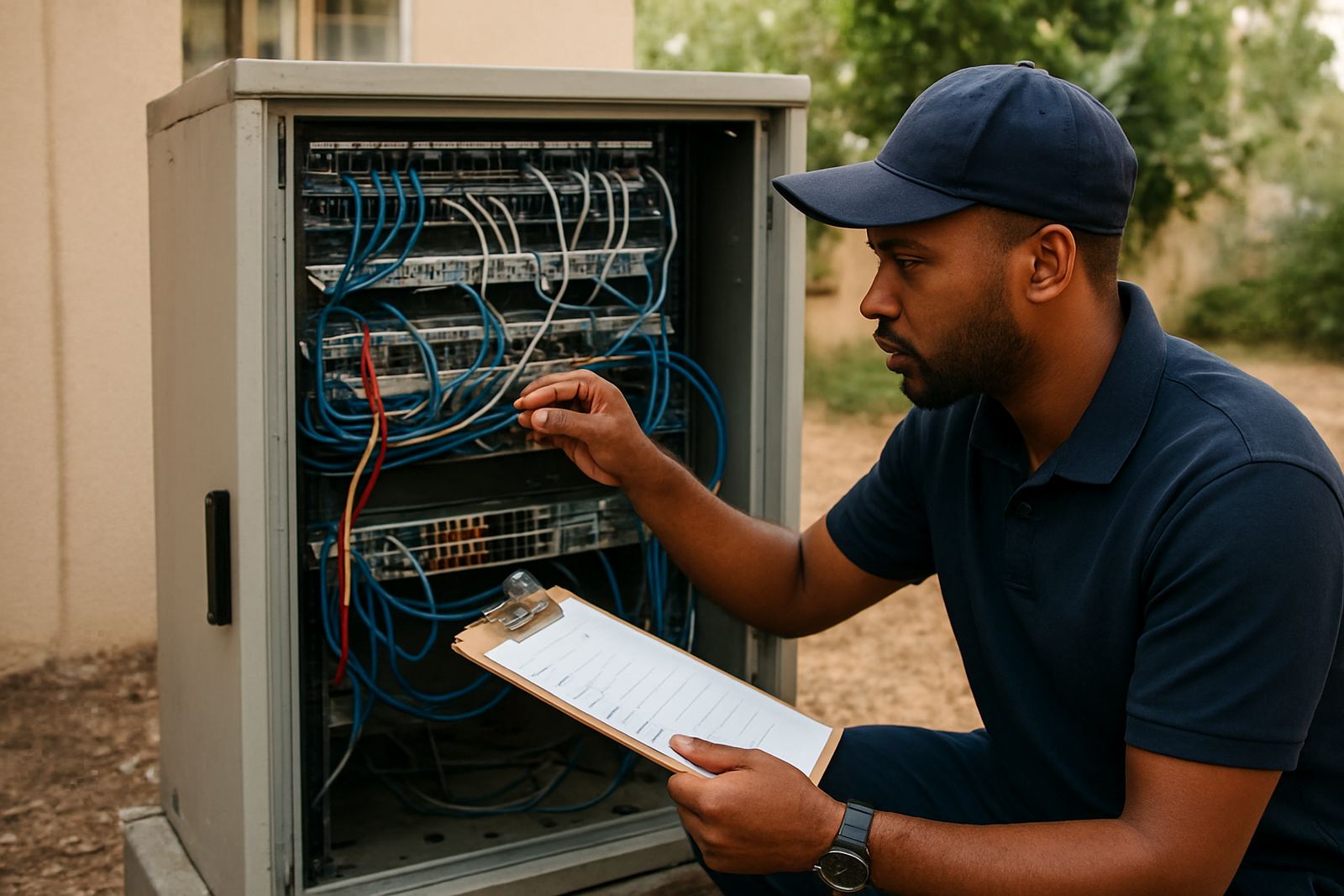
Start With The Office Layout And User Count
The first step is to map the office properly. Count every workstation, printer, access point, IP phone, meeting room screen and any other device that will sit on the network. A five person office in Century City has very different needs from a 20 person branch in Bellville, even if both want the same fibre line.
Look at how staff move through the space too. Open-plan areas usually need extra data points and stronger WiFi planning, while enclosed offices may need more cabling runs. If you are planning an office relocation in Cape Town, Somerset West or Paarl, this is the right time to decide what should stay, what should be replaced and what can be seperated into separate zones.
- Count all users and devices, including guests and meeting room equipment.
- Note where staff sit now, and where they may sit after a move or expansion.
- Mark areas with thick walls, glass partitions or long cable runs.
- Check whether the office has enough space for a rack, router, switch and backup power gear.
Check Cabling Quality Before Any New Service Is Installed
Old or badly terminated cabling causes most office network trouble. If the cables are damaged, too long, mixed with power lines or run through damp ceiling spaces, the connection can look unstable even when the fibre line itself is fine. In coastal areas like Cape Town and Somerset West, humidity can also affect loose connectors and poorly protected cupboards.
Ask for a physical inspection of the data cabling, patch panels and wall ports. For VoIP deployment, every phone needs a clean and stable path back to the switch. For network cabling upgrades, the layout should be tidy, labelled and tested. If the office is in an older building in Stellenbosch or a retail unit in Bellville, expect a few hidden issues behind ceilings or in shared risers.
- Check for cracked plugs, loose wall points and untidy joins.
- Make sure data cables are not tied to electrical cables for long distances.
- Confirm that every cable run is labelled at both ends.
- Test for consistent speed, not just basic link lights.
Make Sure The Switching Gear Can Handle Real Traffic
Switching gear is the part many businesses forget until the office starts slowing down. If too many phones, computers and printers are sharing an undersized switch, call quality and file access can suffer at the same time. A network readiness check should confirm the number of ports, the port speed and whether the switch can support voice priority where needed.
For offices using VoIP telephony, switching gear should support clear call handling during busy periods. If you often have Zoom or Teams meetings, large file transfers, cloud accounting and IP phones all running together, a basic switch may not be enough. NewTel checks this as part of a practical pre-purchase review, so you dont end up paying for fibre but losing performance inside the office.
- Check the number of free ports after all devices are connected.
- Confirm whether each port is fast enough for current and future use.
- Ask if voice traffic can be prioritised over general internet traffic.
- Look for overheating, fan noise or power issues in the comms cupboard.
Plan For Load-Shedding And Power Stability
Power interruptions are one of the biggest causes of office downtime in South Africa. A fibre line may stay active, but if your router, switch, phones and WiFi access points lose power, the office still goes silent. A readiness check should include backup power for the equipment that must stay online during load-shedding, including the devices linked to your calling system.
It is worth checking plug points, battery runtime and how long the office needs to stay operational during an outage. Some businesses only need 2 to 4 hours of support, while others want the phones and core network to keep running for longer. In Century City and other office parks, shared power systems can also create short interruptions, so the setup must restart cleanly. Keep the power plan simple and practical, not overloaded with too many items on one unit.
Confirm Router, Firewall And Office Hardware Compatibility
Fibre and VoIP only work well when the office hardware can keep up. Your router, firewall, laptops, headsets, printers and wireless points should all be checked against the proposed service. If you are using older hardware, it may still connect but fail under real day to day use.
Compatibility matters most when you are moving from basic internet to a managed office setup. VoIP handsets need the right network settings, while WiFi design must take walls, interference and user density into account. If staff are working from different rooms, store areas or reception counters, the wireless signal should be tested at those spots, not just near the equipment cupboard.
- Check router age, port speed and support for current fibre packages.
- Confirm whether your firewall can handle voice traffic without delays.
- Test WiFi strength in boardrooms, reception and back offices.
- Make sure headsets, handsets and laptops are compatible with the chosen system.
Use A Go Live Checklist Before You Place The Order
Before purchasing, the office should have a clear go live list. This helps the installer, the service provider and your own team work from the same plan. It is also the best way to avoid rushing once the fibre is in and the move date is close.
A good checklist covers the site address, access times, wall entry points, rack location, contact people and any after-hours work. If your office is in a building with municipal rules or landlord approvals, sort those out early. For relocations in Cape Town, Bellville or Paarl, NewTel can help with fibre installation, phone system support and user training so staff know what to expect on day one.
- Confirm the exact site address and floor or suite number.
- List all devices that must be online on day one.
- Set a backup plan for power and calling during the changeover.
- Train staff on how to use the phones, report faults and check connection status.