Start with how many people use the line every day
Begin with the number of staff who will be online at the same time. A 6 person office in Bellville with message, cloud files and a few voice calls needs far less than a 20 person team in Century City that shares large files, runs video meetings and keeps phones on VoIP all day. Count everyone who uses the connection, not just the people in one room.
Also think about the extras. Printers that sync to cloud systems, cameras, backup services and guest WiFi all take a slice of bandwidth. If your team grows by two or three people each year, choose a package with space to spare so you are not upgrading every few months, which gets costly.
- 1 to 5 users: light message, browsing, simple cloud apps
- 6 to 12 users: mixed calls, file sharing, regular online meetings
- 13 to 25 users: heavier VoIP use, larger uploads, several devices per person
- 25 plus users: plan for traffic peaks and business critical uptime
Match the package to what your office actually does
Different offices use fibre differently. A bookkeeping practice in Paarl may need steady upload speed for cloud accounting and client portals. A sales office in Somerset West may need stronger download speed for video calls and quick access to CRM systems. A team doing design, media or support from Stellenbosch will usually need more bandwidth than a small admin office.
For most small offices, the right choice is not the fastest line available, but the one that keeps daily work moving without lag. If your staff complain about frozen calls or delayed uploads during busy hours, that is a sign the package is too small. If the line is always quiet, you may be paying too much for capacity you do not use.
- Heavy VoIP use: make sure voice traffic stays clear during busy periods
- Cloud apps: check upload speed, not only download speed
- File transfers: ask about sustained speed, not just best effort figures
- Guest WiFi: separate staff and visitors where possible
Check what support you need during load-shedding and outages
South African offices know that internet speed is only part of the story. During load-shedding, a good fibre package still needs proper backup power for your router, switches and phones. If those devices are not on a small UPS or battery backup, your line may be live but the office is still offline. This is where practical planning matters.
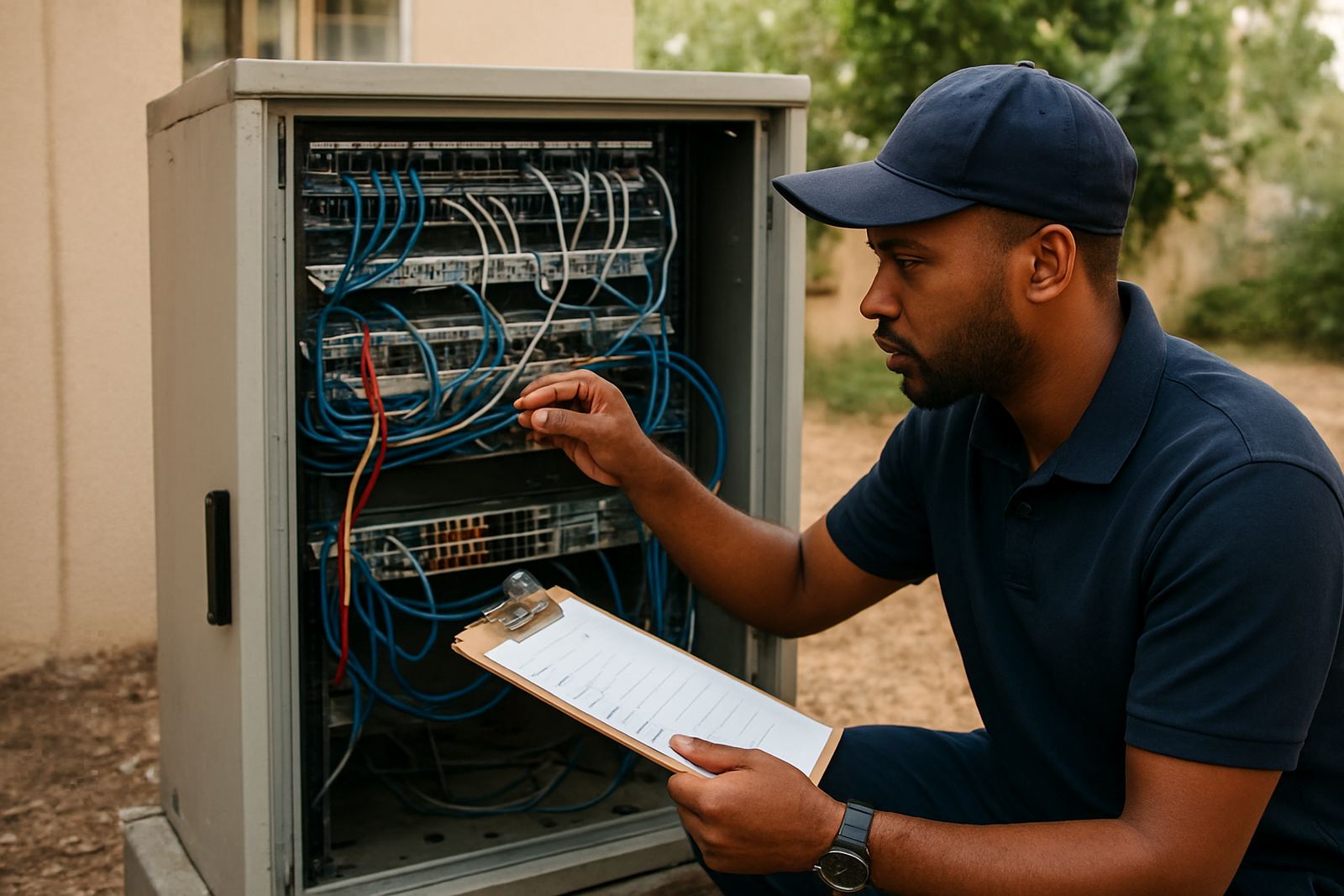
Look at whether your provider offers after-hours support, network monitoring and fast fault logging. If your business opens early or works late, support after 5 pm can save a lot of downtime. For offices near the coast, also consider equipment placement because salt air and humidity can affect indoor hardware over time.
- Keep the router and phone system on backup power
- Test your internet during a power cut, not only on a normal day
- Ask how faults are handled outside business hours
- Check if your office has enough power points for network equipment
Do not ignore WiFi layout and cabling
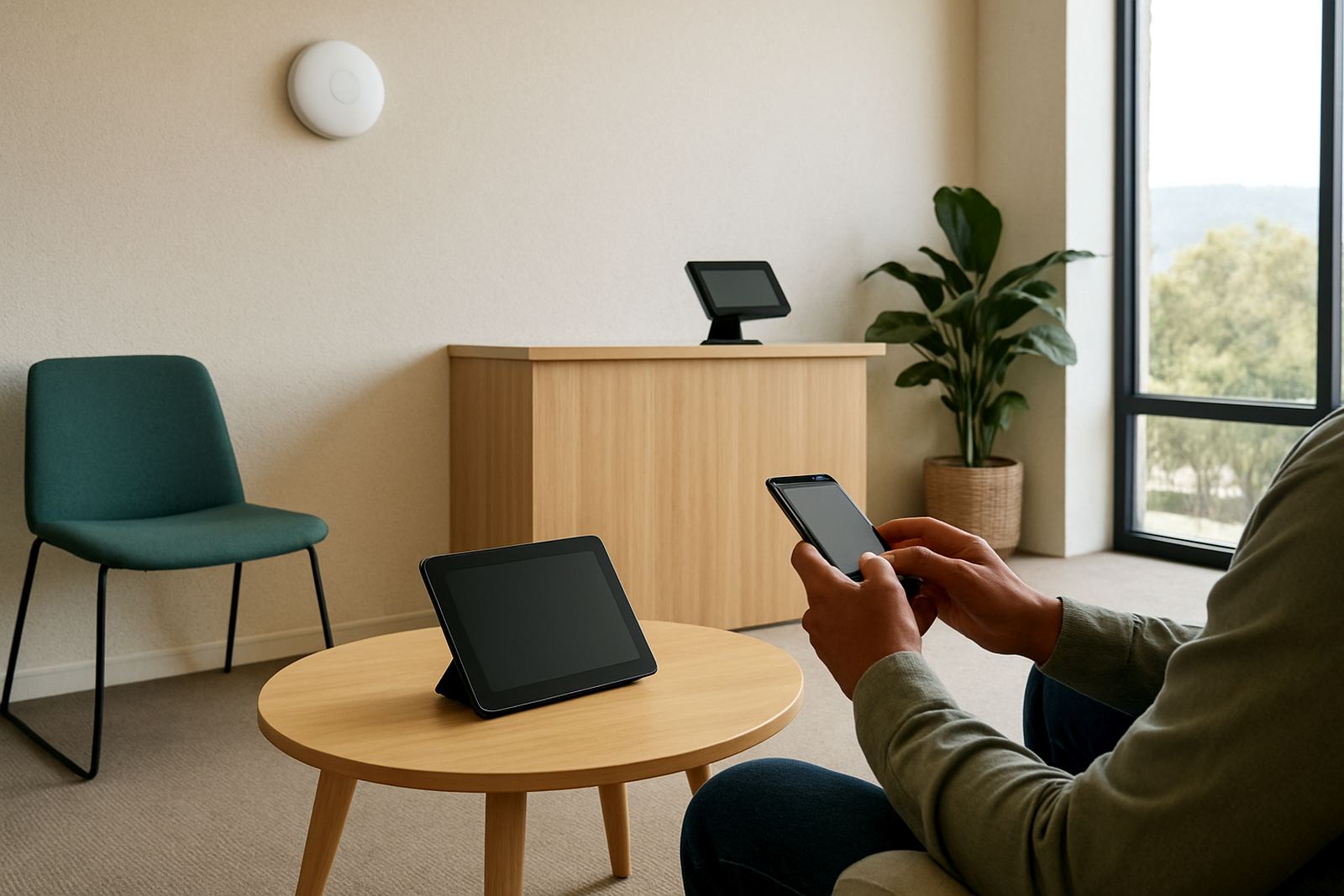
A fibre line can be fast, but poor WiFi design will still slow the office down. If your staff work across two floors, behind concrete walls or in long passages, one router in the wrong spot will cause dead zones. Good network cabling and proper access point placement make a big difference to call quality and file access.
Before you choose a package, look at the office layout. A compact unit in Century City may need only a few access points, while a larger space in Bellville with meeting rooms and shared areas may need a full cabling plan. Network work done properly now can prevent a lot of headaches later, especially when you move offices or add more staff.
- Map where staff sit and where meetings happen
- Check thick walls, lifts and glass that may block signal
- Use cabling for fixed devices where you can
- Separate call traffic from general browsing if possible
Use a simple checklist before you sign up
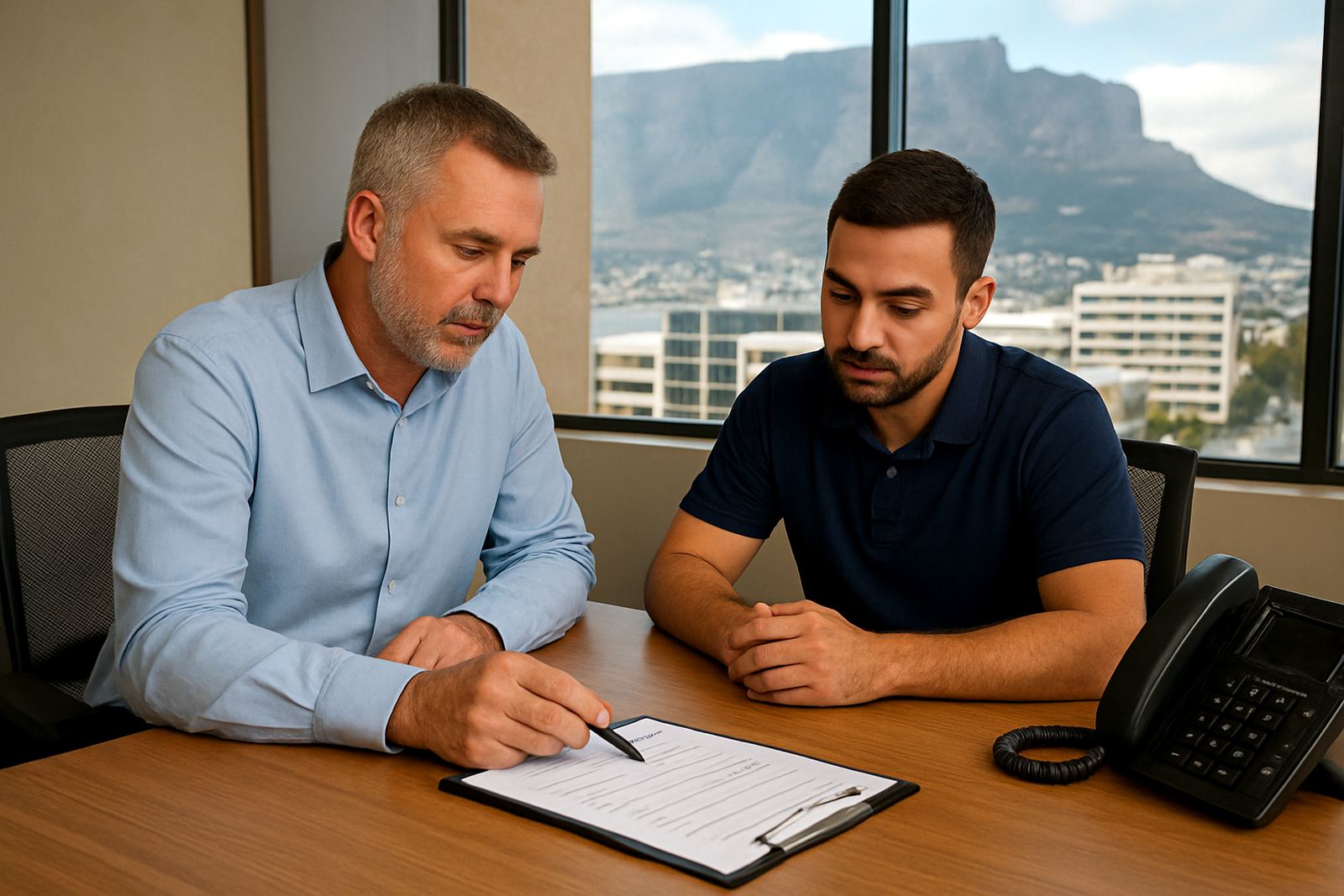
Before you choose a package, write down what your office needs over the next 12 months. Include your current team size, expected growth, hours of operation, number of VoIP phones and how many people run video calls at the same time. This gives you a clearer picture than a speed number alone.
A provider should also be able to help with number porting, office relocations and user training if you are moving from old systems. That support saves time and reduces mistakes when your team is switching over. If your staff are spread across Cape Town, Paarl or Stellenbosch, it helps to work with one team that can coordinate the rollout from start to finish.
- How many people will use the line at once?
- How many VoIP calls happen during peak hours?
- Are there cloud apps, backups or large file uploads?
- Do you need a static setup or room to grow?
- Is after-hours help important for your business?
When to ask for a tailored recommendation from NewTel
If your office has more than one site, a mixed team of remote and on-site staff, or you are unsure about the difference between packages, ask for a proper recommendation. NewTel works with small offices across Cape Town and nationwide, with fibre and VoIP solutions that fit real business usage rather than guesswork. That includes fibre installation, VoIP deployment, WiFi design, network monitoring and support when things need attention quickly.
Our team in Century City can help you compare options for a single office or a growing business with branches in Bellville, Somerset West, Paarl or Stellenbosch. Speak to Lungile Mthembu, Nadia Petersen, Nkosinathi Seleka, Anika van Wyk, Themba Dlamini and Zanele Jacobs for practical guidance and steady support. It is easier to get the package right first time than to fix an undersized line later.
For package advice, send a message through our contact form and tell us how many users, phones and meeting rooms you have.