Start With The Room Use, Not The Handset
Before you choose any calling setup, look at how the room is actually used. A 4 person meeting room in Bellville needs something very different from a boardroom in Century City or a shared client room in Somerset West. If visitors only make short calls, a simple handset or speaker option may be enough. If staff join online meetings daily, you will need better audio pickup, cleaner cabling and stable fibre.
Think about the number of people in the room, how often calls are made, and whether the room is used for client presentations, staff updates or supplier calls. In Cape Town offices, coastal humidity can affect older equipment, so proper installation and maintenance matter. It is also worth checking where the power points are before furniture goes in, because a neat room is easier to use and maintain.
Build A Calling Setup That Handles Hybrid Meetings
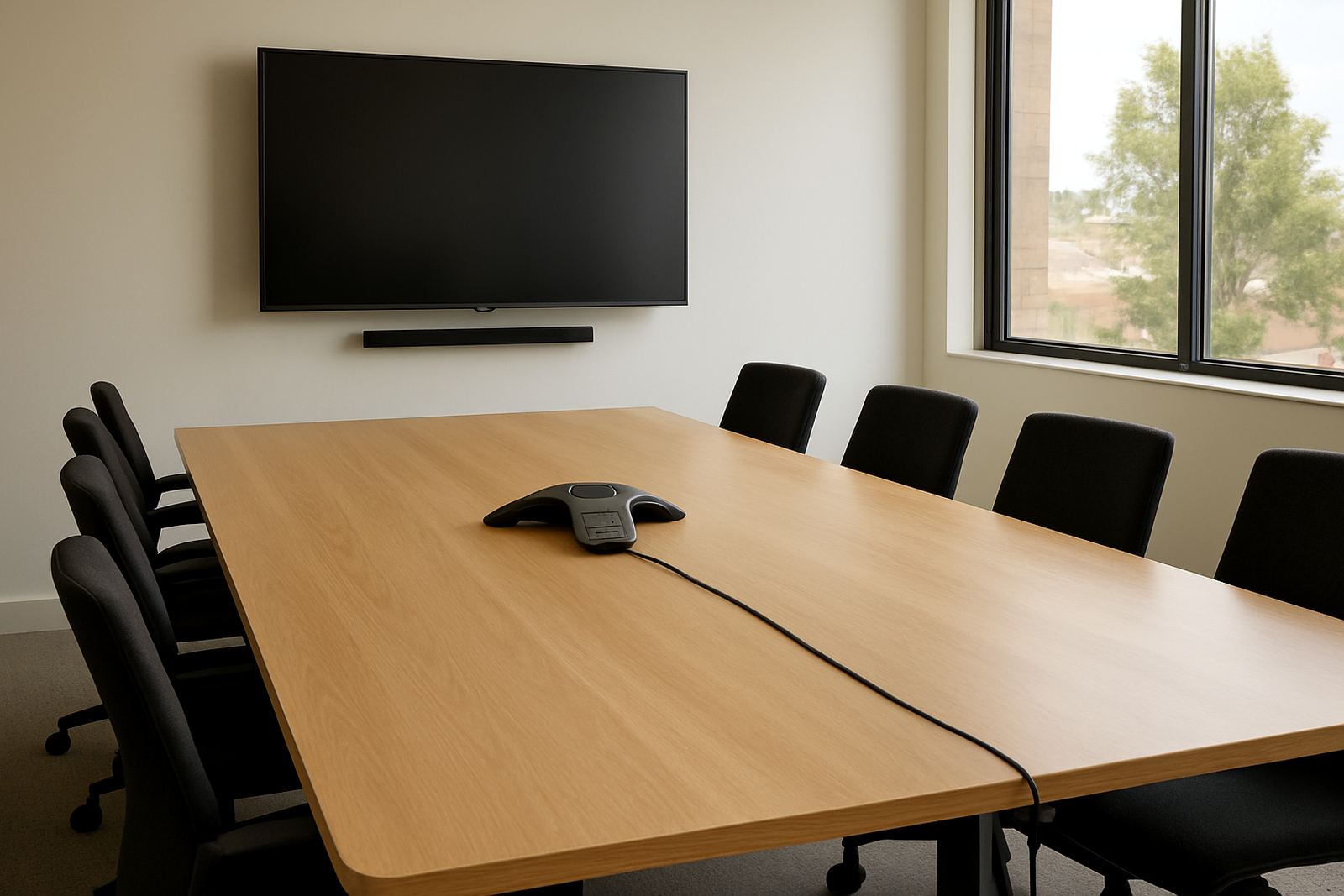
Hybrid meetings work best when people in the room can speak naturally without leaning toward one microphone. A good room setup should pick up voices from across the table and reduce echo from glass walls or tiled floors. In smaller offices, this may mean using a conference speaker with a wide pickup range. In larger spaces, you may need network cabling, mounted audio gear and a structured layout for the table.
- Test the room at normal speaking volume, not just during installation.
- Check that every seat can be heard clearly from the far end of the call.
- Use a wired network point where possible for stable call quality.
- Keep power backups in place for load-shedding, especially where meetings run late.
- Label cables clearly so support teams can trace faults quickly.
A hybrid room also needs simple controls. Staff should be able to answer, mute and end calls without searching through menus. If the system is too complicated, people stop using it properly and that affects every meeting after that.
Make Visitor Calls Easy For Reception And Front Of House
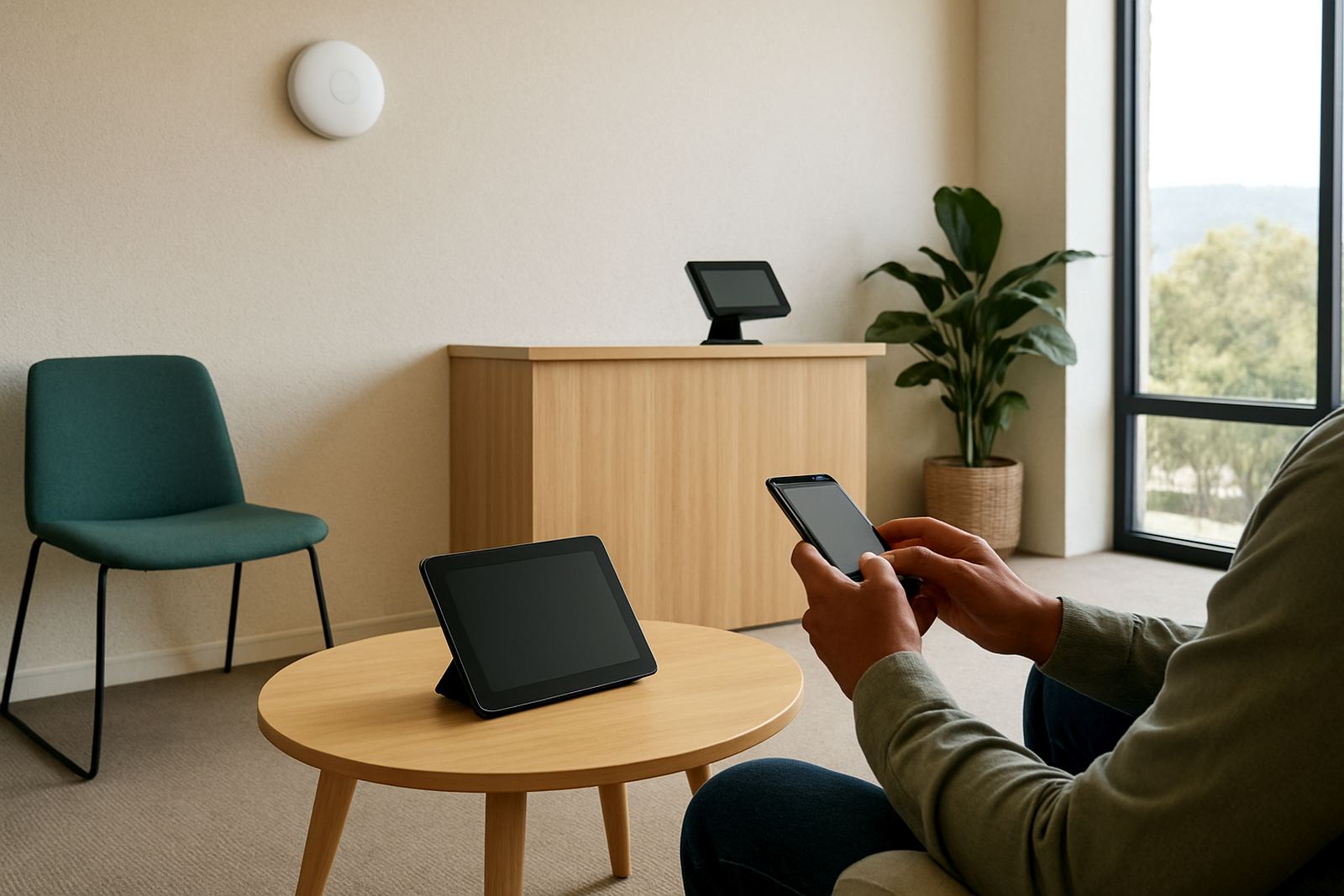
Visitor use is often overlooked, but it matters in offices with regular deliveries, contractors and clients. Reception should be able to transfer calls quickly, ring the right person and handle enquiries without delay. In places like Paarl and Stellenbosch, where offices often share buildings or have multiple tenants, clear call routing saves time and avoids confusion.
For front of house, the best option is usually a simple and dependable calling tool with clear buttons and reliable handover to the rest of the team. If your office receives frequent walk-ins, make sure the system can connect visitors to the right extension, the right mobile or an after-hours voicemail. That keeps things orderly when the office is busy, or when staff are away on site.
Plan The Network So Calls Stay Clean
Good meeting room calls depend on more than the handset or speaker. Fibre, WiFi design and network cabling all play a part in how clear the call sounds. If the room shares bandwidth with large file transfers, cloud backups or video streaming, audio can start to break up. That is why a properly planned network is worth doing from the start.
NewTel works with small offices across Cape Town and nationwide to set up fibre and VoIP services that suit day-to-day business use. In some offices, a dedicated network point for the meeting room is enough. In others, it makes sense to review the full office layout, especially during office relocations or when an extra boardroom is being added. A tidy network also makes support easier when something needs attention later.
- Use business fibre that suits your actual call and meeting volume.
- Separate high traffic devices where possible, such as printers and guest WiFi.
- Keep switches and routers in a cool, dust free area.
- Check backup power for critical networking gear.
- Review signal strength in corners and enclosed rooms before sign off.
Train Staff So The Room Gets Used Properly
Even a well planned room can become frustrating if staff do not know the basics. Short training makes a difference. Show people how to answer, mute, transfer and end calls, and how to handle a meeting when someone joins from another branch. A 20 minute walk through is often enough for most teams.
Training should also cover what to do during a power interruption or fibre fault, because South African offices cannot always rely on the grid. Staff need to know who to contact, how to switch to a backup method if needed, and when to log a support request. When people understand the setup, they make fewer mistakes and callers are not left waiting.
Use A Simple Checklist Before Go Live
Before you put the room into service, run a practical check. Do not stop at one test call. Test it with the number of people the room was designed for, then again when one or two extra visitors are seated in the room. That gives you a more honest result.
- Check voice clarity from every chair in the room.
- Confirm that the correct extension, group or external number rings.
- Test call transfer, hold and speaker controls.
- Check cable runs, wall points and power sockets.
- Make sure support contact details are saved and visible.
- Confirm after-hours arrangements for urgent issues.
If anything feels awkward during testing, sort it out before the room starts carrying real meetings. Small fixes now are easier than complaints from staff later. It is often the last 10 percent of setup that determines whether the room is easy to use or a constant nuisance.