What a VLAN setup does in an office
A VLAN, or virtual LAN, creates separate network sections on the same physical cabling and switches. In plain terms, your phones, staff computers and guest WiFi can run on different traffic paths without needing three separate networks. That helps keep call quality steadier, reduces unnecessary traffic and makes it easier to manage who can see what inside the office.
For small offices in Century City, Bellville, Somerset West, Paarl and Stellenbosch, this is often the simplest way to keep a tidy network. It is especially useful where VoIP handsets, printers, file sharing and guest WiFi all share the same internet link. When the setup is done properly, the phones are less likely to stutter during peak use and staff traffic stays organised, even when everyone is online at once.
NewTel sets up VLANs for offices that need better separation for security, performance or compliance. We can map voice traffic to one VLAN, staff devices to another, and guests to a separate internet-only network. That gives you clearer control without changing how your team works day to day.
Typical VLAN options and office sizes
There is no one-size-fits-all layout. A small office with 5 to 10 users may only need three VLANs, while a growing team of 20 to 50 users could need more detailed segmentation for reception, finance, management and meeting room devices. The right plan depends on how many users you have, how your phones are powered, and whether you use wireless access points, printers or smart devices on the network.
- Voice VLAN: keeps VoIP calls separate from general data traffic for cleaner call handling.
- Staff VLAN: for laptops, desktops, printers and internal office systems.
- Guest VLAN: internet-only access for visitors, with no access to internal files or devices.
- Special access VLANs: for CCTV, access control, meeting room systems or other managed devices.
We also look at how your fibre service is used. If your office runs a single 50 Mbps line, the VLAN design should be lean and efficient. If you have 100 Mbps, 200 Mbps or higher, there is more room for traffic control, especially where you use cloud phone systems, file backups or multiple WiFi zones. Good planning matters more than fancy gear, and that keeps the setup practical for South African offices where uptime and cost both matter.
Where VLAN segmentation works best
VLAN setup suits offices that have more than one kind of user or device on the network. It is a smart choice for legal practices, accounting firms, medical rooms, call handling teams, property offices and any business where phone traffic and data traffic should not be mixed without control. It also helps where staff work in open plan spaces and visitors come and go during the day.
It is particularly useful in offices with fibre internet and VoIP phones because voice quality depends on traffic handling. During load shedding, when routers, switches and fibre equipment are often backed up by UPS units, a well planned VLAN setup can help the office come back online in a cleaner order once power returns. That matters in Cape Town coastal conditions too, where humidity and salt air can affect network cupboards and equipment if they are not kept tidy and ventilated.
Businesses with more than one floor or multiple rooms often need VLANs to keep traffic sensible across the site. If your office has a boardroom, reception area and staff work area on the same connection, segmentation helps cut down on accidental access and avoids everyone fighting for the same bandwidth.
Installation process and what power support is needed
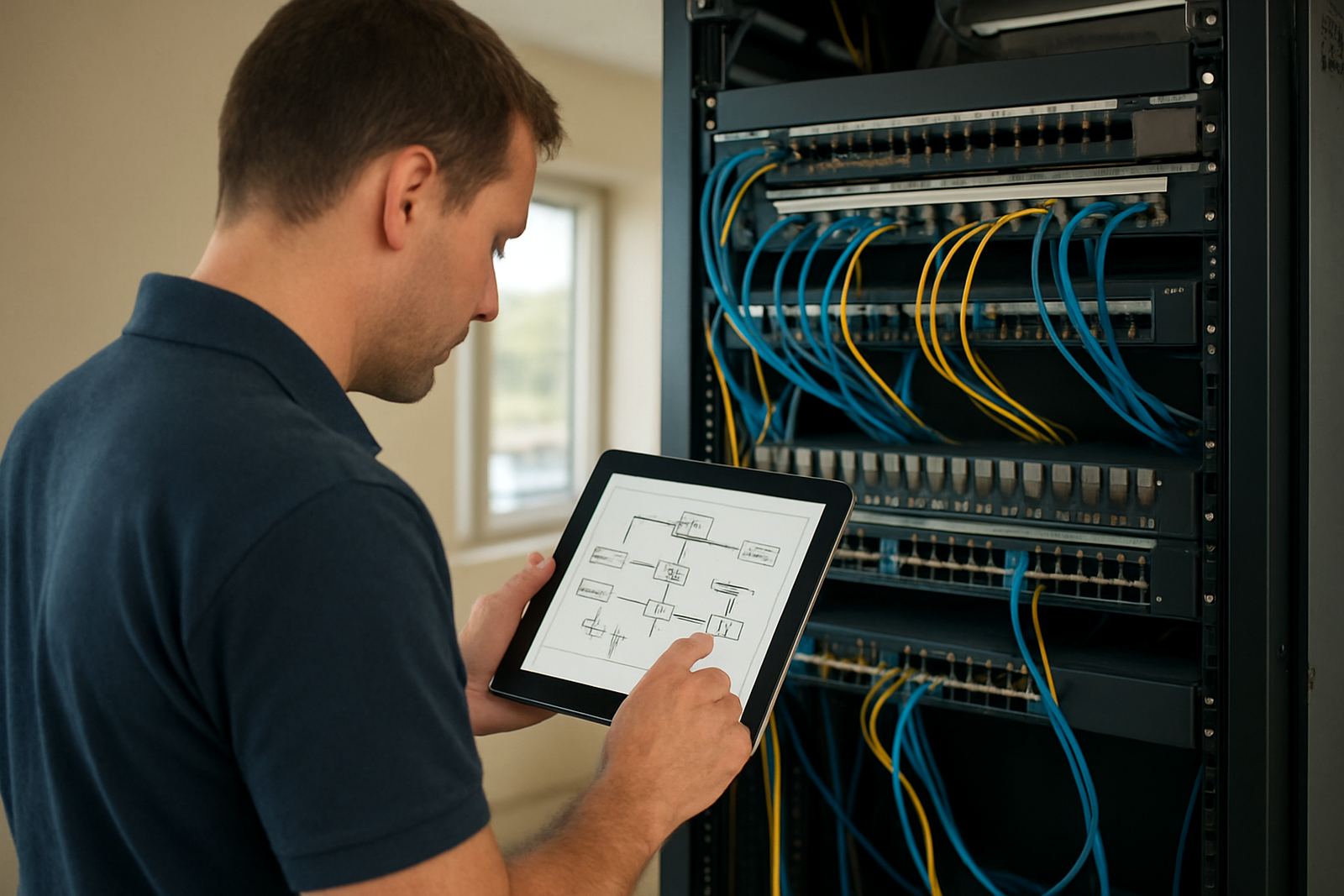
NewTel begins with a network review of your office layout, internet service, existing switches and handset count. We check which ports, switches and access points are in place, then plan the VLAN structure around how your team actually uses the network. If you are moving offices, we can also fold VLAN planning into the relocation so the new site starts properly from day one.
The installation usually involves configuring managed switches, setting VLAN IDs, adjusting port assignments and making sure the firewall or router knows how to direct traffic between groups. In many offices, VoIP phones can be powered through PoE, which means the same network cable carries both data and power. That reduces clutter and makes the counters easier to keep tidy, especially in smaller spaces.
- Power needs: managed switch, router or firewall, and UPS support for outages.
- Gas needs: none.
- Cooling: a ventilated cupboard or rack area is preferred for equipment life.
We also test for any weak points such as old cabling, overloaded switches or poor WiFi coverage. If the office has patchy signal in meeting rooms or at the far end of the floor, we can pair VLAN work with network cabling or WiFi design so the whole setup makes sense together. A clean install saves time later, and it makes support easier when something changes.
Care, servicing and keeping the network healthy
A VLAN setup does not need constant attention, but it does need proper network care. Once the office is running, settings should be checked when staff numbers grow, new phones are added or guest WiFi is changed. If your business brings in a new printer, access point or video meeting system, the VLAN map may need a small update so traffic stays in the right place.
NewTel offers after-hours support, user training and network monitoring so the setup stays useful as the office changes. We can keep an eye on traffic patterns, note where call quality drops and adjust the layout if the business takes on more staff. It is better to review the network before problems spread across the office. A small change early is often cheaper than a bigger fix later, especially where downtime costs billable hours.
For sites near the coast, regular checks matter because heat and damp can shorten the life of switches and patch panels. A clean rack, labelled ports and working UPS batteries all help. If your team handles sensitive client information, we can also recommend tighter access rules for guest networks and internal systems.
What to check before you order VLAN setup
Before ordering, it helps to know how many users, phones and WiFi points are on site. You should also check whether your current switches are managed, whether your router can handle VLAN rules and whether your fibre line is already in place. If the office uses number porting, hosted phones or shared reception lines, that should be included in the plan from the start.
- How many staff, phones and guest users you need to support now and in the next 12 months.
- Whether you need separate access for finance, management, printers or CCTV.
- If your current cabling is Cat5e, Cat6 or older and whether any runs need replacing.
- Whether the office has backup power for the router, switch and fibre termination gear.
- Who will manage changes later, and whether your team needs training.
NewTel works from Century City and supports offices across Cape Town and nationwide. If you are not sure what should be separated and what can stay together, we can assess the site and recommend a setup that matches your budget. The aim is simple: fewer network headaches, clearer control and a better fit for the way your office actually works. You dont need an overcomplicated system, just one that is set up properly from the start.
Key facts
| VLAN count | Common setups range from 3 to 8 VLANs depending on office size and device mix |
|---|---|
| Typical office fit | Small offices from 5 users up to multi-room teams of 50 users or more |
| Voice support | Works with VoIP phones, PoE handsets and hosted call systems |
| Hardware needed | Managed switches, router or firewall, and UPS backup for core equipment |
| Installation time | Usually 2 to 8 hours for a small office, longer for multi-floor sites |
| Power and gas needs | Requires electrical power and UPS support. No gas required |