What an IVR menu does in a small office
An IVR menu is the phone greeting that answers your calls and gives callers a few clear options, such as Sales, Support, Accounts or Reception. Instead of one phone ringing for everything, the menu sends each call to the right person, ring group or voicemail. That saves time for staff and keeps callers from feeling lost.
In a small office, this works well when one team handles sales, billing and customer queries. A simple menu can direct calls by language, branch, or business hours, so the right call gets through the first time. It also works well for businesses with staff on the road, hybrid teams, or offices that close early on Fridays.
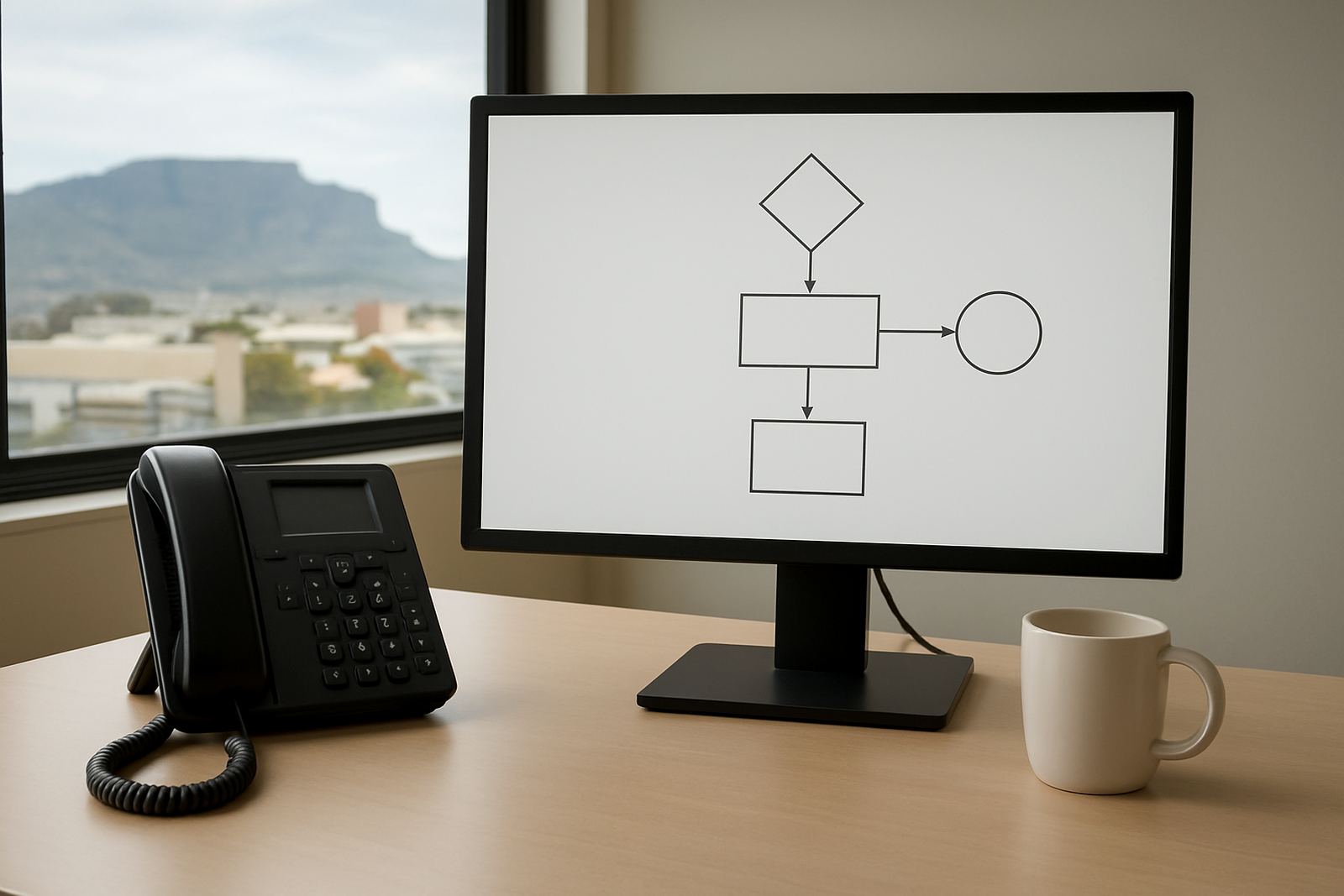
NewTel designs IVR menus to fit the way your office actually operates, not with extra options nobody uses. A good menu should be short, easy to follow and set up so callers do not have to press four or five buttons just to speak to someone. That is the difference between a useful system and a frustrating one, especially when clients are calling from mobile phones or while managing a supplier issue.
Menu sizes and routing options that suit your team
Most small offices work best with a simple 3 to 6 option menu. That keeps the call flow quick and reduces errors. Larger offices, or those with several branches, may need separate menus for each site or department. NewTel can set these up to match your opening hours, team structure and call volumes.
Typical routing options include direct transfer to a person, transfer to a department ring group, voicemail after hours, or a recorded message with business hours and emergency contact details. You can also route callers based on their choice of language, location, or the time of day. For example, Cape Town callers can go to the local office during business hours, while after-hours calls go to a support mailbox or on-call staff member.
- Small office menu: 3 to 4 options, usually Reception, Sales, Support and Accounts
- Branch menu: one main number with site-specific routing for Cape Town, Bellville, Somerset West or Paarl
- Department menu: separate paths for billing, service tickets, quotations and after-hours help
- Call queue option: useful where several staff answer the same line and calls need fair distribution
If your team changes often, it is better to keep the menu structure simple so updates can be made quickly. Too many layers slow people down and make the caller press wrong numbers, which is a headache on both sides.
Where IVR works best in Cape Town and beyond
IVR menus suit offices that take repeat calls, handle different departments, or need a professional first impression on the phone. They are common in professional practices, small wholesalers, property offices, service companies and admin teams that must keep calls organised through the day.
In Cape Town, IVR is useful for offices in Century City, Bellville, Stellenbosch, Somerset West and Paarl where staff may be split between the front office, warehouse and field work. It also helps nationwide businesses that want one number for all branches without making callers guess who to speak to. If your team works across multiple sites, an IVR menu can guide callers to the nearest branch or the correct support line.
This setup is also practical for load-shedding. If the office needs to run on backup power, calls can still be routed properly as long as the internet connection and VoIP hardware stay up. In coastal areas, where humidity can affect equipment, it helps to keep the router and phone equipment in a clean, dry space with decent airflow. A small thing, but it saves trouble later.
- Best for offices that miss calls during peak times
- Useful when one number must serve several departments
- Handy for businesses with after-hours support needs
- Well suited to branch networks and remote staff
Installation, power needs and what the system depends on
IVR menus run through your VoIP setup, so the main requirements are a stable fibre or internet connection, a suitable router, and the right call handling setup on your phone system. NewTel handles IVR deployment as part of a broader VoIP service, which means the menu, call flow, number routing and extensions can all be set up together.
There is no gas requirement. What you do need is reliable power for the router, VoIP gateway if used, and any network switch or handset equipment. During load-shedding, a UPS is strongly recommended so the phone system stays live long enough for callers to get through. For many small offices, a 600 VA to 1200 VA UPS is enough for basic voice equipment, but the right size depends on how many devices need backup and for how long.
If your office is moving, expanding, or taking over a new space, it is a good time to install the IVR at the same time as fibre, cabling and phone system support. That keeps the wiring neat and avoids later changes. We also check that your call paths match your current number porting needs, so staff do not end up using temporary numbers for months.
Care, changes and day to day servicing
An IVR menu needs light but regular maintenance. Business hours change, staff move counters, and branch numbers change. If the menu is not updated, callers get dead ends or the wrong extension. NewTel can make those changes for you and also monitor call behaviour if you want to see where callers are dropping off.
Simple care steps include testing the menu after any staff change, checking voicemail inboxes, and confirming that each option still points to the correct line. It is also worth reviewing your after-hours message every few months. A recorded message that says the wrong holiday hours makes the office look careless.
- Test each option after setup and after staff changes
- Check that voicemail boxes are monitored daily
- Review the menu when business hours or branch details change
- Keep backup call numbers handy for outages or maintenance
For offices with higher call volumes, it can help to add call monitoring and reporting. That shows which options get the most use and where callers wait too long. From there, you can adjust the routing or add another person to the ring group. It's a small tweak, but it can improve call handling quite a bit.
What to confirm before you order an IVR menu
Before ordering, decide what each caller should hear first and where each option should go. Start with the most common reason people call, then build the menu from there. If you already know the departments, opening hours and branch details, setup is much quicker.
Also check whether you need one main menu or separate menus for different branches. A single menu can work well for one office, while multi-site businesses often need local routing for Cape Town, Bellville or Somerset West. If callers must choose a language, say that clearly in the greeting and keep the wording short.
It helps to have the following ready:
- Your main business number and any numbers to be ported
- Department names and the people or ring groups they must reach
- Business hours, lunch times and after-hours instructions
- Voicemail names and email addresses for message delivery
- Any backup number for load-shedding or outages
- Special instructions for urgent calls, complaints or emergencies
When these details are clear, the IVR is easier to use and easier to support. That means fewer missed calls and less time spent re-routing people by hand.
Key facts
| Type | VoIP-based call routing menu |
|---|---|
| Common menu size | 3 to 6 options for small offices |
| Routing methods | Extension, ring group, voicemail, after-hours message |
| Power needs | Router, phone equipment and backup UPS recommended |
| Installation | Set up with fibre, VoIP deployment or office relocation |
| Support area | Cape Town and nationwide offices |