What the Observatory office needed
The client was a growing service team based in Observatory, Cape Town, working with inbound calls, callbacks and a steady stream of staff across sales and support. Their old setup was getting in the way. Calls were landing on one or two lines, supervisors could not see queue activity in real time, and load-shedding made the office nervous because there was no proper fallback for voice traffic.
The brief was clear. They wanted call queues, reporting dashboards, a cleaner handover between staff and a second route for voice if the main line or local last-mile service went down. The office needed something that could scale without forcing a full replacement a few months later. They also asked for simple user training so the team could manage transfers, voicemail and queue changes without needing tech support for every small task.
- Office type: growing support and admin team
- Location: Observatory, Cape Town
- Main needs: call queues, reporting, backup connectivity
- Usage pattern: high inbound call volume during business hours
Constraints we had to work around
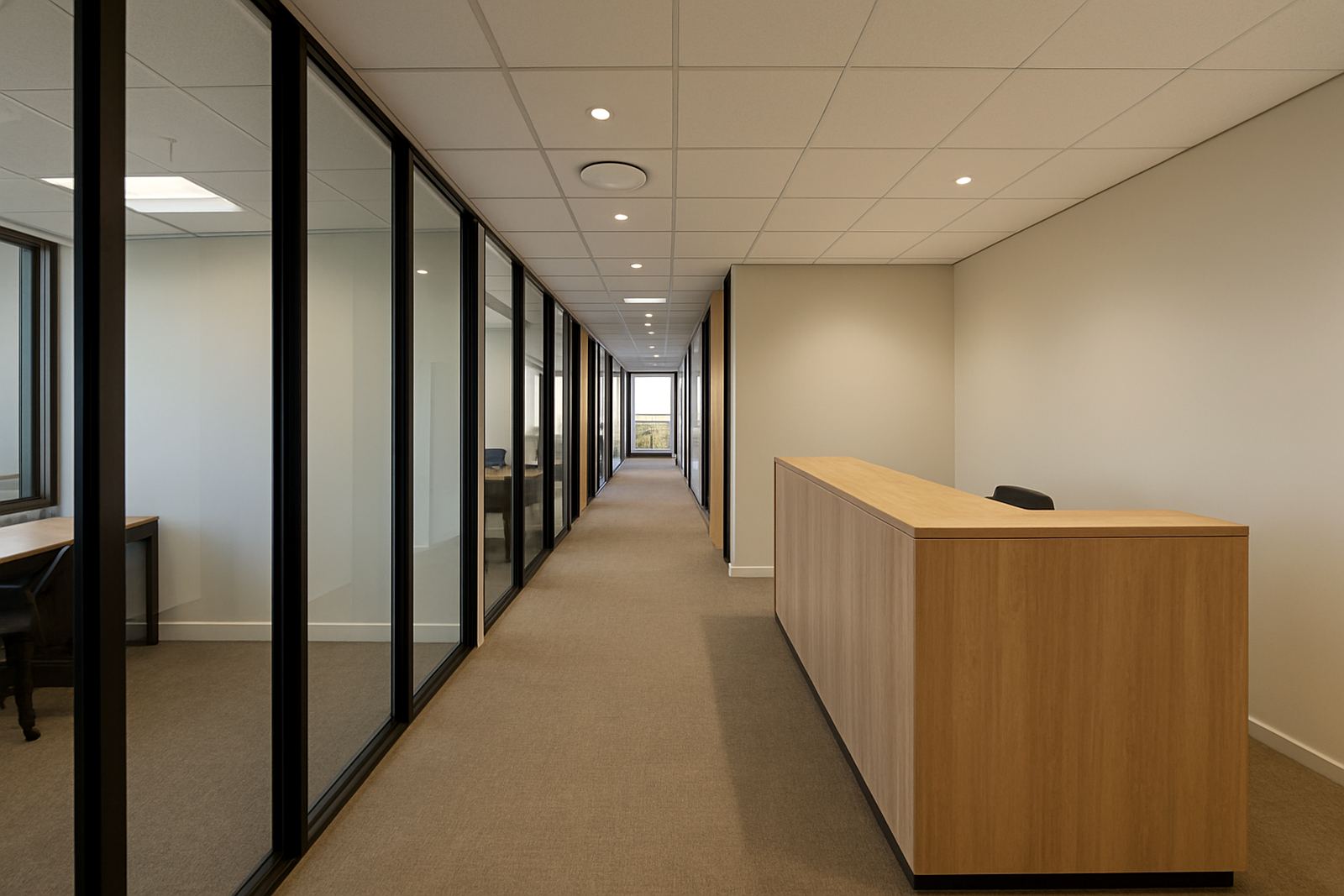
Observatory offices are usually tight on space, with mixed cabling routes and limited time for disruptive work. In this case the client could not afford long downtime because phones were used throughout the day for bookings, follow-ups and customer support. The building also had shared infrastructure in places, so we had to plan around existing cable runs and make sure the new network points were neat and clearly labelled.
Another factor was resilience. Cape Town load-shedding can interrupt routers, ONTs and handsets if the power plan is weak, so we kept the design practical and easy to maintain. We also had to ensure the voice setup would still perform properly when the fibre link was busy with normal office traffic. That meant separating voice priority from general browsing and file use, and setting up monitoring so faults could be spotted quickly, not after the queue had already backed up.
- Limited downtime window during office hours
- Shared building cabling in parts of the premises
- Need for voice priority over ordinary data traffic
- Power interruptions expected during load-shedding
What we supplied and installed
We supplied a business fibre connection sized for the office load, then deployed the VoIP platform with multiple call queues, hunt rules and supervisor reporting. The phone system was set up so incoming calls could be routed by team, with overflow handling for busy periods and a simple after-hours message path. We also migrated the client’s existing numbers through a number porting process so they could keep familiar contact details in use.
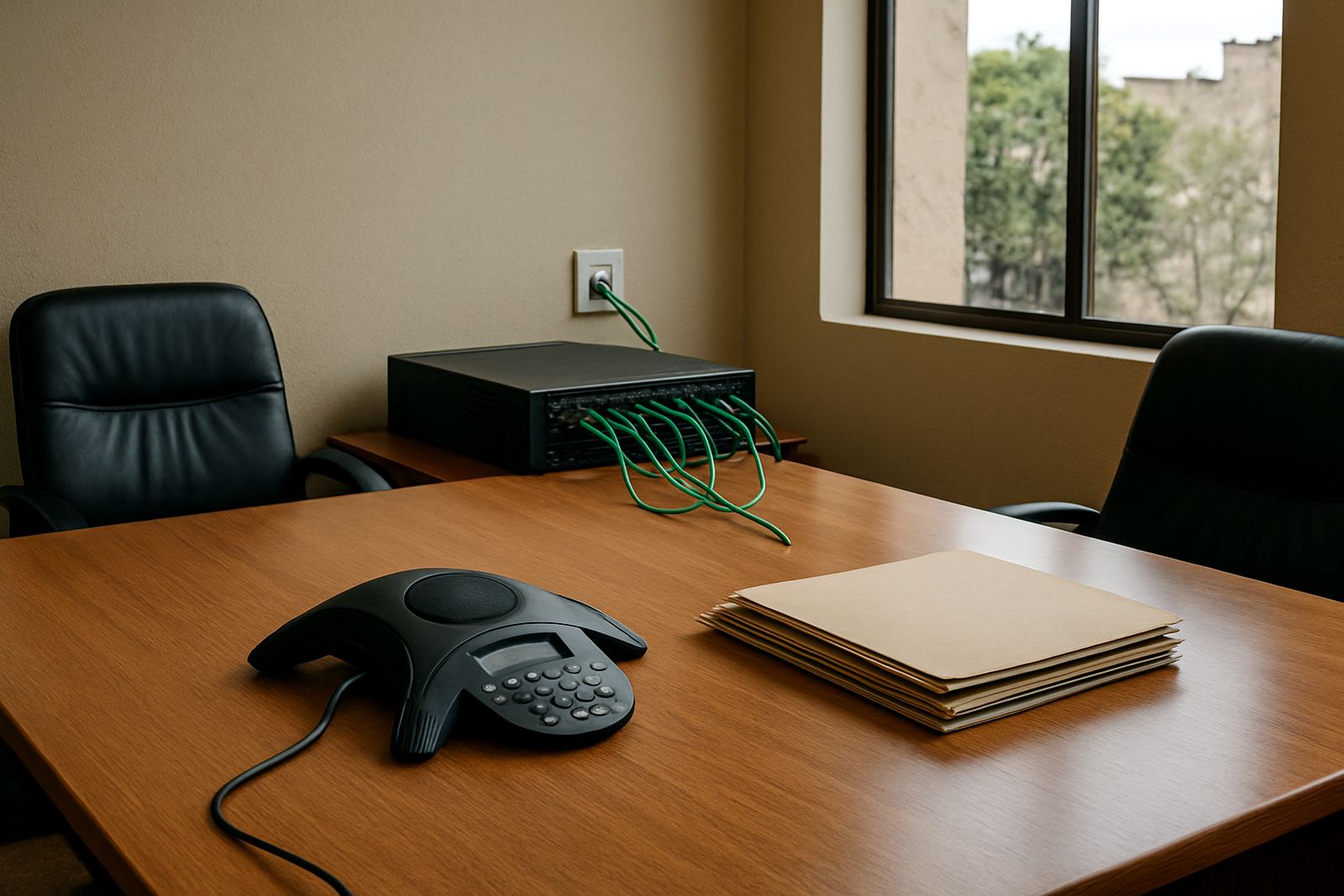
On the networking side, we installed structured cabling to the key work areas, fitted the office with properly arranged network points and set up WiFi design that supported both staff devices and guest use without crowding the voice network. A monitored backup link was added so the office had continuity if the primary connection failed. This included sensible failover settings and checks on router behaviour after power loss, which matters more than people think when a small office is trying to answer every call.
- VoIP call queues with overflow routing
- Reporting dashboards for call activity and queue performance
- Number porting for existing office numbers
- Structured cabling and network point installation
- Backup connectivity and failover testing
Project timeline and rollout
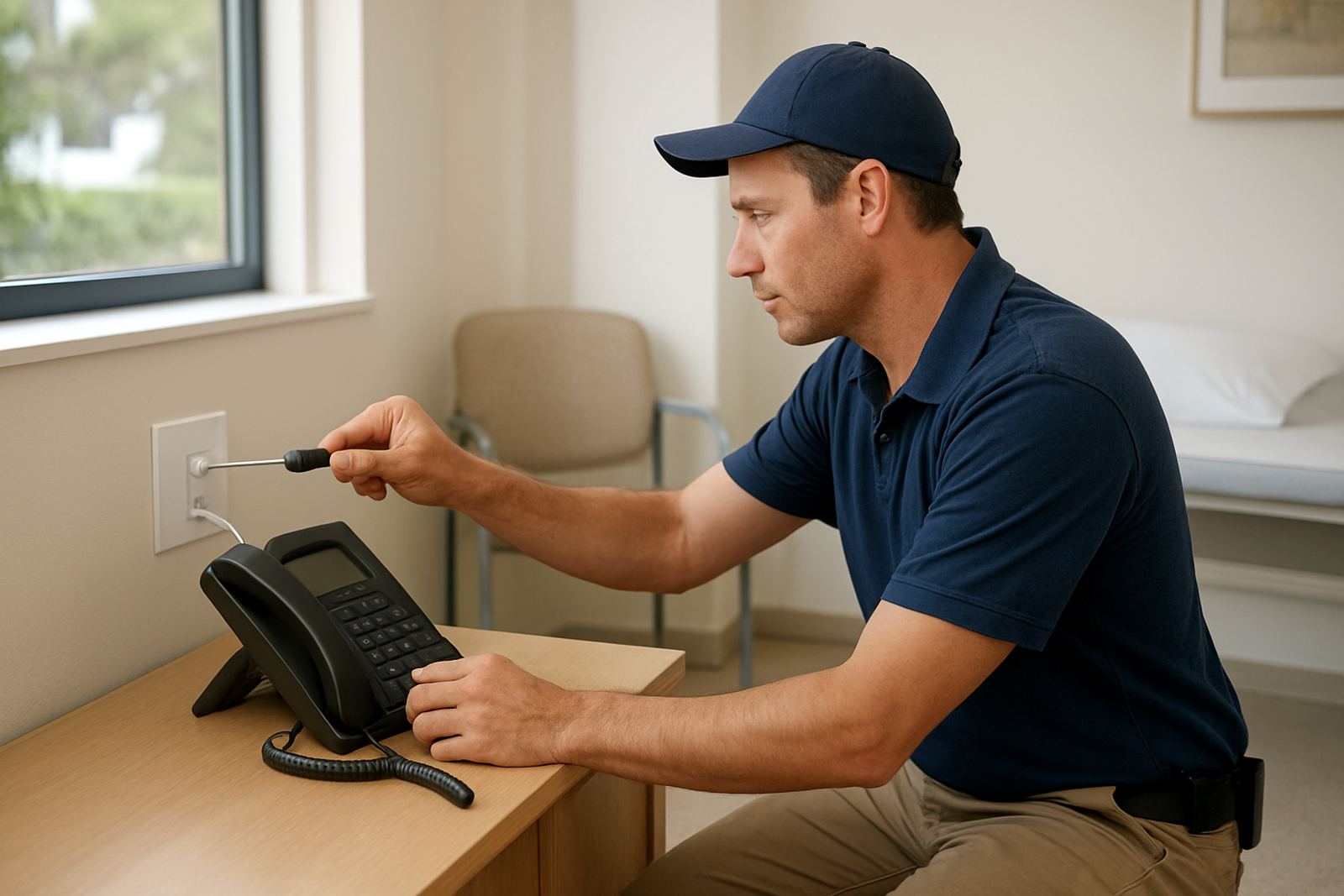
The project ran over 3 weeks from the first site visit to handover. Week 1 covered assessment, cabling review and line planning. Week 2 was the installation window, including fibre handoff work, router setup, phone configuration and cable labelling. Week 3 covered testing, queue tuning, report checks and staff training. We kept the rollout in stages so the office could keep working while pieces were being changed.
During testing we simulated busy call periods and checked how the queue behaved when a user was already on a call, then refined the transfer rules so callers did not get bounced around. We also checked the backup path after a controlled outage test. The handover session covered basic handset use, voicemail retrieval, queue status and who to call if something needed attention after hours. It was a practical handover, not a long classroom exercise.
- Week 1: site survey and technical planning
- Week 2: installation and configuration
- Week 3: testing, tuning and training
- Rollout kept live services available during most of the work
Results for the support team
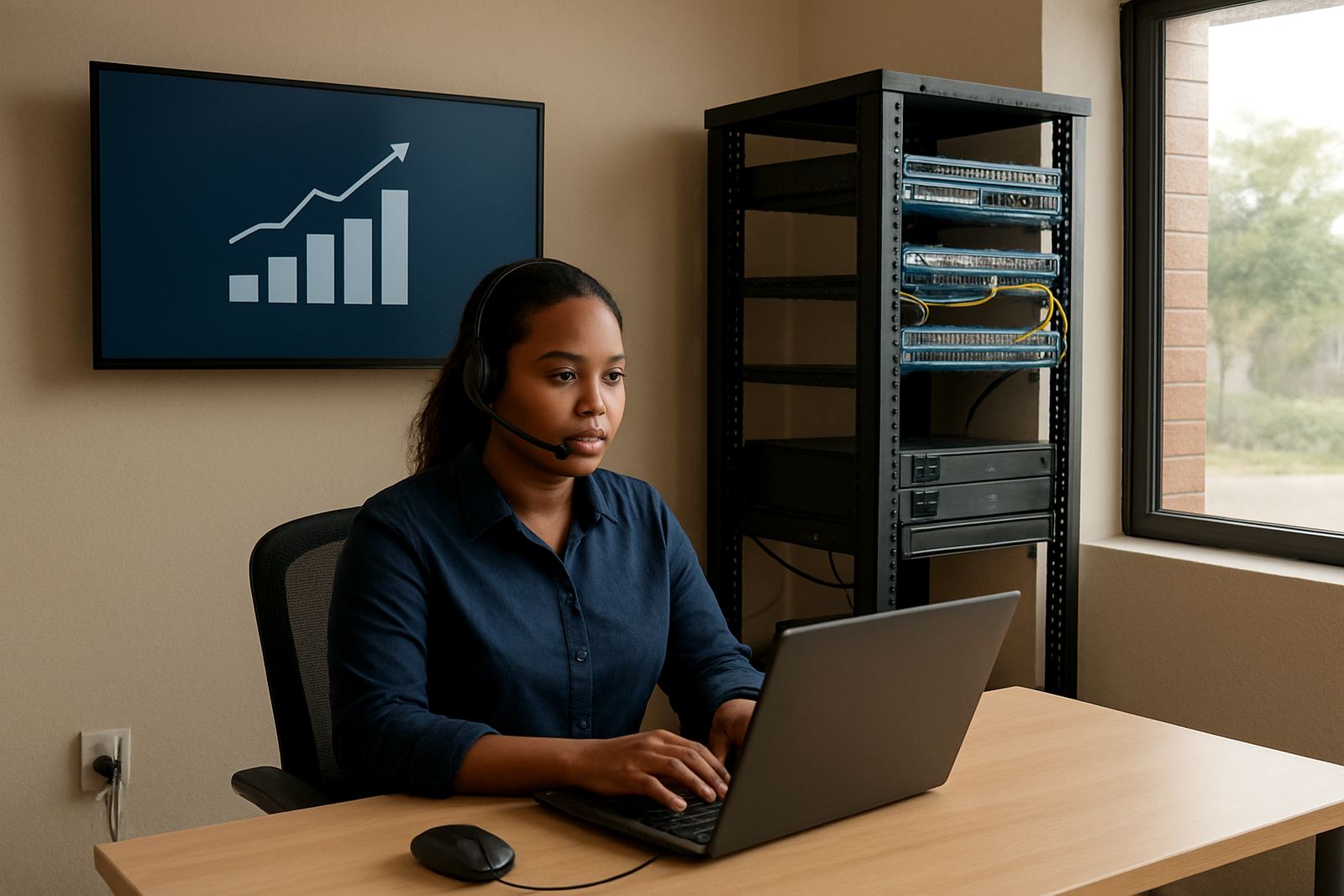
The office gained a clearer way to manage inbound calls and a much better view of what was happening each day. Supervisors could see queue load, missed calls and response patterns instead of guessing from the end of the week. Staff had fewer dropped handovers and the team could work from the same call structure, which made the office feel less scattered and more accountable.
The backup connection proved its value quickly. With fibre and failover in place, the team had a far better chance of keeping calls moving during service interruptions, and that matters in a city office where clients do not wait around. They also liked that the reporting was easy to read. No one had to export complicated spreadsheets just to see if the morning rush was under control. The setup has held up well in a mixed-use office where things change often and the business needs to keep answering the phone, not chasing faults all day.
- Clearer call handling during peak periods
- Better visibility for supervisors and management
- Improved continuity during outages and line faults
- Less time spent on manual follow-up after missed calls
What we would do again
We would repeat the same approach for another growing office in Cape Town or elsewhere in South Africa. Start with the actual call pattern, not just the number of staff, then size the fibre, voice queues and backup path around that. For smaller teams, it is often better to keep the system straightforward and properly documented rather than load it with features nobody uses.
We would also keep the same emphasis on training and clear labelling. When a team understands queue rules, handset use and what the backup link is doing, support calls go down. That makes day-to-day work easier and keeps the office from feeling trapped by the system. A few well placed checks after installation go a long way too, especially when the office depends on phones for most customer contact and there is no margin for a missed call.
If your office in Observatory, Century City, Bellville or further afield needs VoIP, fibre or backup connectivity, this is the kind of rollout that keeps things practical and manageable.
Key facts
| Client type | Growing support and admin office |
|---|---|
| Town | Observatory, Cape Town |
| Timeline | 3 weeks |
| Core solution | VoIP call queues with reporting dashboards |
| Connectivity | Business fibre with monitored backup connectivity |
| Support included | Training, failover testing and after-hours support setup |